Best practice: Enter cylinder lengths - LSM 3.6 SP1 Basic Online
The Digital Cylinder AX is modular in length, meaning that the inner and outer sections can be extended or shortened. In this chapter, you will learn:
- To enter the lengths for the inside and outside
- To display and print module lengths in the matrix
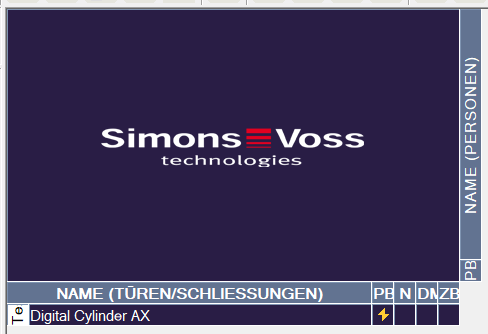
- Matrix screen opens.
- Double-click on the locking cylinder to open its properties.
- The tab Door opens.
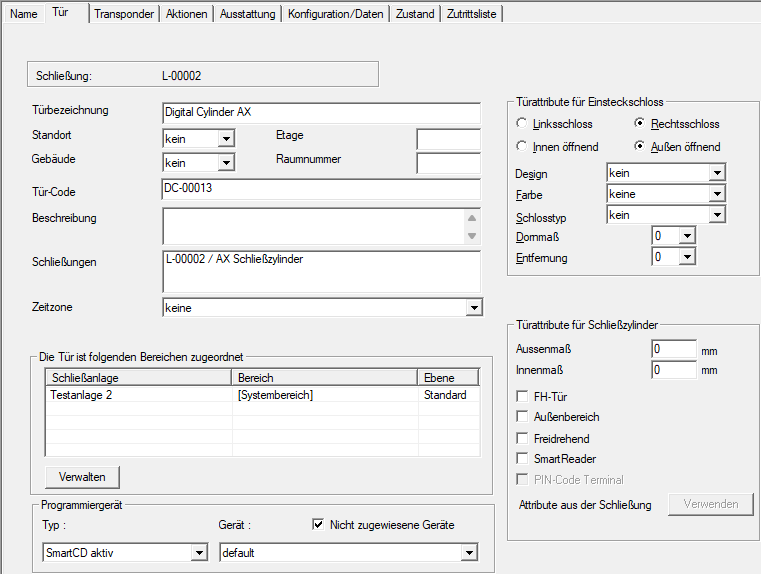
- In area Door attributes for cylinder, enter the dimensions of the cylinder in the Outside dimensions and Inside dimensions fields.
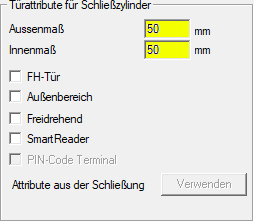
- Click on the Apply button.
- Click on the Exit button.
- Locking cylinder properties close.
- Select the entry View via and .
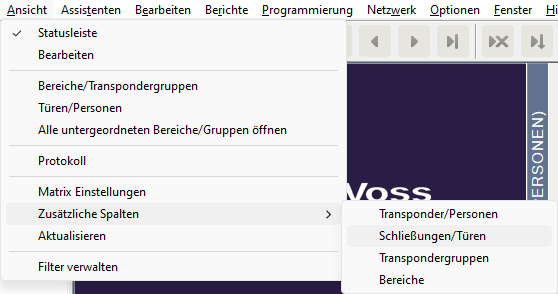
- The Additional data: Door window will open.
- Activate the
 Outside dimension of the door and Inside dimension of the door checkboxes.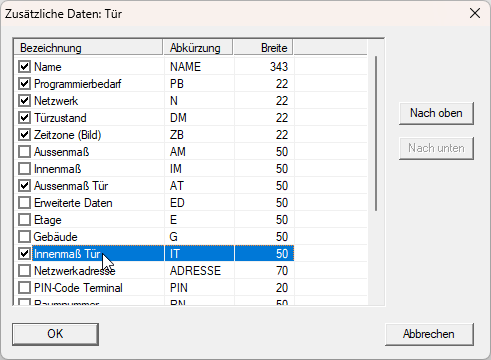
- Click on the OK button.
- Window Additional data: Door closes.
- The dimensions of the locking cylinder are displayed in the matrix.
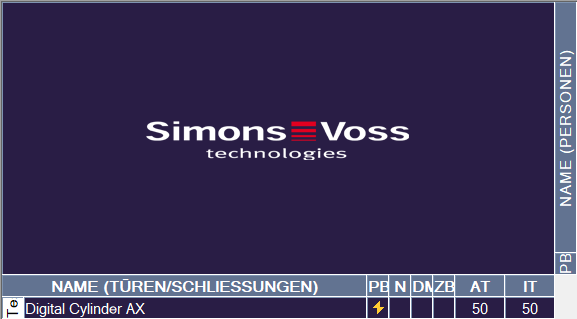
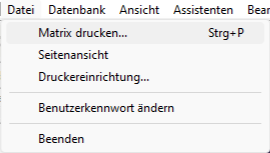
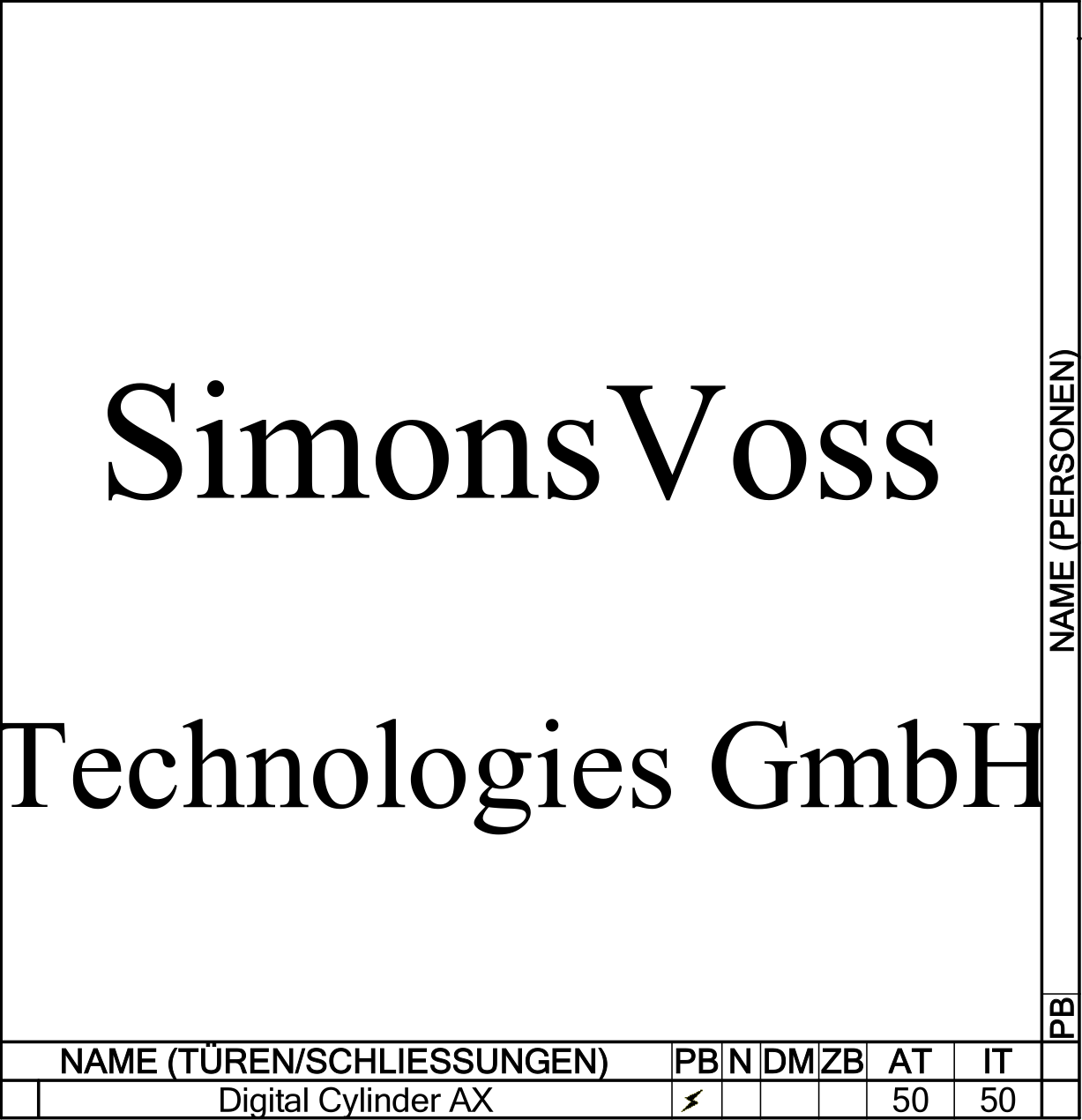
Using the print function (File - ), you can export the matrix containing the lengths as a PDF or print it out.