Importing authorisation changes - LSM 3.6 SP1 Basic Online
Once the changes have been exported to the gateway, you will not be able to see which changes have already been retrieved from the gateway in the LSM software. To do this, you will first need to import the changes again:
- Use Programming - to select the entry.
- The import process will start immediately.
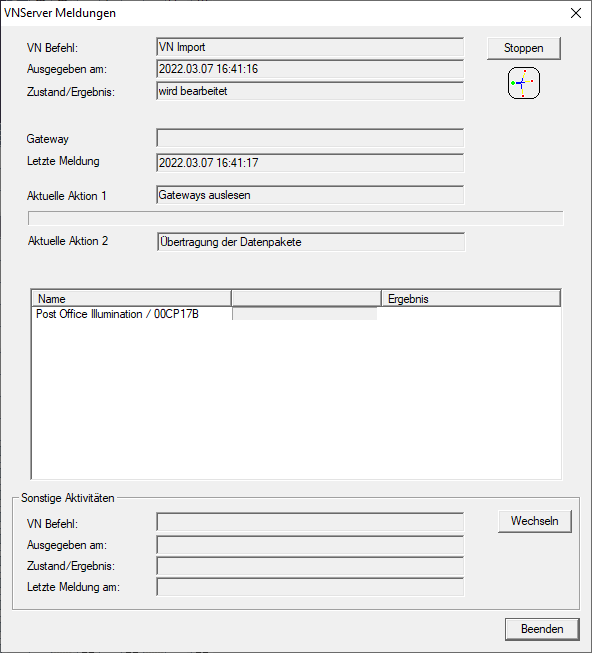
- Import report is now displayed.
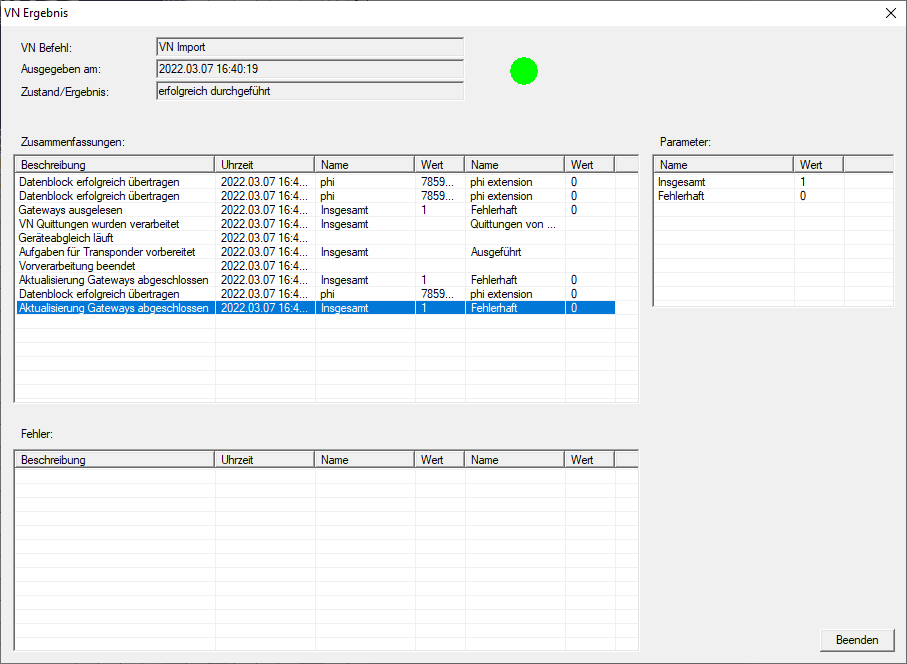
- Click on the Exit button.
You can now check the status of the tasks (see Status of the tasks in the virtual network (SREL2.G2)).