List of present persons - LSM 3.6 SP1 Basic Online
From LSM 3.4 SP2 upwards you can generate a report which lists everyone being present in an area.
WARNING

Non-evacuation in case of danger
The report is based on data stored in the LSM database. This data does not necessarily display the actual conditions. For example, persons who enter through an already opened door won't be detected and thus won't be listed. Using a baffle gate like a turnstile at every entry and every exit increases the report's quality. However, it still doesn't guarantee that every person being presend in the building (respectively an area) is listed in the report.
If an evacuation is based on this report, then persons, which were not listed, may not be evacuated.
- Don't use this report instead of an evacuation list.
- LSM open.
- Doors and locks grouped to areas.
- Areas' names are recognizable without naming the locking system.
- Entrances and exits for the areas defined (see Define entrances and exits for areas).
- Entrances and exits in the same area.
- Choose via Reports the entry .
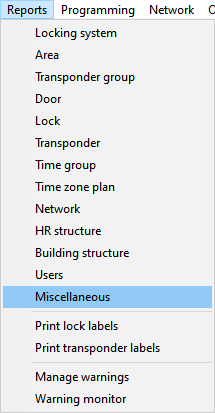
- Window Reports opens and displays the register Miscellaneous.
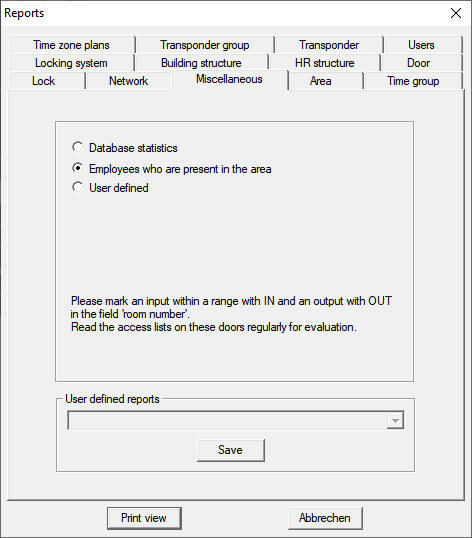
- Mark the option
 Employees who are present in the area.
 - Click the button Print view.
- Window Print view opens.
The report contains the following informations:
- Area which this part of the report belongs to
- Owner of the identification medium
- Personal number of the owner
- Time when the area has been entered (date and time)
- Entered door
- Site
- Building
- Number of employees in the area
- Total number of employees