Reading the access list with USB cable - SmartRelay 3 system
Proceed as follows if you wish to read the access list using a USB connection:
- Components wired correctly (see wiring).
- Components connected to power.
- Controller connected to computer with USB cable.
- Mark the entry on the SmartRelay 3 controller in the matrix.
- Use Programming to select the item.
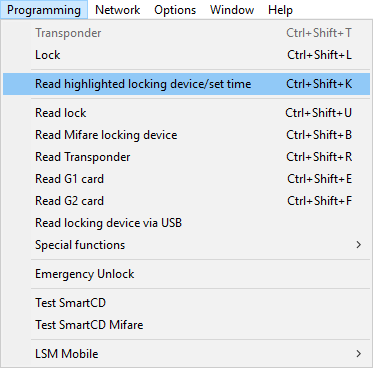
- The Read lock window will open.
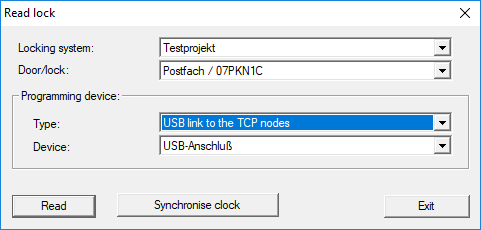
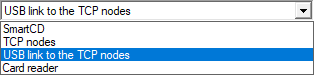
- Open the drop-down menu.
- Select the USB link to the TCP nodes item.
- Click on the Read button.
- "G2 SmartRelay 3" window opens.
- Click on the Read button.
- Click on the Audit Trail button.
- Access list is displayed.