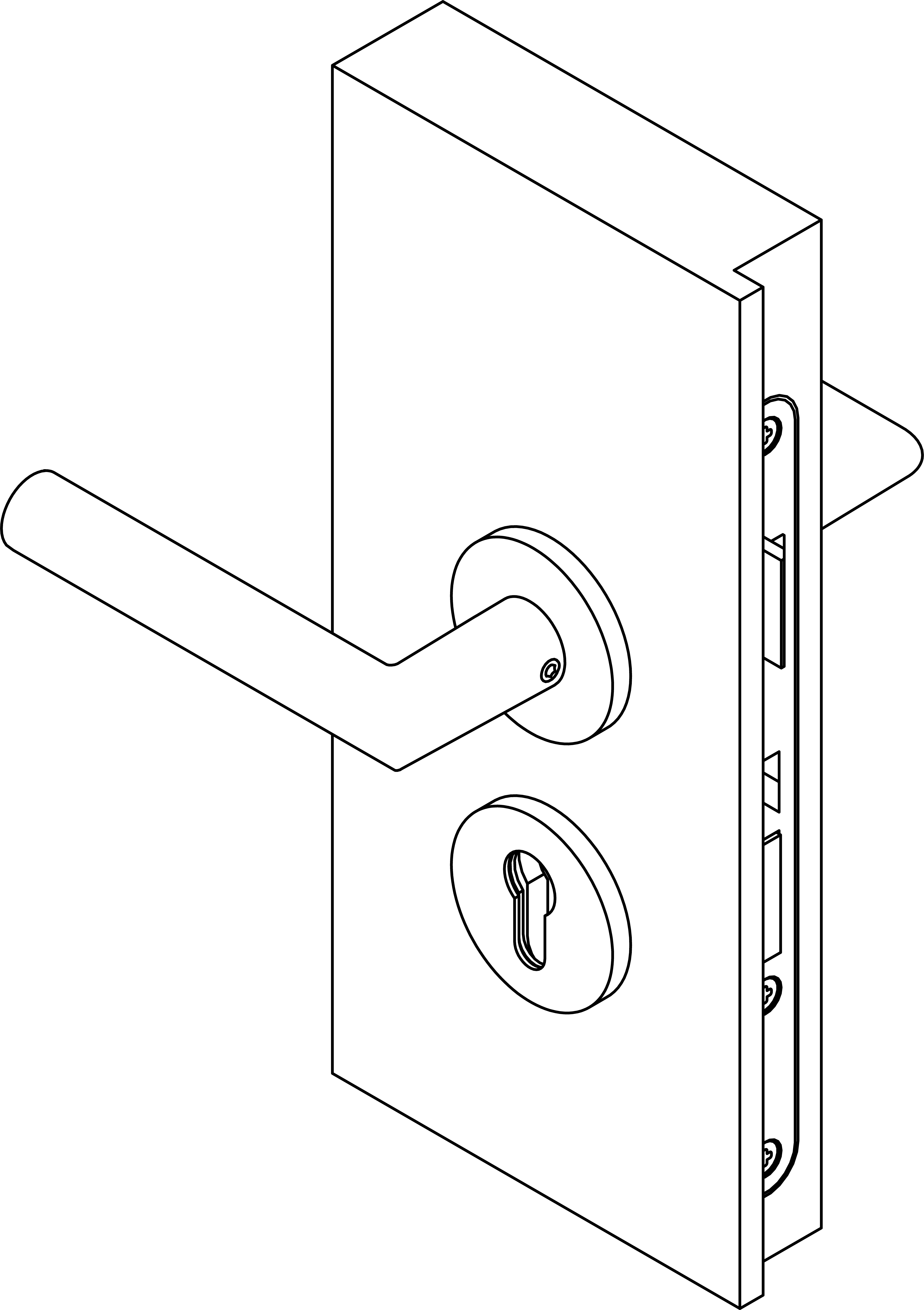
Install FSB handle with adapter - Digital SmartHandle AX
Preparation for assembly
- The SmartHandle AX must be dismantled to replace the outer side handle SmartHandle AX (alternative: order without handle).
- It must also be dismantled if the mounting holes in the door need to be customised.
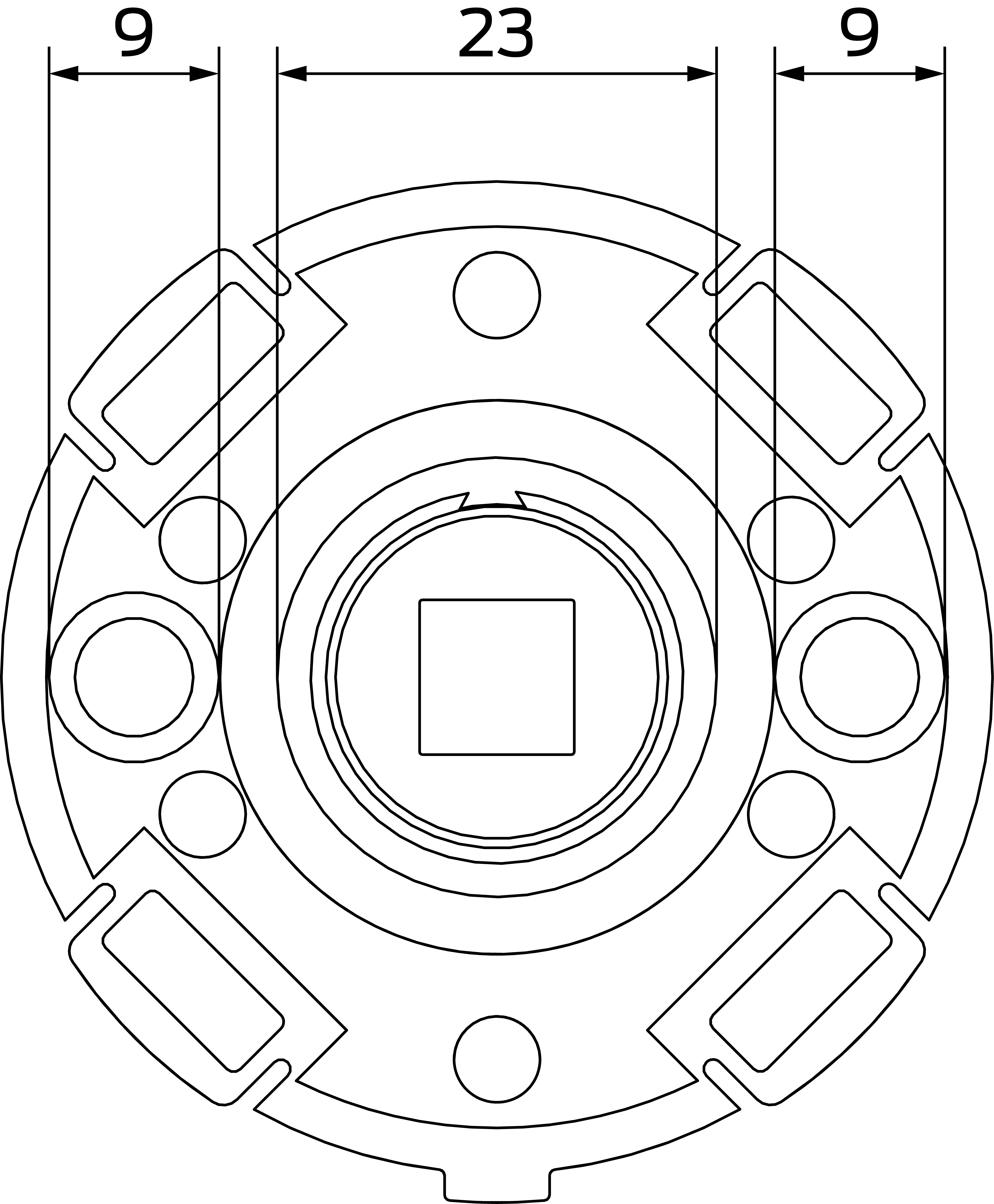
- The support cams of the inner FSB adapter have a diameter of 9 mm; the ring on the door side has a diameter of 23 mm Depending on the door, the mounting holes must be customised accordingly.
- The screws and square spindle previously used SmartHandle AX continue to be used.
- Depending on the door installation type, it may be necessary to customise the door.
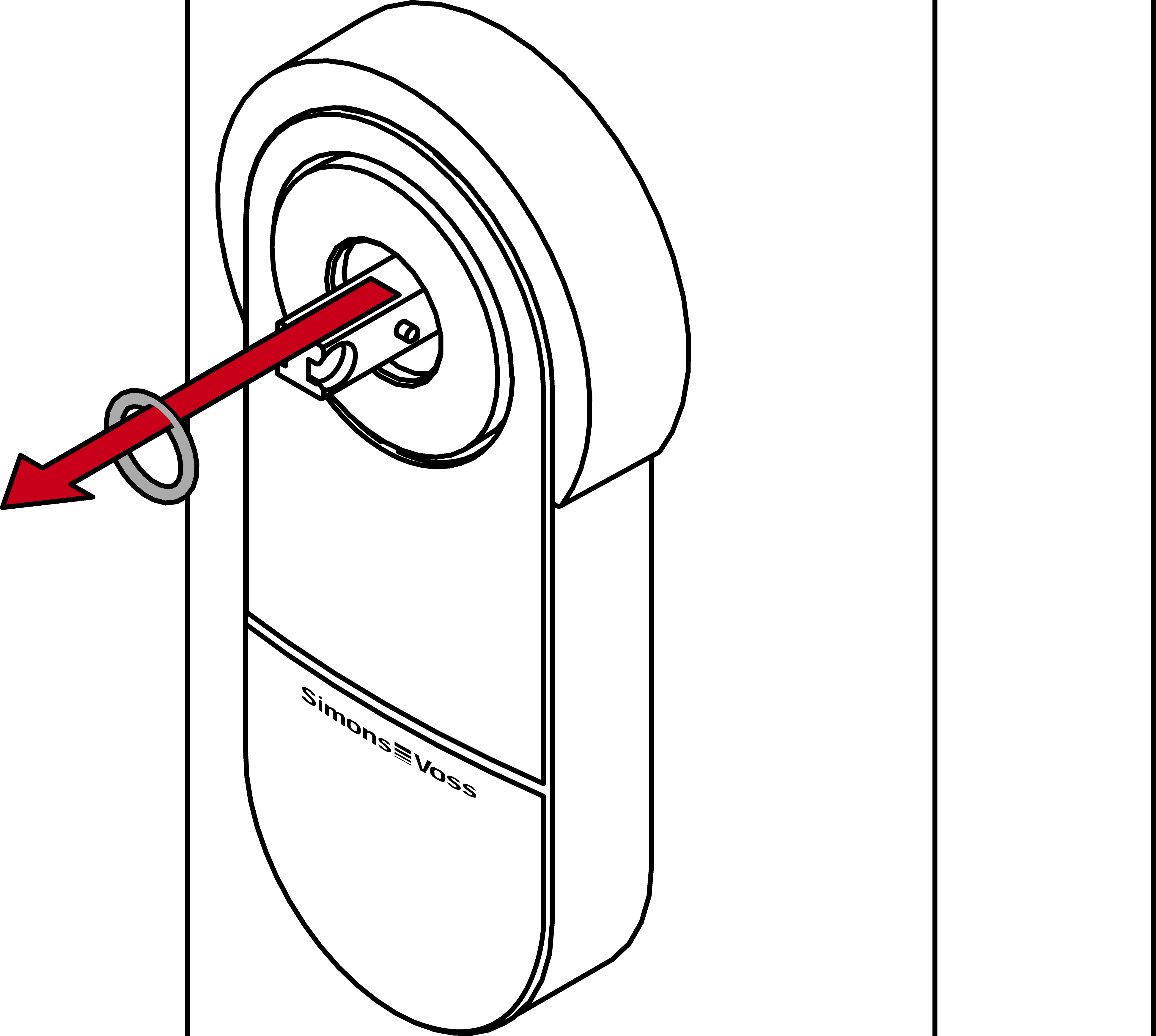
- Remove the rubber ring from the outer square spindle of the SmartHandle AX.
- Place the black plastic disc on the outer square spindle.
- Align the FSB adapter so that the hole for the handle grub screw is further inwards in the direction of the door.
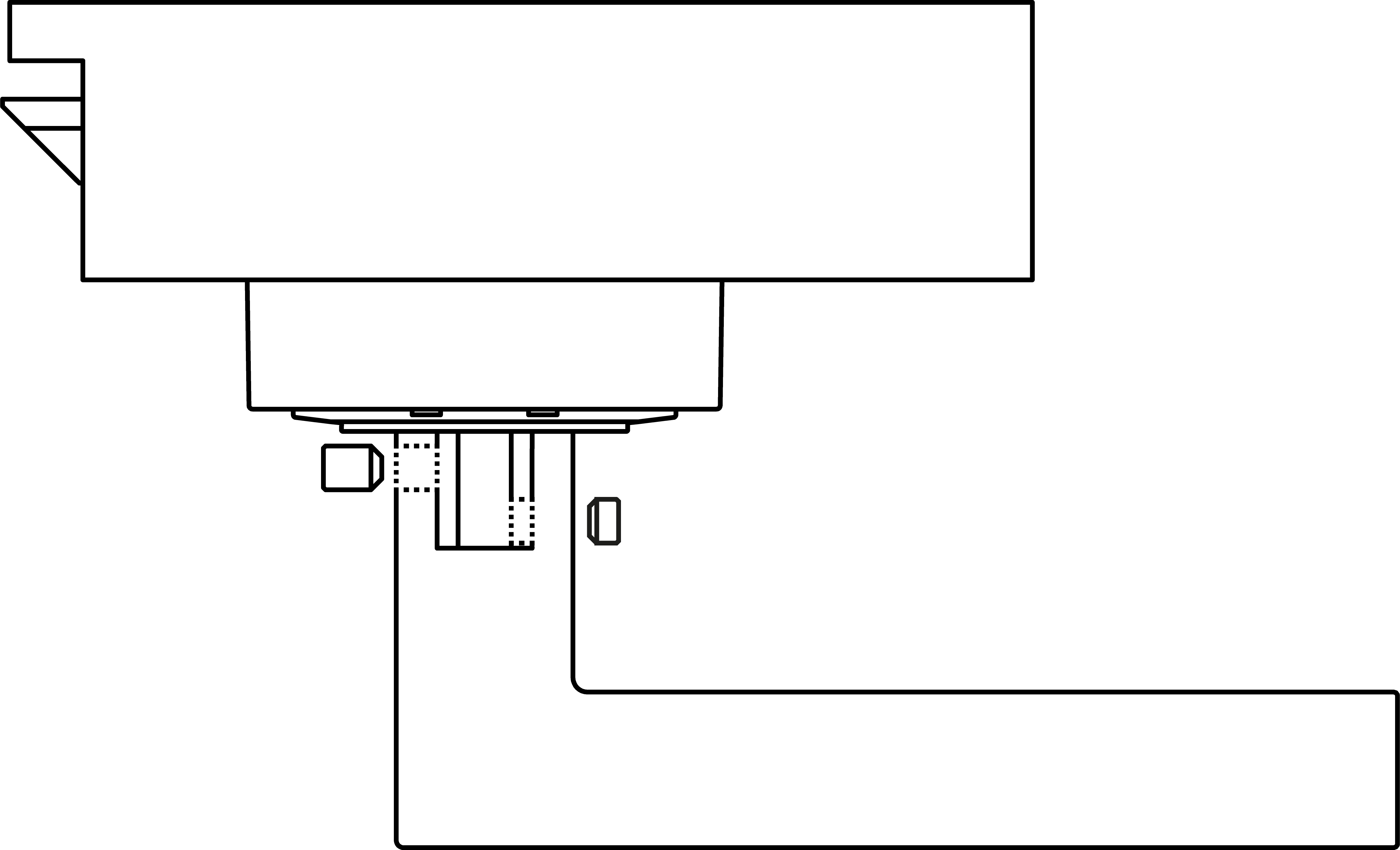
- Mount the FSB adapter on the outer square spindle.
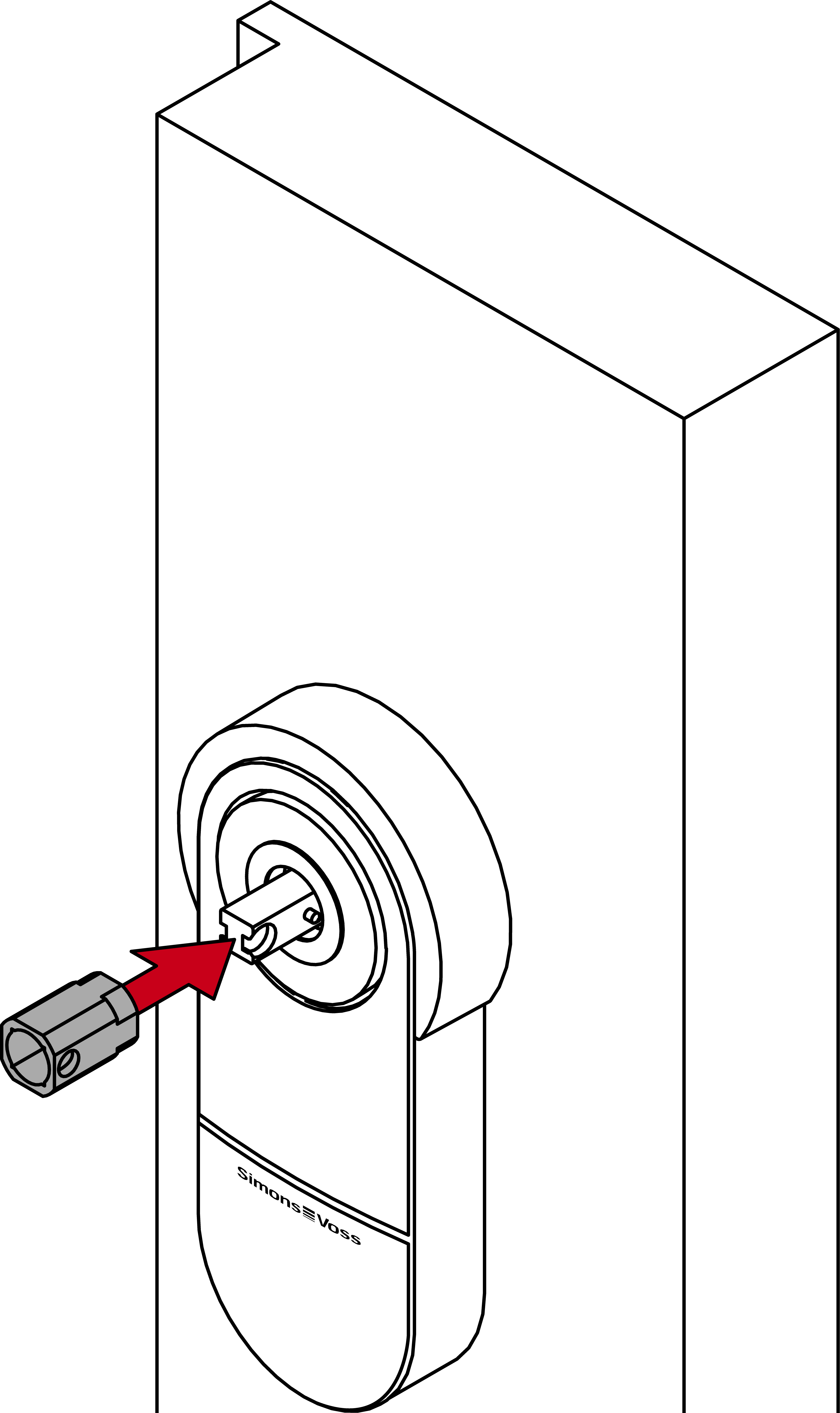
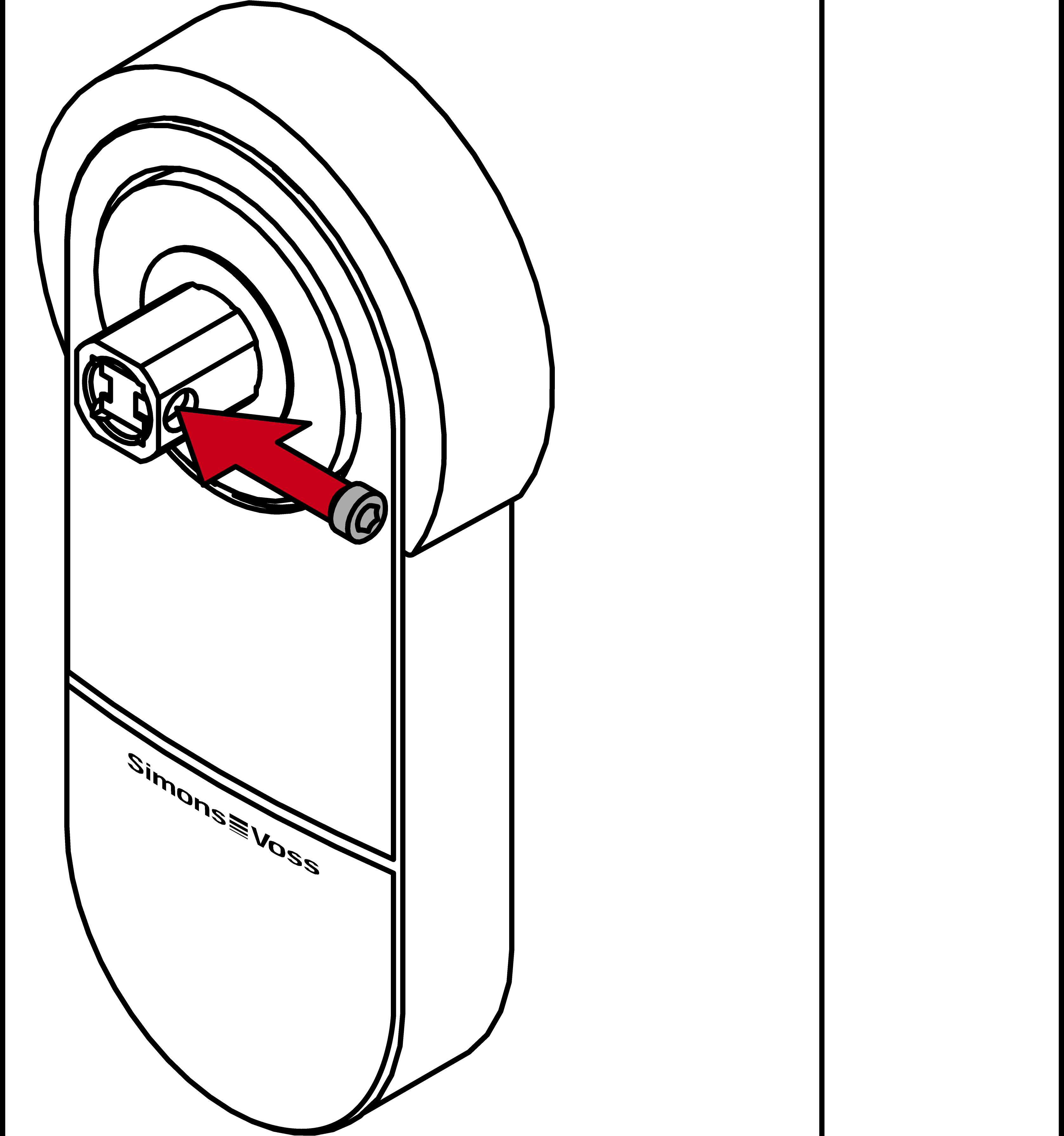
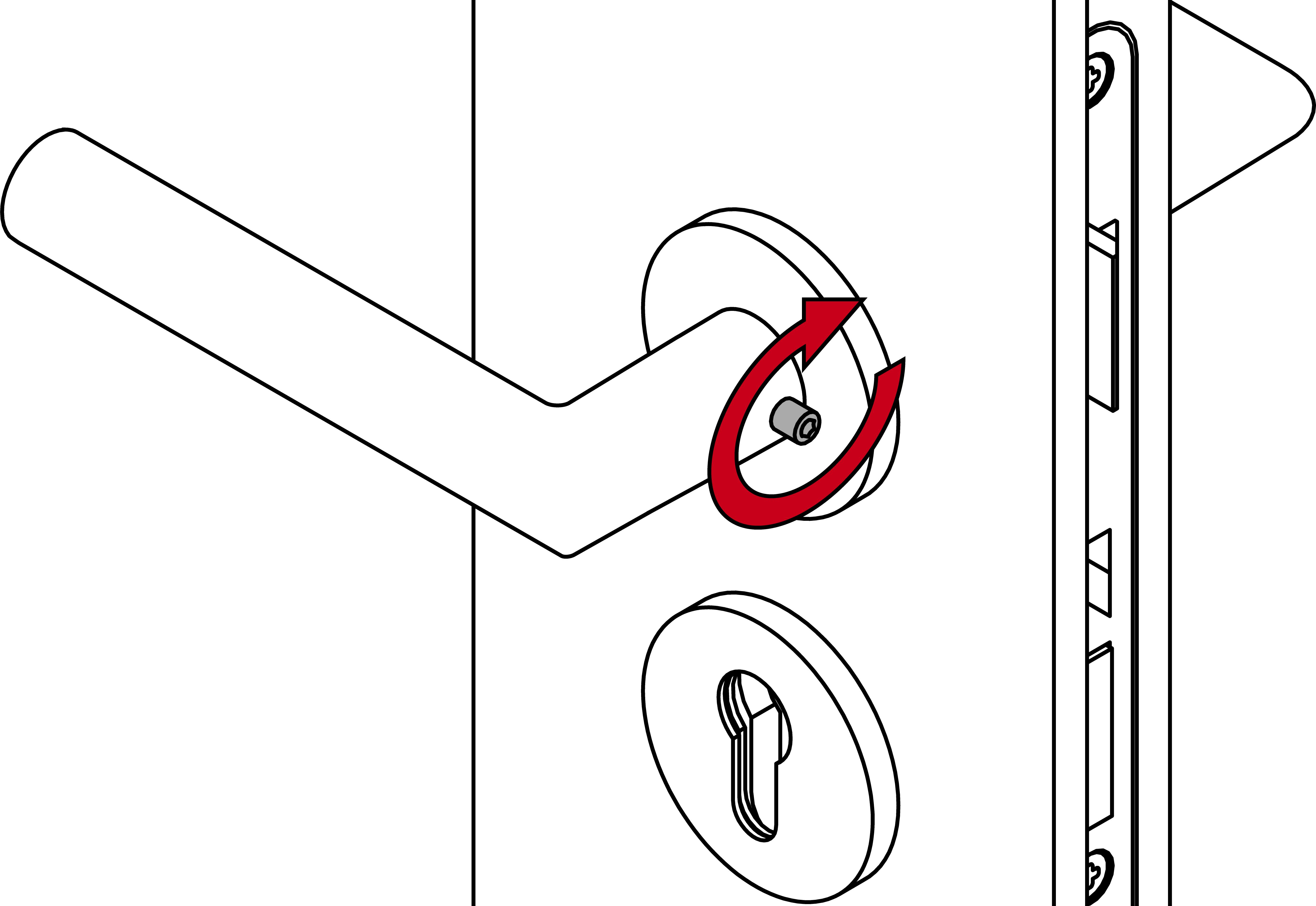
- Tighten the FSB adapter with the short grub screw.
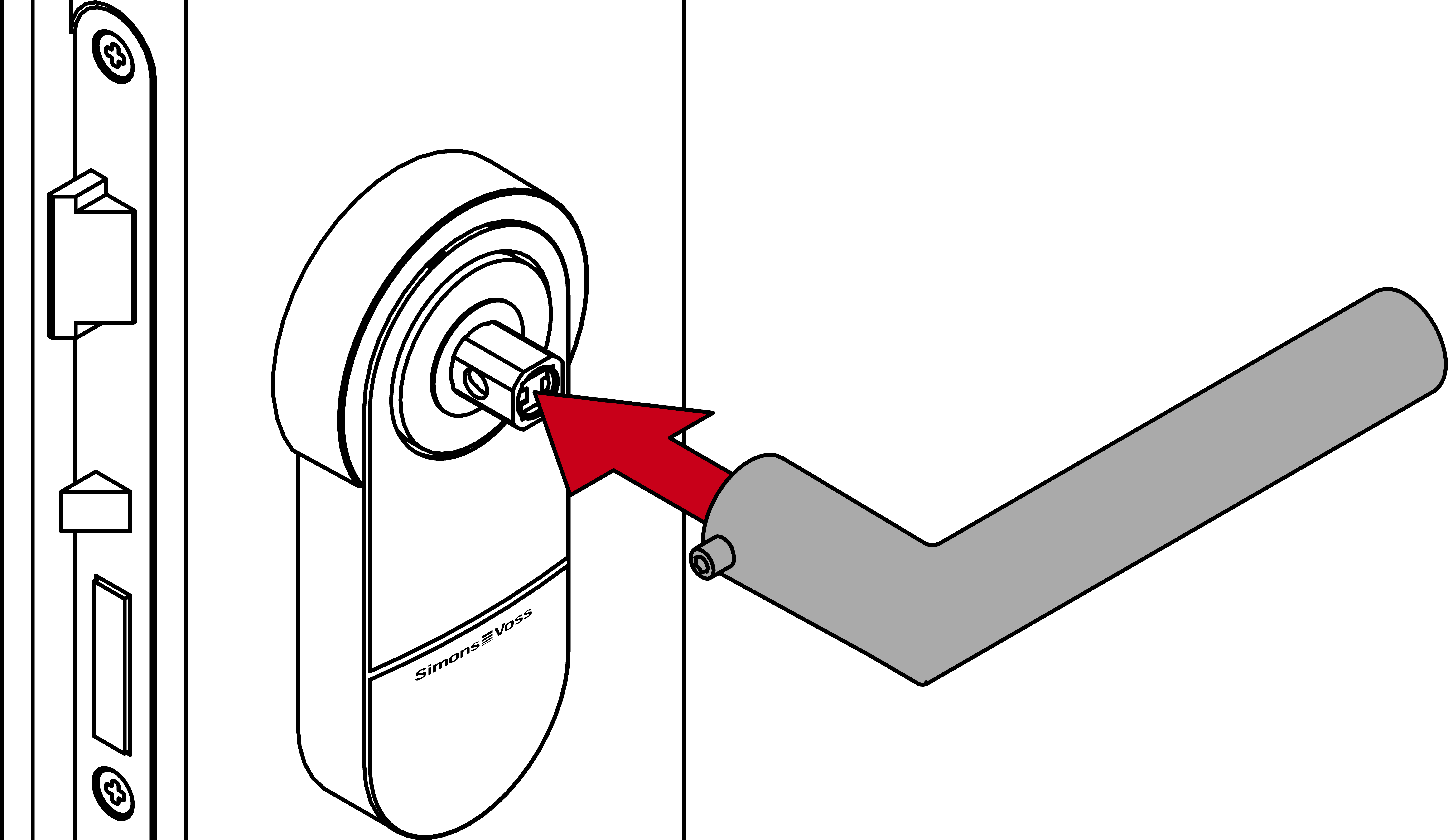
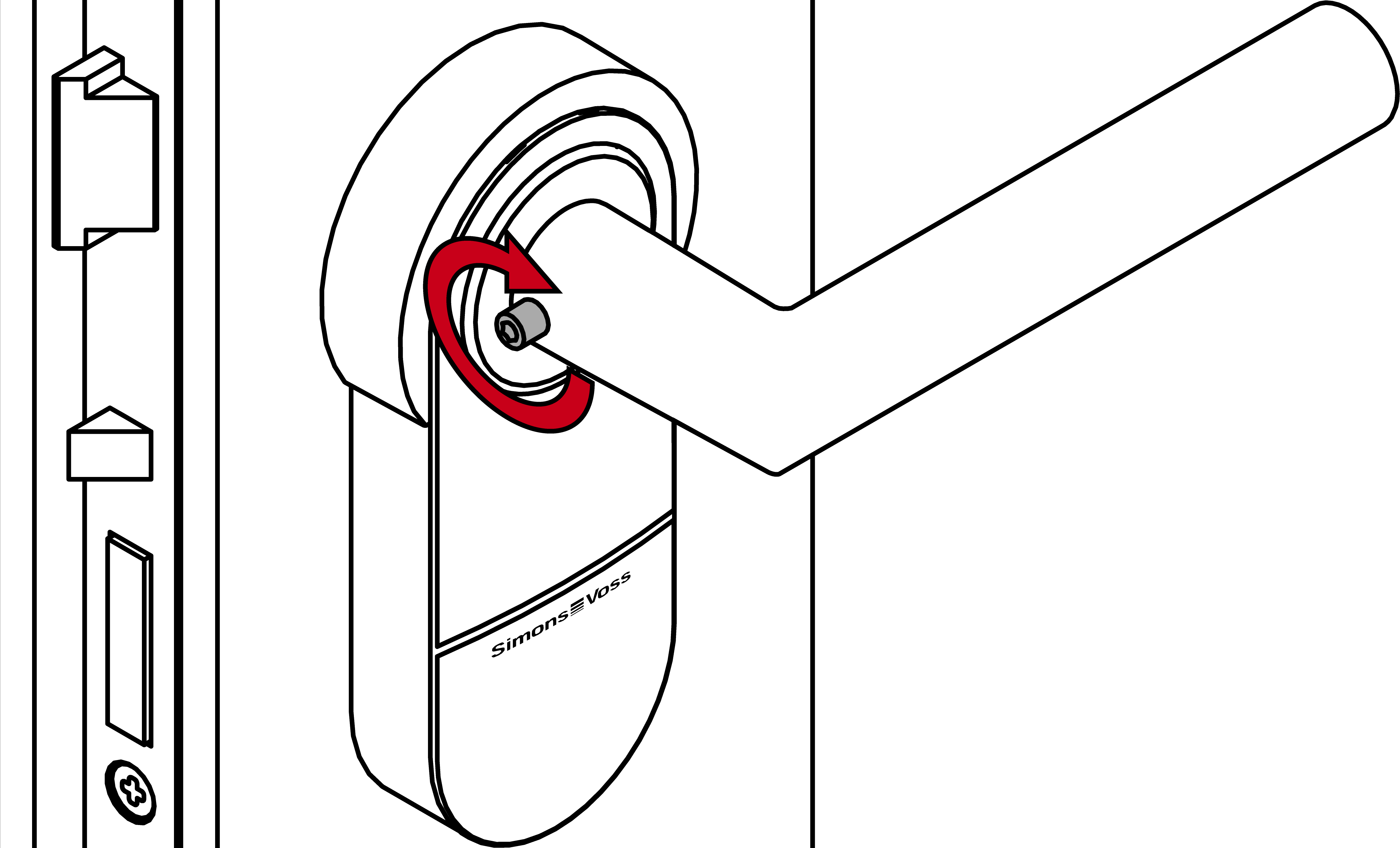
- Place the FSB outer side handle including pre-assembled grub screw on the adapter.
- Fasten the half cylinder with the fastening screw.
- Push the FSB bearing onto the square spindle.
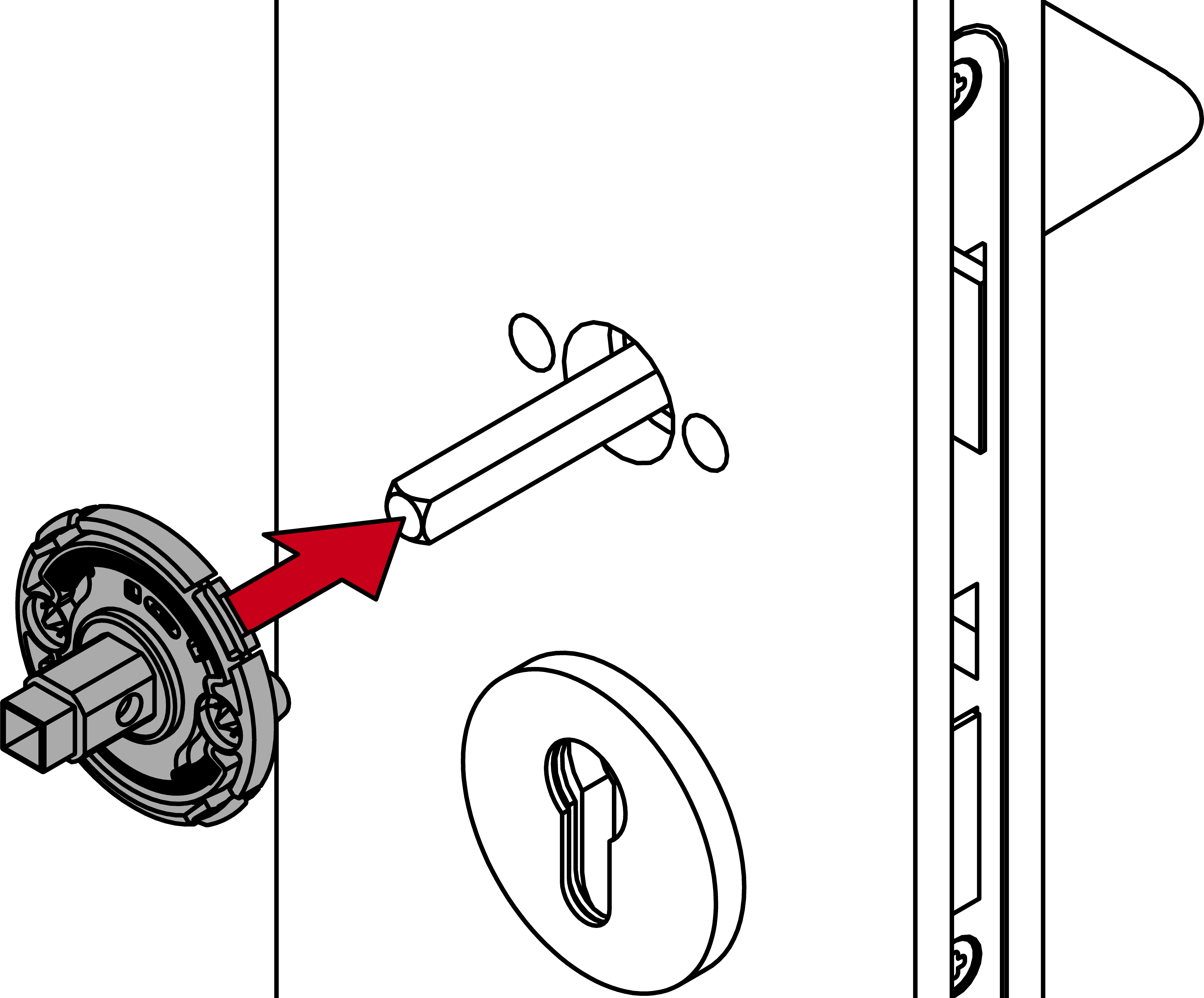
- Fasten the FSB bearing with the previously used screws and washers.
It may be necessary to customise the length of the screws. 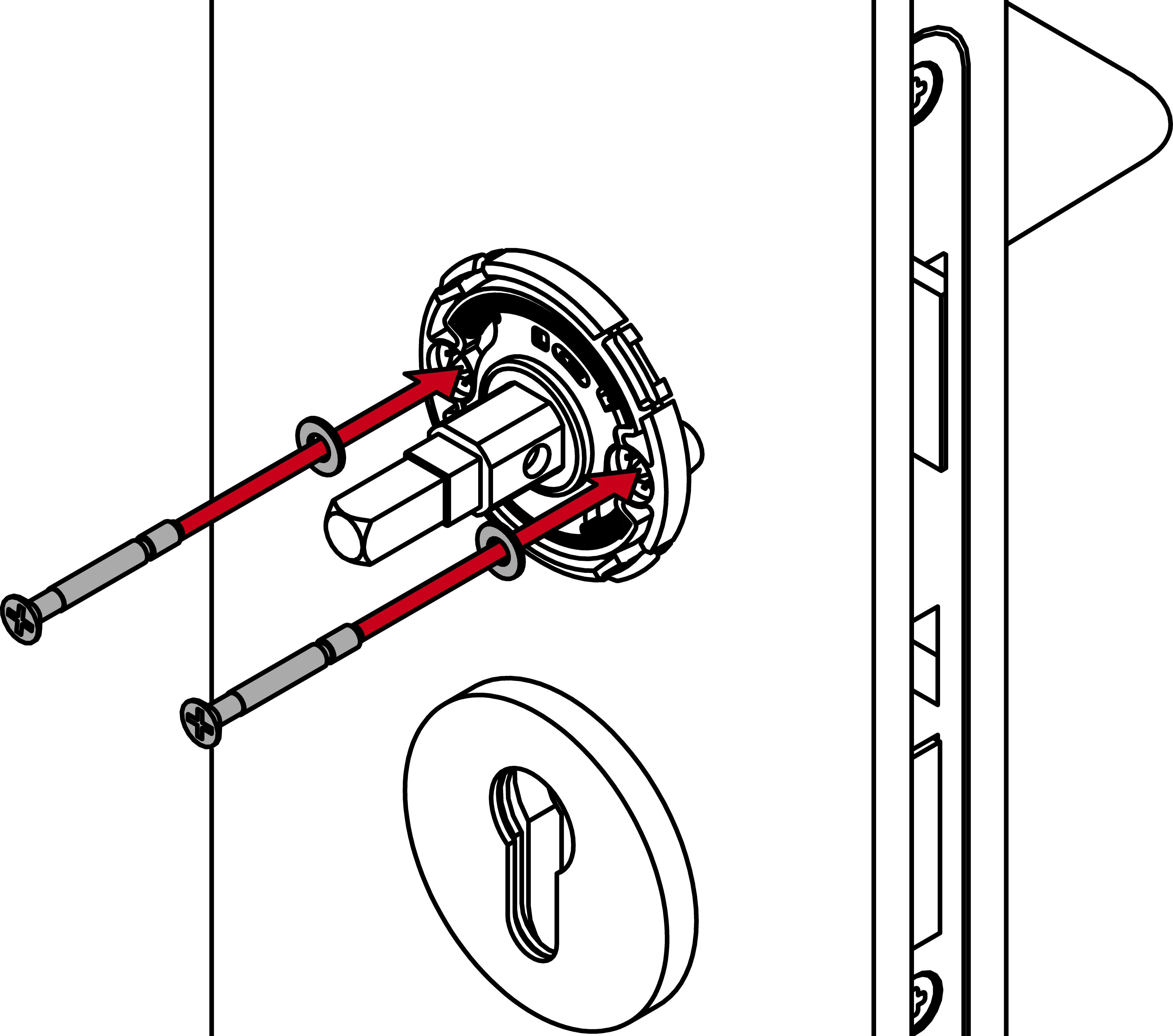
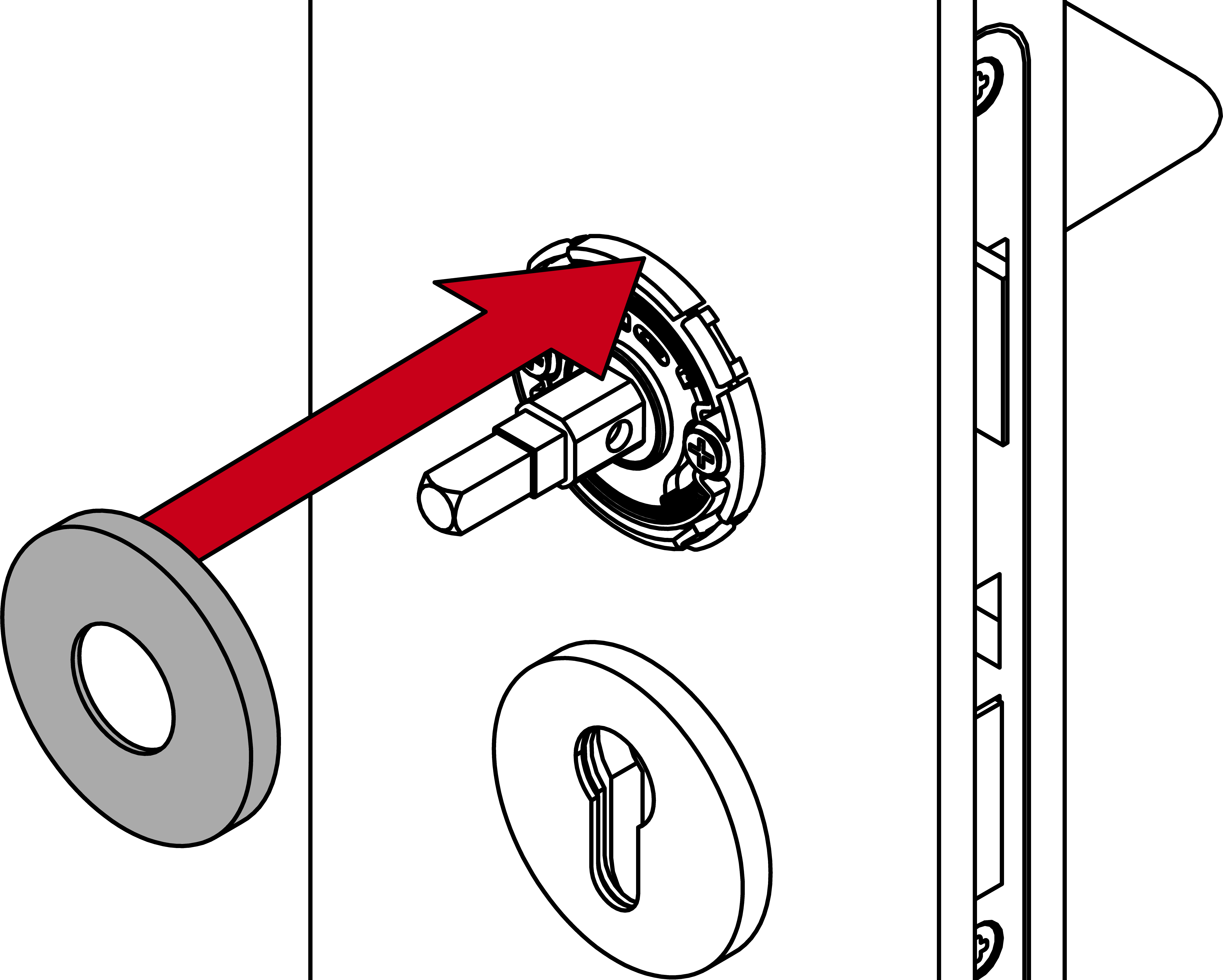
- Place the FSB rosette cover on the FSB bearing.
- Place the FSB inner side handle including pre-assembled grub screw on the spindle.
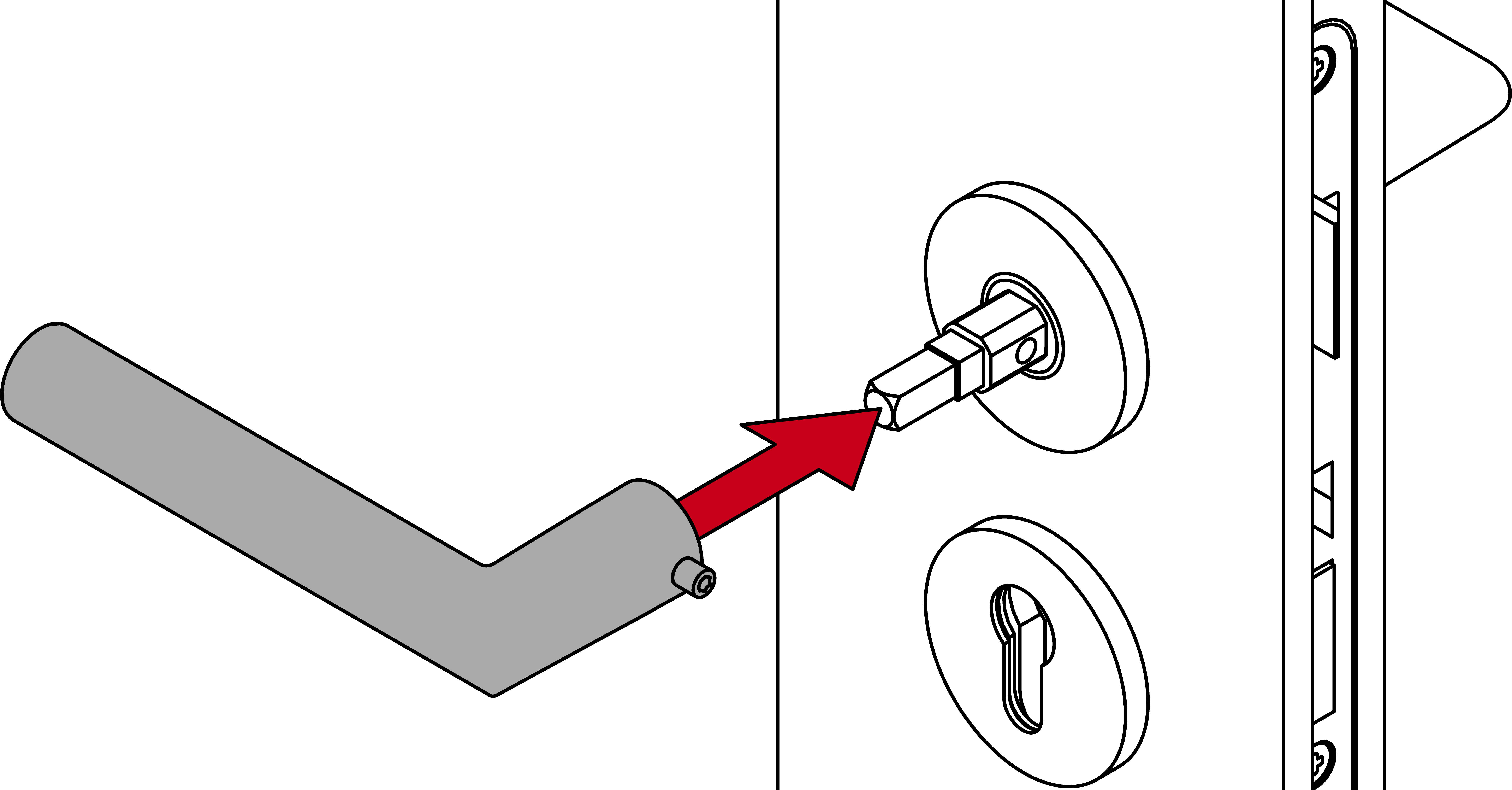
- Fasten the FSB inner side lever handle with the grub screw.
- The SmartHandle AX is supplied with an FSB handle set.