Fitting the LockNode - Digital SmartHandle AX
- Special tool at hand.
- Insert the special tool into the fitting’s cover inlay.
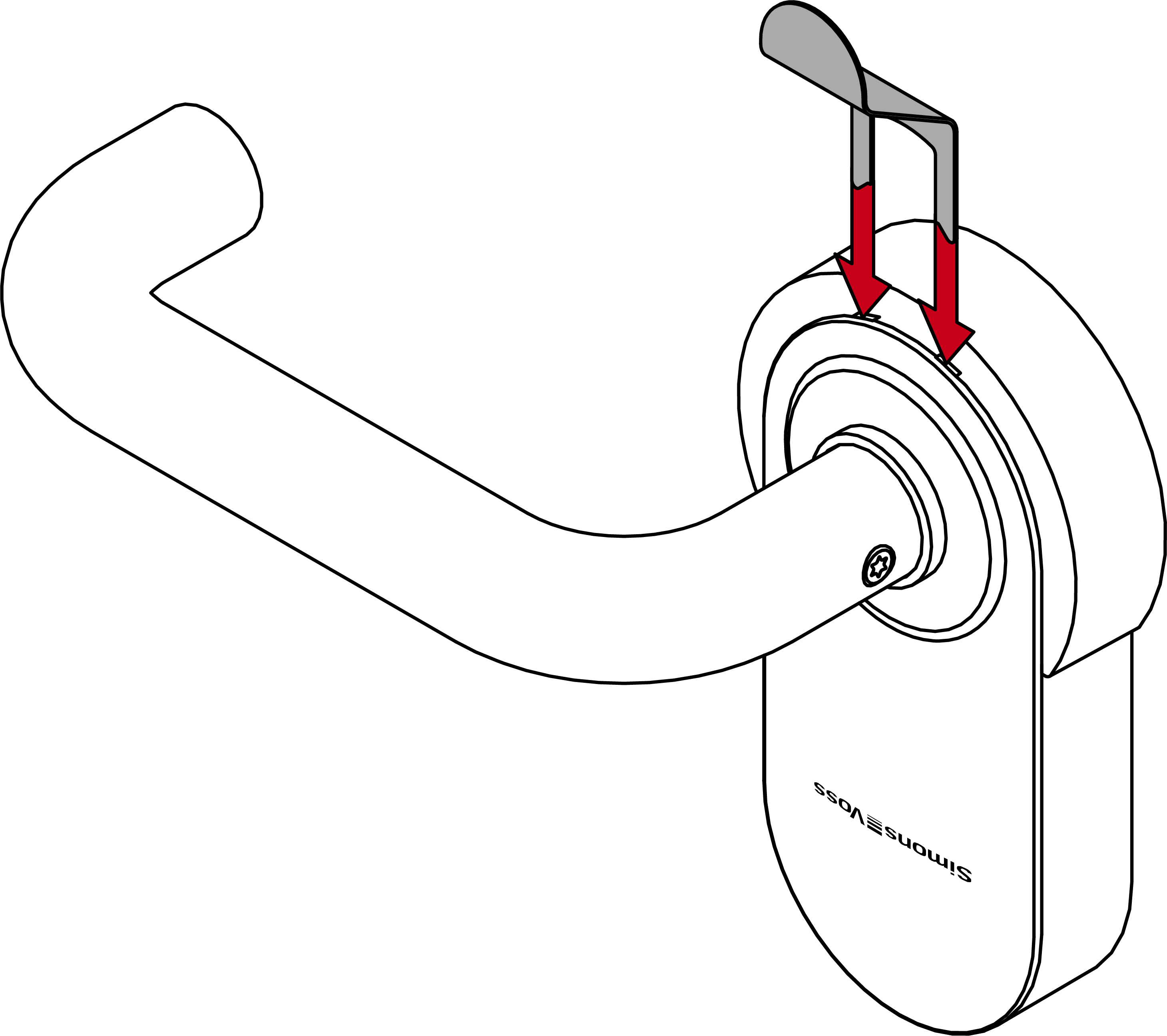
- Slide the cover downwards and remove it completely.
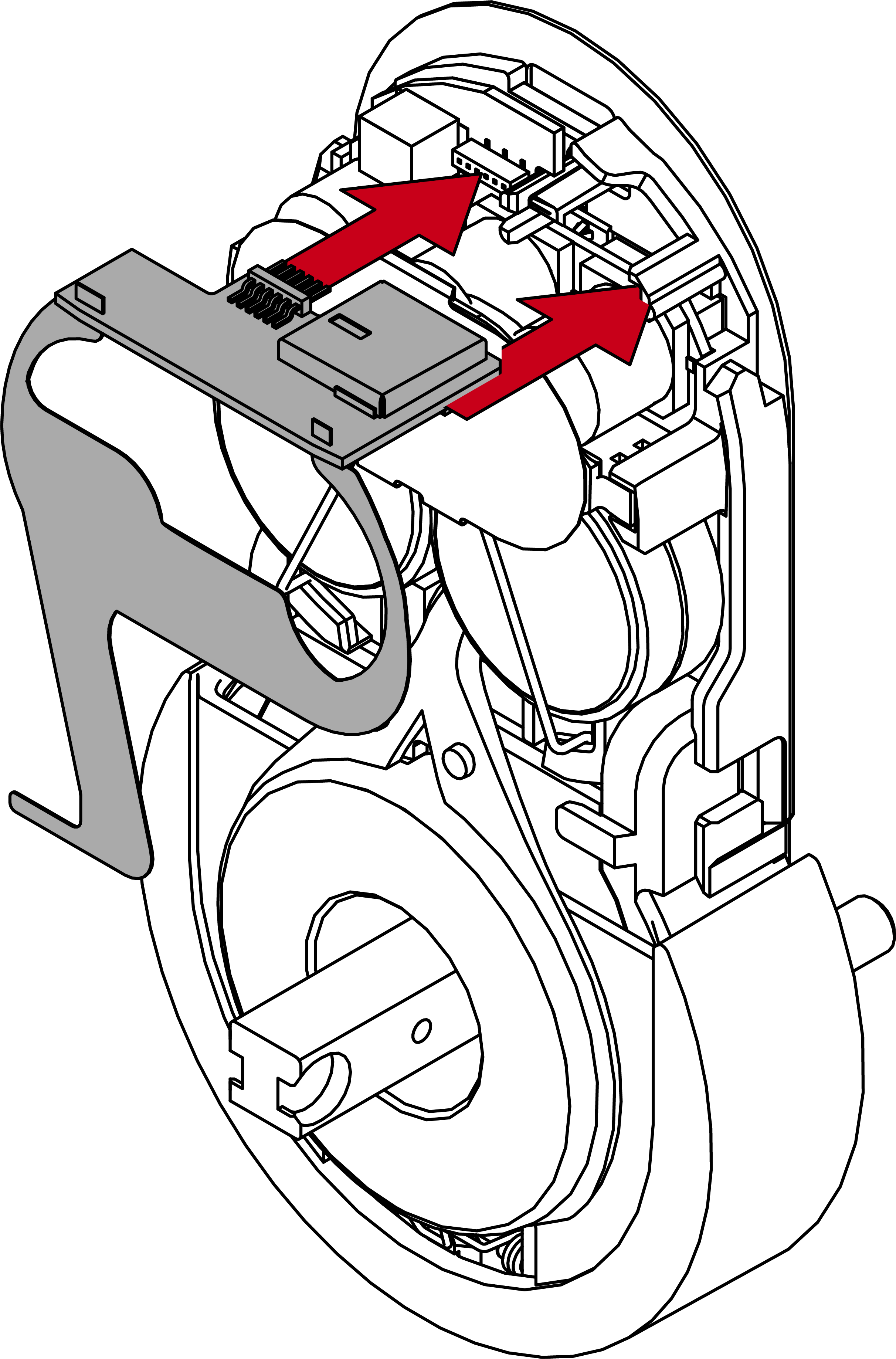
- Insert the LockNode circuit board into the slot provided.
- SmartHandle AX will bleep and flash red four times.
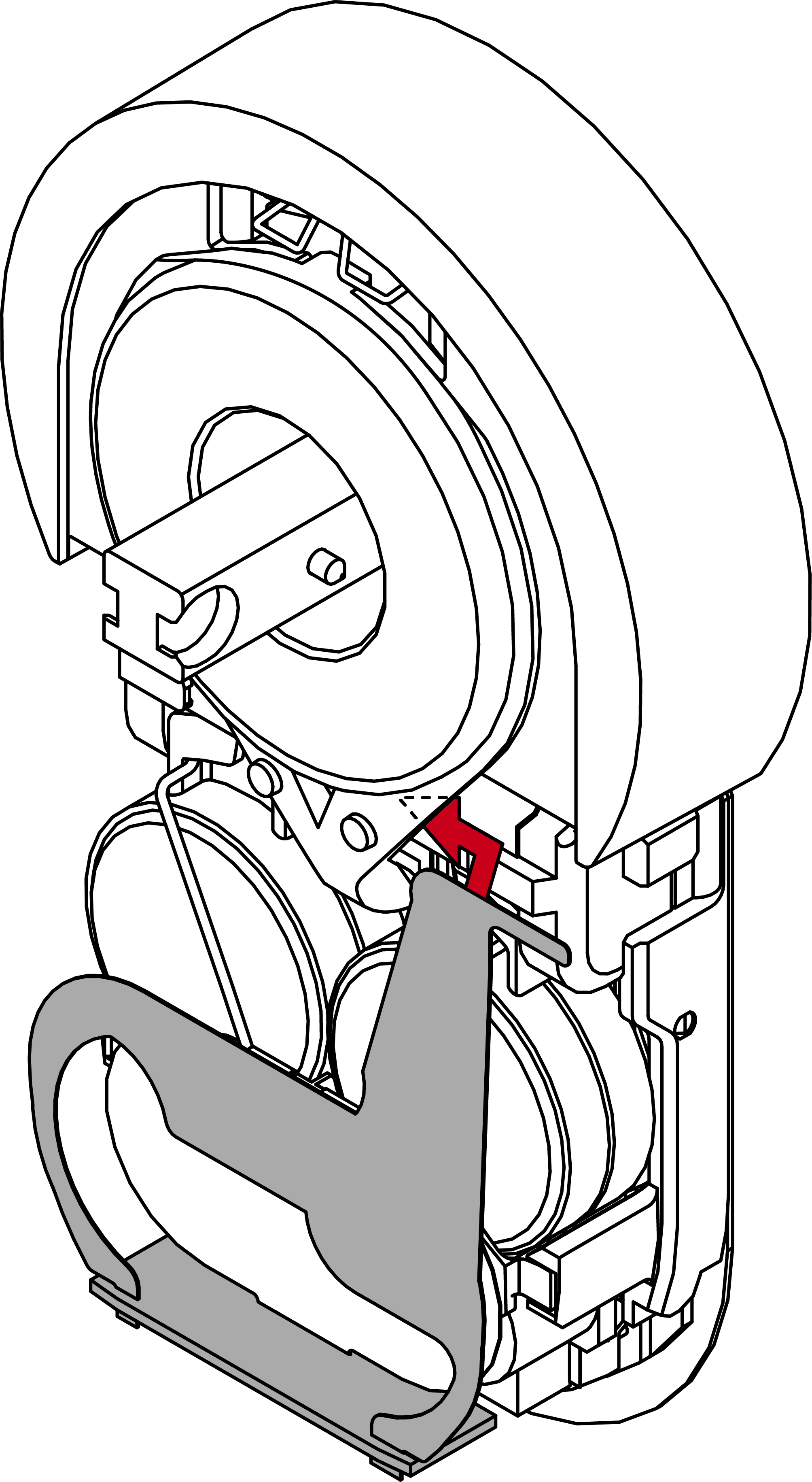
- Insert the corner of the extension piece under the transparent plastic ring.
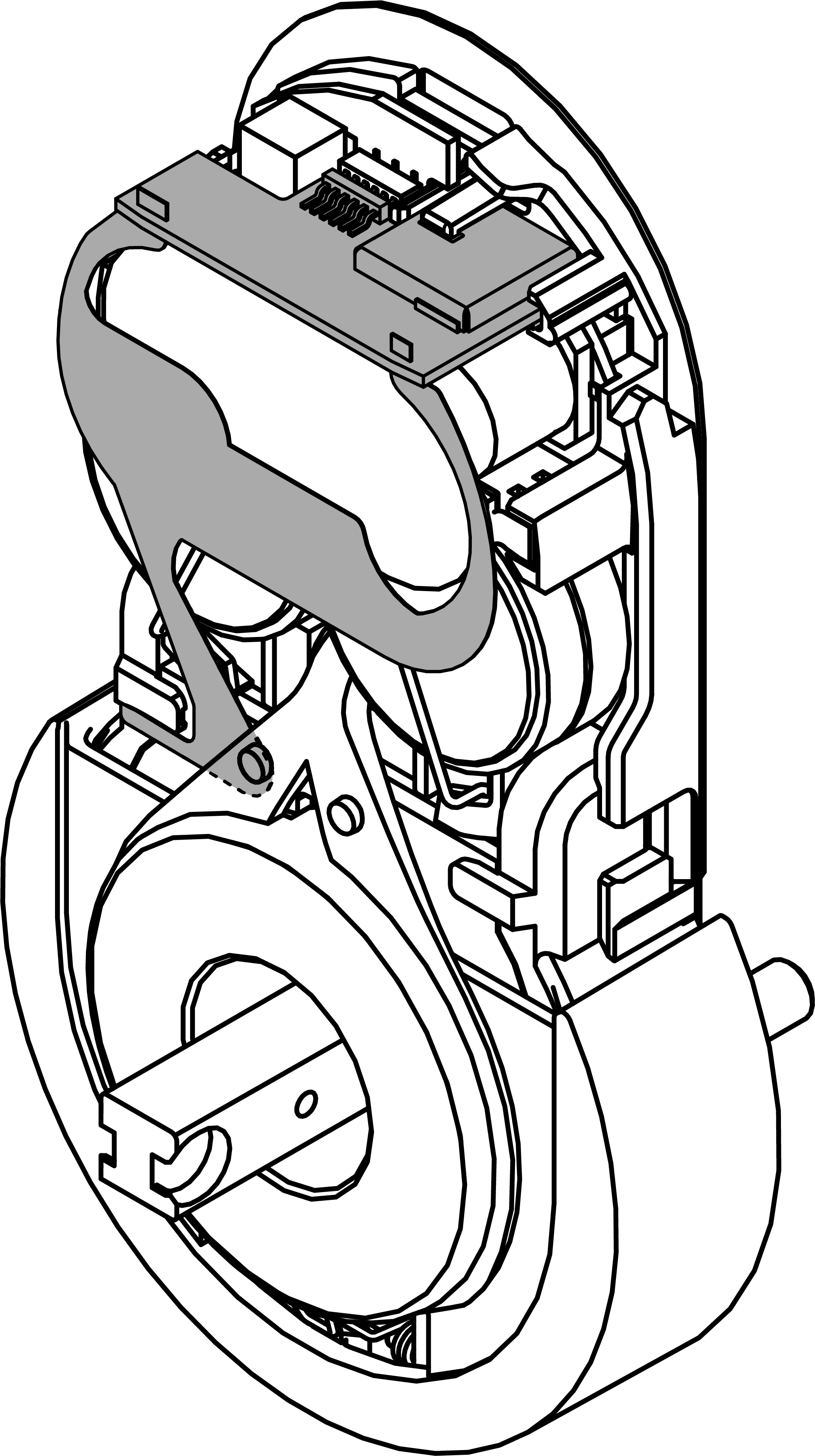
- Place the cover on the fitting.
- Press the cover firmly until it clicks into place.
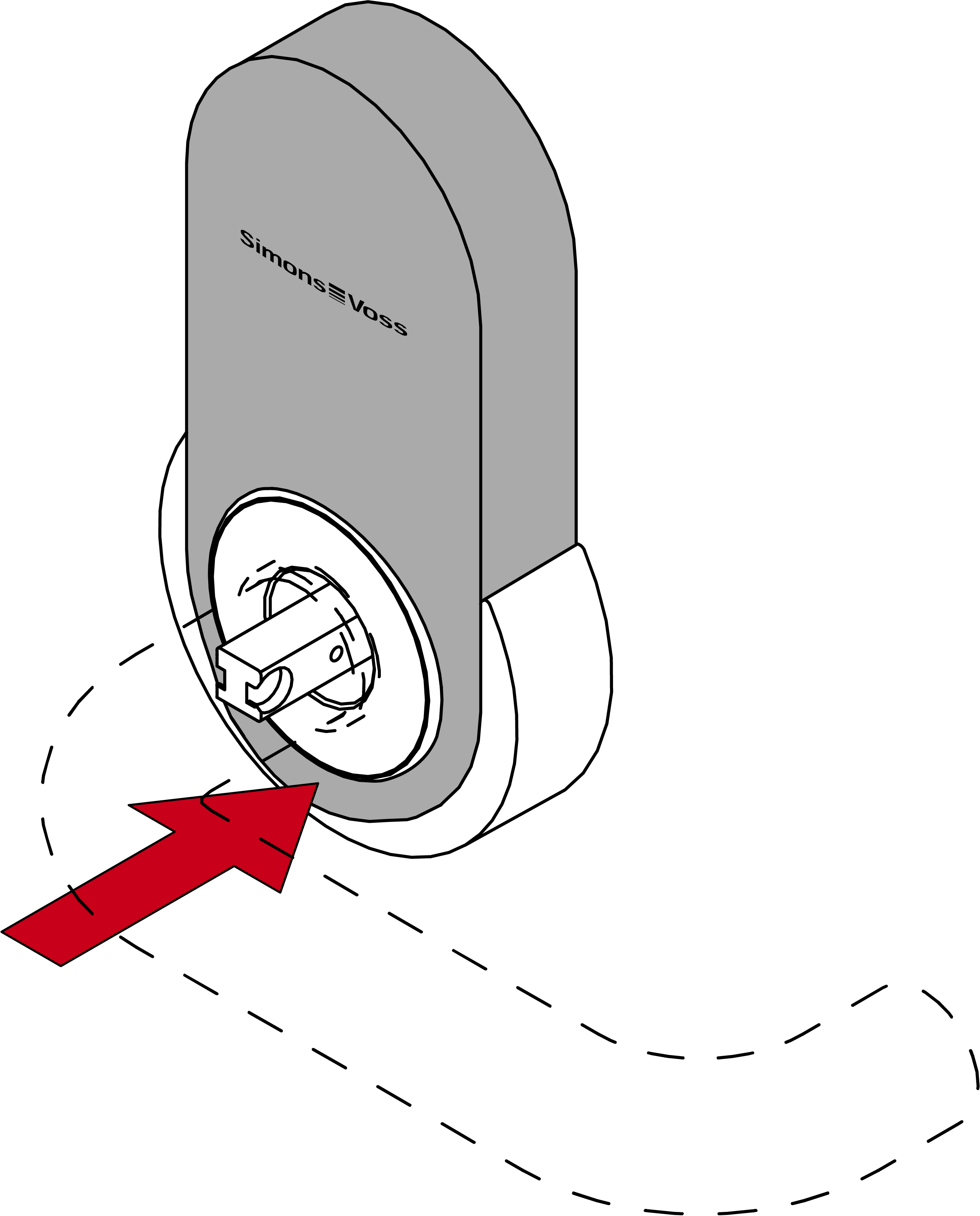
- The LockNode is now installed.