Replacing the batteries - Digital SmartHandle AX
NOTE

Malfunctions due to poor contact or different discharge
Contact surfaces that are too small/contaminated or different discharged batteries can lead to malfunctions.
- Only use batteries that are approved by SimonsVoss.
- Do not touch the contacts of the new batteries with your hands.
- Use clean and grease-free gloves.
- Always replace all batteries at the same time.
- Special tool at hand.
- Gloves at hand.
- Insert the special tool into the fitting’s cover inlay.
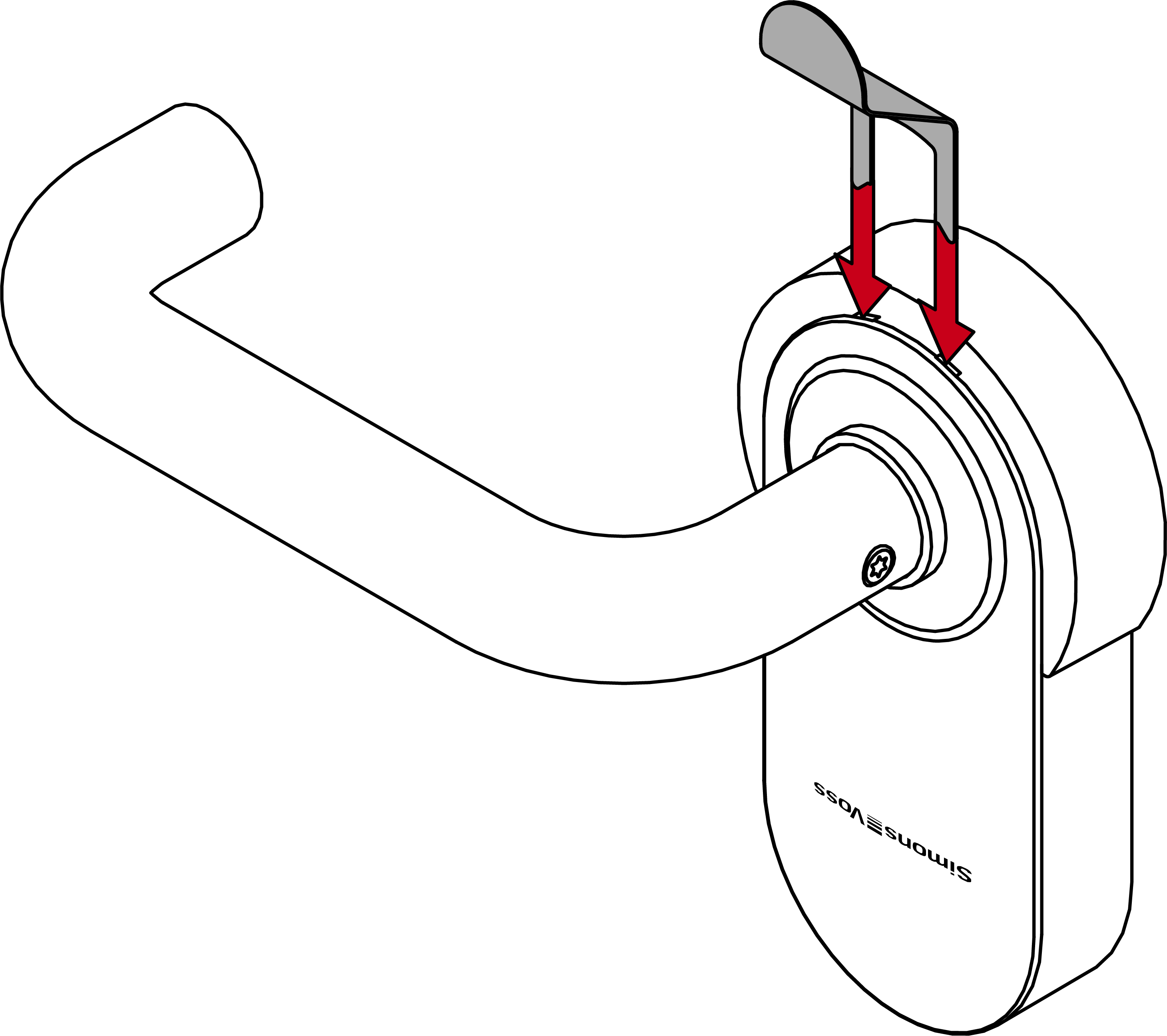
- Remove the cover with the tool.
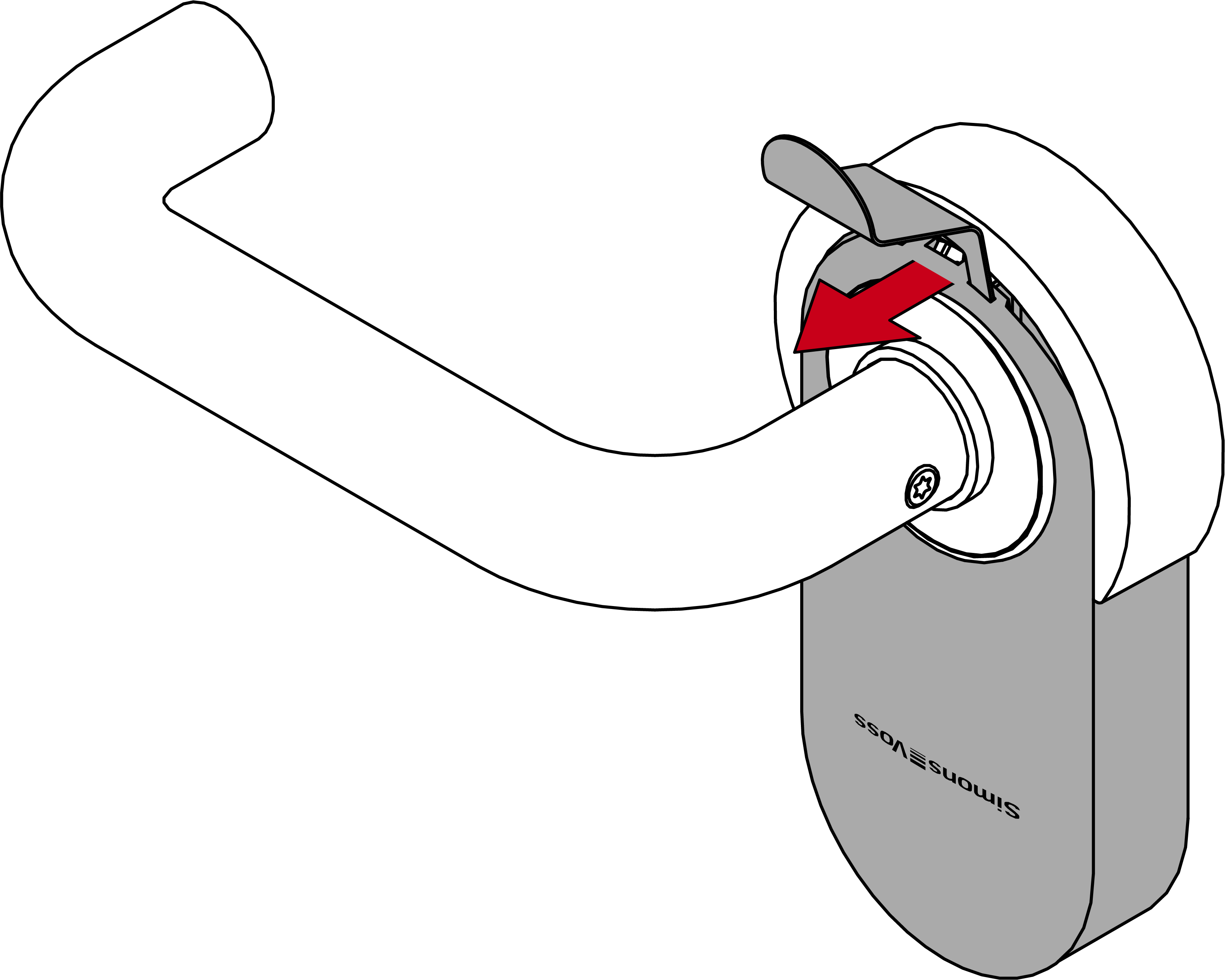
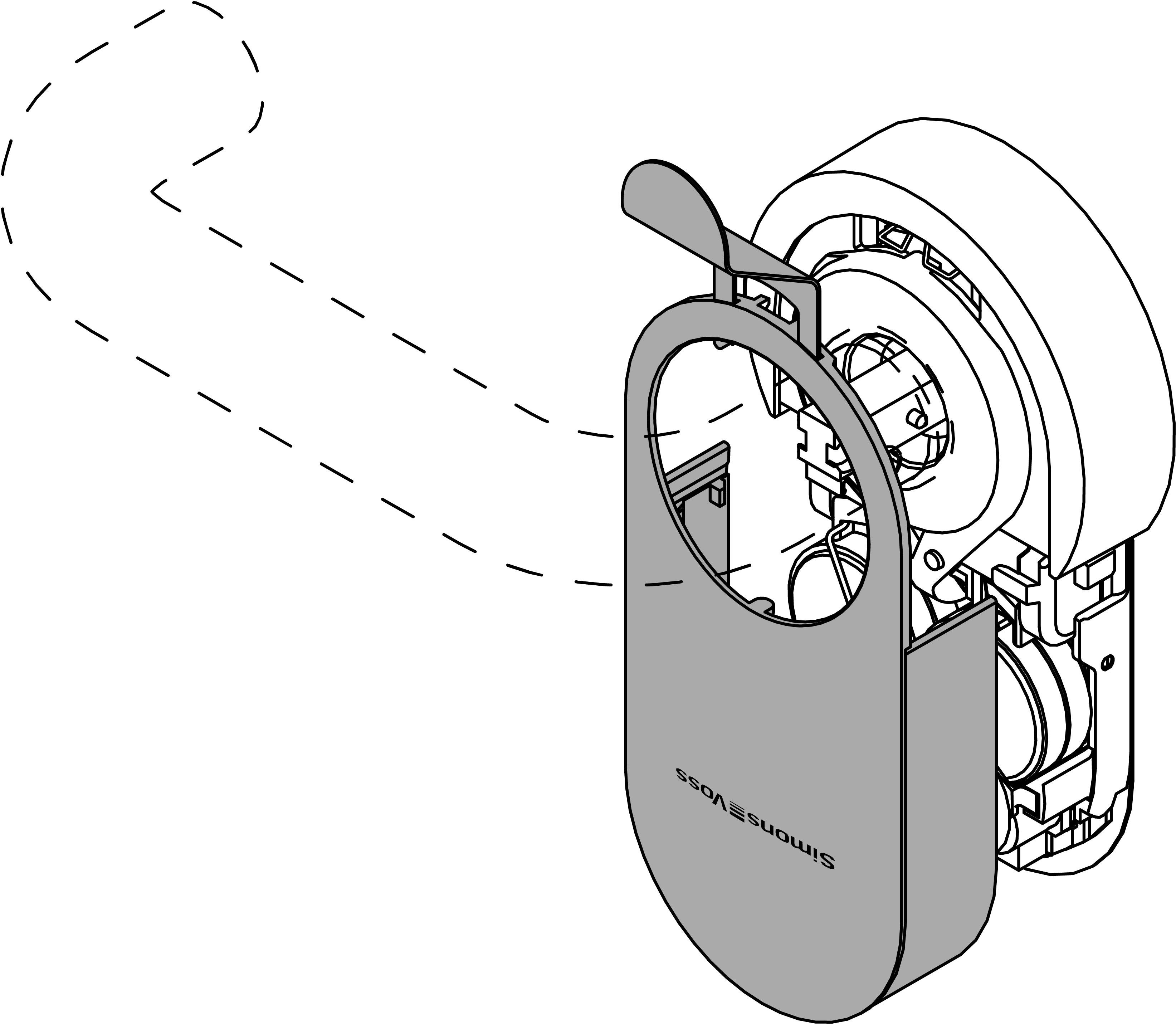
- Carefully bend the battery clip inwards to detach it.
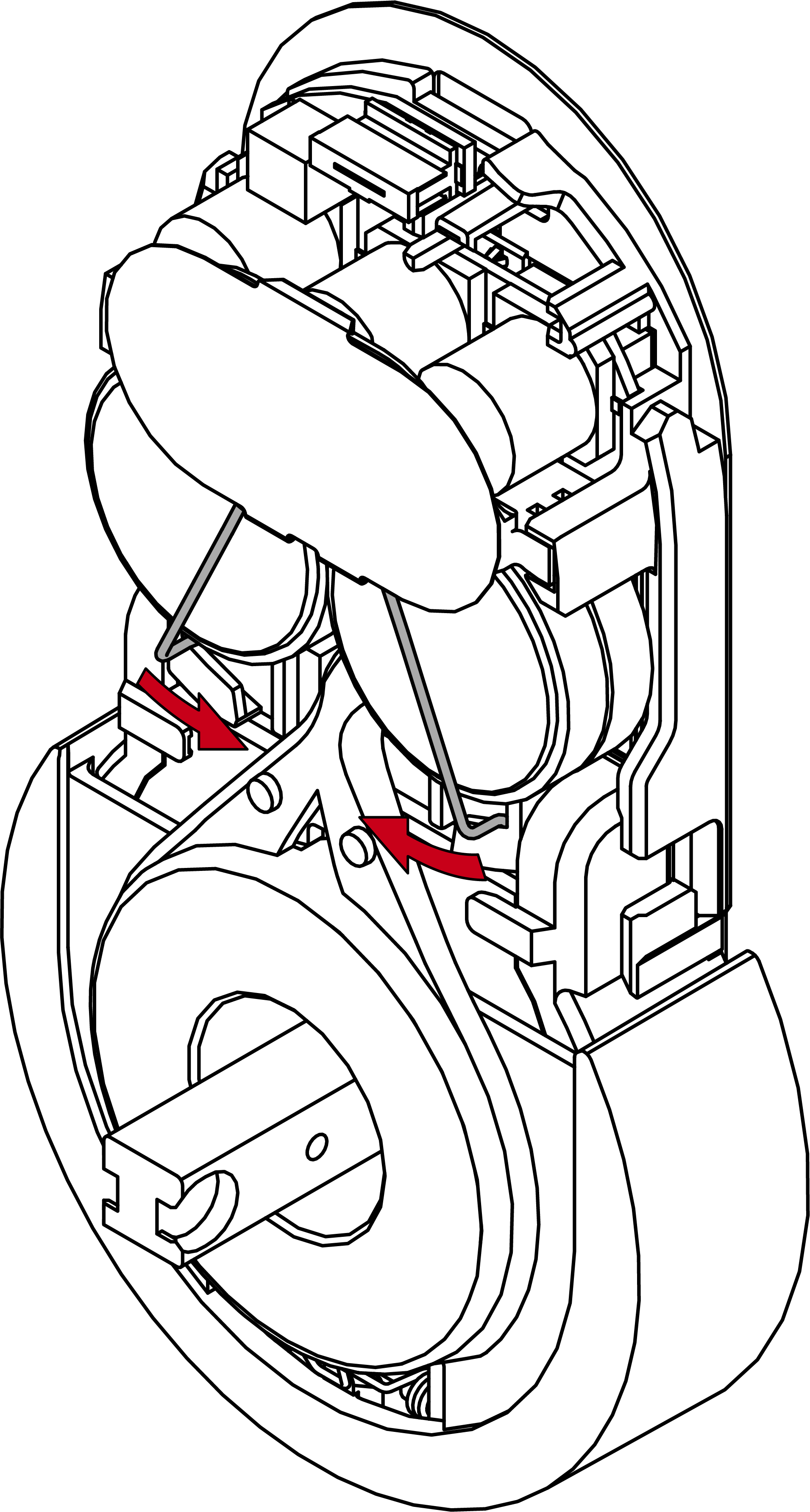
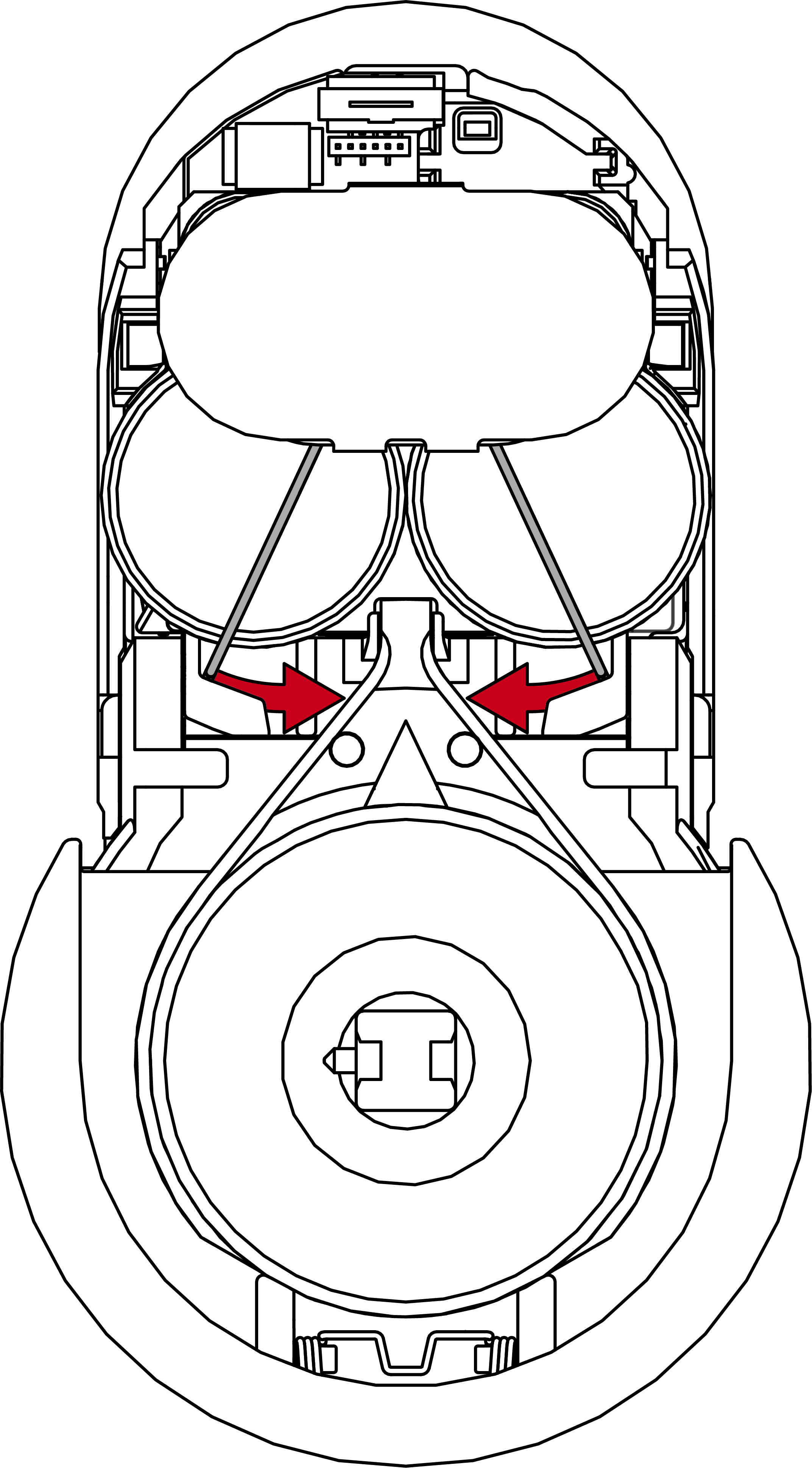
- Open the battery holder.
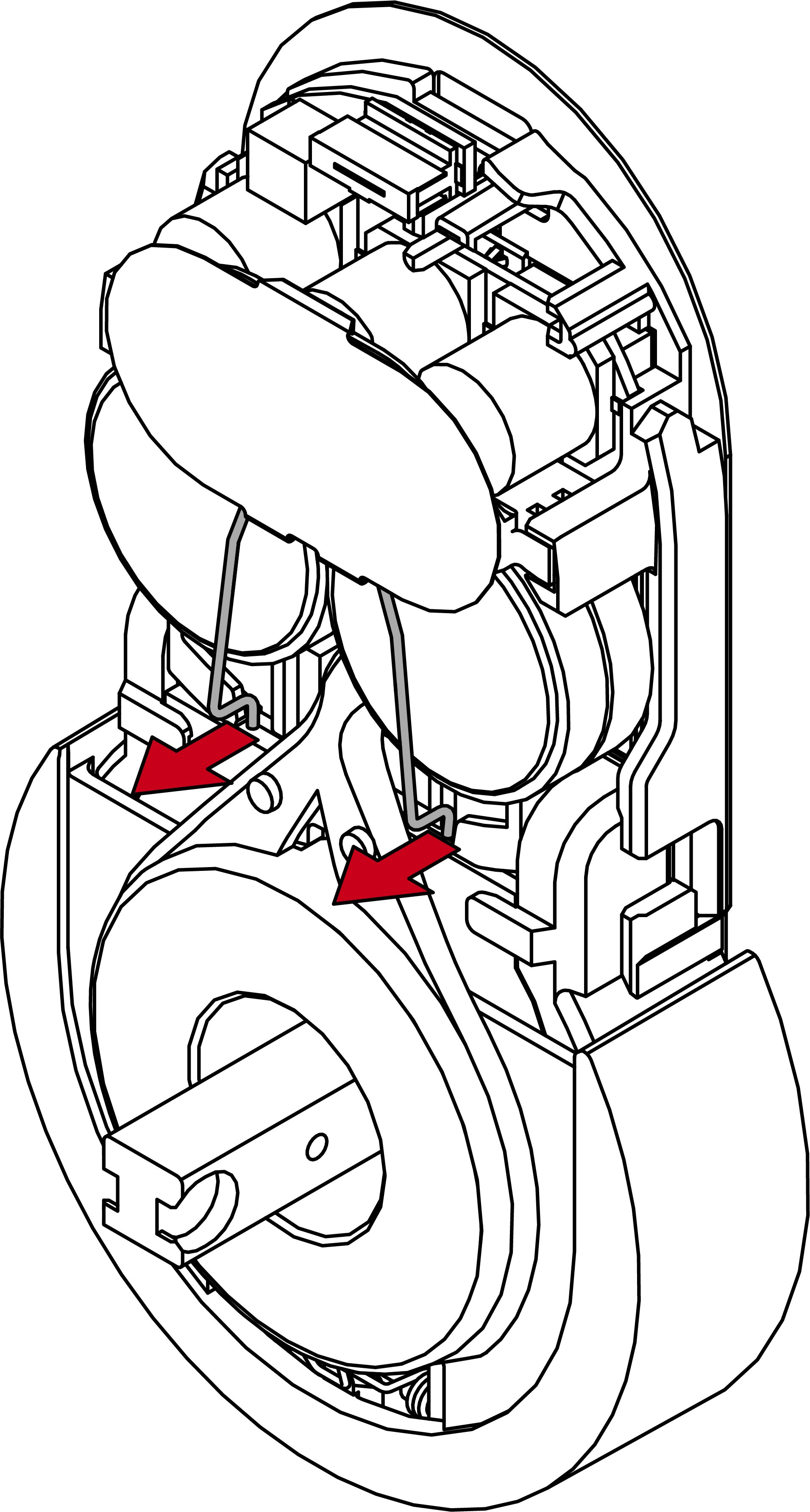
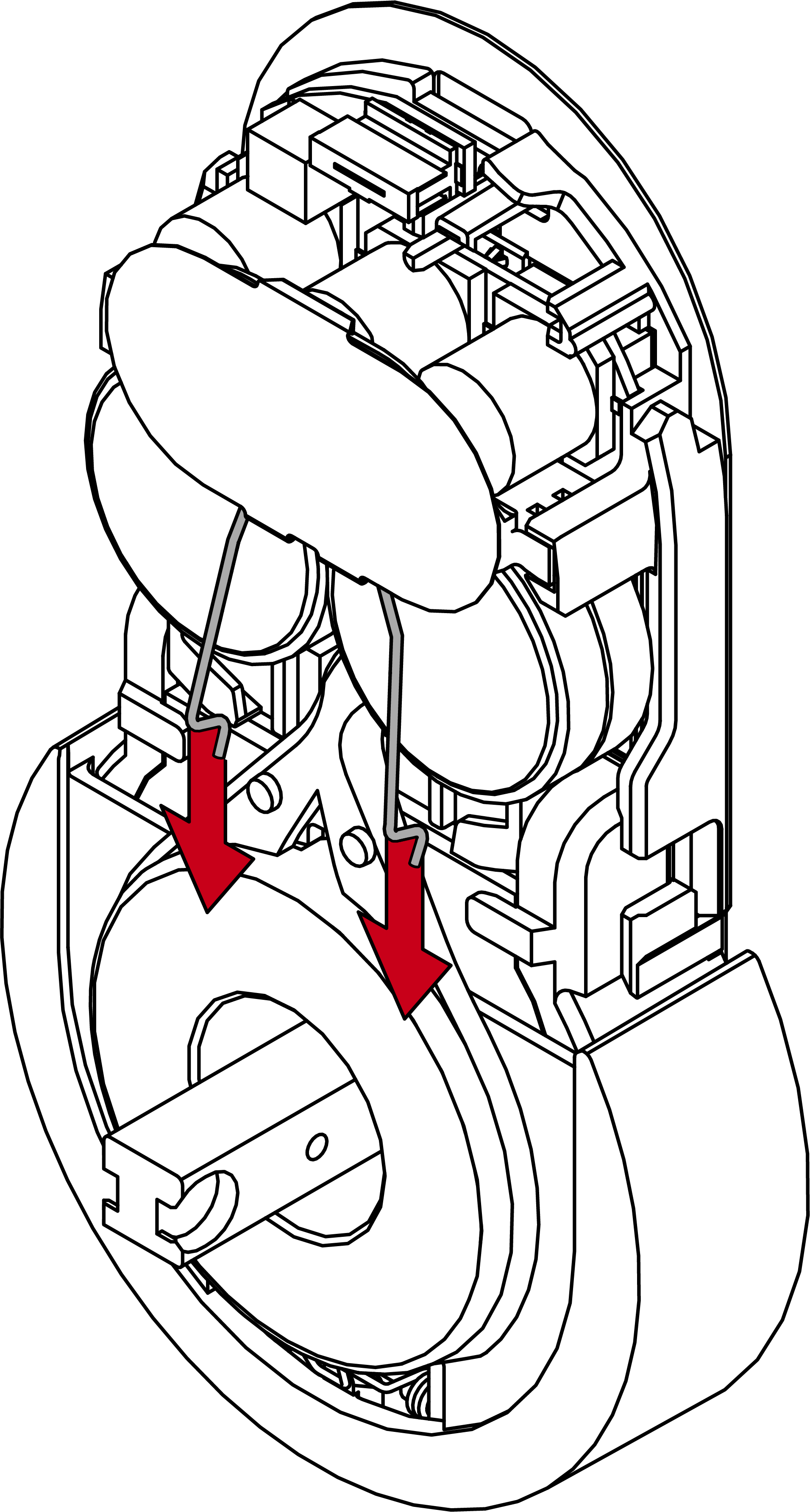
- Remove the battery holder.
- Remove the old batteries.
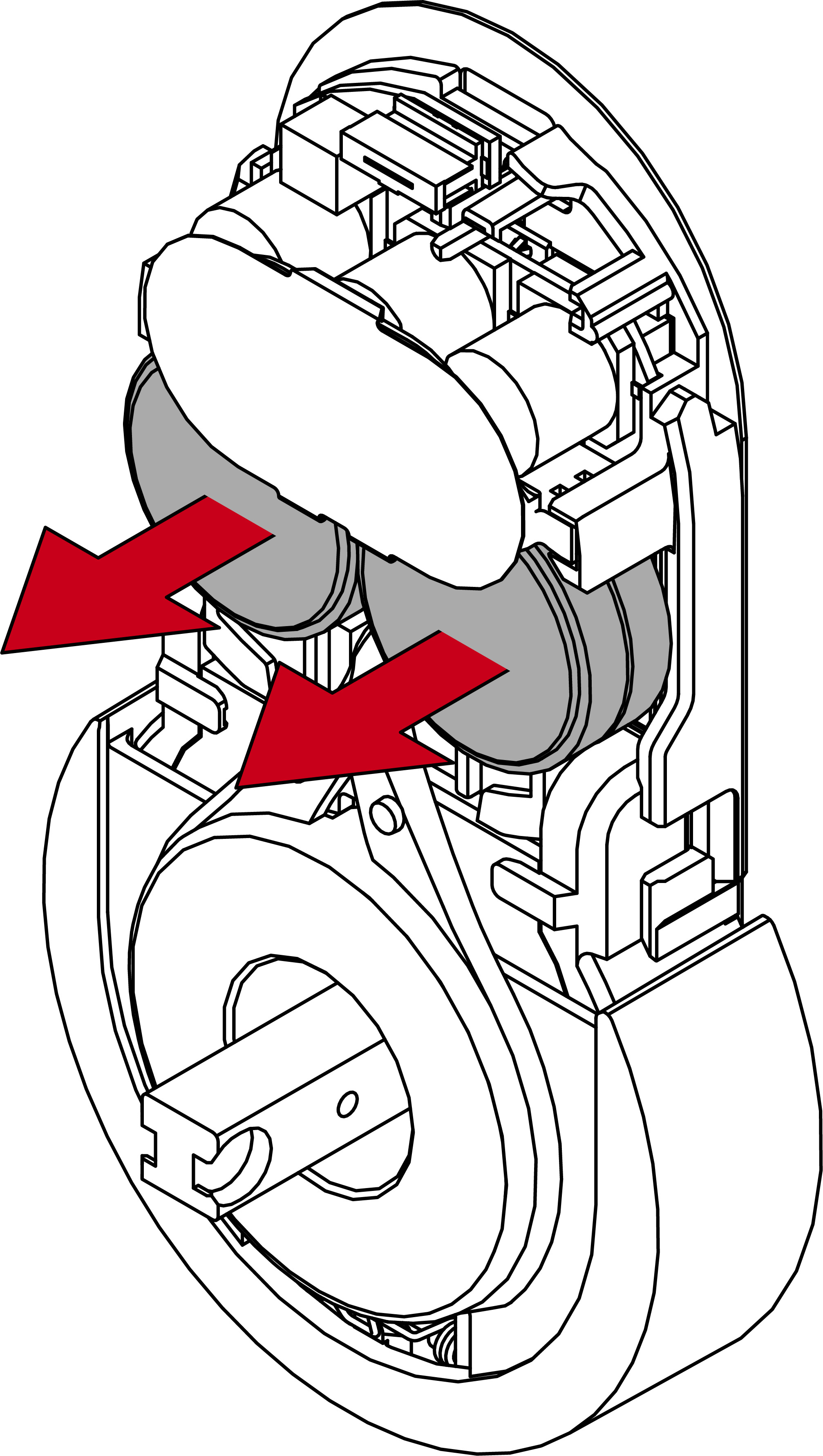
- Insert the new batteries with the positive terminals next to each other (type CR2450).
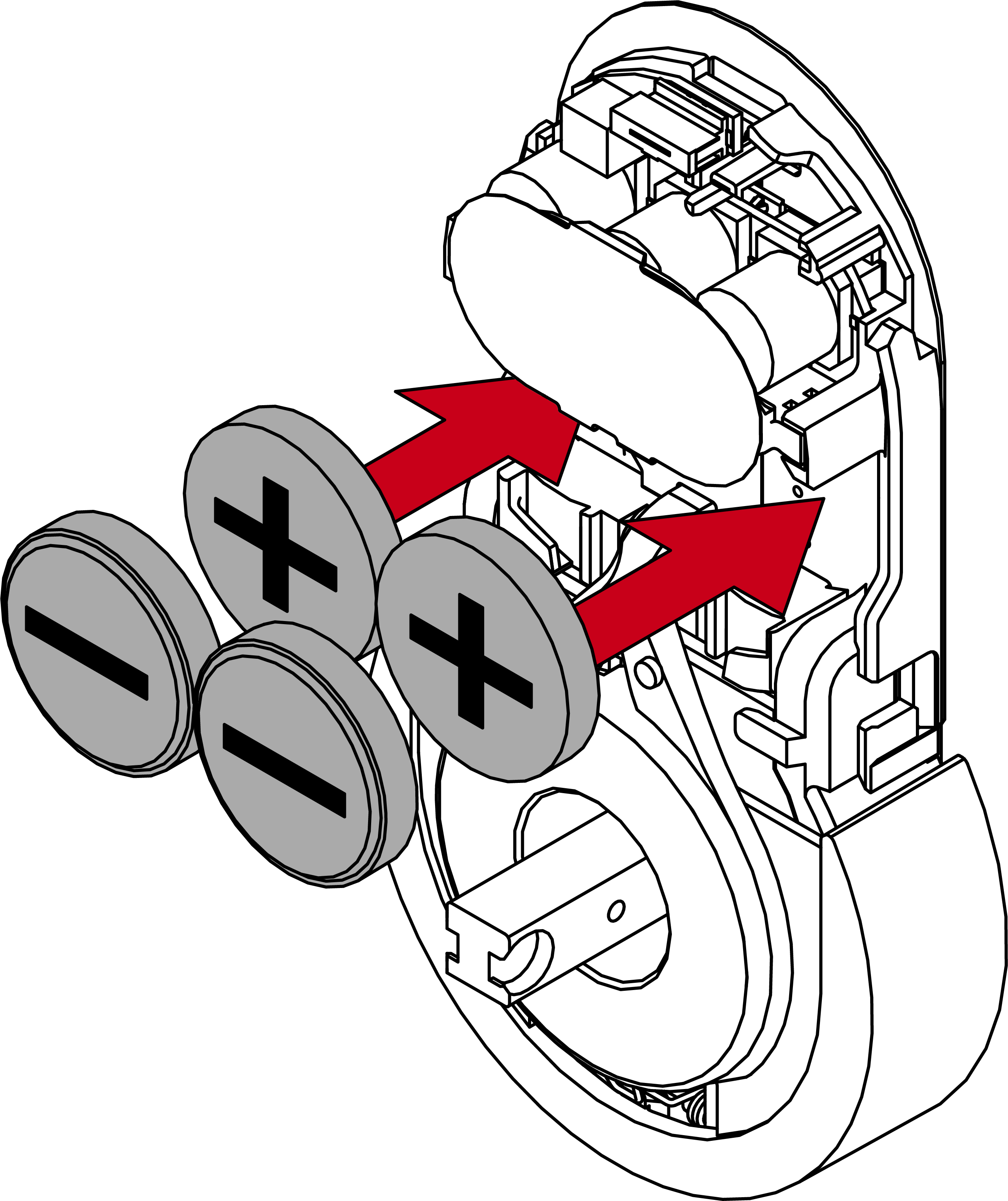
- Put the battery holder back into place.
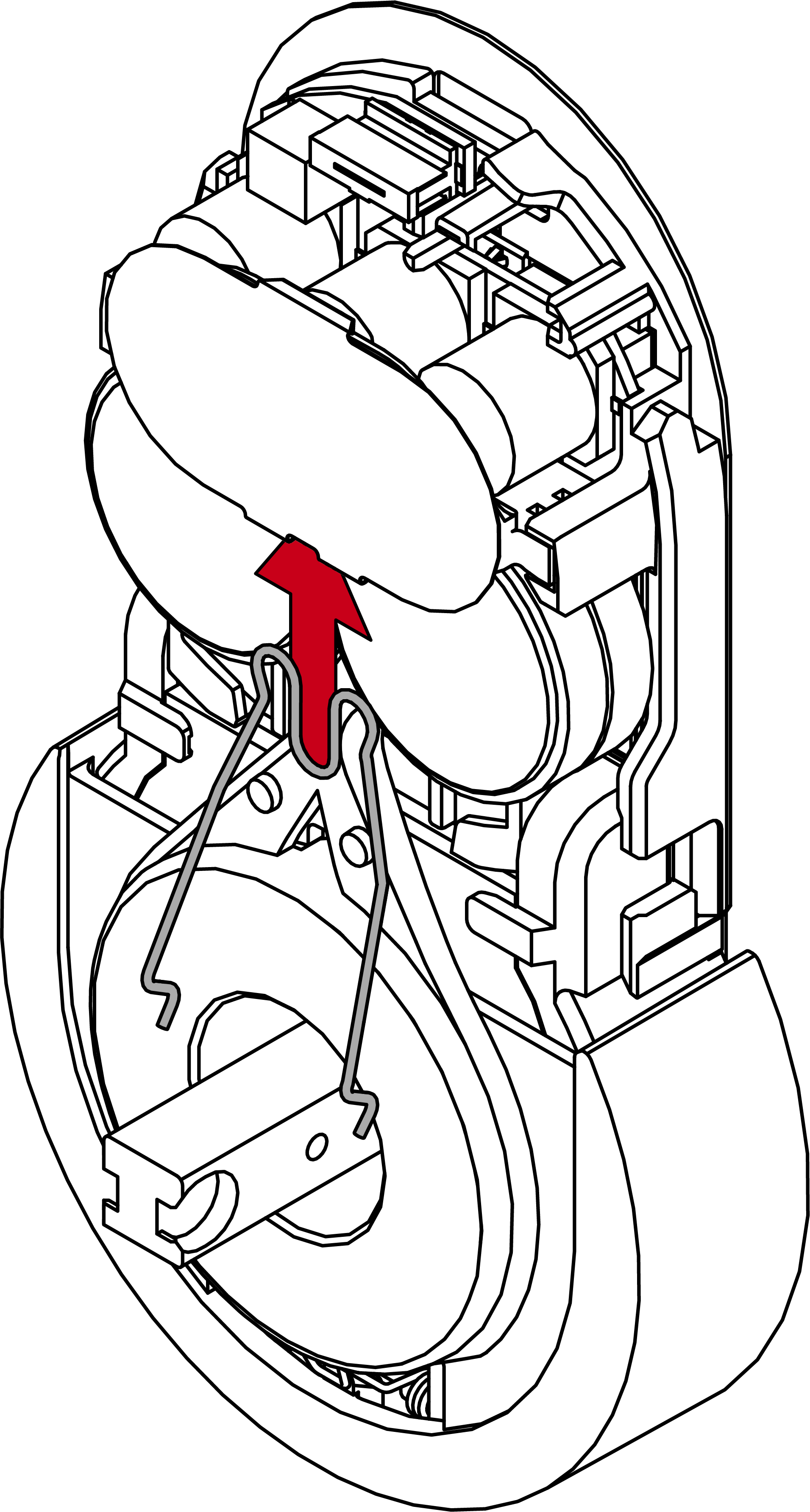
- Reattach the battery clip.
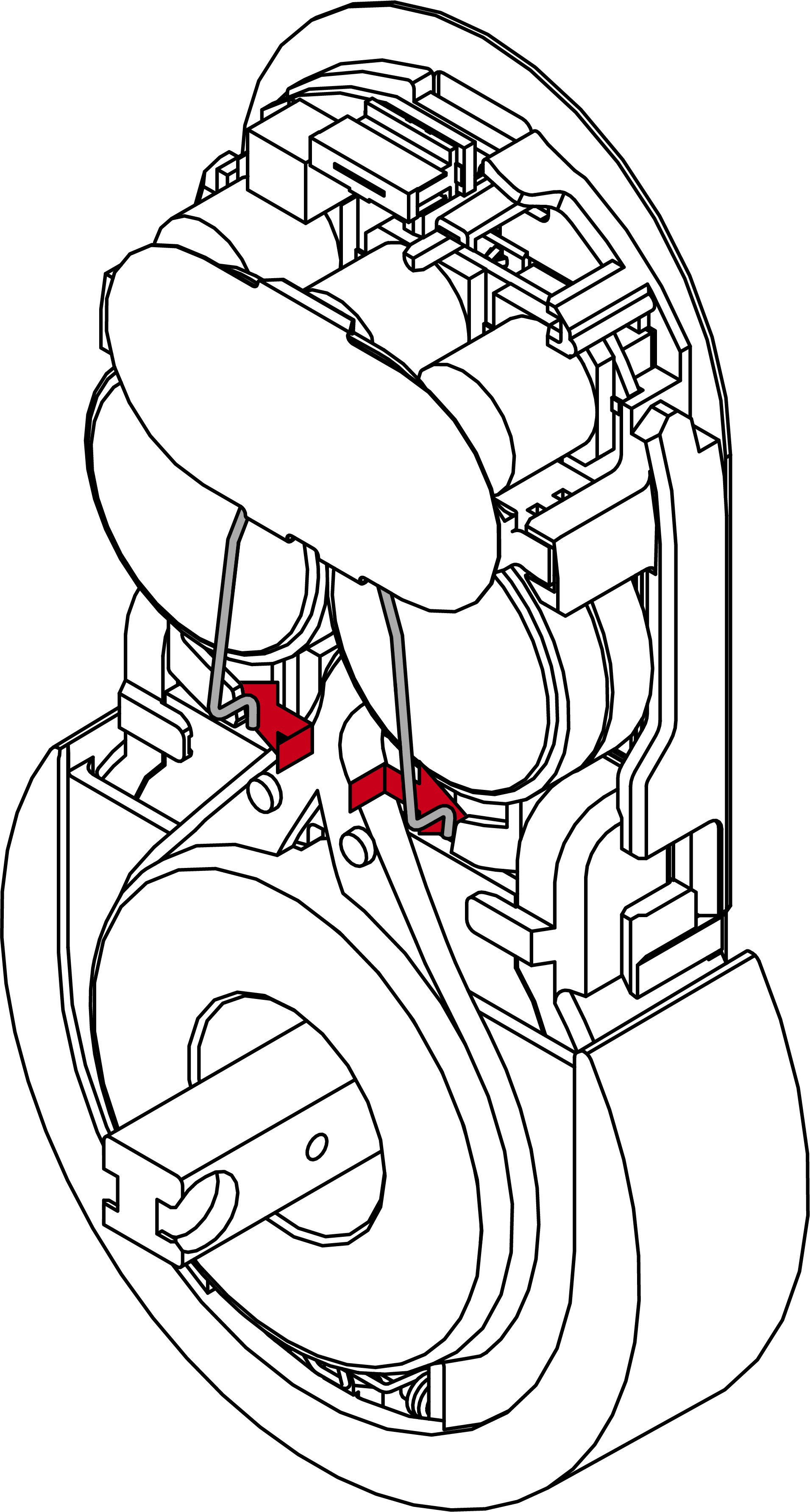
- Replace the cover on the fitting.
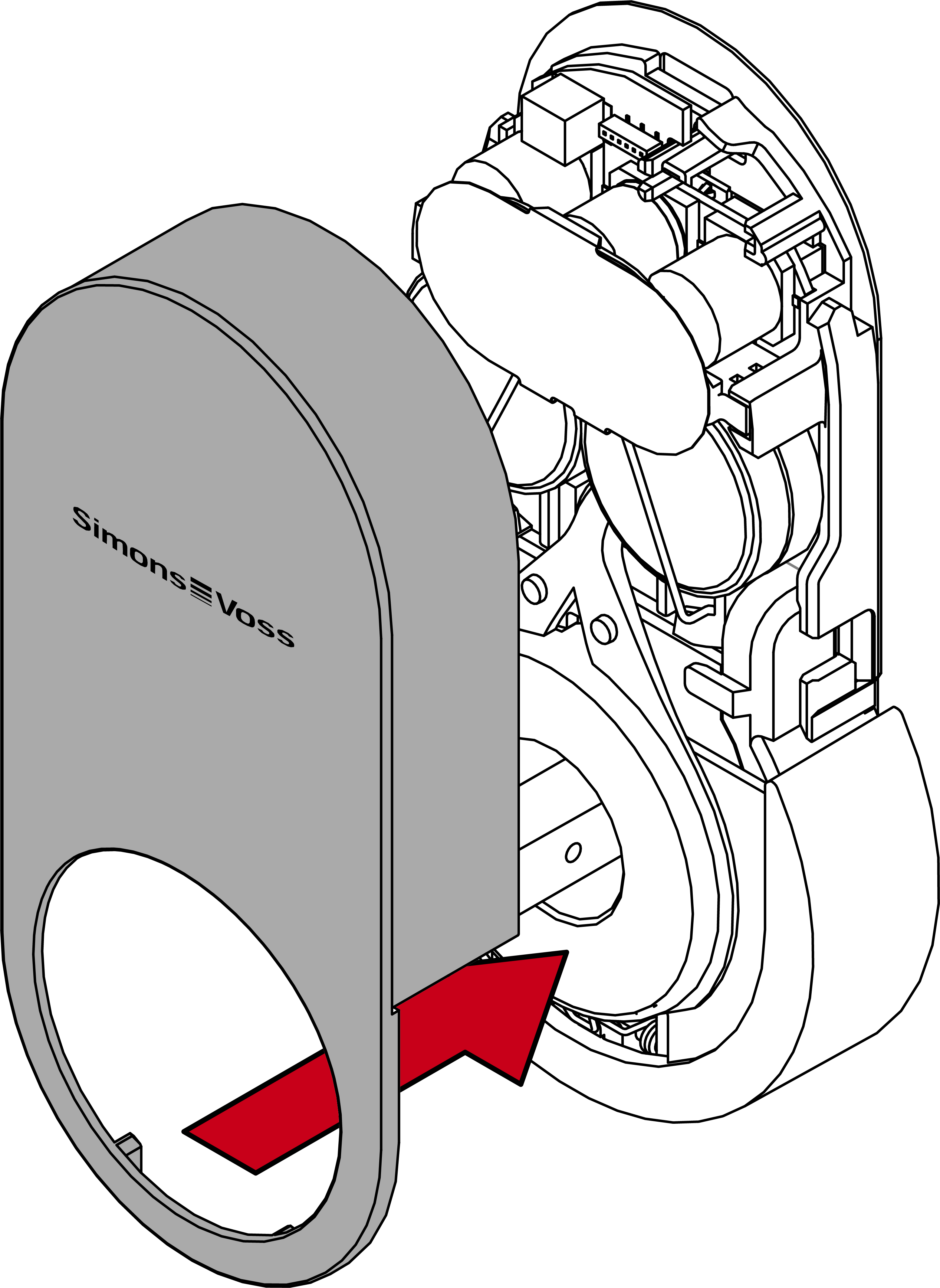
- Snap the cover back into place.
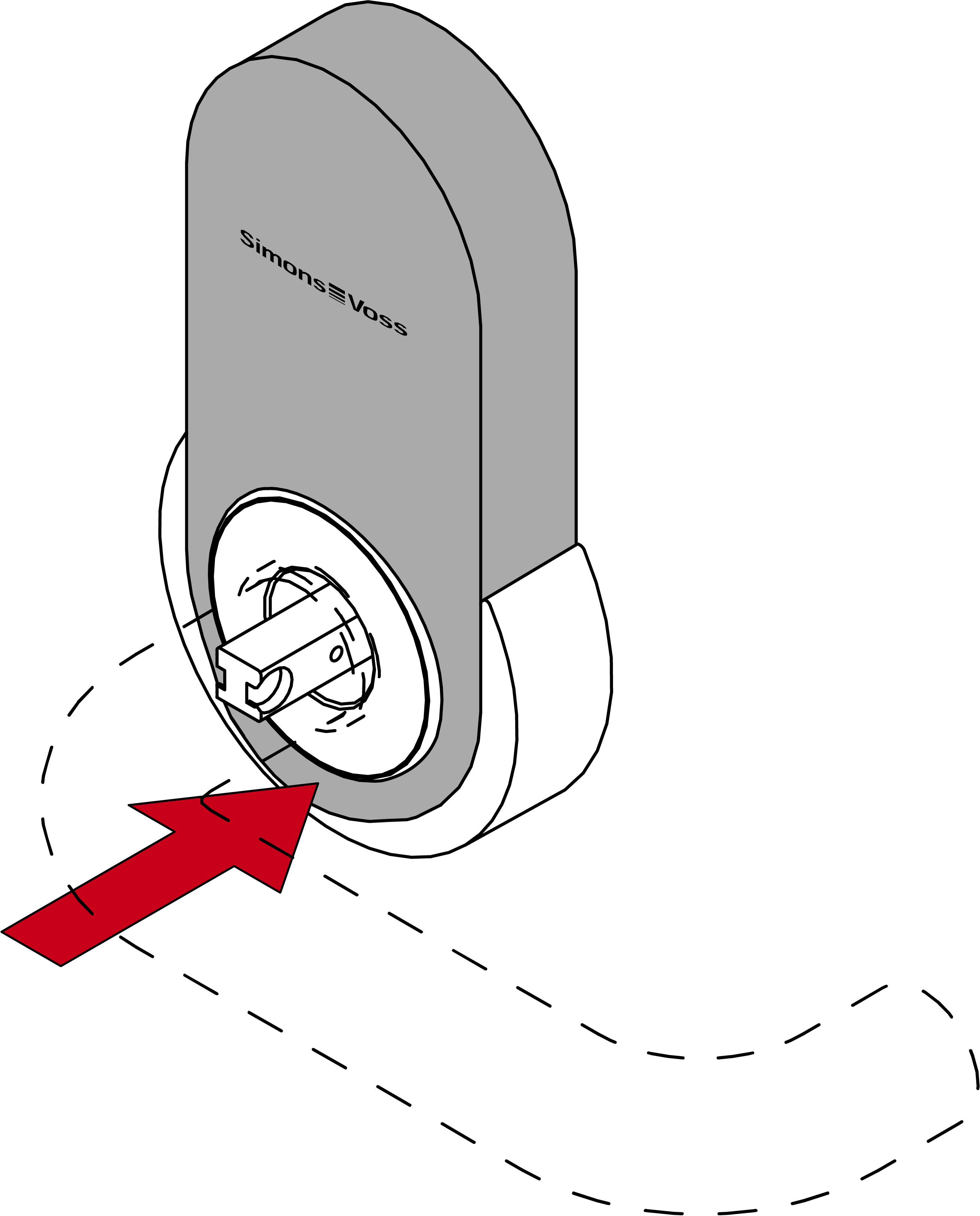
- Batteries are now replaced.