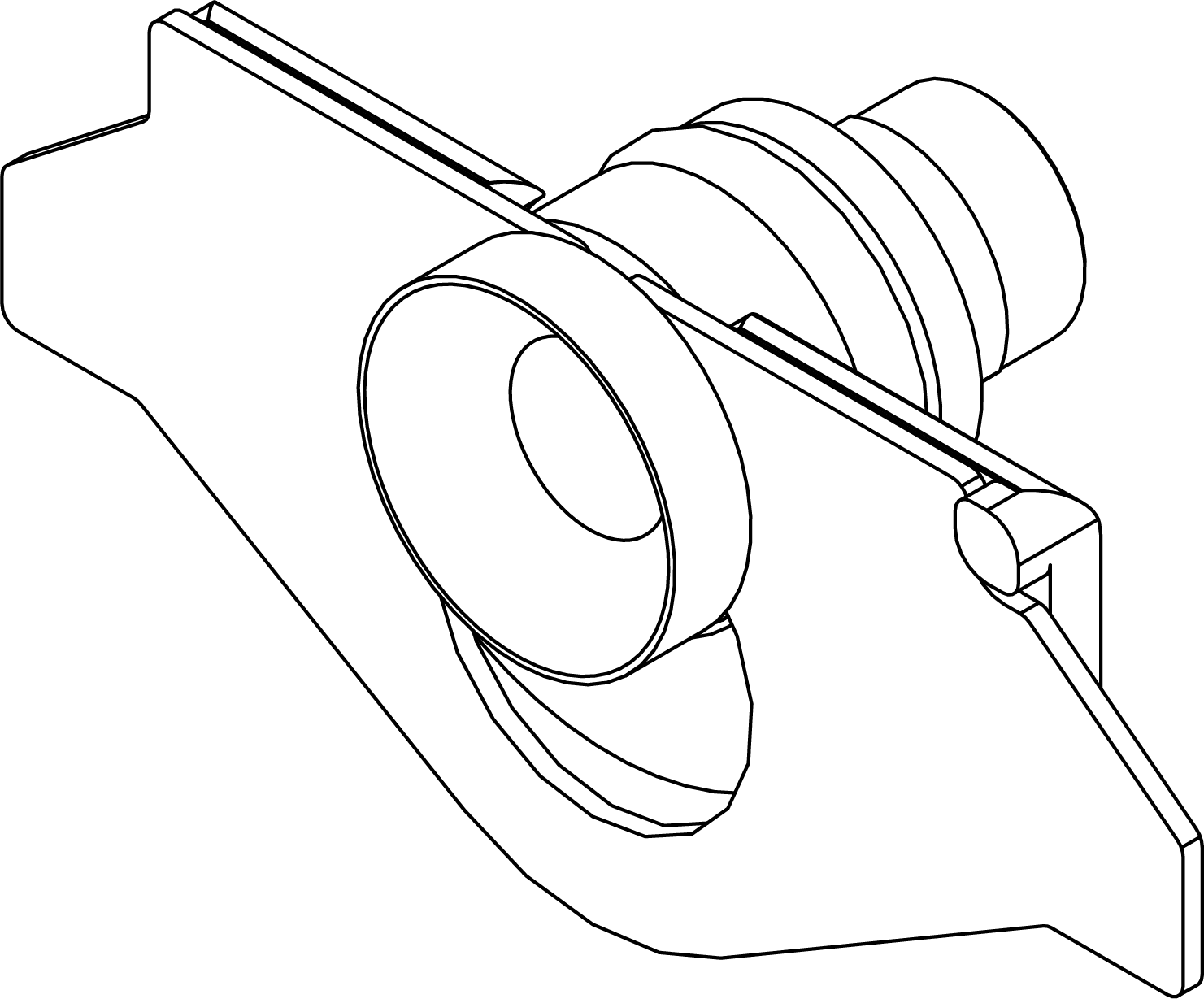
Change cover retaining bracket to open grooved bushing - SmartHandle AX Advanced
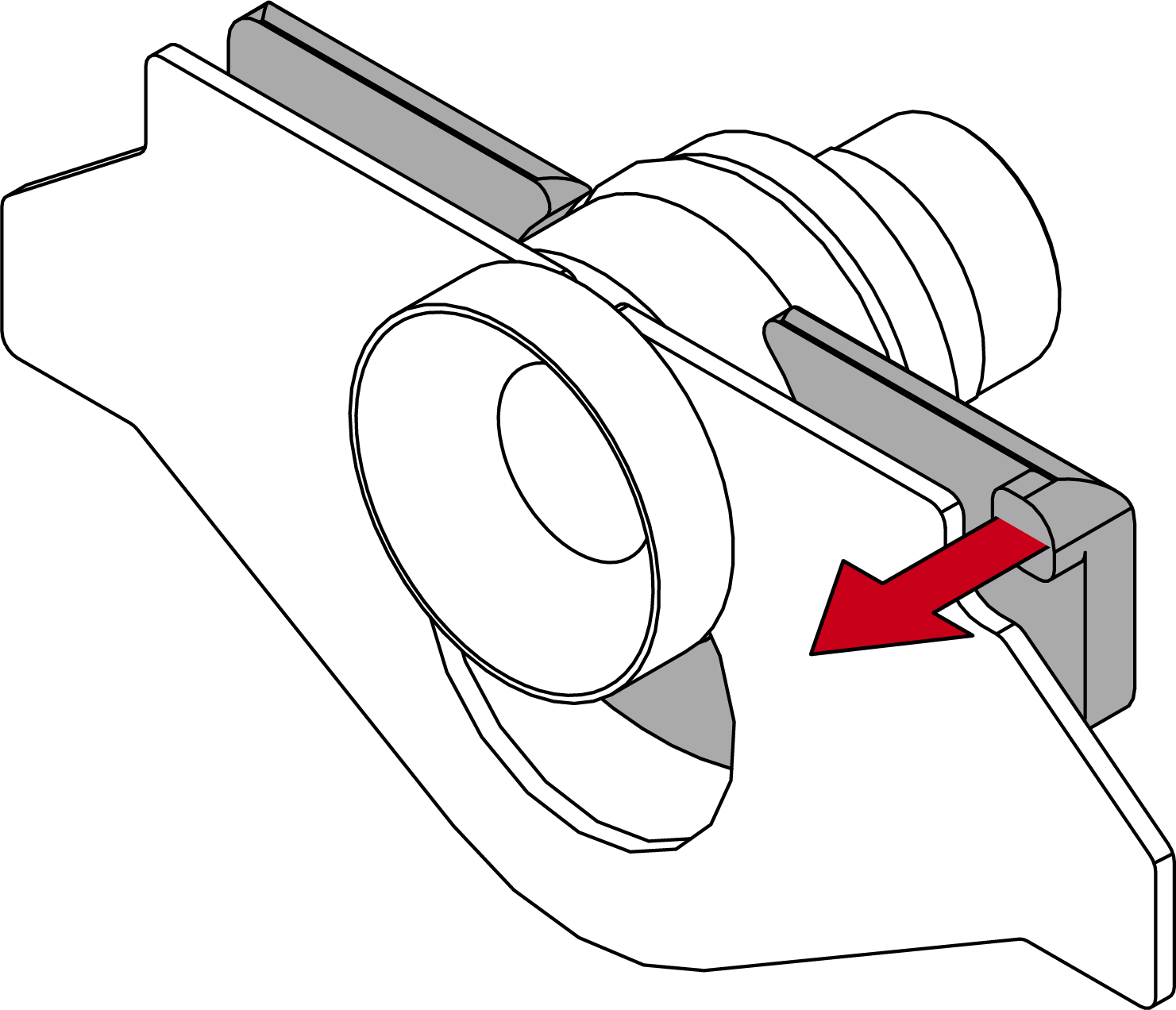
- Slide the plastic clip backwards.
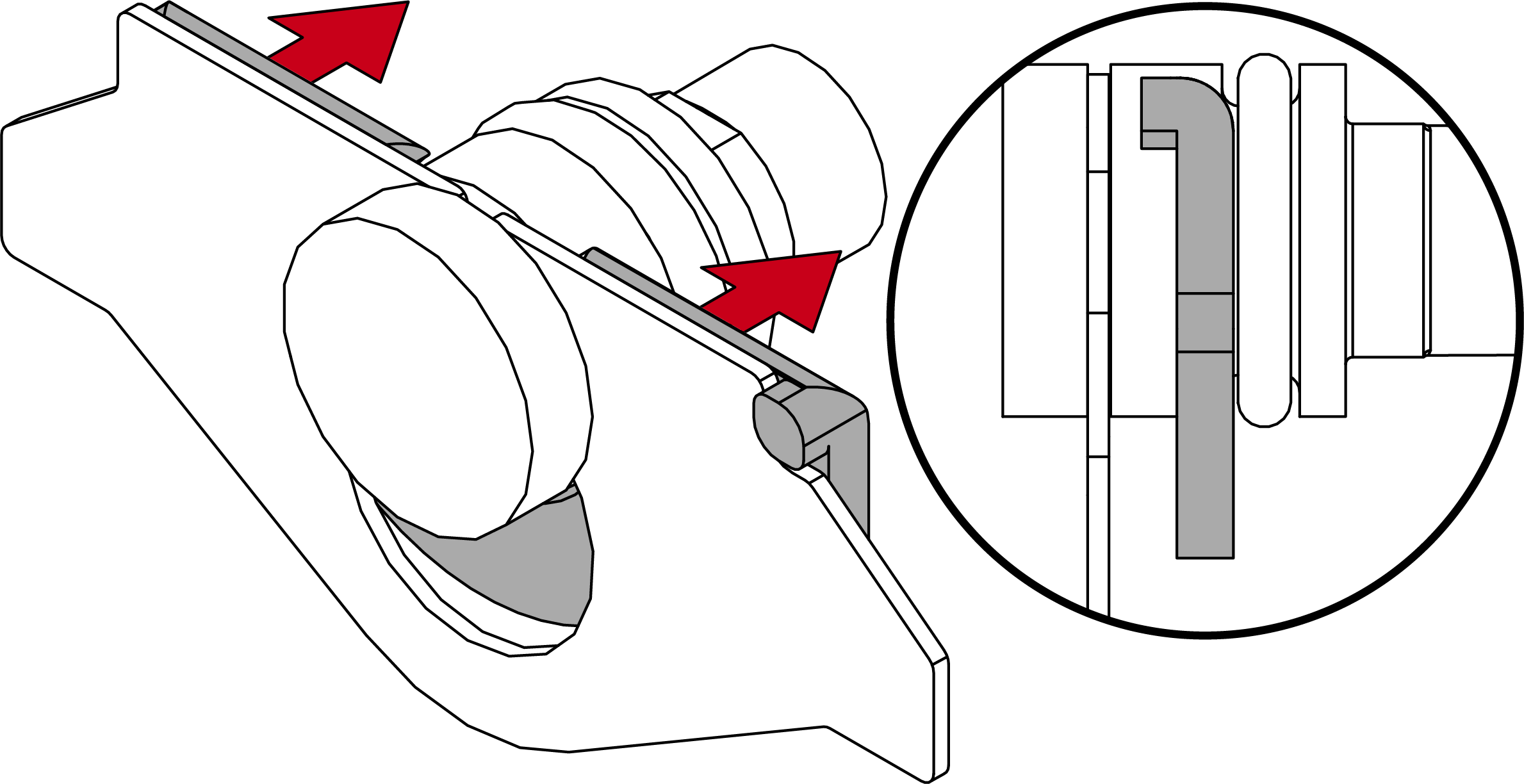
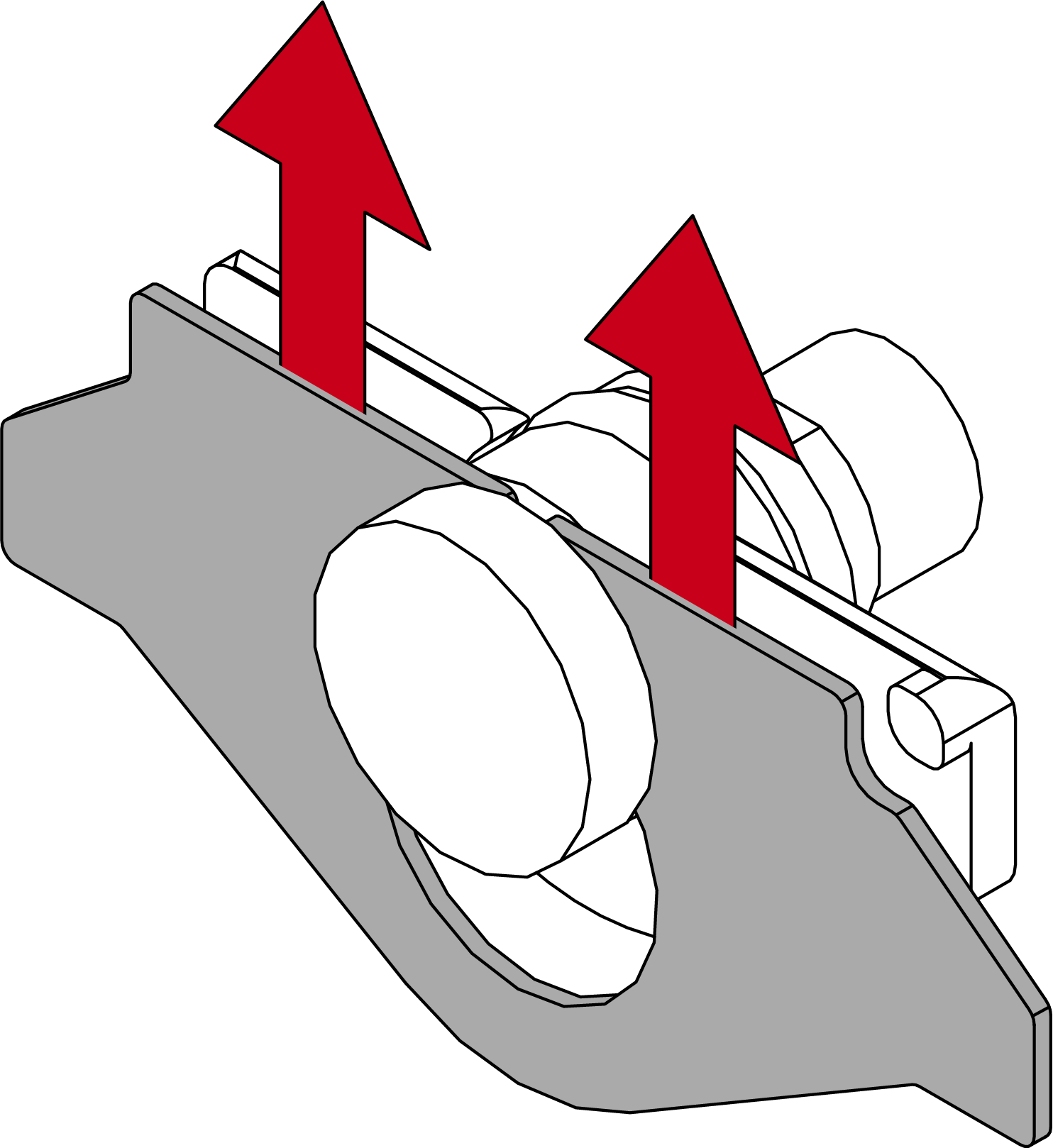
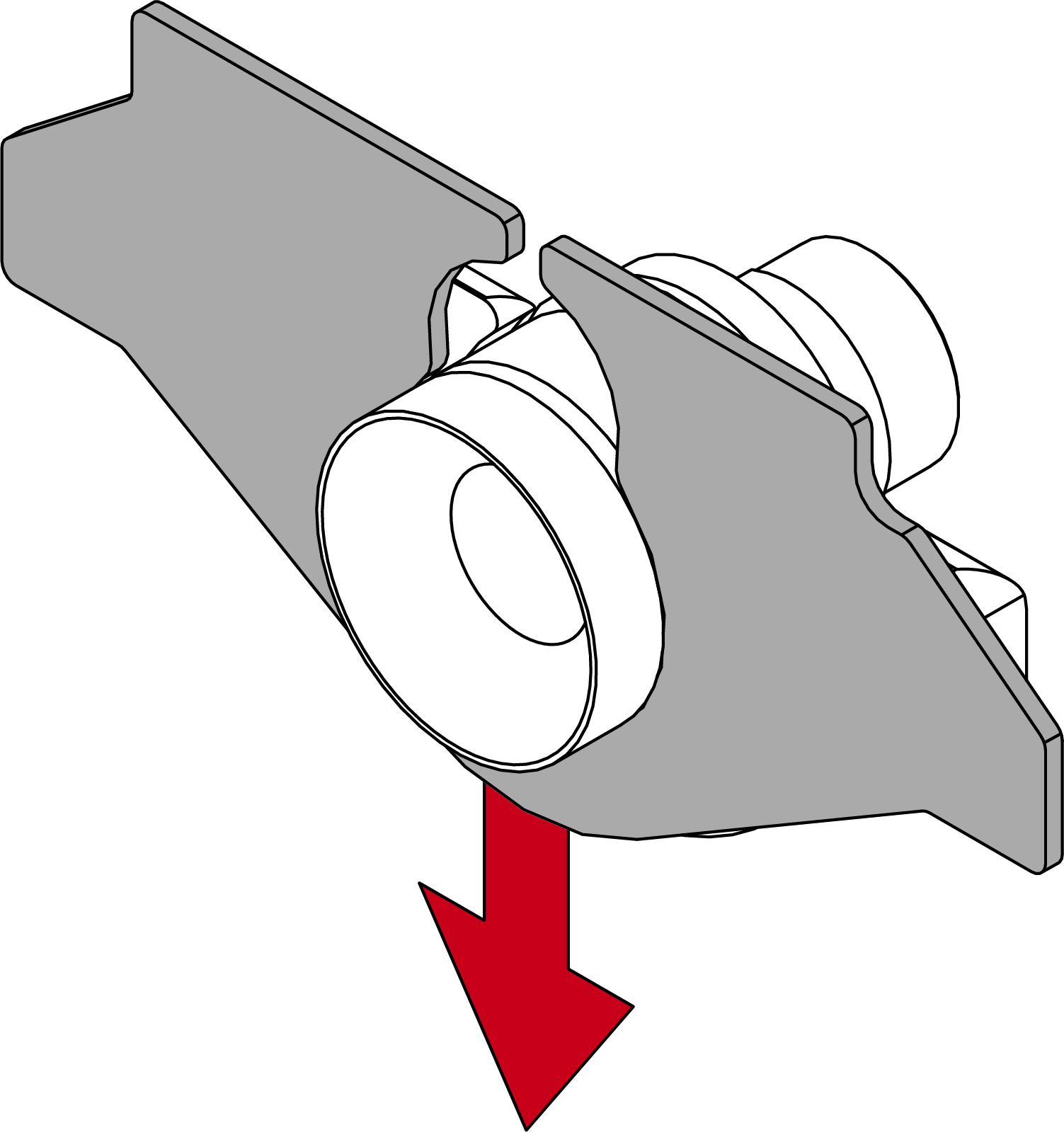
- Shift the metal plate to unlock it.
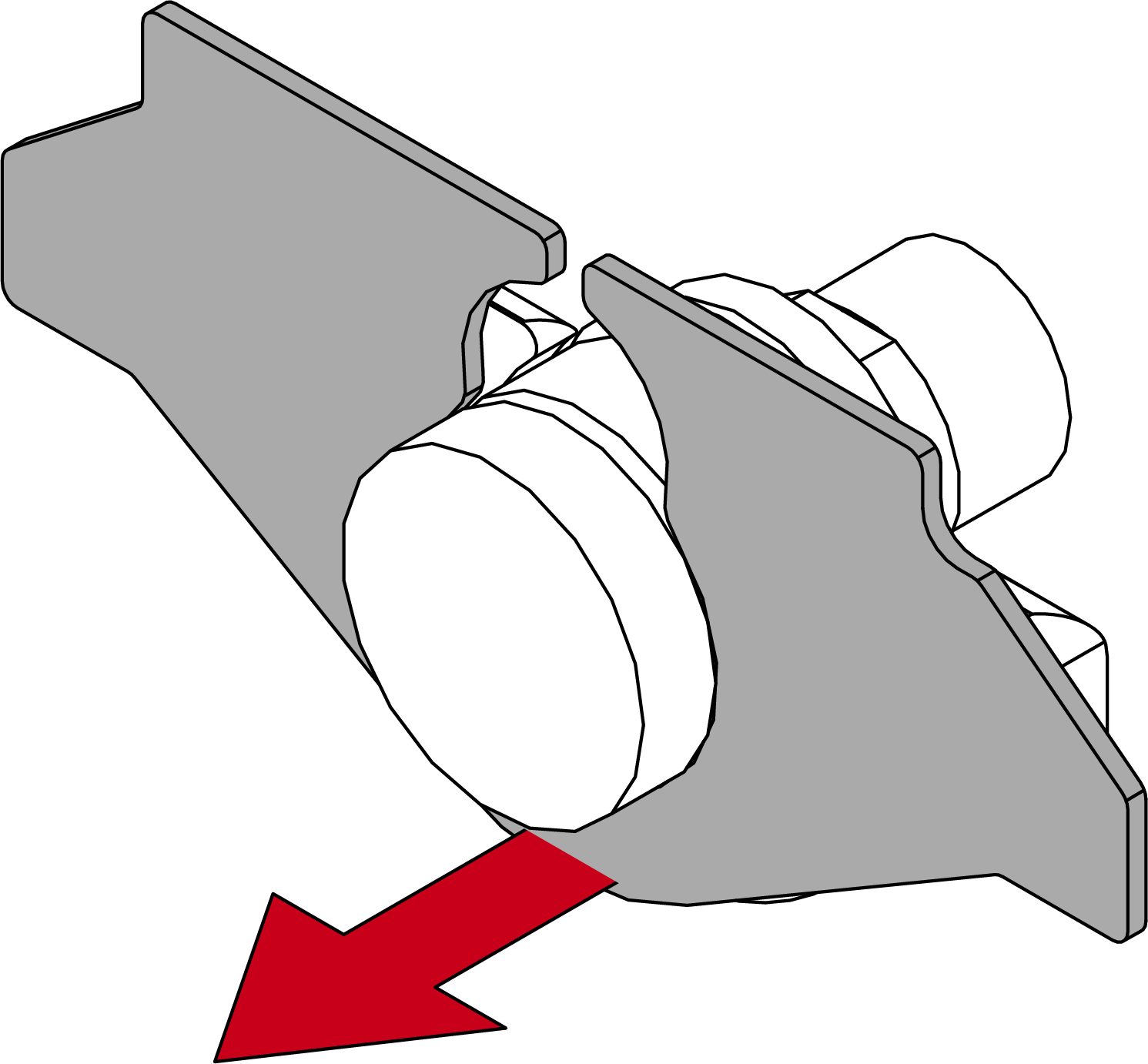
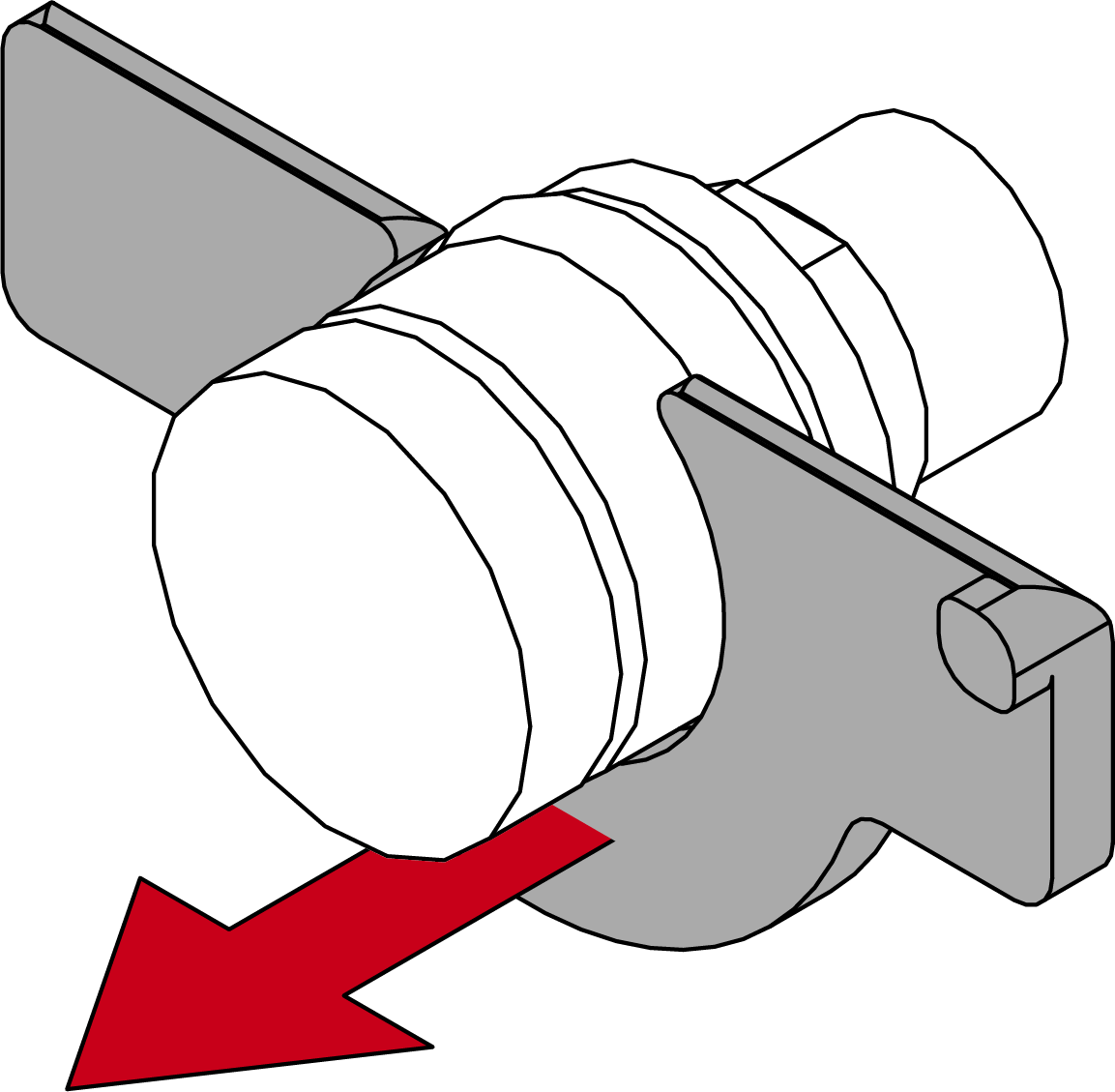
- Pull the metal plate forwards off the grooved bushing.
- Pull the plastic clip forwards away from the grooved bush.
- If necessary, push the plastic clip onto the open groove bushing.
NOTE

Plastic clip only for smooth electronic housings without bars
The plastic clip is used to position the metal plate. From approx. 01/2025, the electronics housings were fitted with two bars that fulfil the same function.
- If your electronics housing has two bars next to the groove socket, remove the plastic clip.
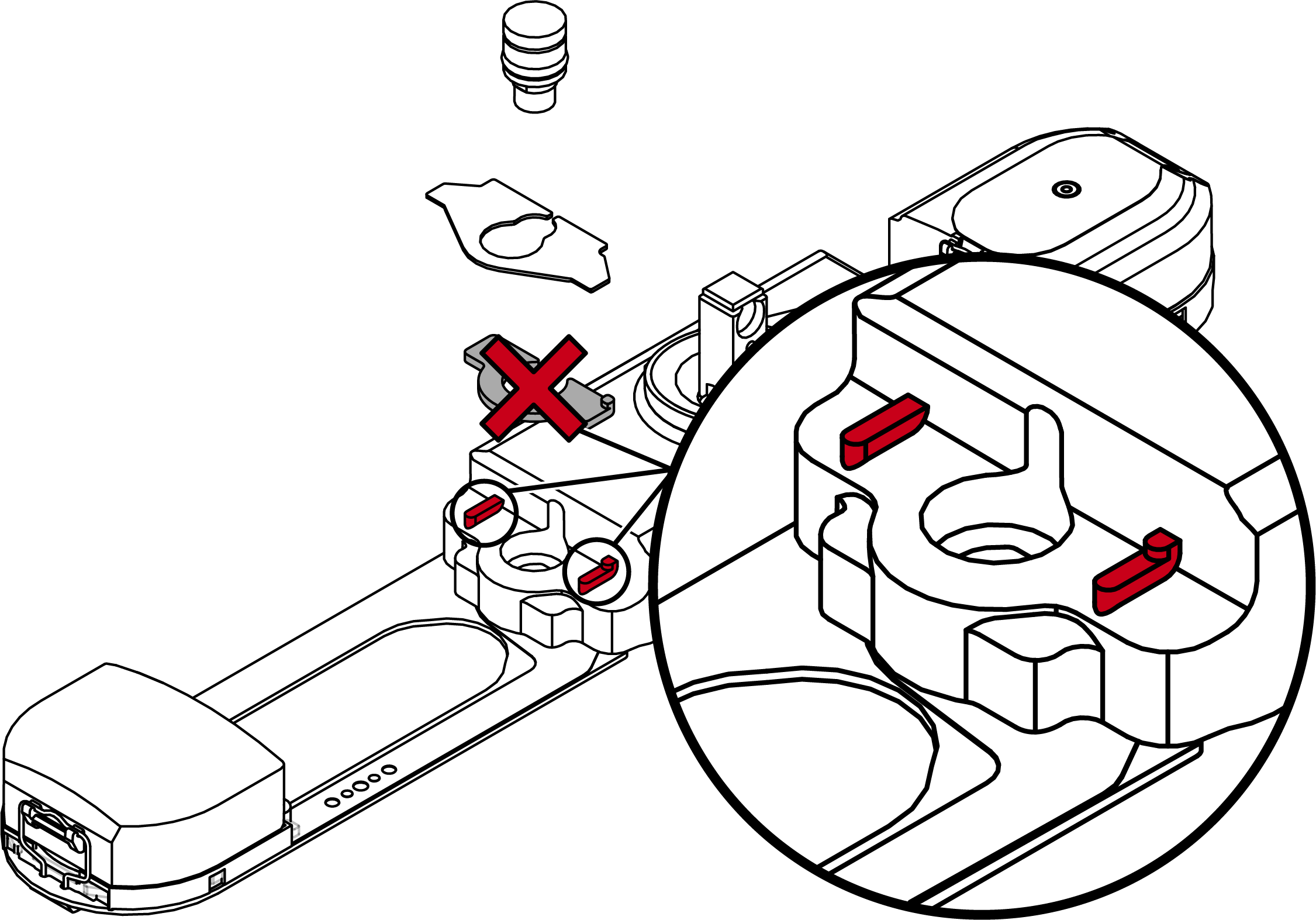
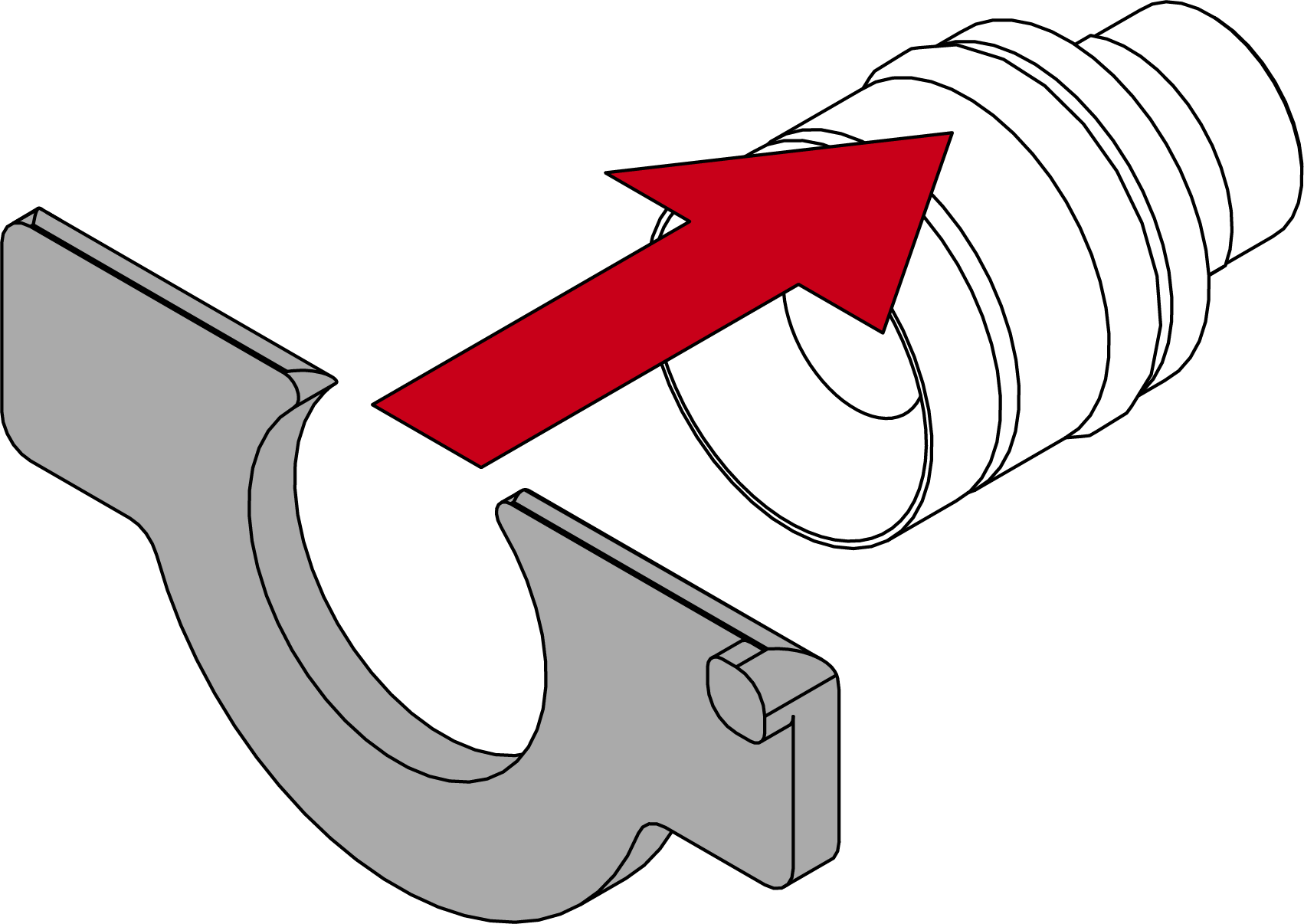
- Place the metal plate on the open grooved bushing. Ensure that the recess is on the right when viewed from the front.
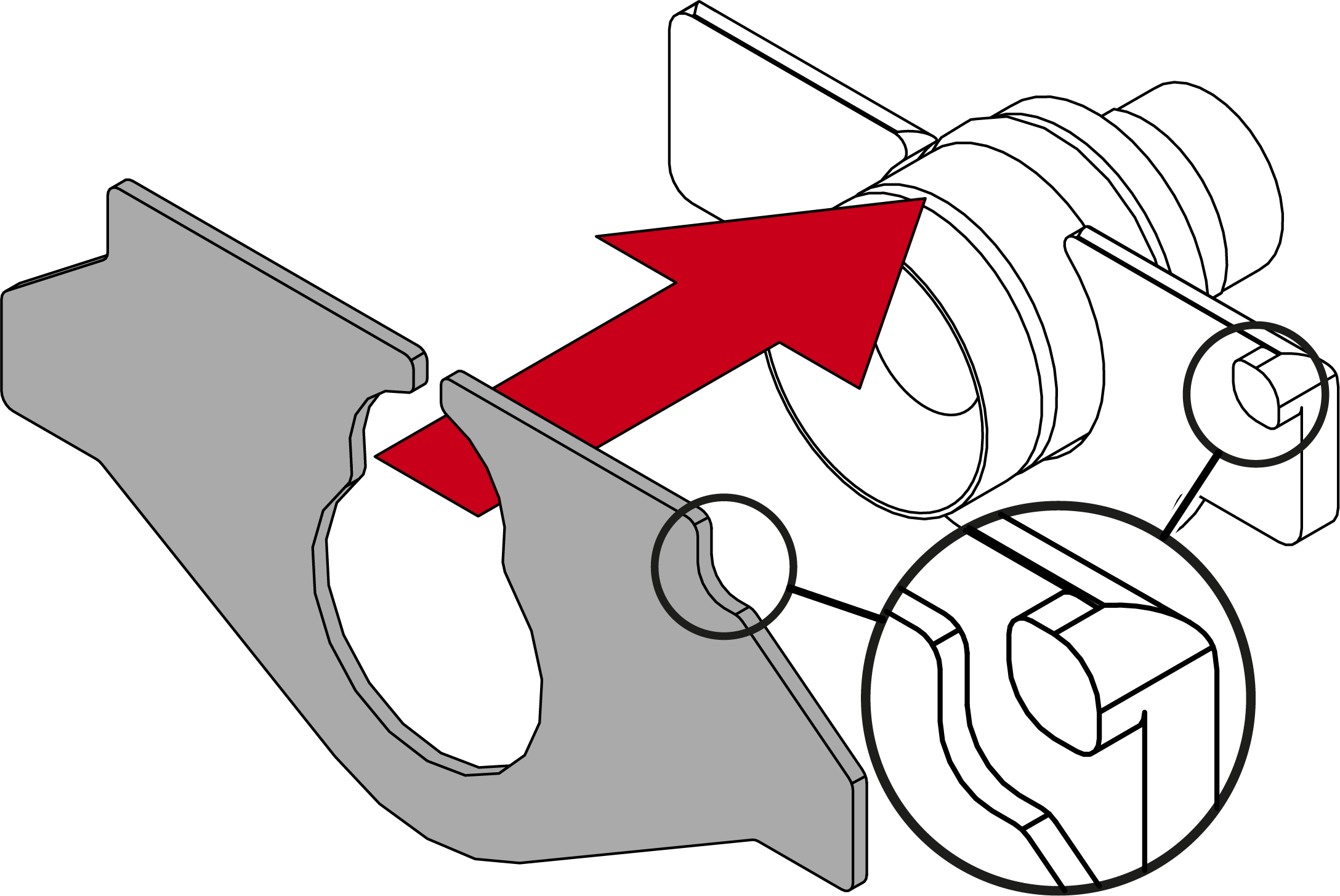
- Shift the metal plate to lock it in place.
- If necessary, slide the plastic clip forwards to the metal plate.
- Conversion completed. You can fit the cover fixation.