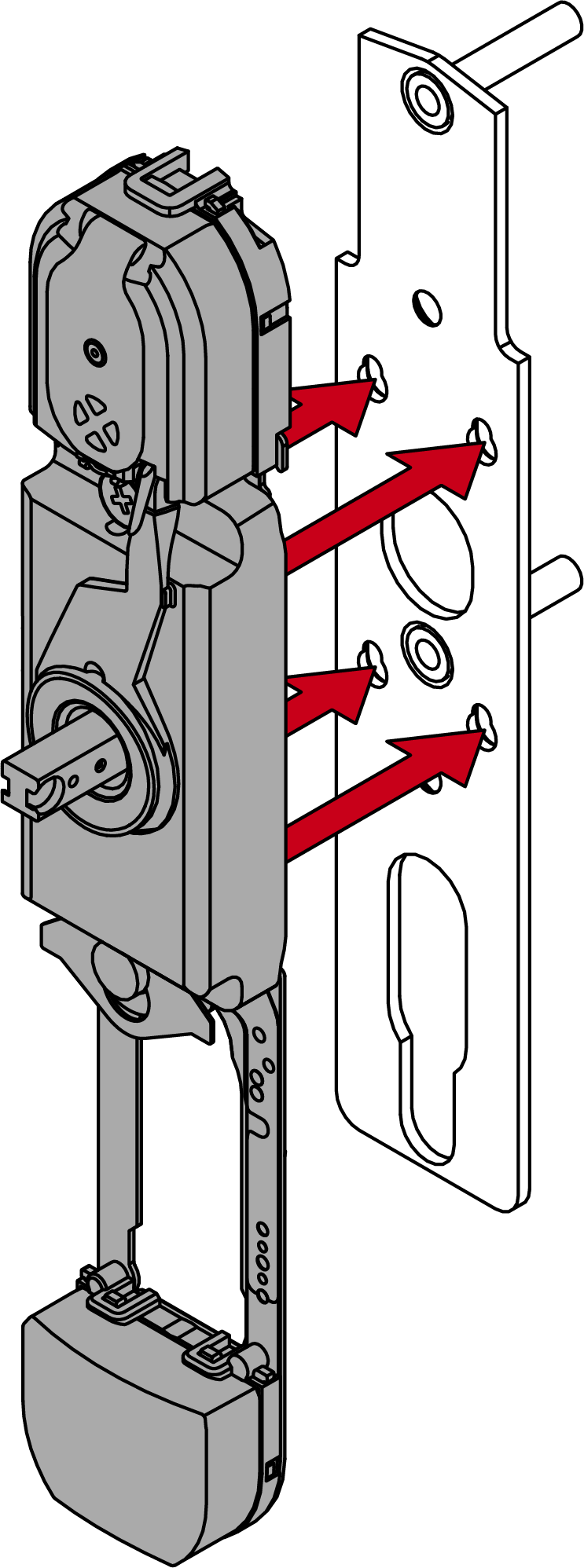
Retrofit cover retaining bracket for closed grooved bushing (all variants except K1) - SmartHandle AX Advanced
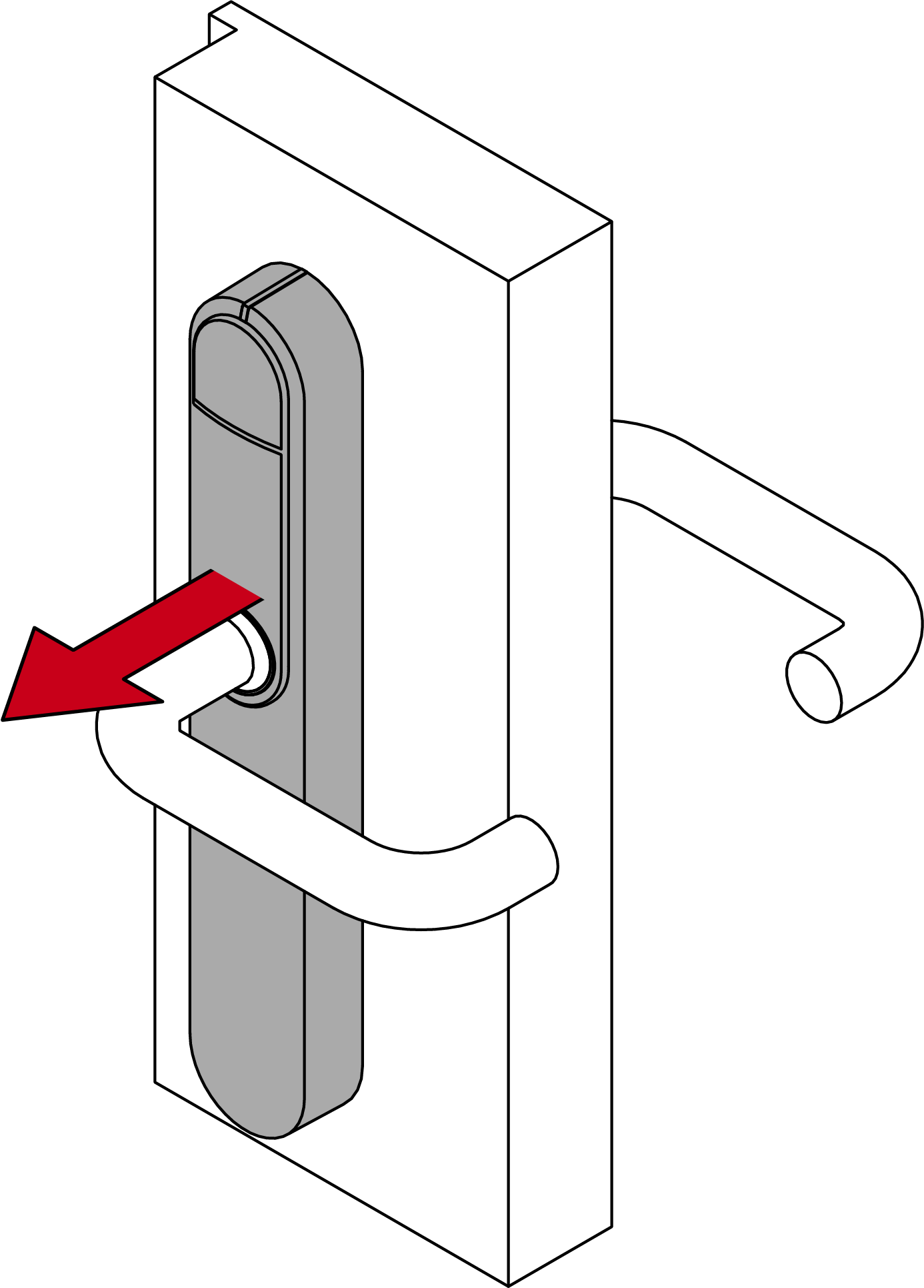
- Remove the cover and the SmartHandle AX Advanced.
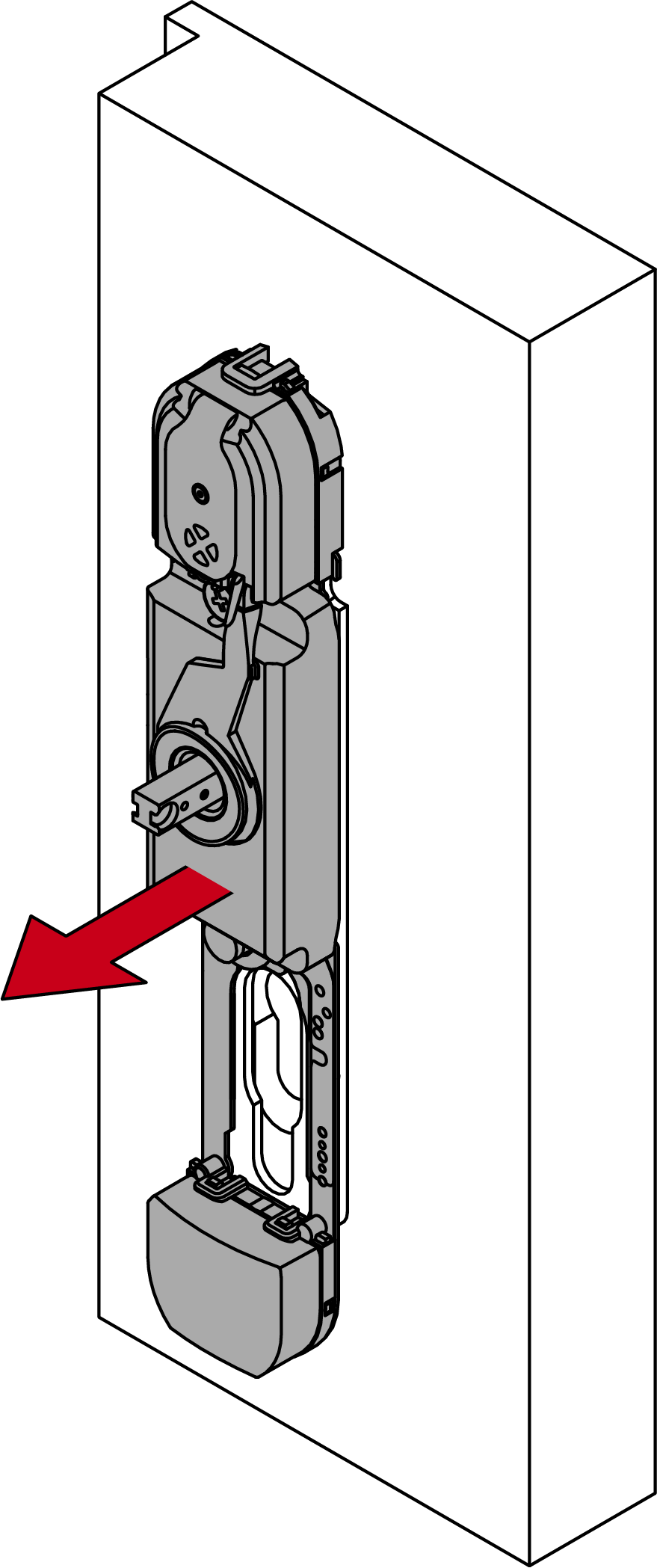
- Remove the module support from the respective fixing plate.
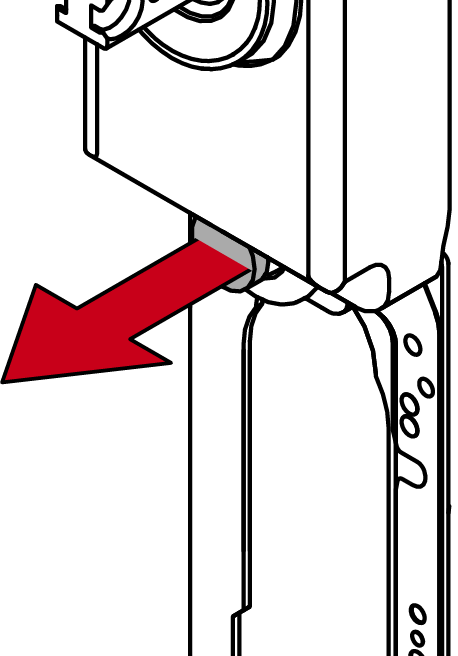
- Pull the old grooved bushing out of the actuator housing.
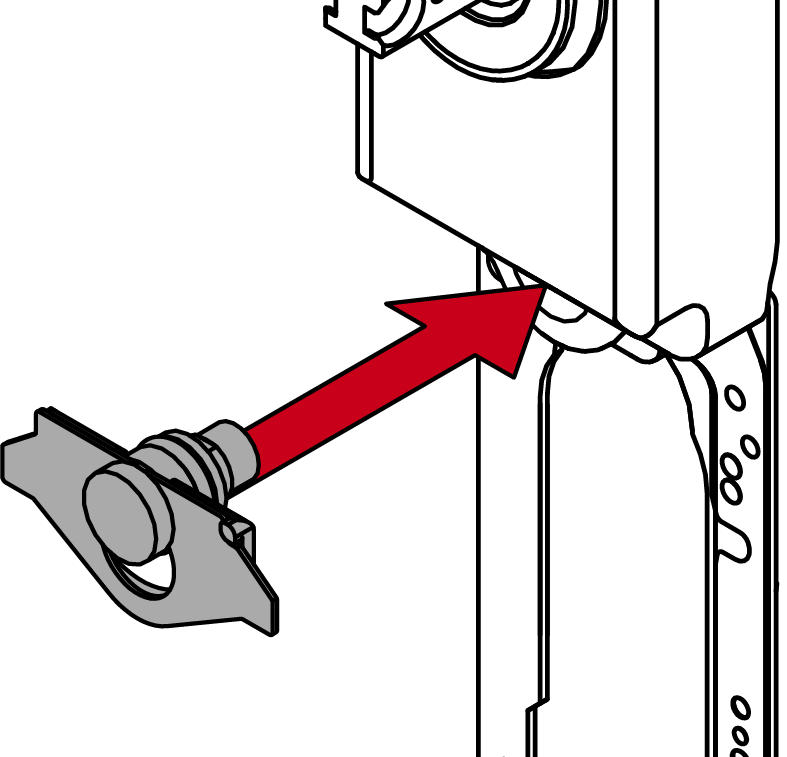
- Insert the new cover retaining bracket into the actuator housing.
NOTE

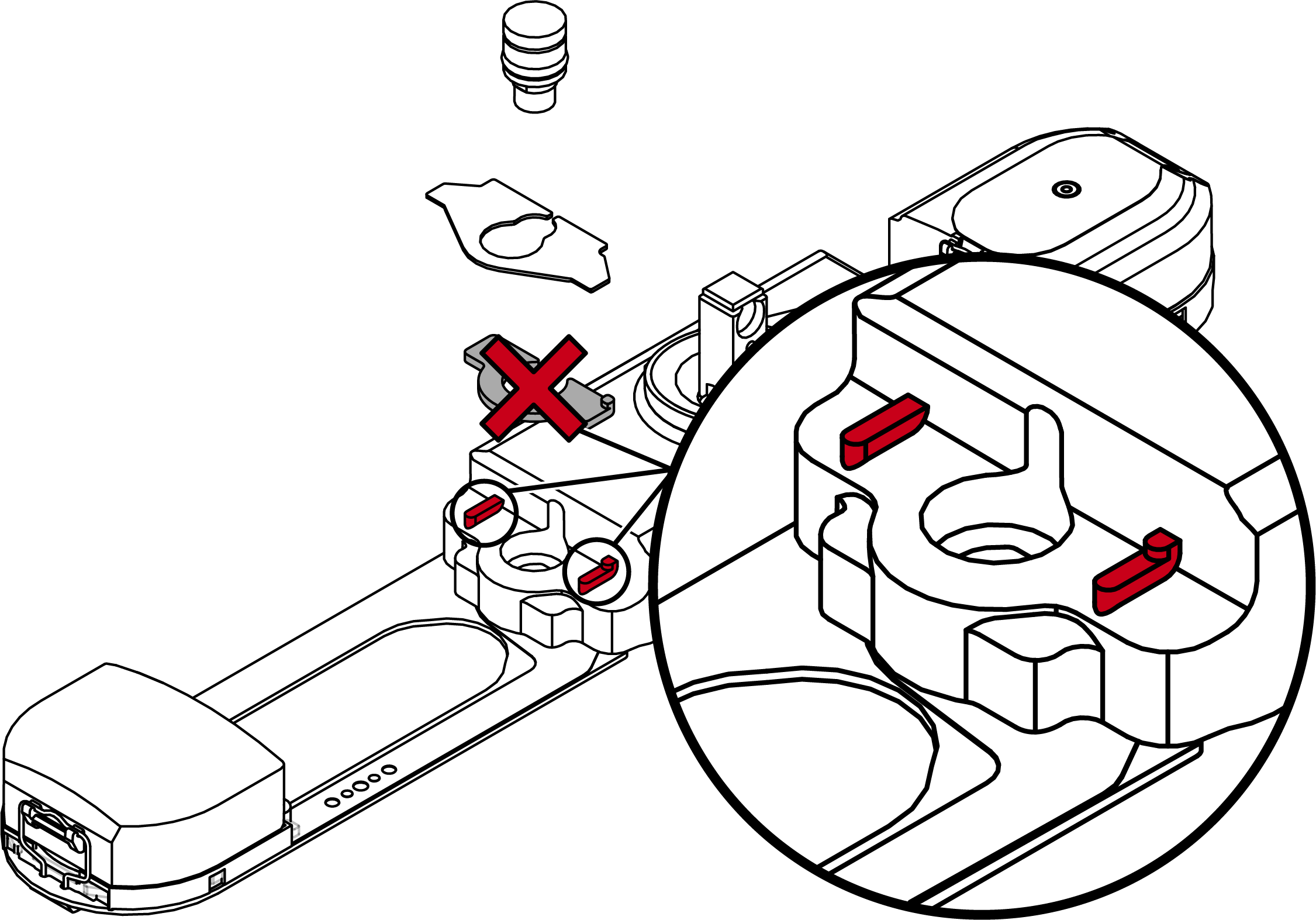
Plastic clip only for smooth electronic housings without bars
The plastic clip is used to position the metal plate. From approx. 01/2025, the electronics housings were fitted with two bars that fulfil the same function.
- If your electronics housing has two bars next to the groove socket, remove the plastic clip.
- Refit the module support and the SmartHandle AX Advanced together with the new cover.