Fastening - SmartHandle AX Advanced
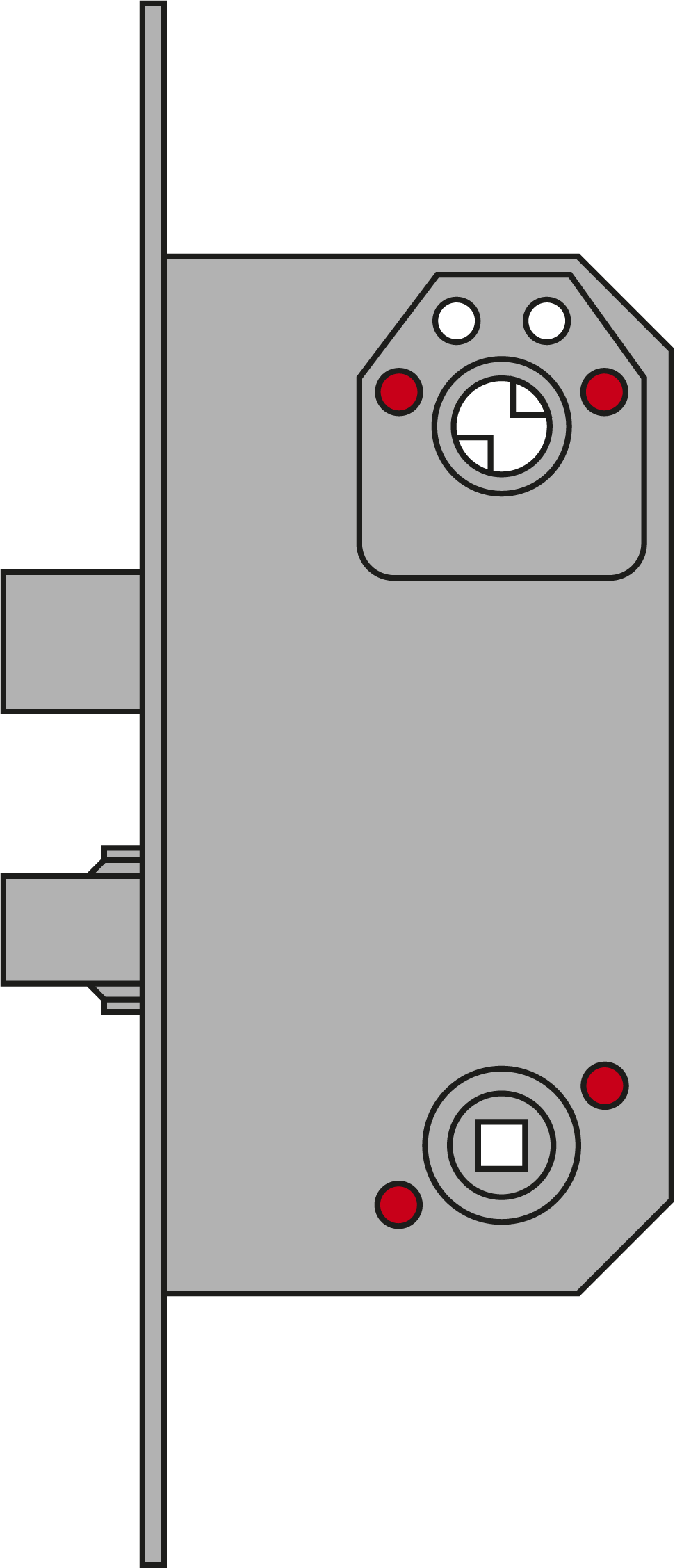
You can use the following mounting variants:
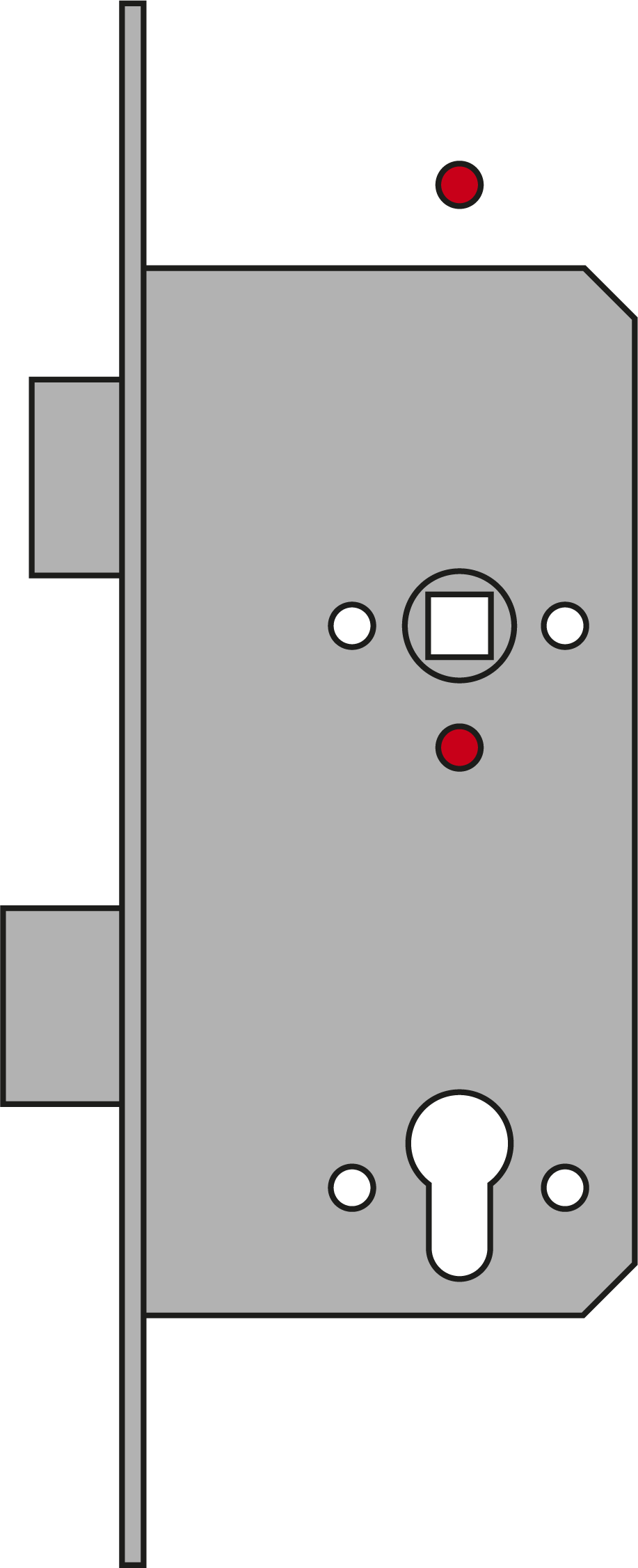
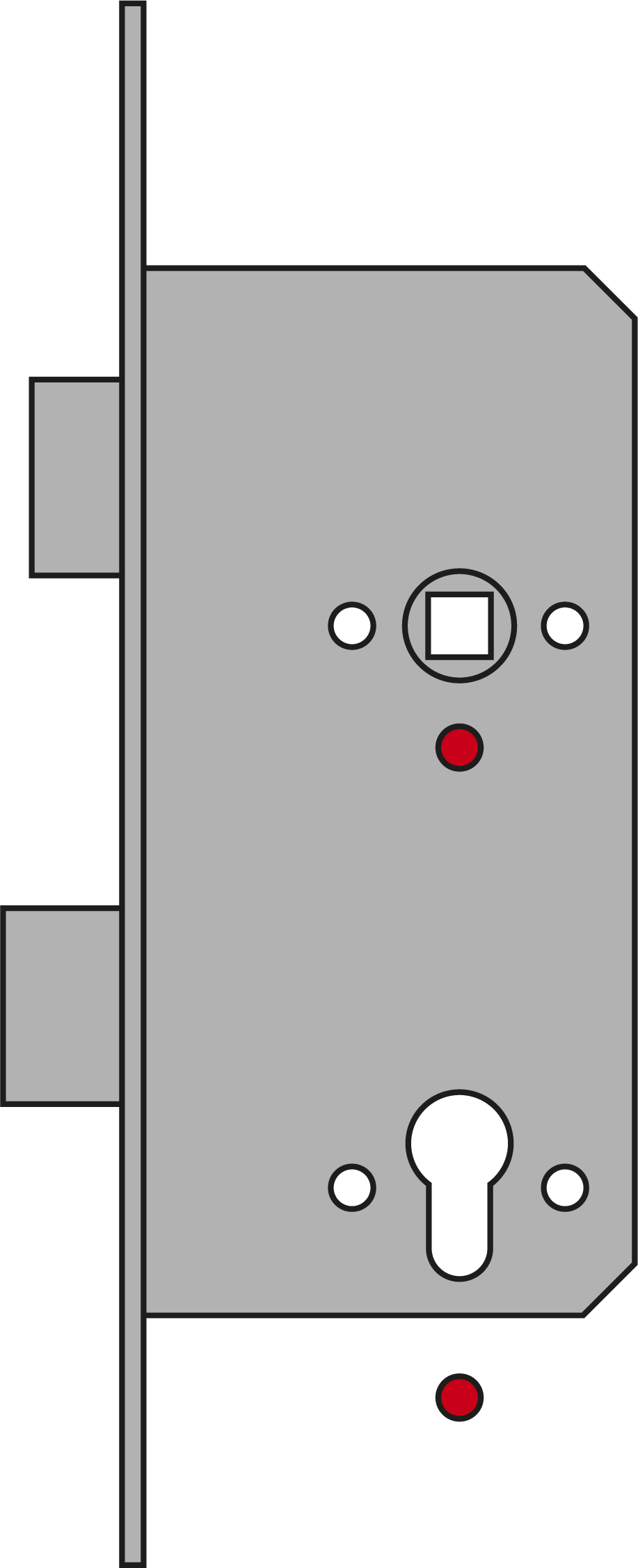
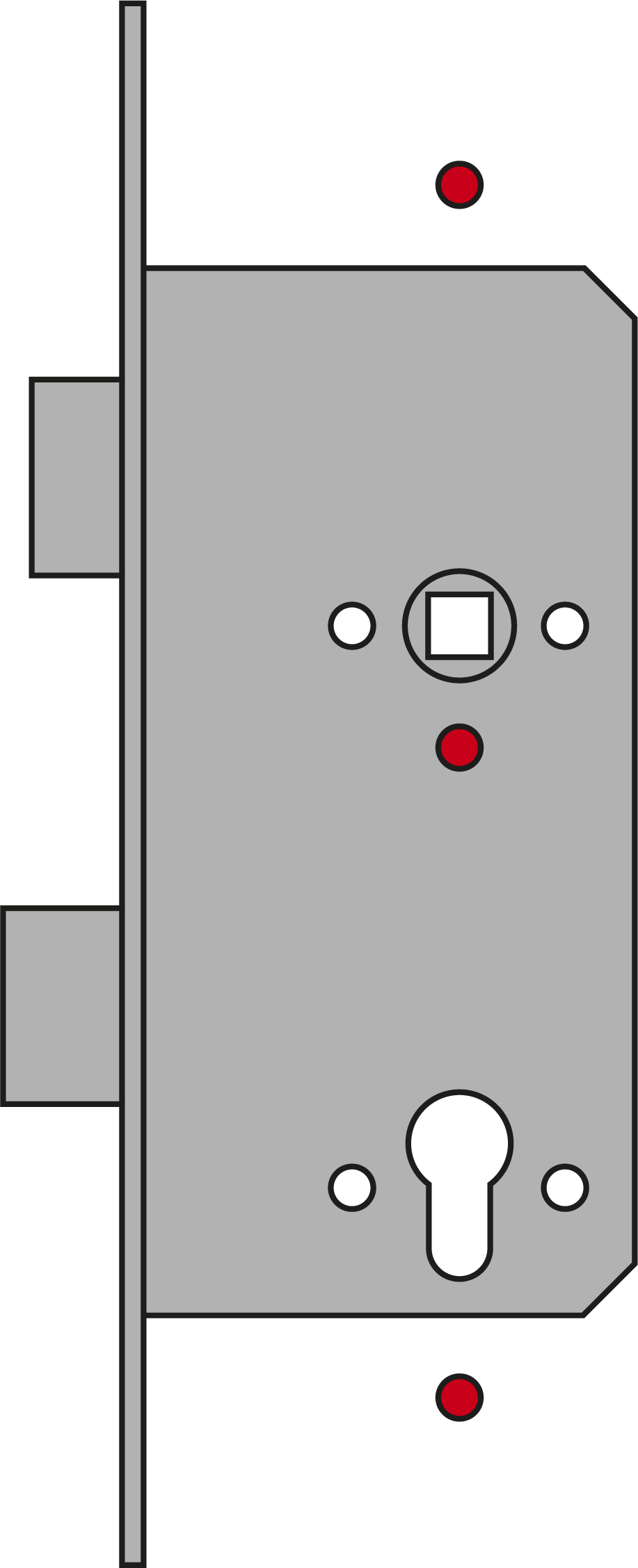
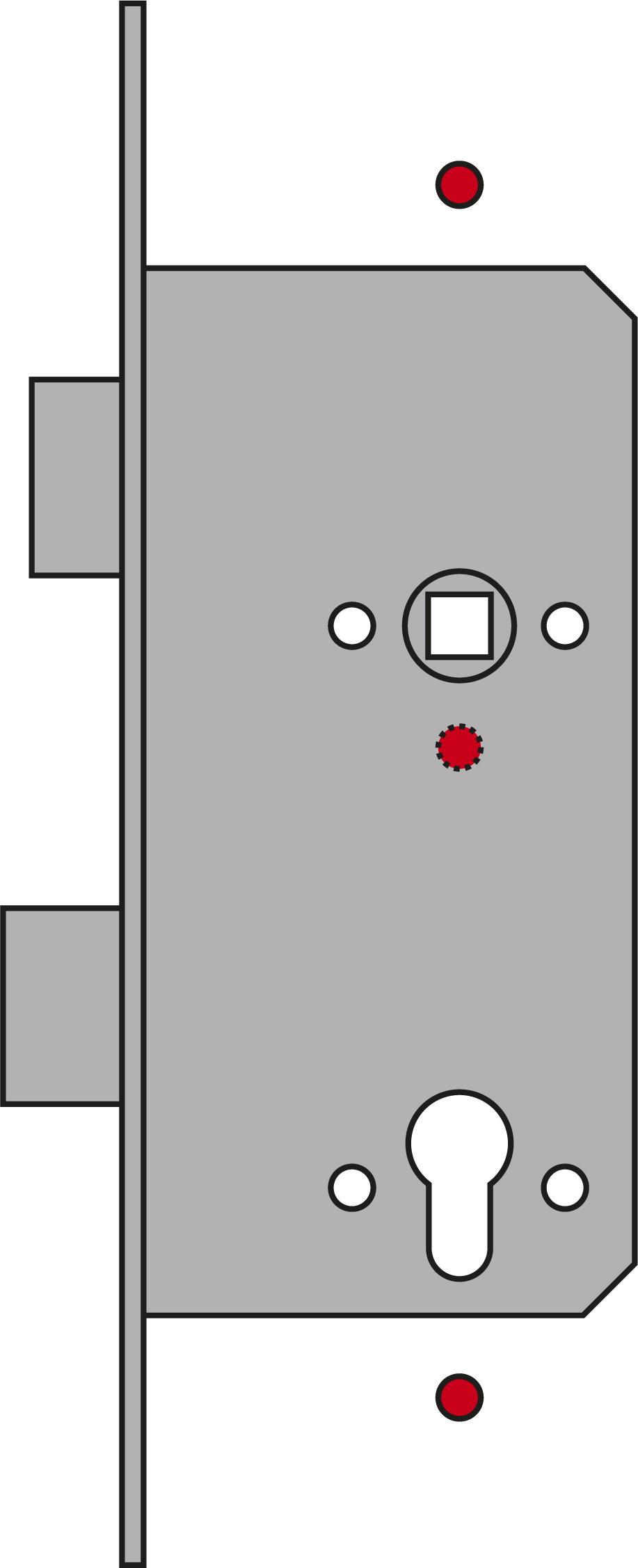
Fastening | Installation variants | Boreholes used | Description |
|---|---|---|---|
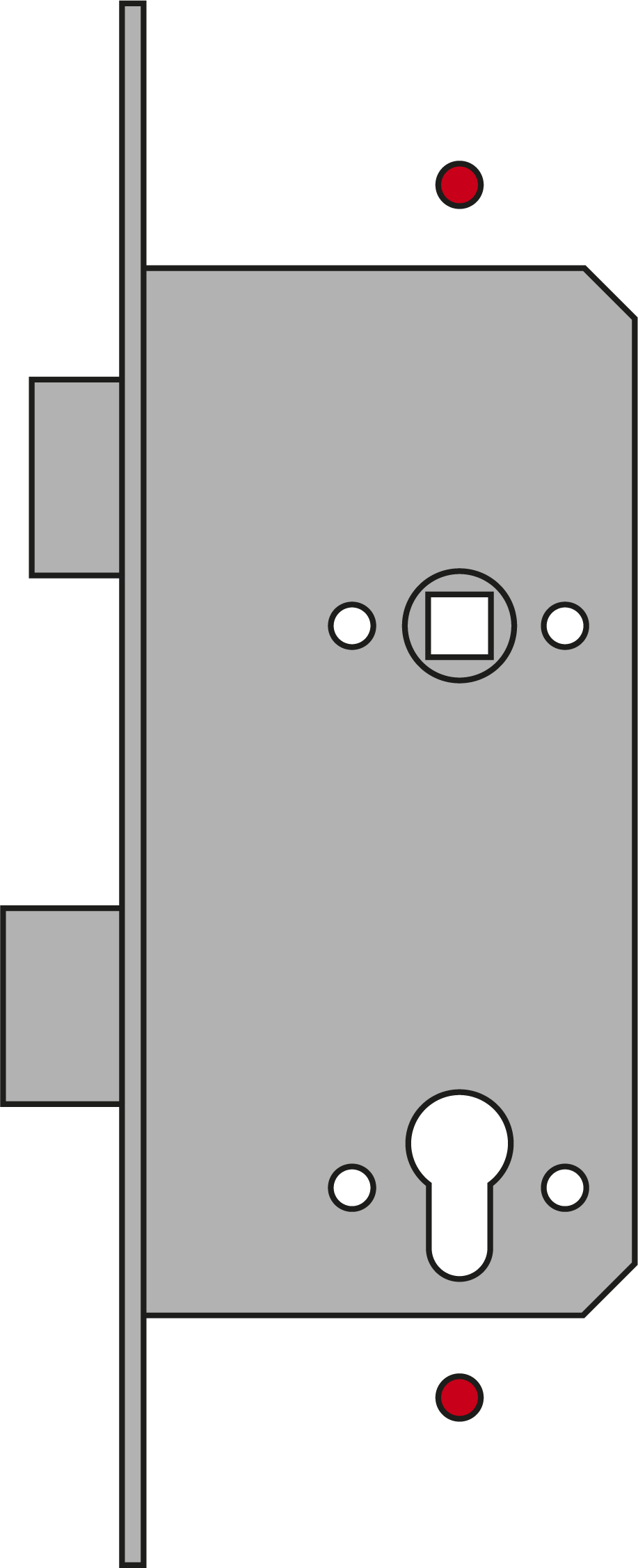
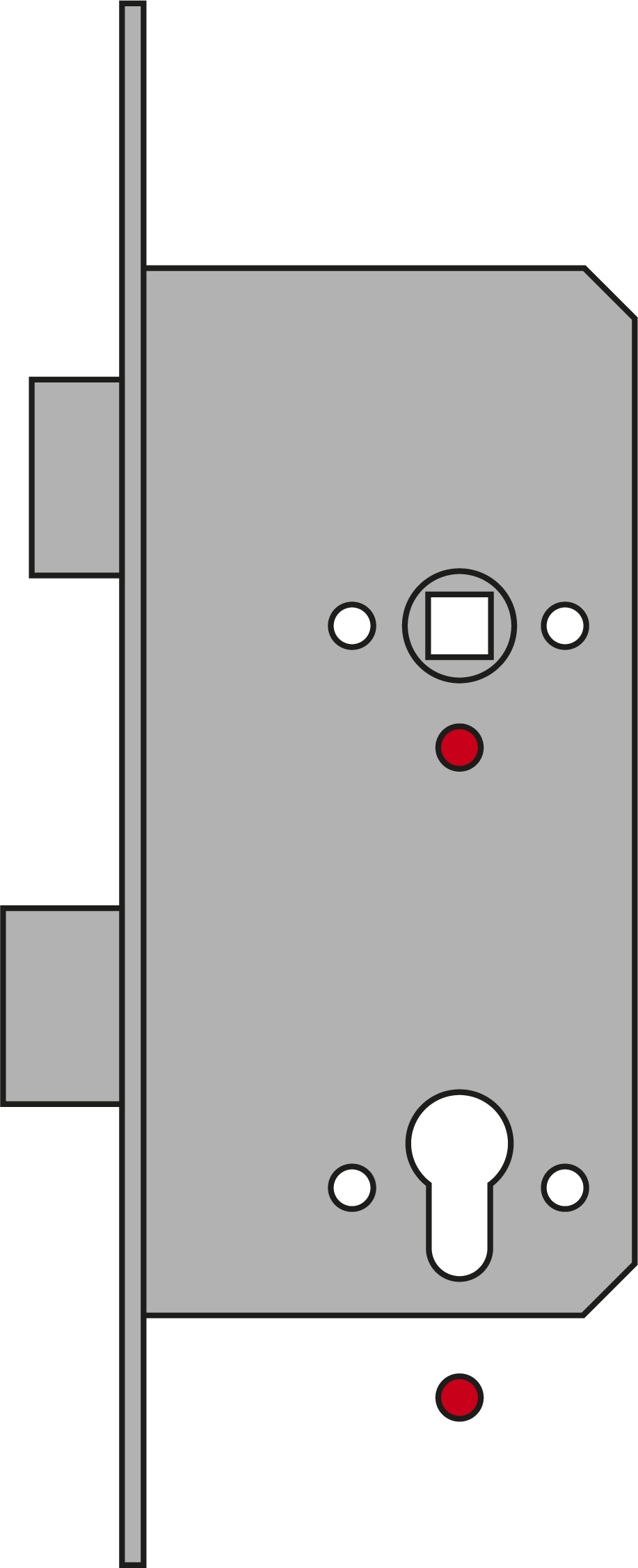
Backplate mounting | N1 - Long backplate (LS) |
| You fasten the SmartHandle AX Advanced to an adapter plate. This is screwed on the inner side through holes in the mortice lock and the door. |
N1 - Long backplate (LS), double-sided readable (LS-DS) | |||
N1 - Short backplate (KS) |
| ||
N1 - Short backplate (KS), double-sided readable (KS-DS) | |||
Security fitting |
| ||
M2 - M2 - security fitting (SKG***) for mounting in long backplate holes | |||
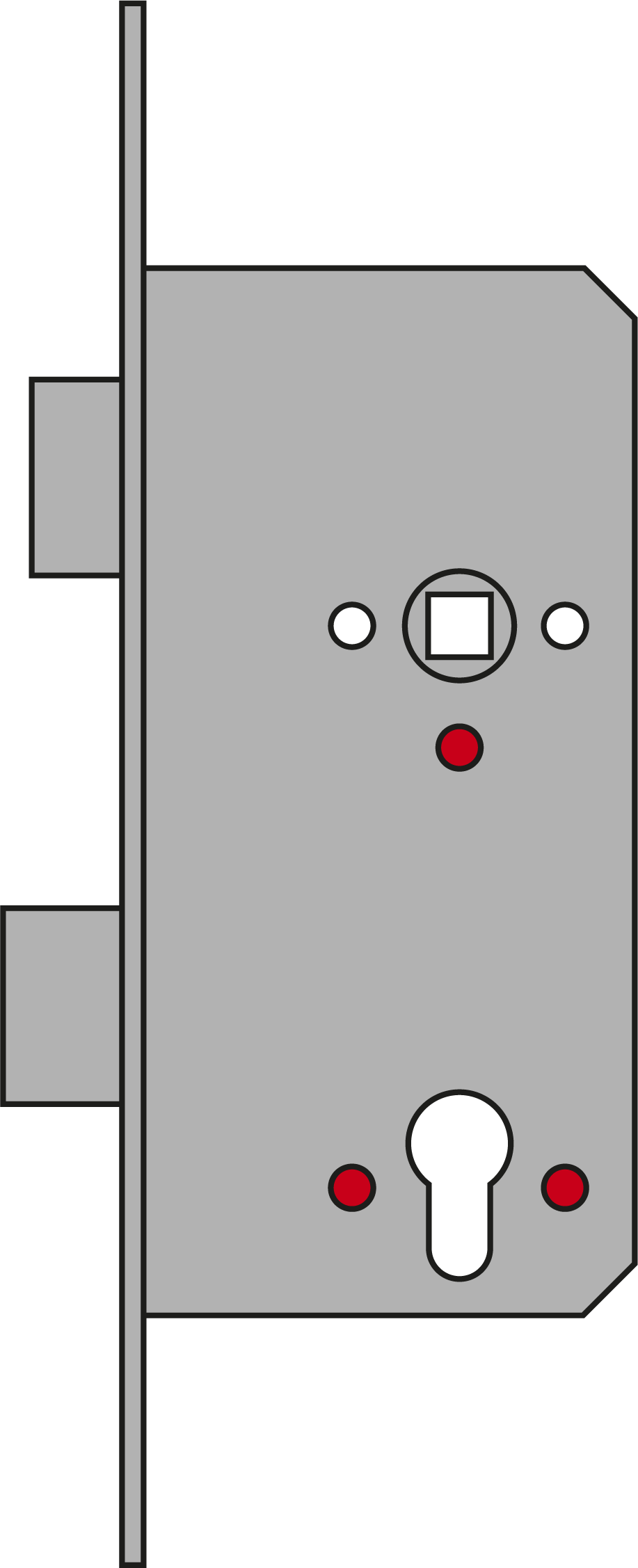
Conventional installation | N2 - Mounting in long backplate holes (FR195/SH3062 conventional mounting) |
Centre hole is optional (recommended). | |
| |||
Panic fitting | A4 - Panic with narrow cover with backplate/without backplate |
| |
| |||
| |||
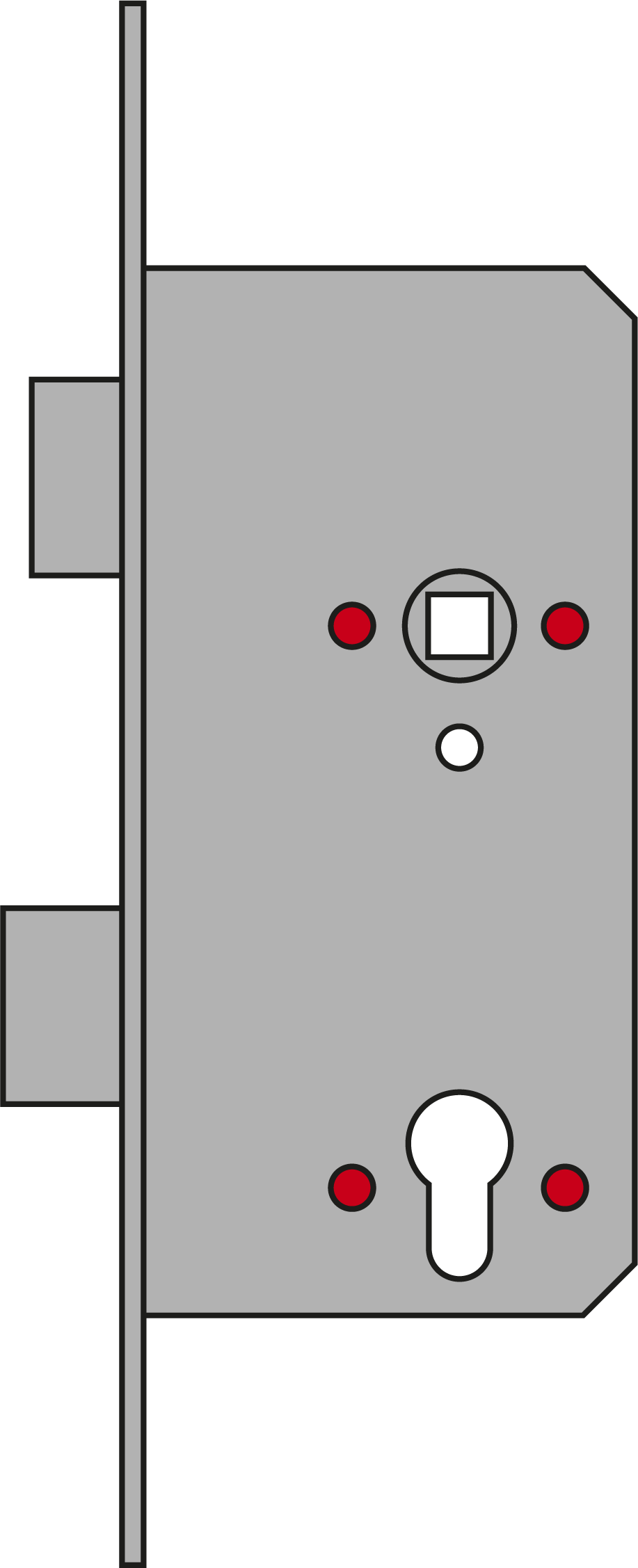
| You fasten the SmartHandle AX Advanced to an adapter plate. This is screwed in partly through holes in the mortice lock and partly utilising blind rivet nuts. | ||
Installation of escutcheons |
| You fasten the SmartHandle AX Advanced to an adapter plate. This is only screwed to the inner side through holes in the mortice lock. | |
| |||
Metal frame door installation | Door is not completely drilled through. | You fasten the SmartHandle AX Advanced to an adapter plate. This is screwed to the metal frame doors using blind rivet nuts. | |