Replacing the batteries - SmartHandle AX Advanced

NOTE

notice

Malfunctions due to poor contact or different discharge

Contact surfaces that are too small/contaminated or different discharged batteries can lead to malfunctions.

  1. Only use batteries that are approved by SimonsVoss.
  2. Do not touch the contacts of the new batteries with your hands.
  3. Use clean and grease-free gloves.
  4. Always replace all batteries at the same time.
  1. Special tool at hand.
  2. Gloves at hand.
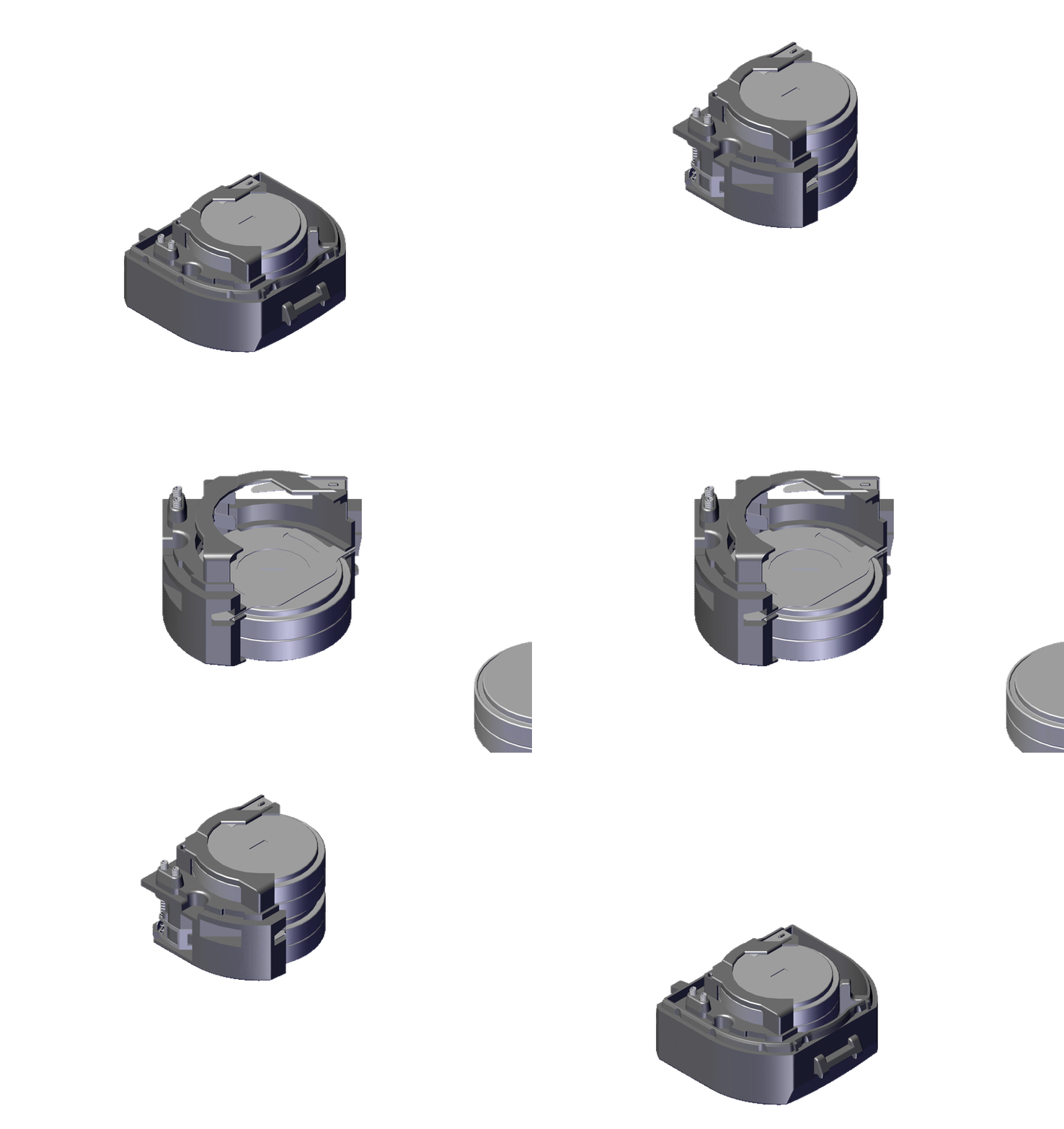
  1. Insert the special tool into the cover inlay on the electronics side.
  2. Use the special tool to carefully bend the cover inlay upwards.
  3. Slide the cover downwards.
  4. Cover unlocked.
  5. Remove the cover.
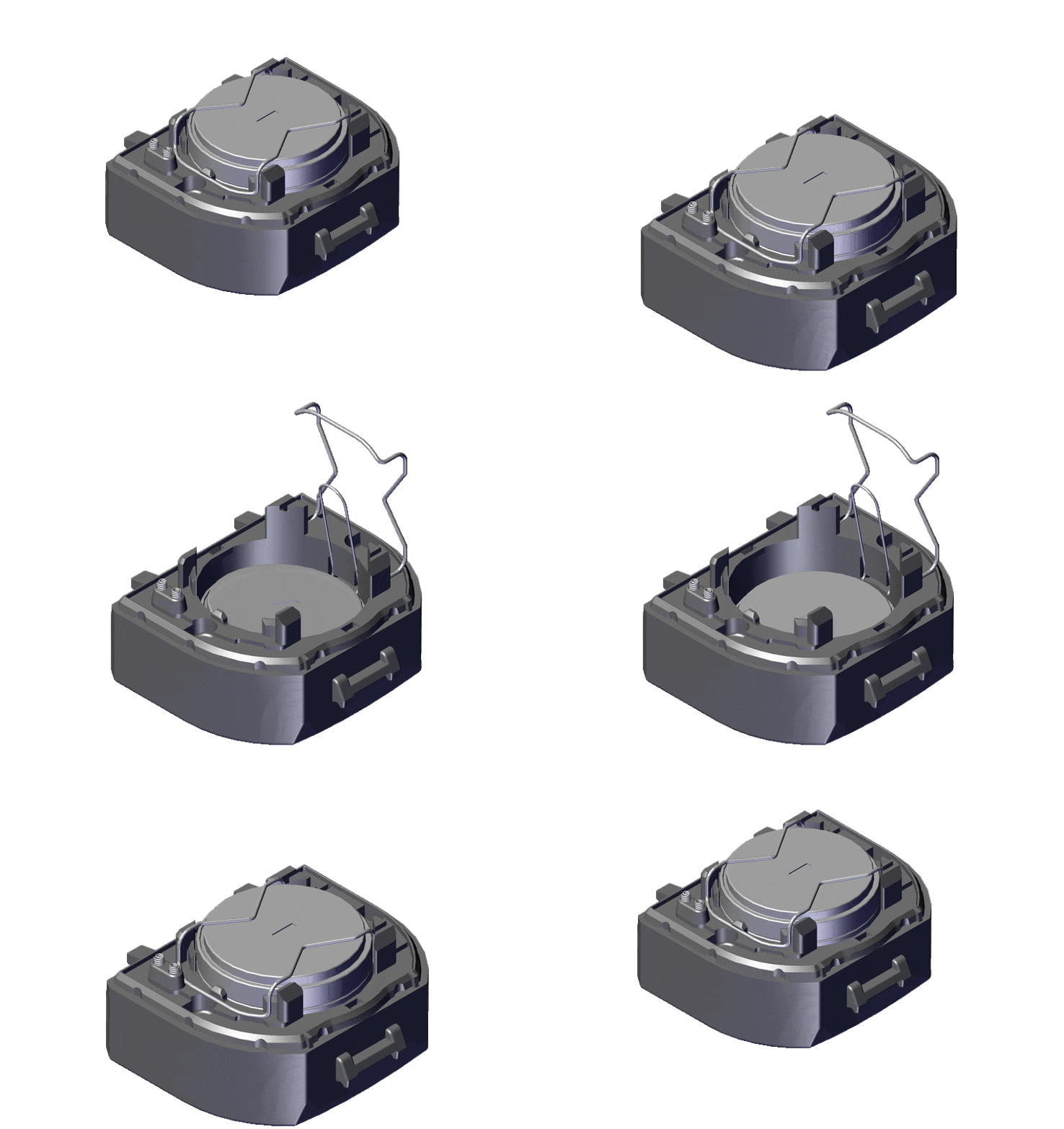
  6. Use the special tool to detach the battery module clip.
  7. Remove the battery module.
  8. Use the special tool to detach the battery clip.
  9. Remove the upper batteries.
  10. Carefully bend the intermediate spring to one side.
  11. Remove the lower batteries.
  12. IMPORTANT

    Damage to the SmartHandle AX Advanced due to incorrect battery polarity

    Reversed polarity of batteries leads to uncontrolled discharge and damage.

    1. Check the polarity before inserting the batteries! The positive terminals of the upper and lower batteries must be on top of each other.
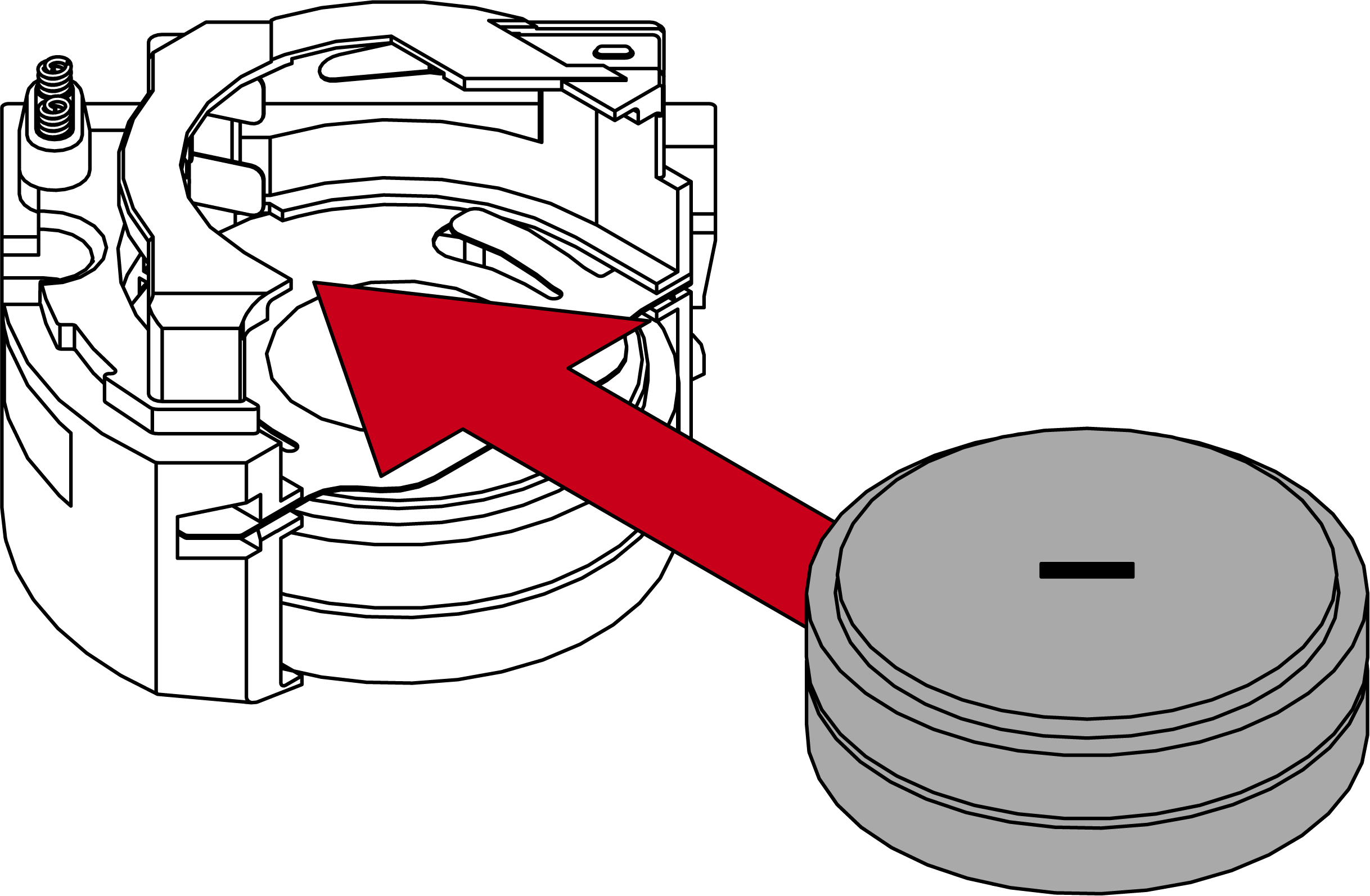
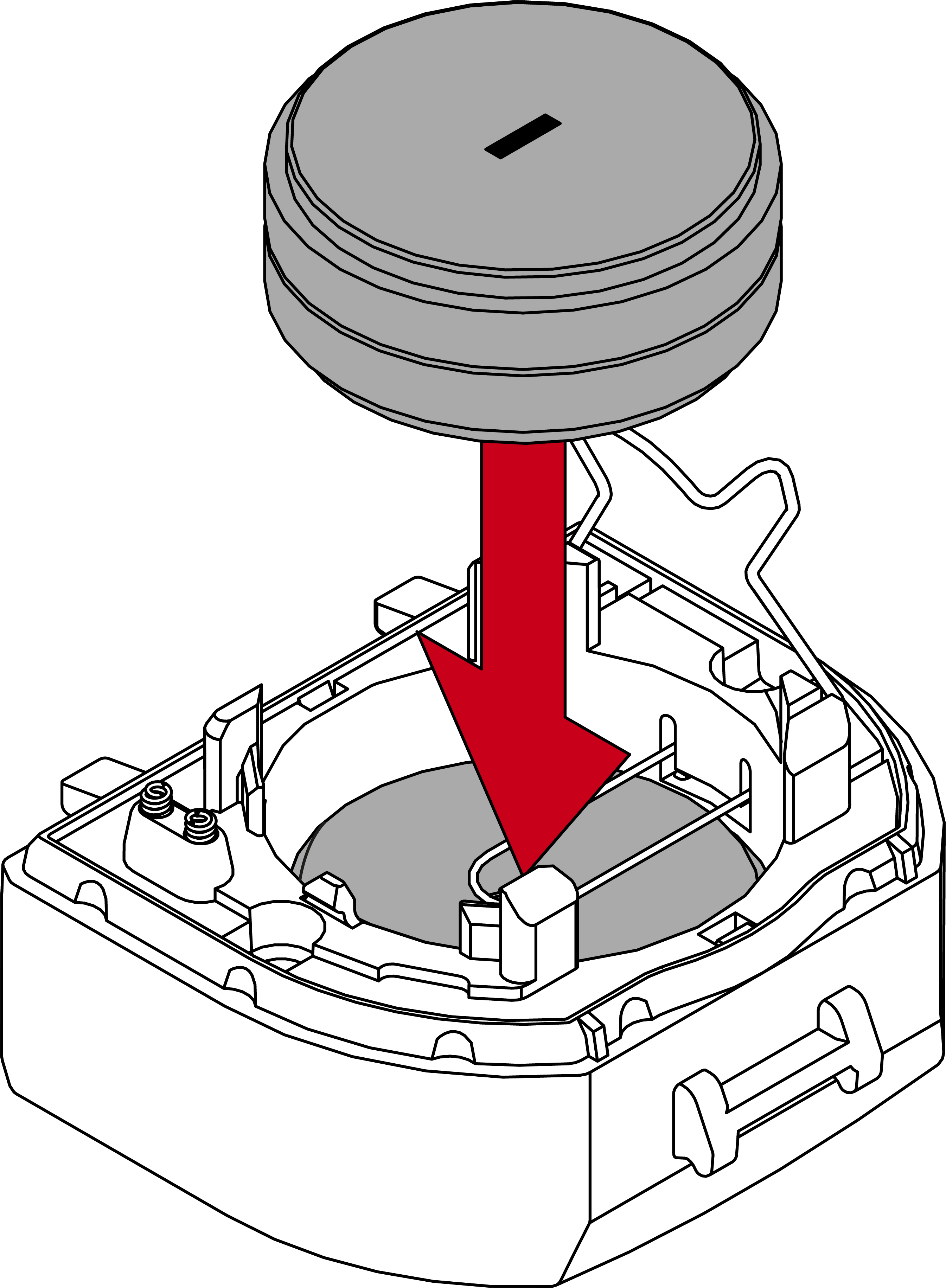
  13. Insert two new batteries with the positive terminals next to each other (type CR2450).
  14. Intermediate spring visible above the lower batteries.
  15. Insert two new batteries with the positive terminals next to each other (type CR2450).
  16. Reattach the battery clip.
  17. Put the battery module back into the module support.
  18. Use the special tool to reattach the battery module clip.
  19. SmartHandle AX Advanced will beep three times.
  20. Place the cover on top of the fastening plate.
  21. Fold down the cover.
  22. Push the cover against the door, sliding it upwards at the same time.
  23. Cover snaps into place.
  24. Press the inlay into place.
  1. Batteries are now replaced.