Fitting the LockNode - SmartHandle AX Advanced
- Special tool at hand.
- Insert the special tool into the cover inlay on the electronics side.

- Use the special tool to carefully bend the cover inlay upwards.
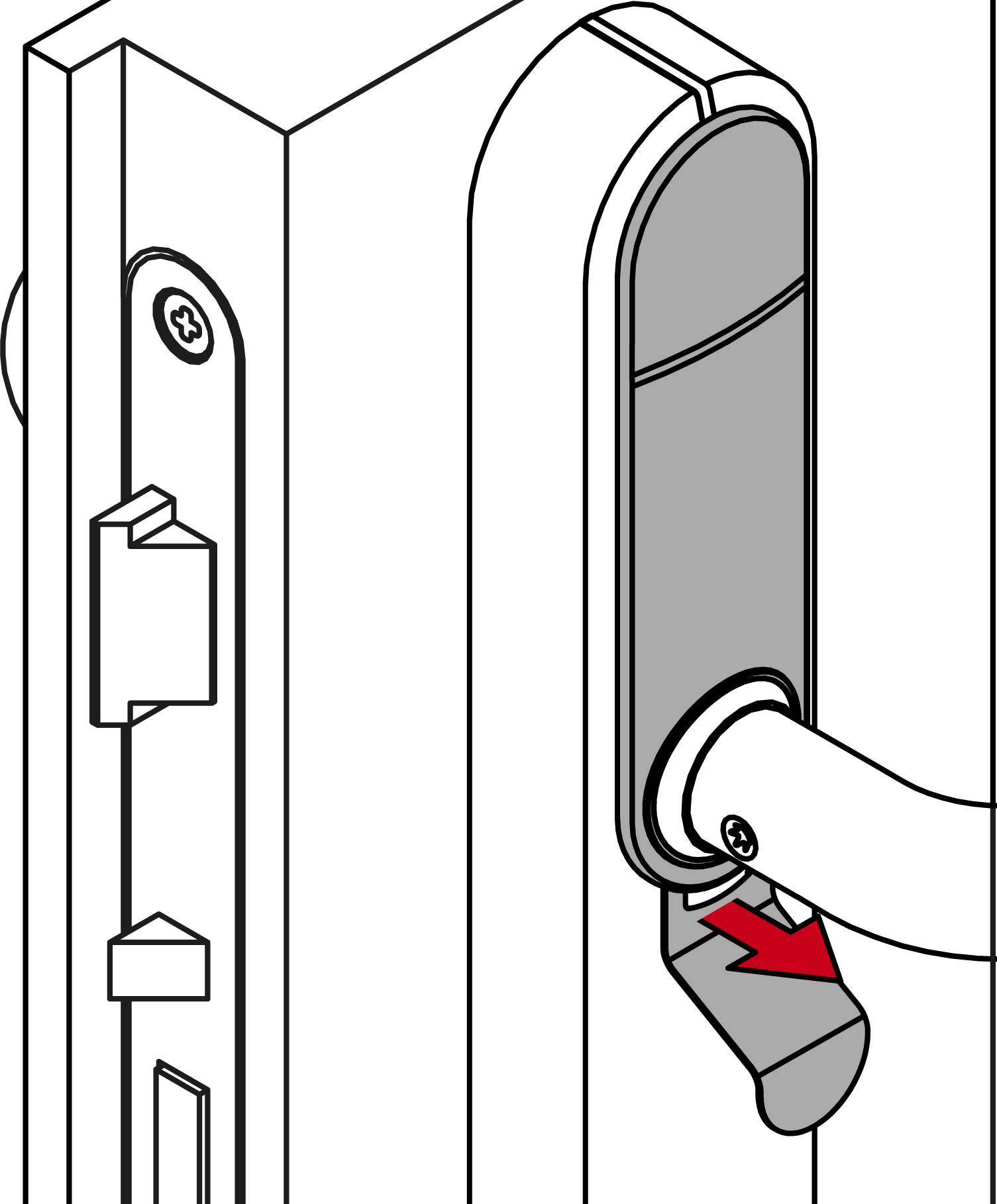
- Slide the cover downwards.
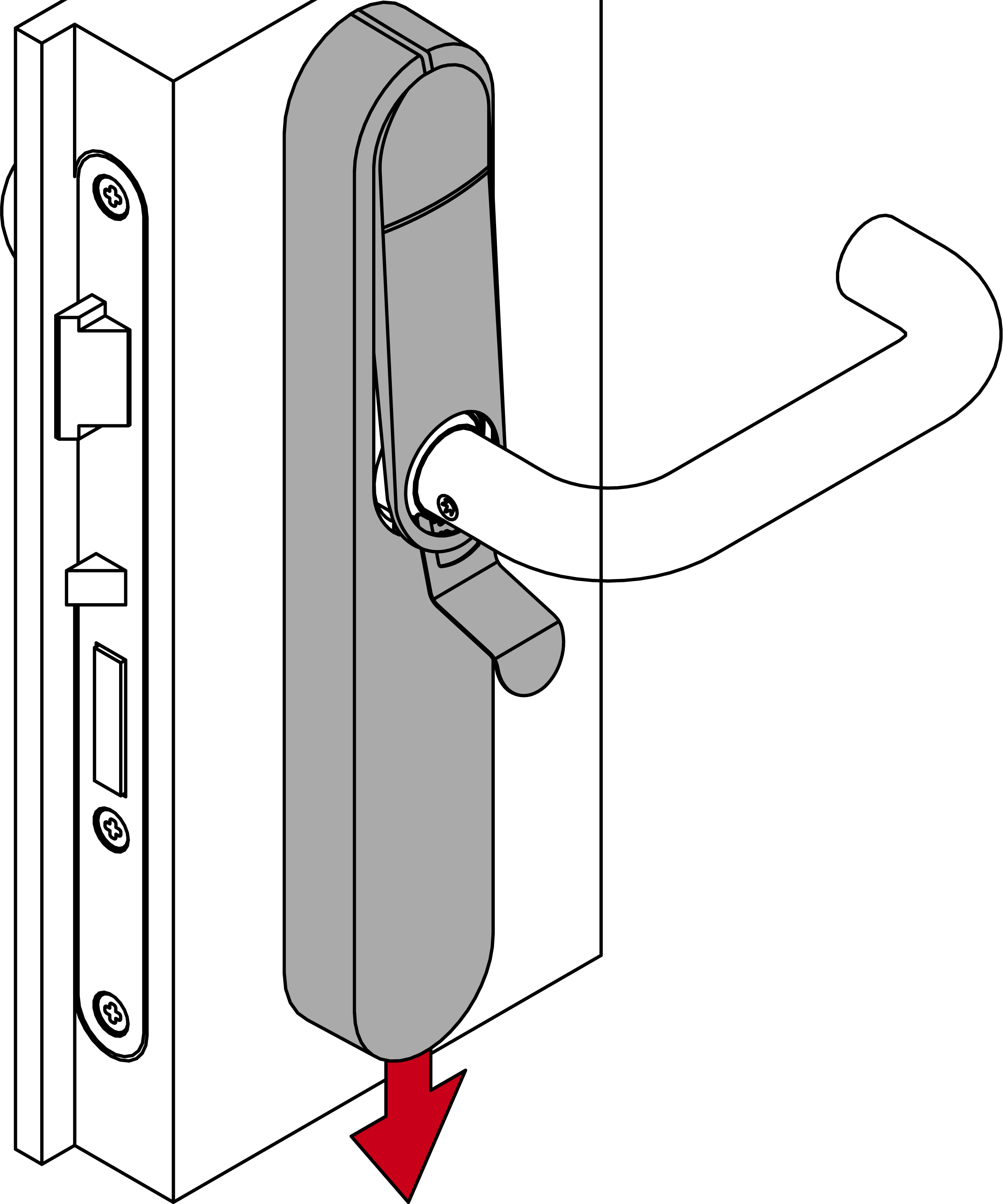
- Cover unlocked.
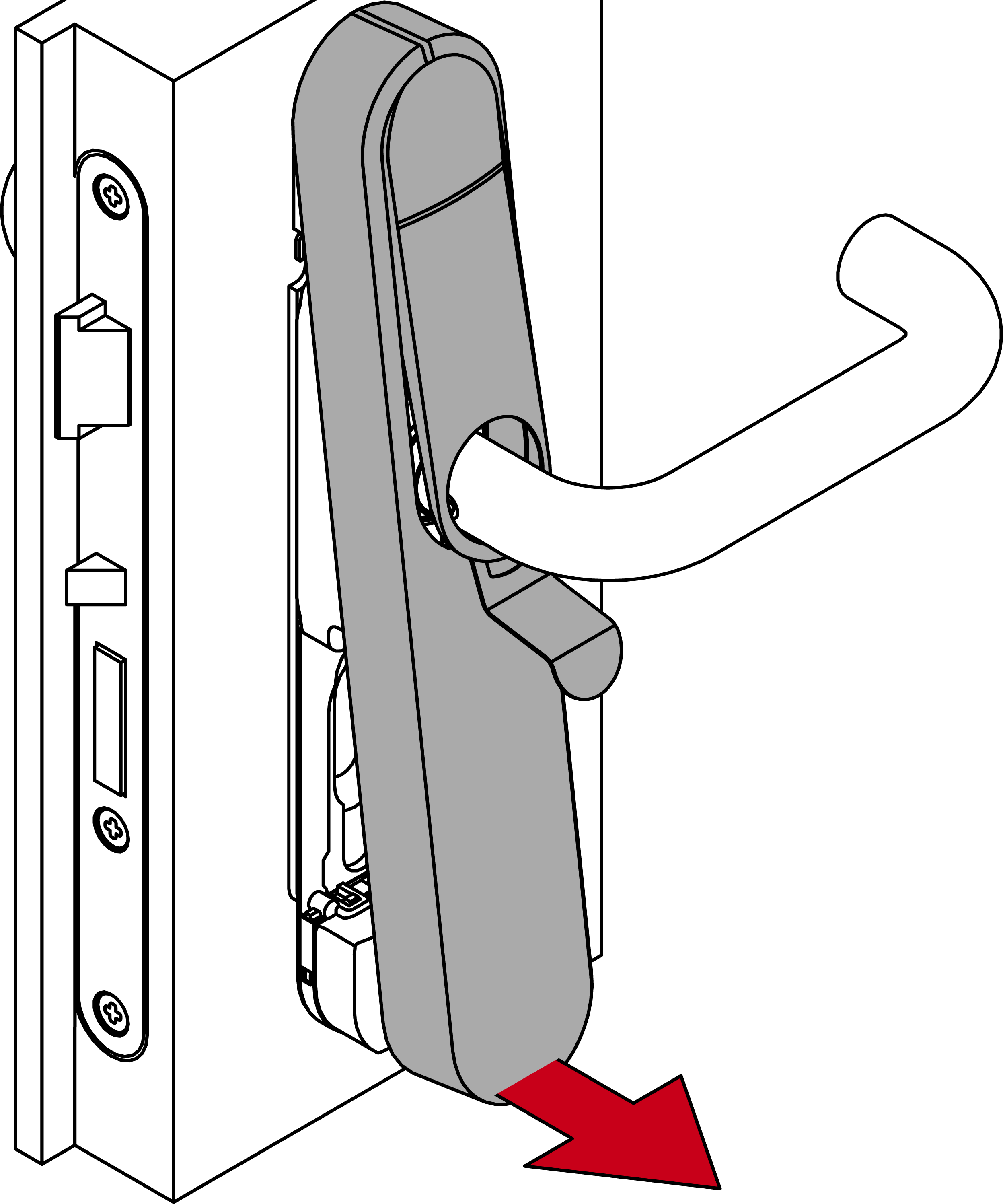
- Remove the cover.
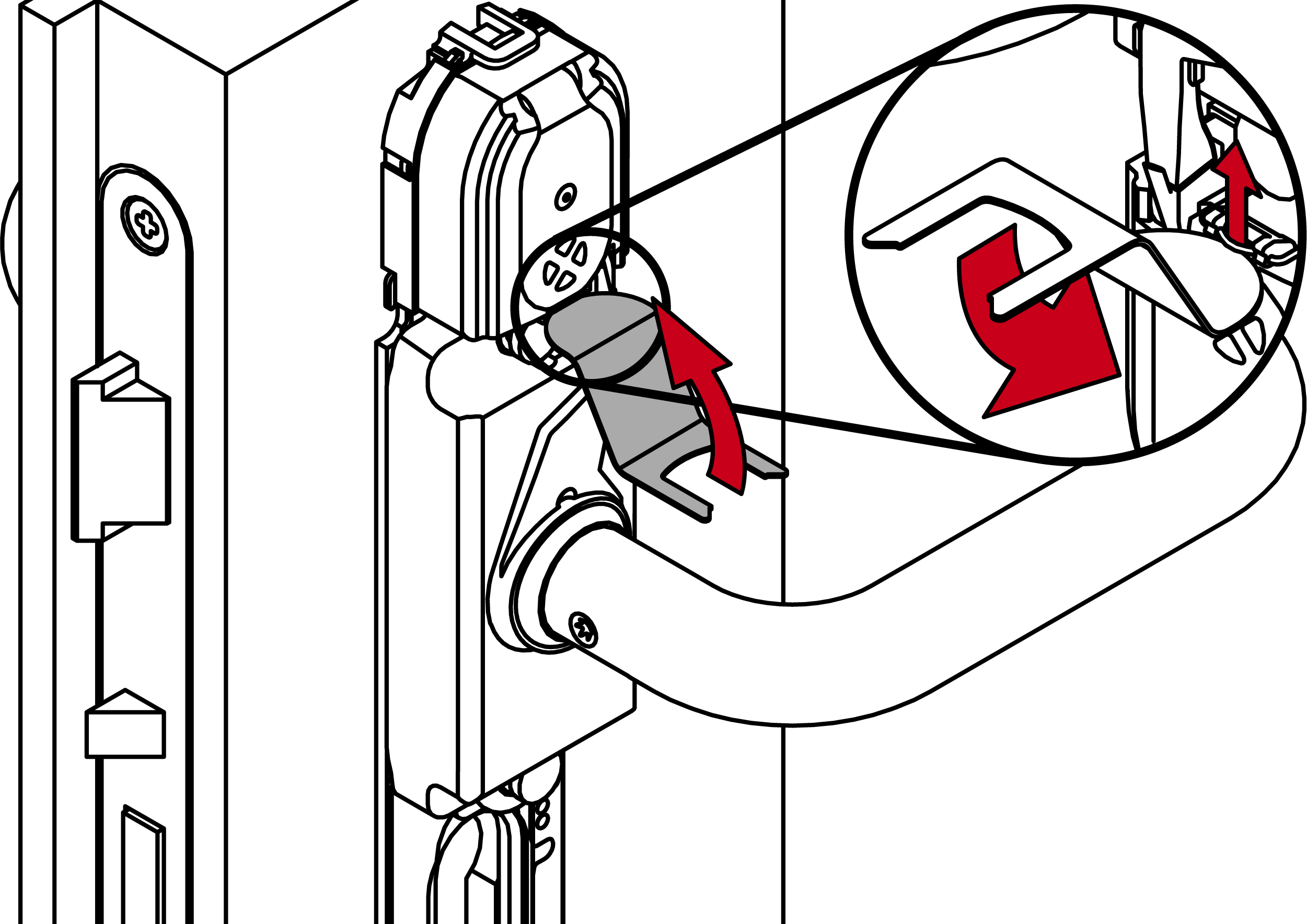
- Use the special tool to unhook the reader module clip.
- Remove the reader module.
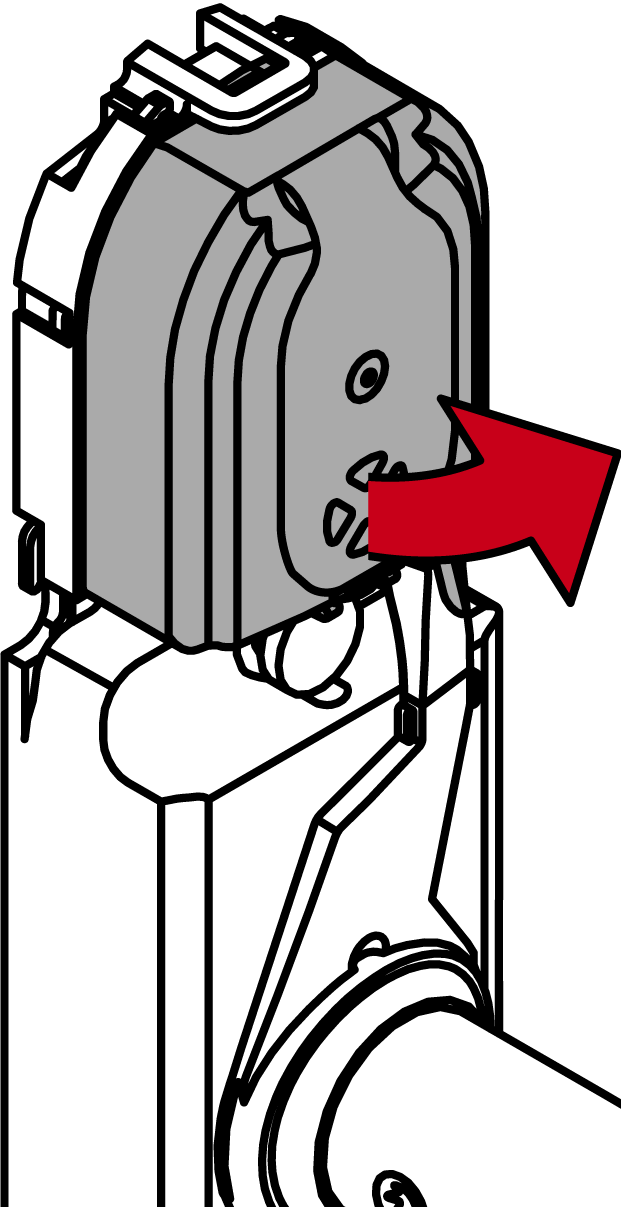
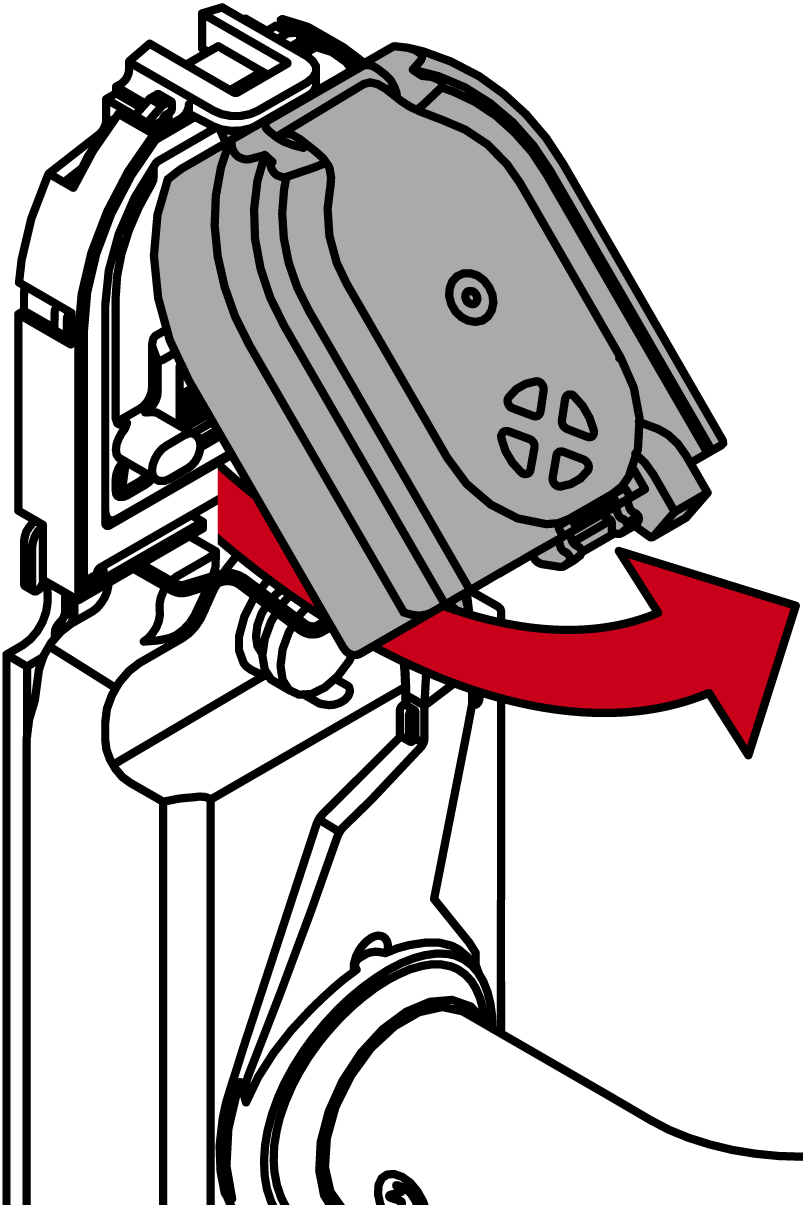
- Push the LockNode into its designated slot.
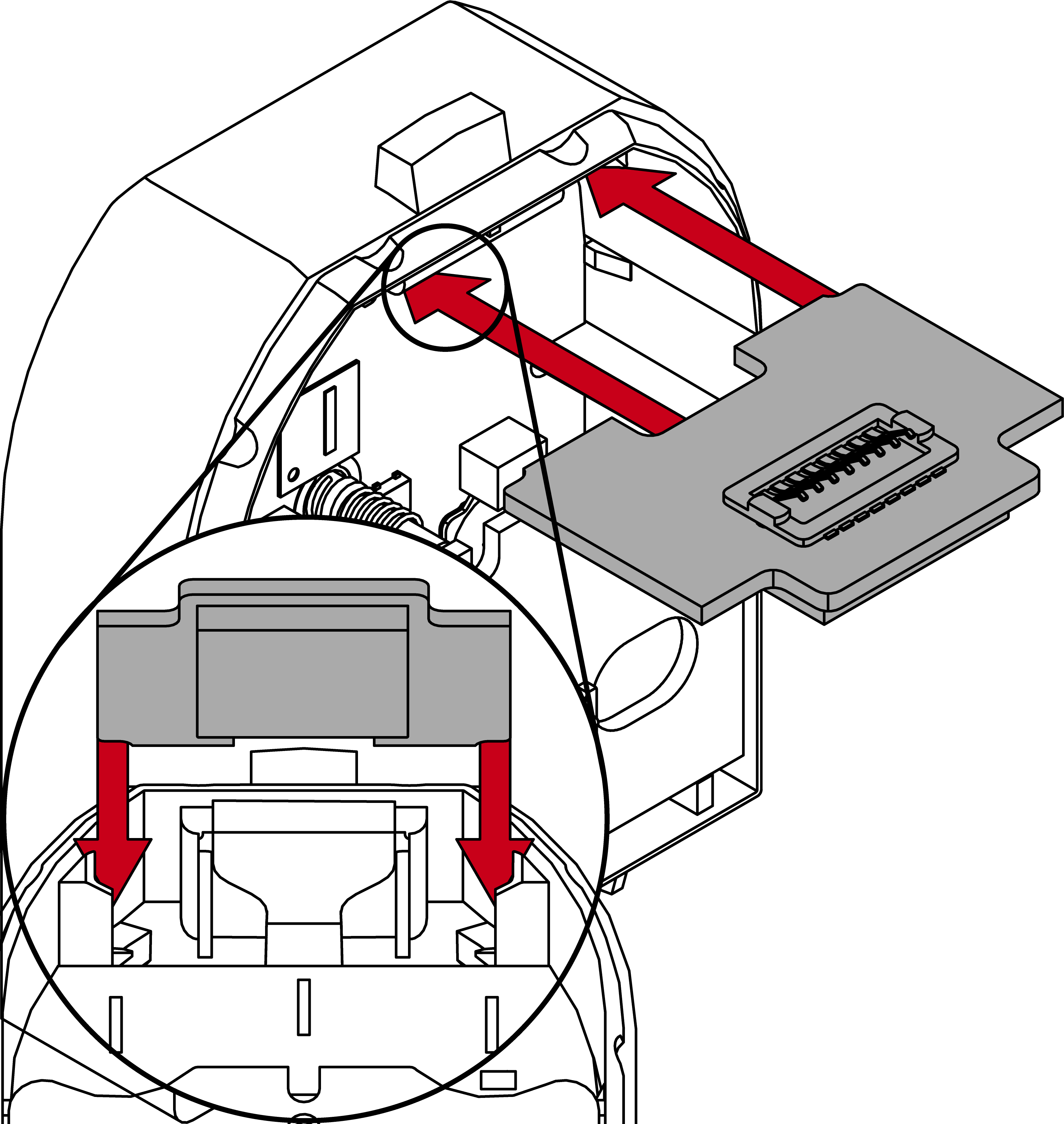
- Place the reader module back into the module support.
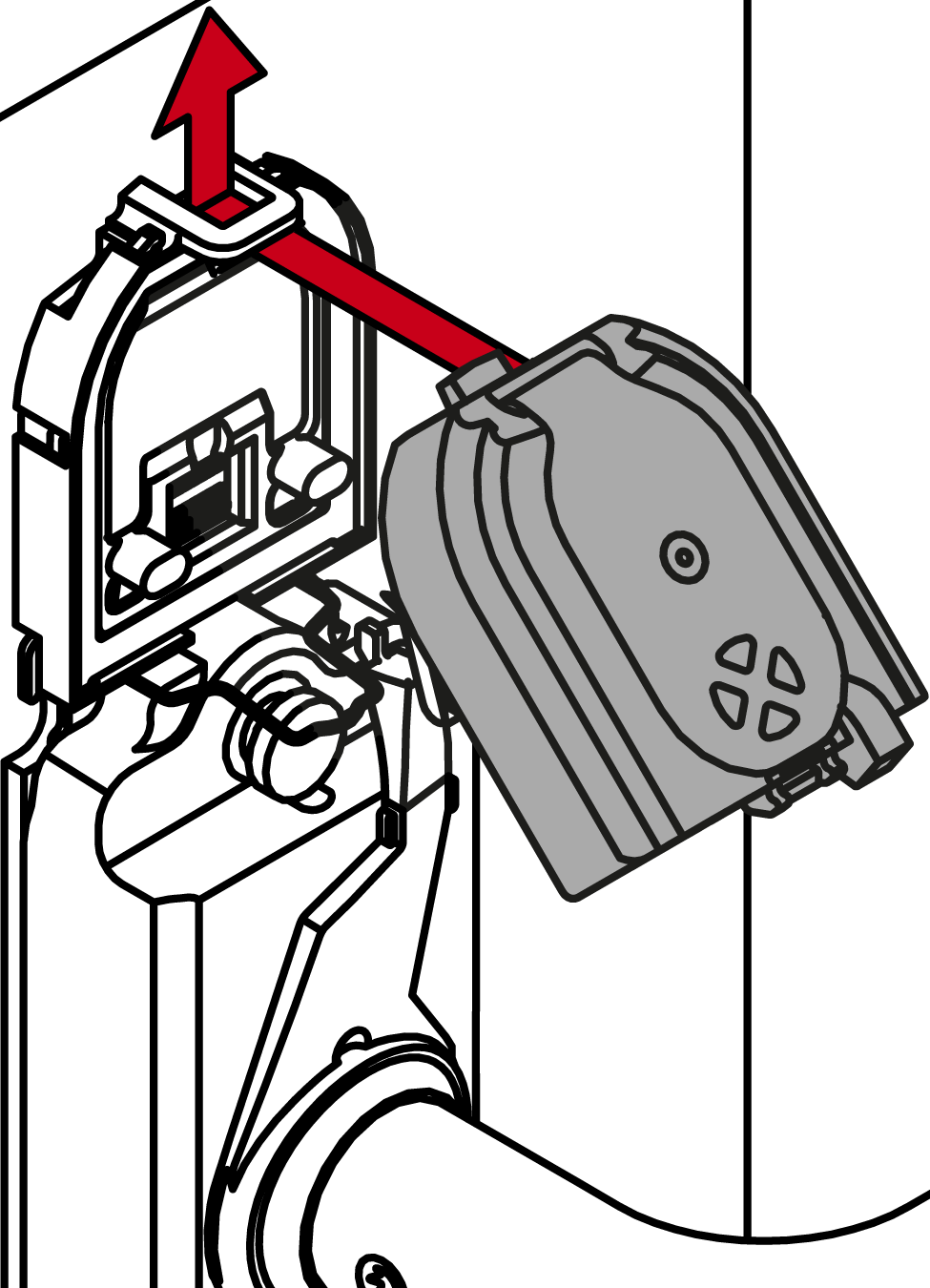
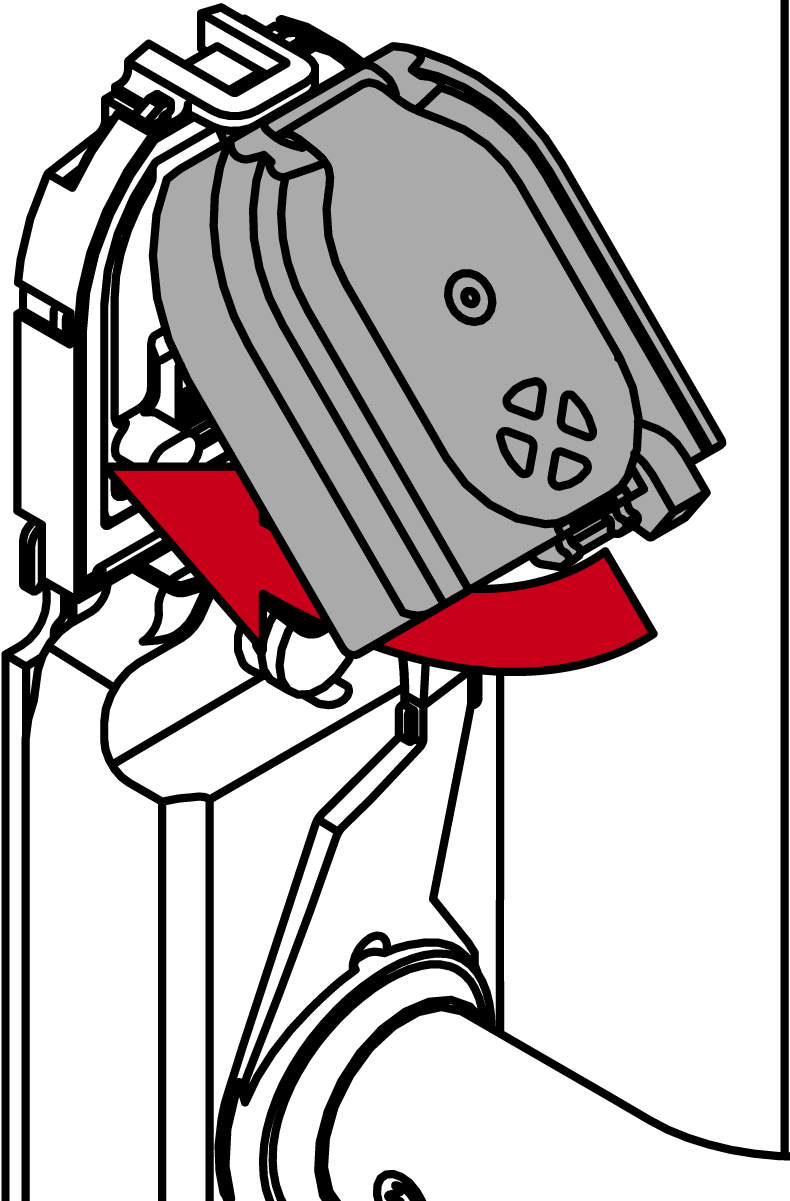
- SmartHandle AX Advanced will beep three times.
- Use the special tool to reattach the reader module clip.

- Place the cover on top of the fastening plate.
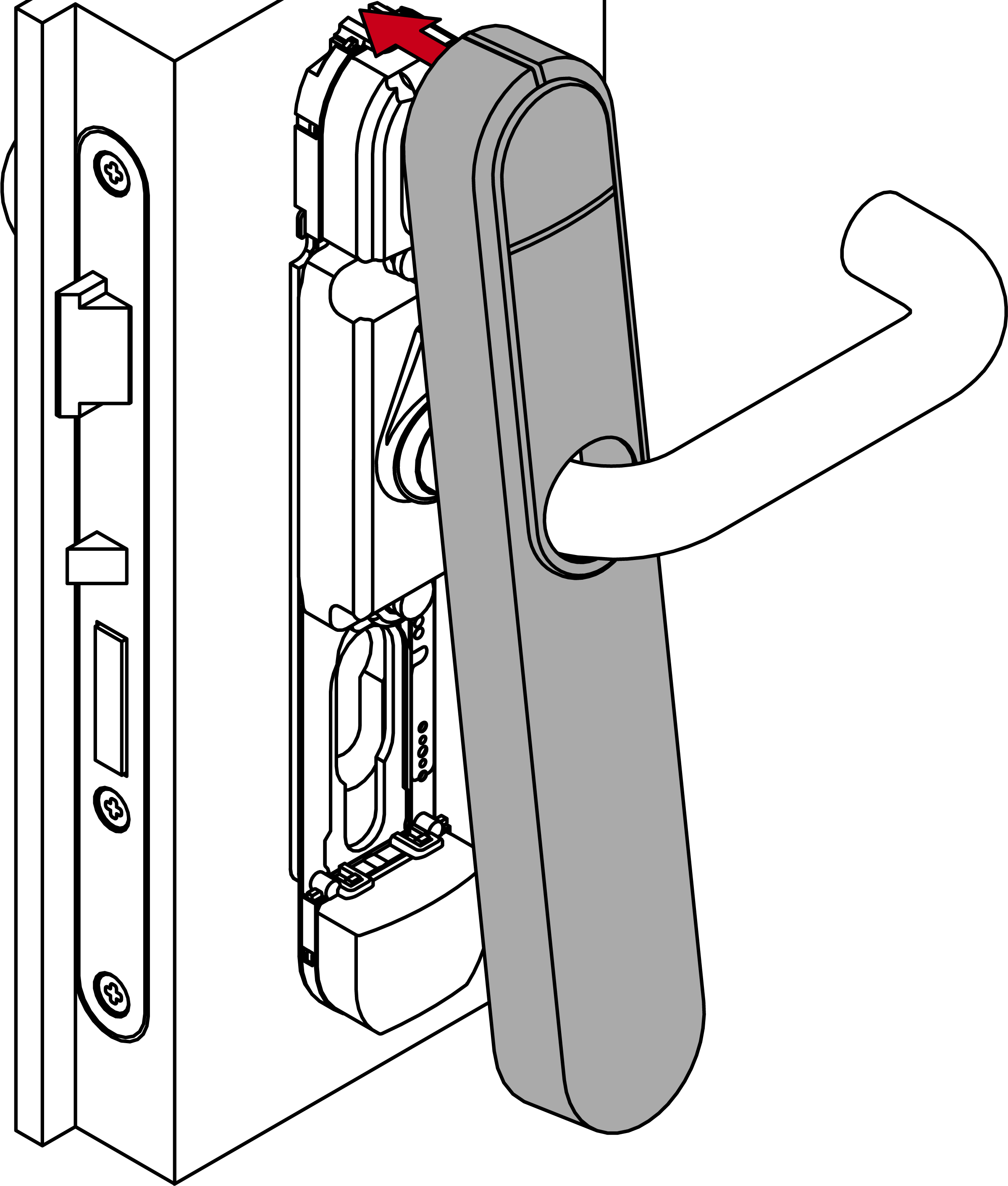
- Fold down the cover.
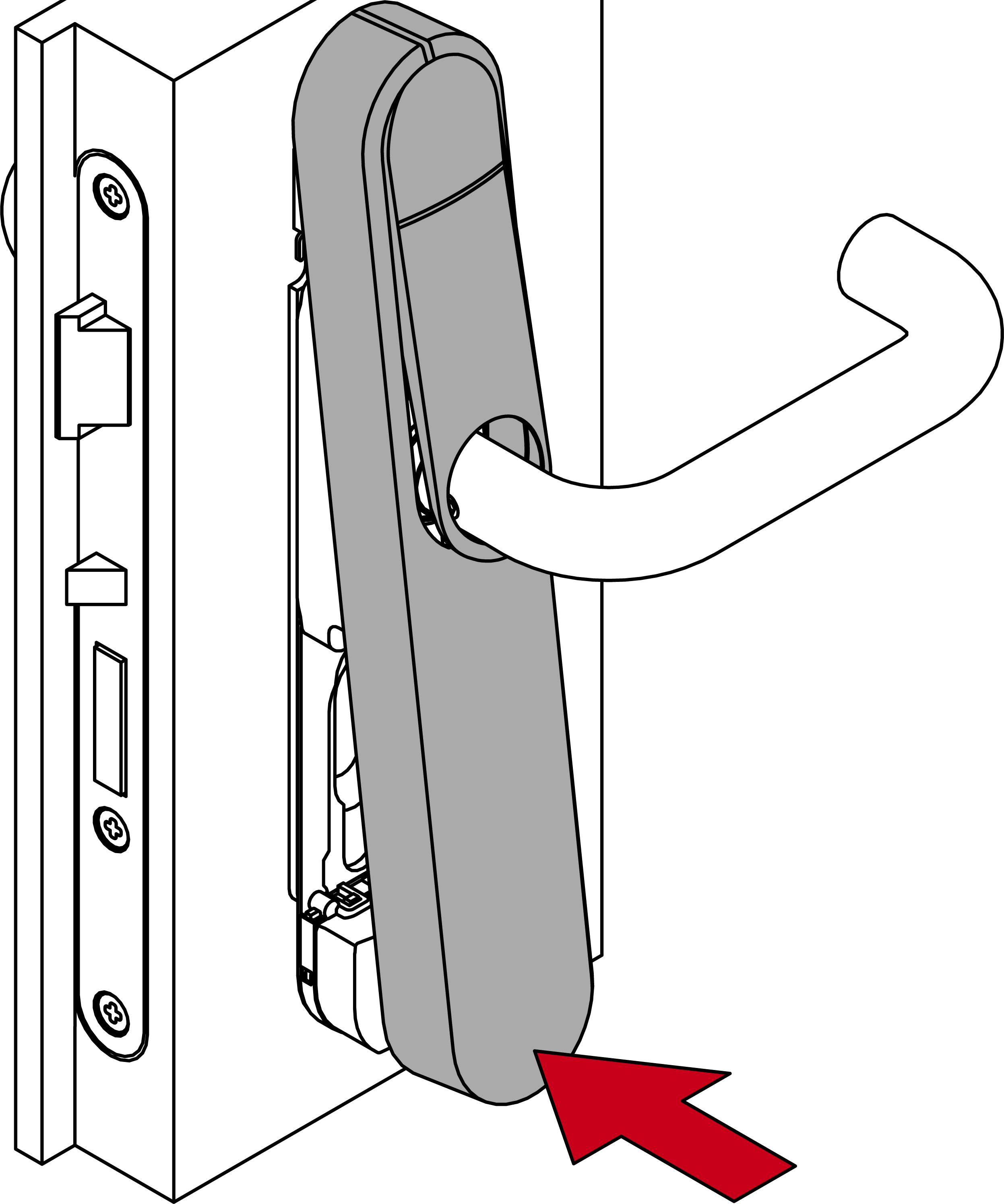
- Push the cover against the door, sliding it upwards at the same time.
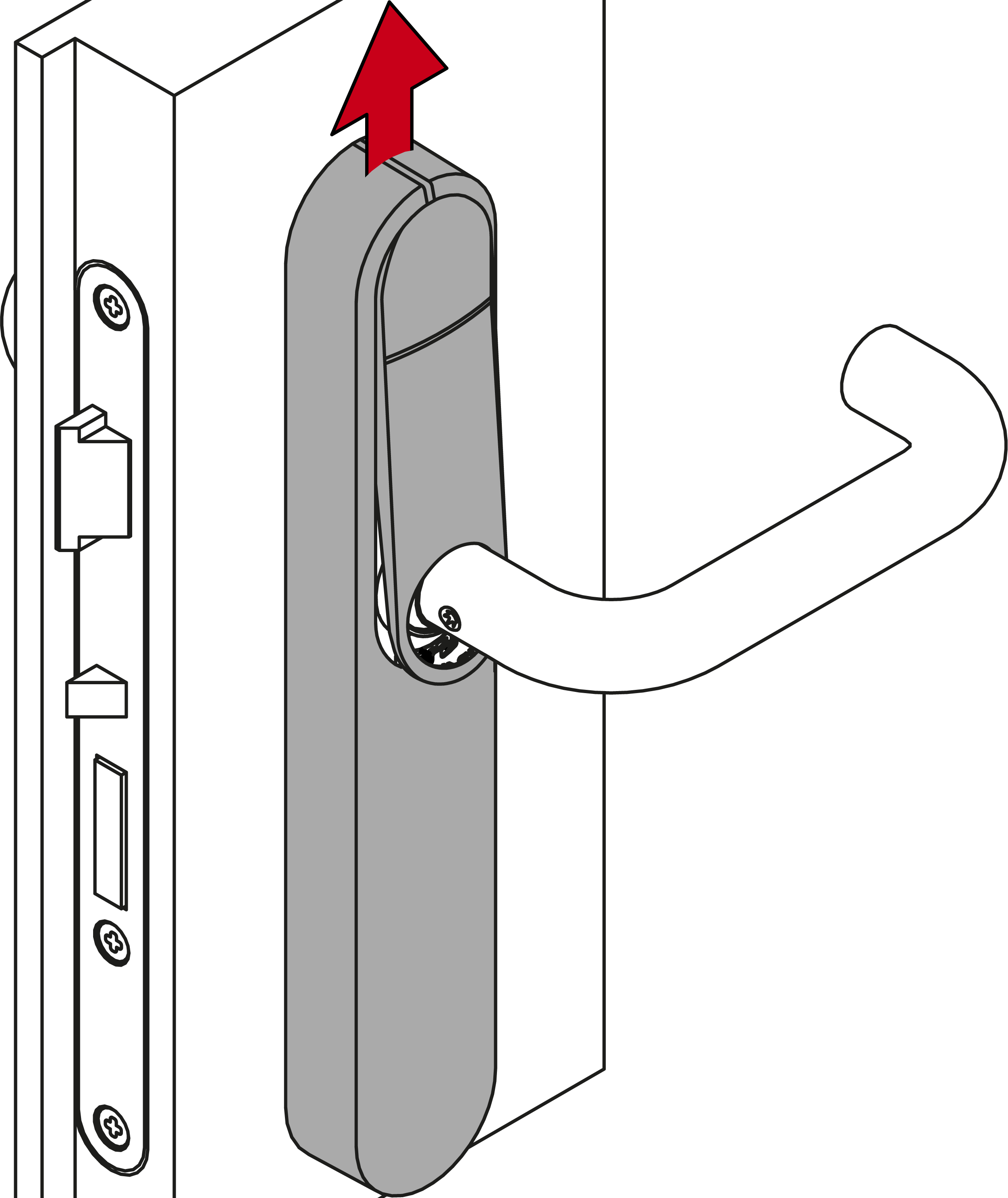
- Cover snaps into place.
- Press the inlay into place.
- LockNode is mounted.