Initial operation - RouterNode 3
- Install the unit (see Installation).
- Remove the lid.
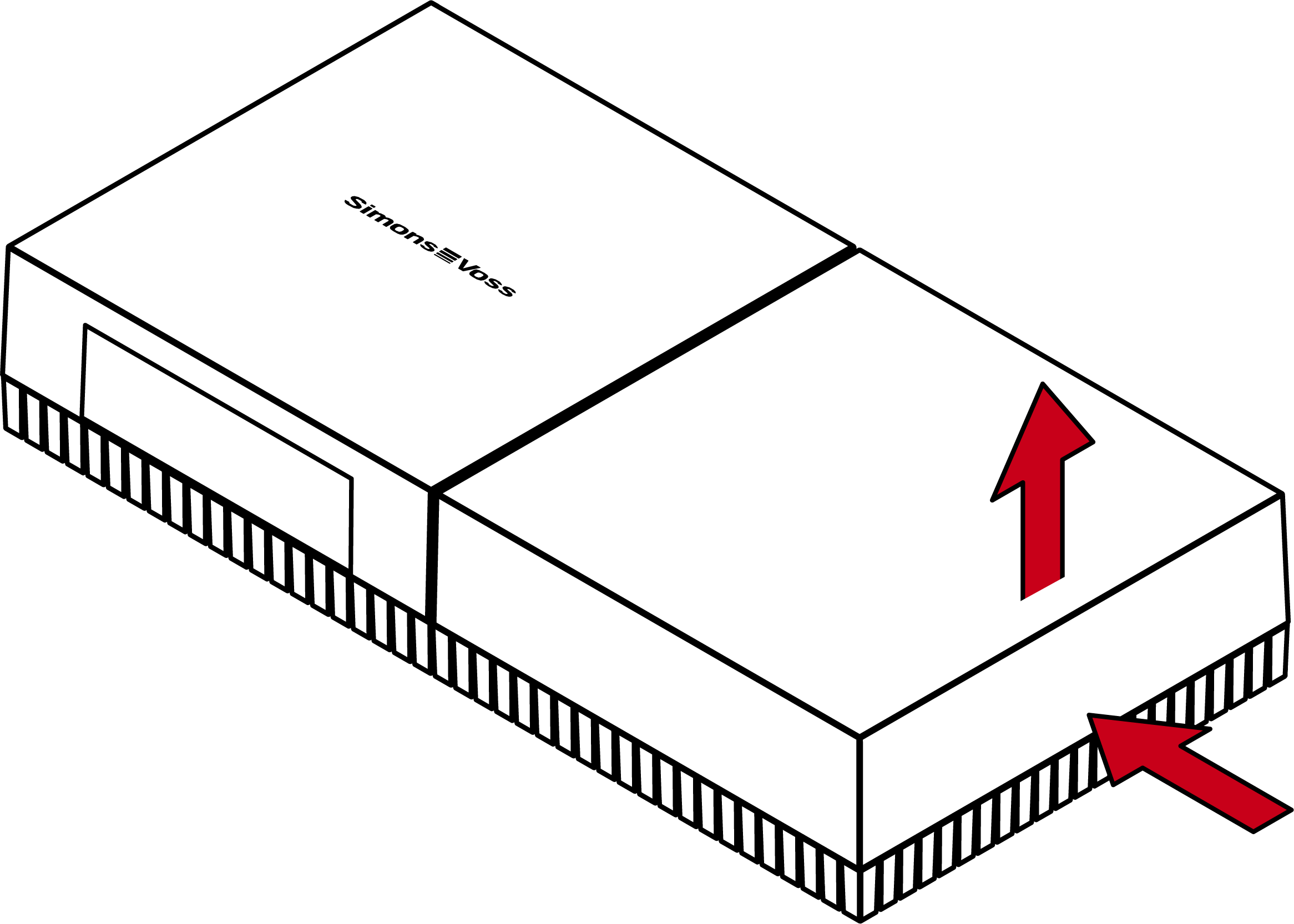
- Connect a network cable and power supply and perform initial configuration (see Initial configuration/find in LAN).
- Place the lid on the base plate again.
- RouterNode 3 lights up blue and is ready for operation (see Signalling).
- Integrate the RouterNode 3 into the management software.
- RouterNode 3 is securely configured.
System 3060: RouterNode 3
LSM must be able to communicate with RouterNode 3. The connection between LSM and RouterNode 3 is established using WaveNet Manager. For details, see:
- WaveNet manual
- RouterNode 3 in WaveNet Manager