Reset - RouterNode 3
You can use the reset jumper to reset the device to its initial state in the event of any problems.
Make a distinction between them:
- WaveNet configuration: reset all WaveNet settings.
- Network configuration: reset all network settings (IP address, DHCP settings, hostname).
- Remove the lid.
- Detach the reset jumper.
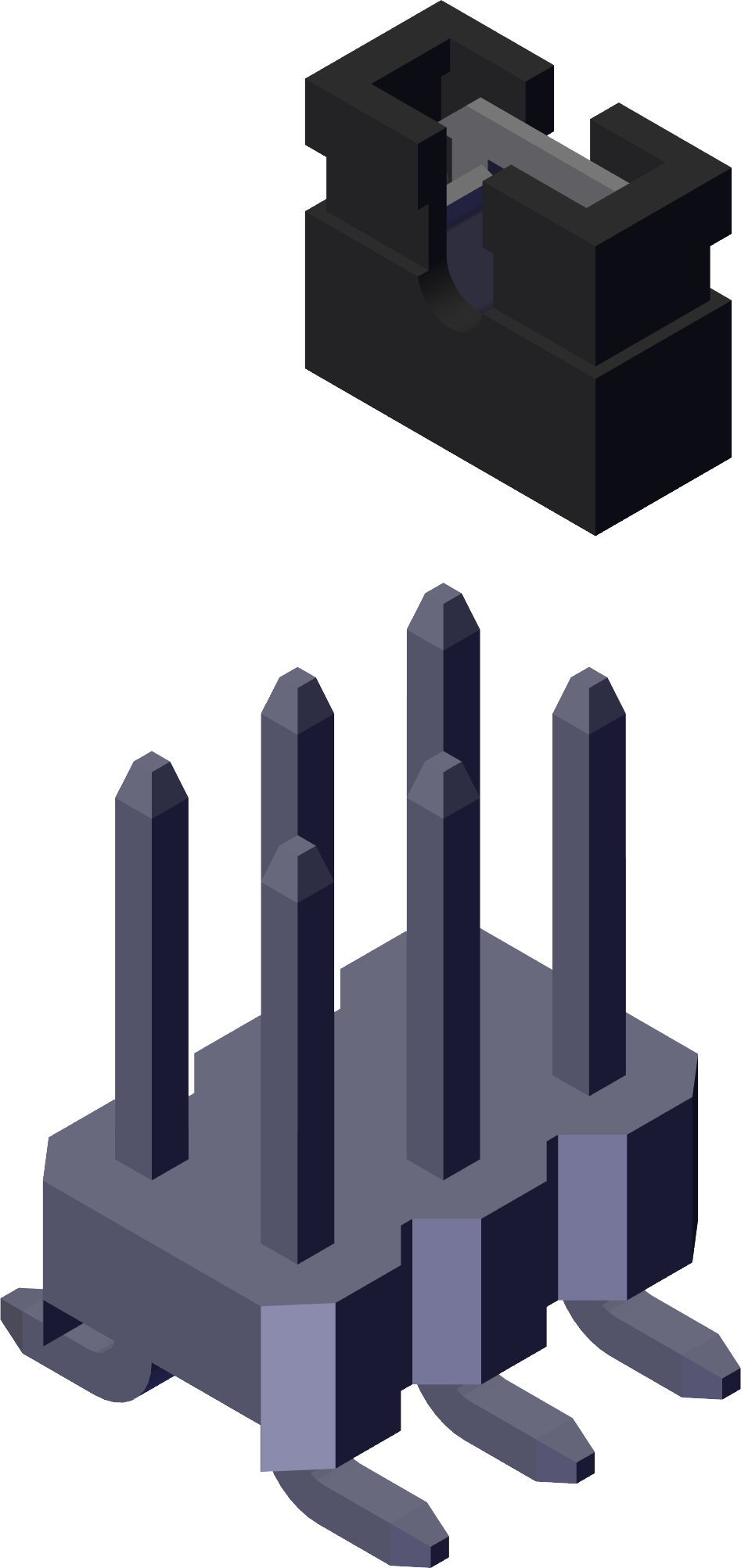
- Place the reset jumper to the required reset position.
- Wait about two seconds.
- Place the jumper back in its normal position.
NOTE

IP address recovery
If the IP address is assigned by a DHCP server (default setting), the DHCP server assigns the IP address again directly after resetting (depending on settings of the DHCP server).
IP address |
|
Subnet mask | 255.255.255.0 |
User name | SimonsVoss |
Password | See housing sticker |
Your device’s IP address in the network can be determined using the free OAM tool (available on the SimonsVoss website) (also see the OAM tool manual).