Launch the configuration interface - RouterNode 3
- Open a browser of your choice.
- Enter the IP address of the RouterNode 3 in the address line and confirm with Enter.
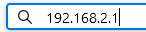
- Your RouterNode 3‘s configuration web page will open.
- Enter your login data (see sticker on circuit board and housing for SimonsVoss user name and default password).
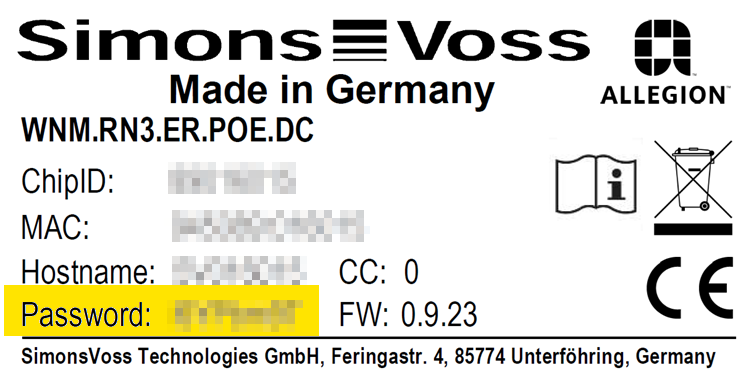
- Configuration web page is open.
- Change the default password immediately (see Changing your password).
Alternative: Launch with hostname
If you do not know the IP address of your RouterNode 3 you can either determine it with the ping command (see Determine IP address with hostname) or launch the configuration interface using the hostname.
To do this, enter https://hostname.local in the address bar instead of the IP (for example, https://sv123456.local). A delay of a few seconds can occur due to local name resolution.
Permanent operation with IP or hostname
Depending on the IT infrastructure, you can now configure your RouterNode 3 to receive an IP address from a DHCP server (default; see Operating with DHCP) or assign them a fixed IP address (see Operation with fixed IP address).
IP addresses work independently of a DHCP server. SimonsVoss Therefore we recommend operation with a permanently assigned IP address.