Setting up the standard certificate on RouterNode 3 - RouterNode 3
NOTE

TLS on RouterNode 3 requires TLS in the software
When TLS is enabled onRouterNode 3 , RouterNode 3 will only communicate via the TLS port (the default is 2153). Software components such as the CommNode server will no longer be accessible via the standard TCP port (default: 2101) until TLS has also been configured within the software.
- The configuration interface opens, (see Configuration interface).
- Use Konfiguration to select the input.
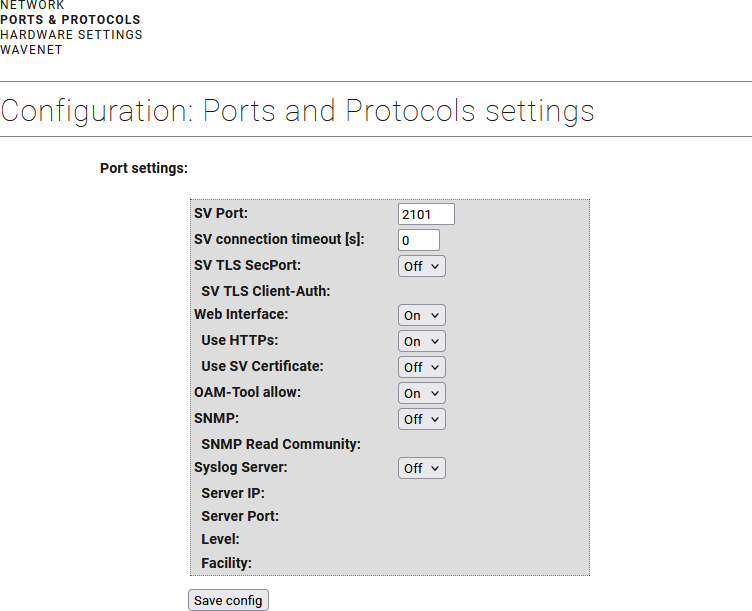
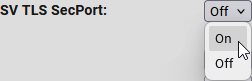
- From the drop-down menu, select item Ein.
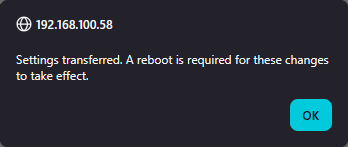
- Click the button Save, to apply the changes.
- RouterNode 3 informs about restart.
- RouterNode 3 restarts.
- RouterNode 3 is set up with default certificates.