Password - RouterNode 3
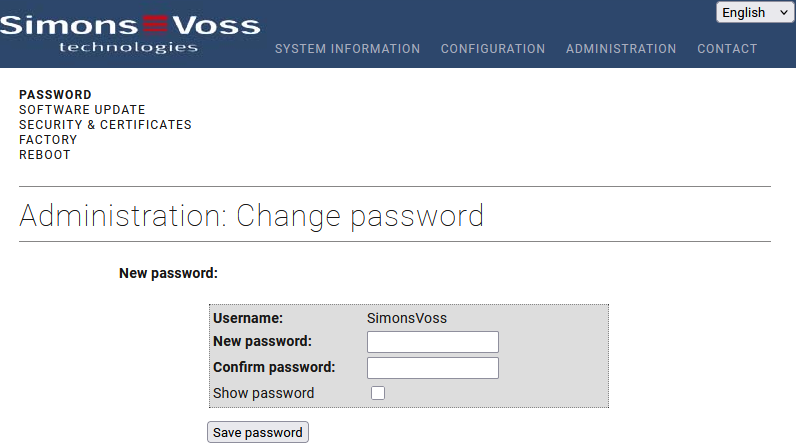
The password for RouterNode 3 can be changed here.
The password is required to access the configuration interface via a web browser. Observe the following points:
- The default password is printed on the housing sticker.
- You must change the default password on the configuration interface before putting the RouterNode 3 into operation using WaveNet Manager, AXM or LSM.
- If the default password has not been changed, you may only access system information on the configuration interface (see Overview).
- In this case, a notification will flash on the start page: “Please change the default password”.
- The following requirements apply to the password:
- Length: 8-15 characters
- Upper and lower case letters
- At least one special character: @, $, ., #. !, %, *, ?, &, ^,_
- After 10 consecutive incorrect password entries, the login to the configuration interface is blocked for 5 minutes.
- This is to prevent the systematic testing of passwords (brute force attack).
- When logged in, you are automatically logged out after 5 minutes of inactivity (session timeout).