Changing your password - RouterNode 3
- Configuration web page is open (see Initial configuration/find in LAN or Configuration interface).
- Open the PASSWORD tab using ADMINISTRATION.
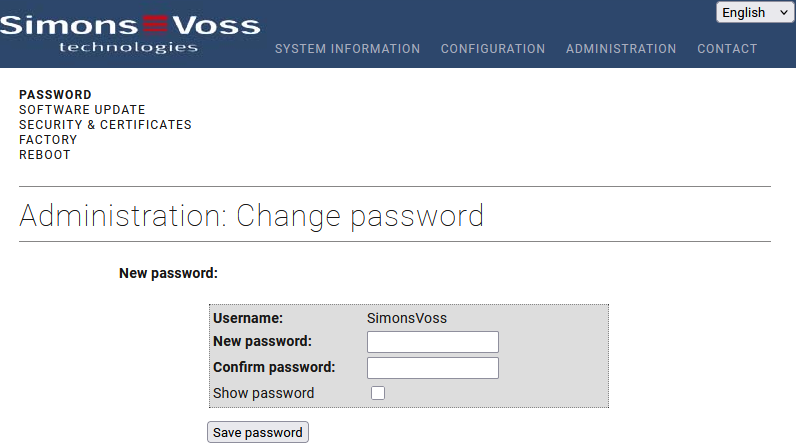
- Enter the new password. (length: 8 to 15 characters; you must include upper and lower case letters, numbers and at least one special character (@,$,.,#,!,%,*,?,&,^,_).
- Re-enter the new password.
- Click the Save password button.
- Password is now changed.