SmartRelay AX programming - LSM 3.6 SP1 Basic
- SmartRelay AX Classic created (see Create SmartRelay AX).
- SmartRelay AX Classic wired and supplied with power.
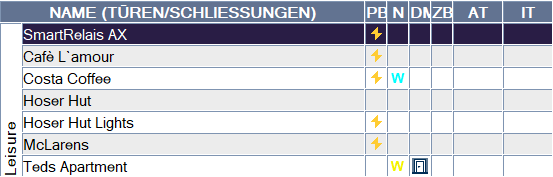
- Select the SmartRelay AX Classic you wish to programme.
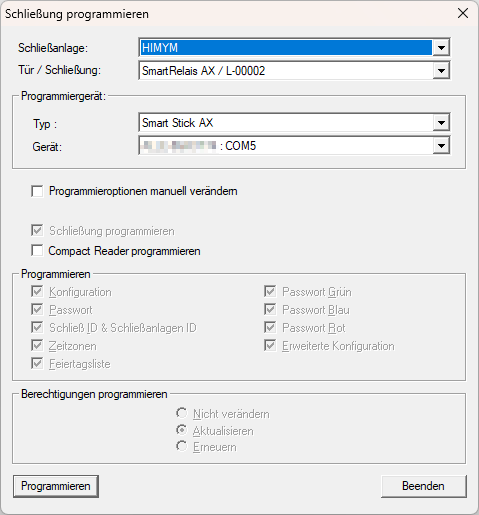
- Click on the Programming button.
- Follow the instructions.
- Programming starts.
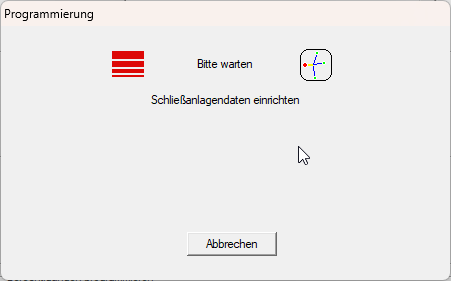
- The SmartRelay AX Classic is programmed.
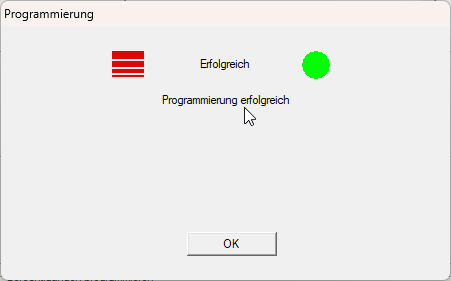
The need for programming in the matrix is eliminated.