Reset with locking system password - Step-by-Step SVCN
- SmartIntego Tool (SVCN) opened.
- Programming device (SI SmartStick AX / SI.SmartCD) is connected.
- Create a new project.
- Assign a project name (e.g. Reset).
- Assign a project password.
- Enter the locking system password used in the locking device as the locking system password.
NOTE

Loss of passwords
Your passwords are the basis for managing your locking system. Lost or publicly known passwords are a serious security risk and/or lead to loss of control over the system.
- Make a note of your passwords.
- Store your passwords in a safe place.
- Save the project file (*.ikp).
- Prepare a programming device (SI SmartStick AX: Touch the card reader of the AX lock, SI.SmartCD: Place its radio symbol on the card reader).
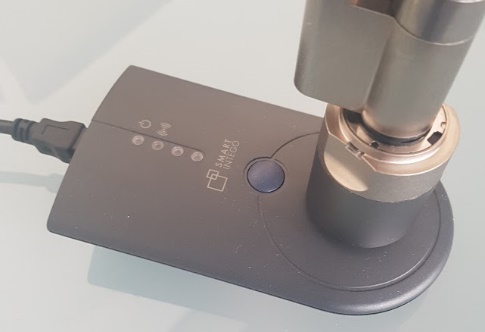
- Via Tools and select the entry .
- Locking device is read out.
- Click on the button Reset.
- Locking device is reset.
NOTE
The integrator system is not up to date
If you reset the locking device with the locking system password, the integrator system does not know that the locking device has been reset. The state stored there differs from the real state.
- Please refer to the documentation of the integrator system for the further procedure.