Programming locking devices - Step-by-Step SVCN
NOTE

Electronics for SI Digital Cylinder AX with reader on both sides
In the version with a reader on both sides, the SI Digital Cylinder AX is equipped with an electronic reader thumb-turn on the outside and an electronic reader thumb-turn on the inside. Both thumb-turns are independent of each other.
- Create and configure the two electronic reader thumb-turns separately.
- Program the two electronic reader thumb-turns separately.
- SmartIntego Tool (SVCN) opened.
- Project file loaded.
- Programming device (SI SmartStick AX / SI.SmartCD) is connected.
- Manually import the locking device configuration using File and the entry . If you have activated automatic import/export, import the XML file manually the first time you use it.
- XML transfer complete.
- Select the locking device in the navigation area that you want to programme.
- Select the assigned programming task.
- Prepare a programming device (SI SmartStick AX: Touch the card reader of the AX lock, SI.SmartCD: Place its radio symbol on the card reader).
- Programming prepared.
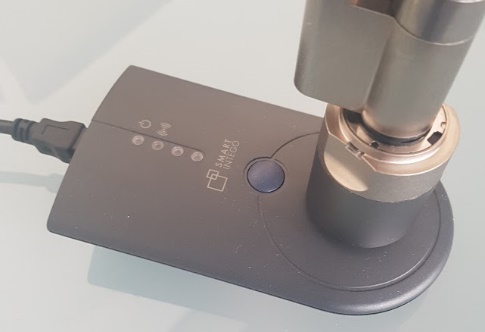
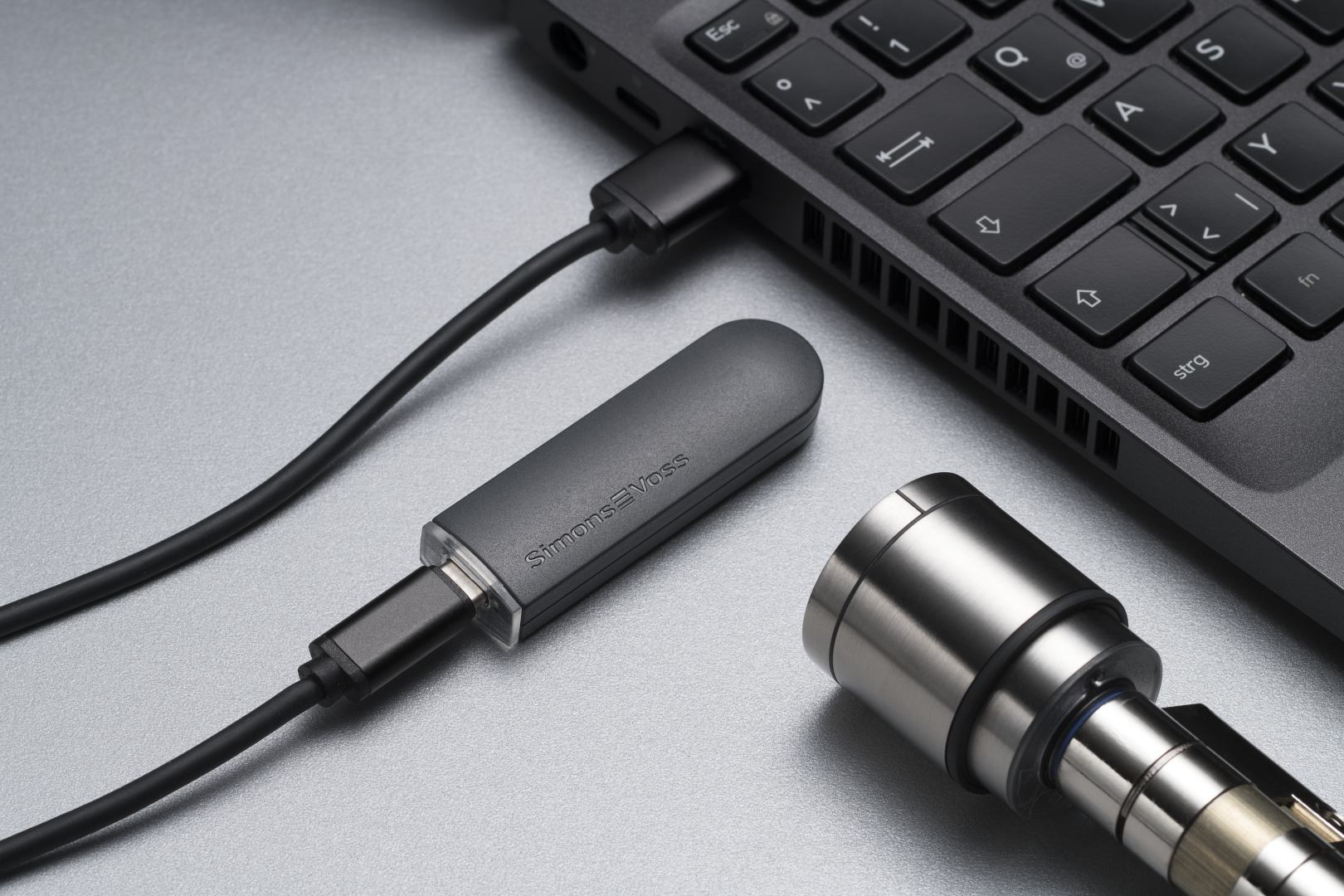
- Mark your programming device.
- Click on the button Execute task.
- Hold a blacklist card (contains all currently valid blacklist entries, comes from the integrator system) in front of the locking device (for locking devices that read on both sides: To both readers).
- Blacklist in locking device updated.
- If you have not activated automatic import/export (see ), select via and the entry .Automatically save and load XML file for transmission between SmartIntego tool (SVCN) and integrator systemFile
- Import the XML file into the integrator system.
- Integrator system receives information that locking devices are programmed.
- Check whether there is no longer any programming requirement for the locking device.
- Locking device programmed.