Set time on locking devices - Step-by-Step SVCN
Each programming resets the time of the locking devices. The clock in the locking devices can deviate from the real time by up to 15 minutes for technical reasons. With SmartIntego this has an effect on the:
- access lists (times of logged accesses differ)
- Start times of the battery measurement (Regularly between midnight and four o'clock)
Update the time of all locking devices annually. Once you synchronise the time of the locking devices, the locking devices will receive the time of the computer from which the synchronisation with the SmartIntego tool originates.
Preparation
- Integrator system open.
- Select the locking device.
- Create a task to set the time.
- Click the button Add task, to add the task to the task list.
- Save the XML file.
Set
- SmartIntego Tool (SVCN) opened.
- Programming device (SI SmartStick AX / SI.SmartCD) is connected.
- Manually import the locking device configuration using File and the entry . If you have activated automatic import/export, import the XML file manually the first time you use it.
- Select the locking device that you want to read out in the navigation area.
- Select the imported task for reading the locking device.
- Prepare a programming device (SI SmartStick AX: Touch the card reader of the AX lock, SI.SmartCD: Place its radio symbol on the card reader).
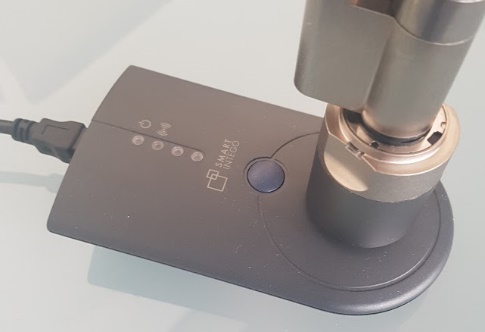
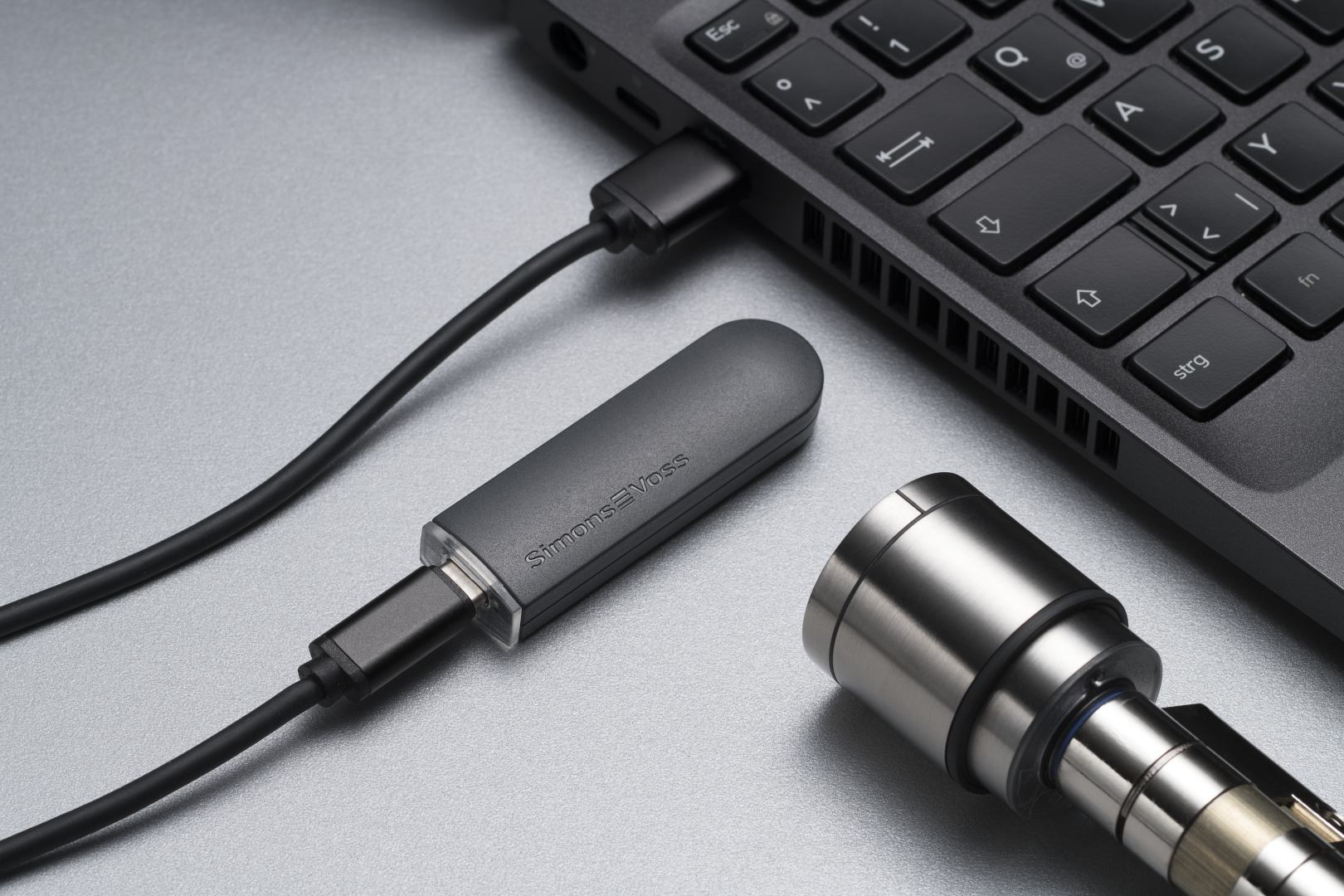
- Click on the button Execute task.
- If you have not activated automatic import/export (see ), select via and the entry .Automatically save and load XML file for transmission between SmartIntego tool (SVCN) and integrator systemFile
- Import the XML file into the integrator system.
- Time updated in the locking device.