Import access list - Step-by-Step SVCN
The access list can be saved on the card and/or in the locking device. If the access list is stored on the locking device, you can read it using the SmartIntego tool (SVCN).
NOTE

Shared access list for cylinders with reader on both sides
Cylinders reading from both sides create a common access list for both readers.
Preparation
- Integrator system open.
- Select the locking device.
- Create a task to read the locking device.
- Click the button Add task, to add the task to the task list.
- Save the XML file.
- Readout prepared.
Read
- SmartIntego Tool (SVCN) opened.
- Programming device (SI SmartStick AX / SI.SmartCD) is connected.
- Manually import the locking device configuration using File and the entry . If you have activated automatic import/export, import the XML file manually the first time you use it.
- Select the locking device that you want to read out in the navigation area.
- Select the imported task for reading out the locking device.
- Prepare a programming device (SI SmartStick AX: Touch the card reader of the AX lock, SI.SmartCD: Place its radio symbol on the card reader).
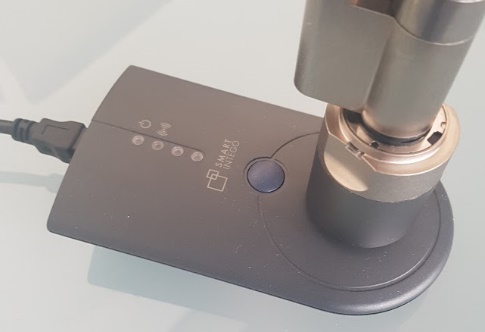
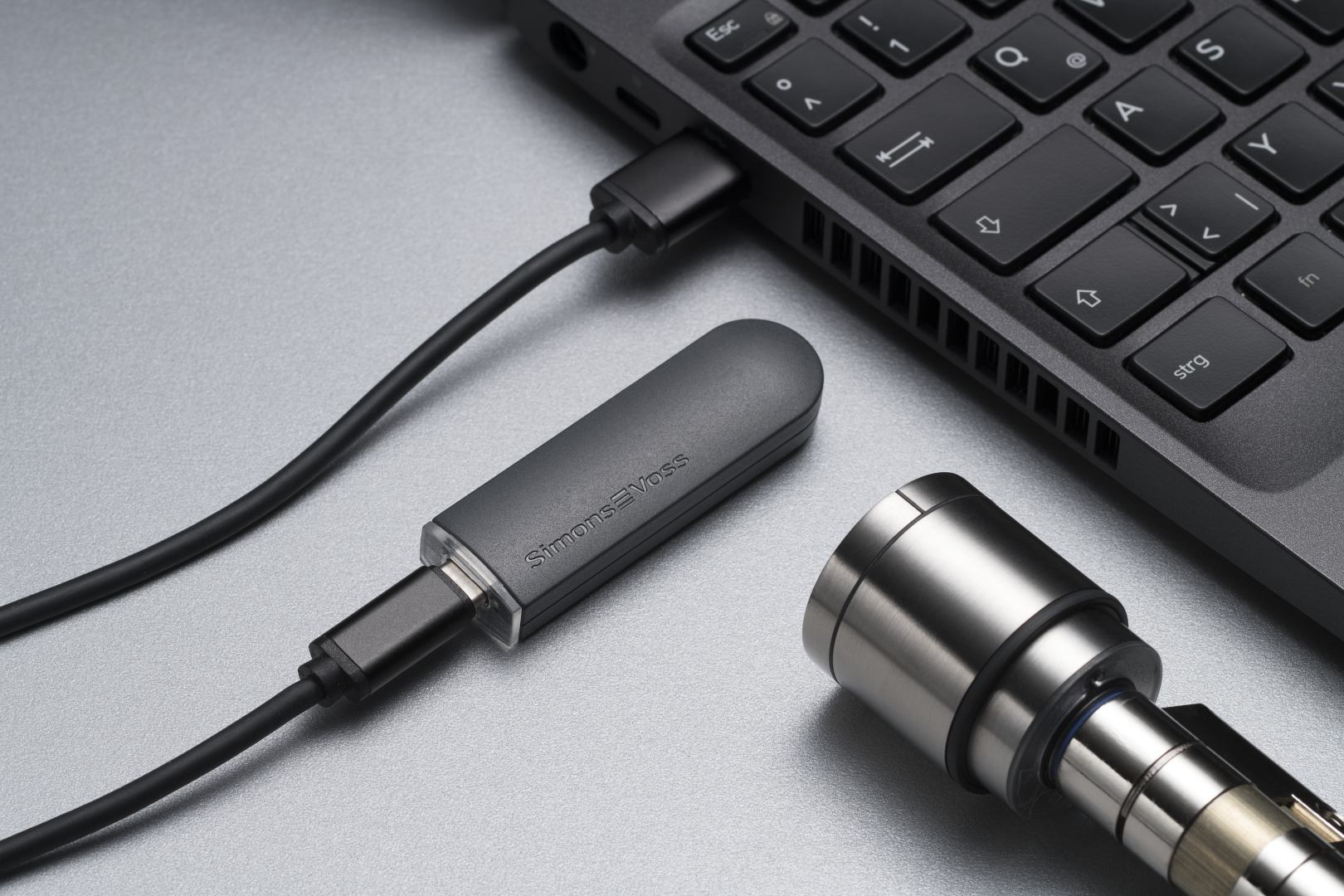
- Click on the button Execute task.
- If you have not activated automatic import/export (see ), select via and the entry .Automatically save and load XML file for transmission between SmartIntego tool (SVCN) and integrator systemFile
- Import the XML file into the integrator system.
- Access list is displayed in the integrator system.