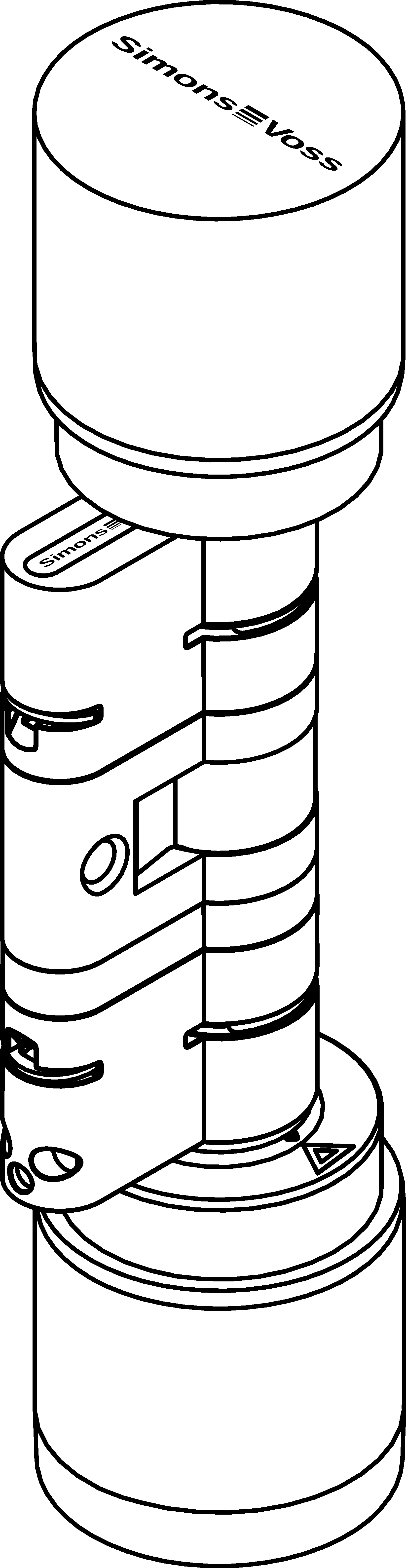
Shorten the cylinder - Digital Cylinder AX (Z5)
You will need a bolt of the required length.
- Lever for releasing the clamp
- Spacer for aligning the bolt
- Clamp block for pressing in the clamp
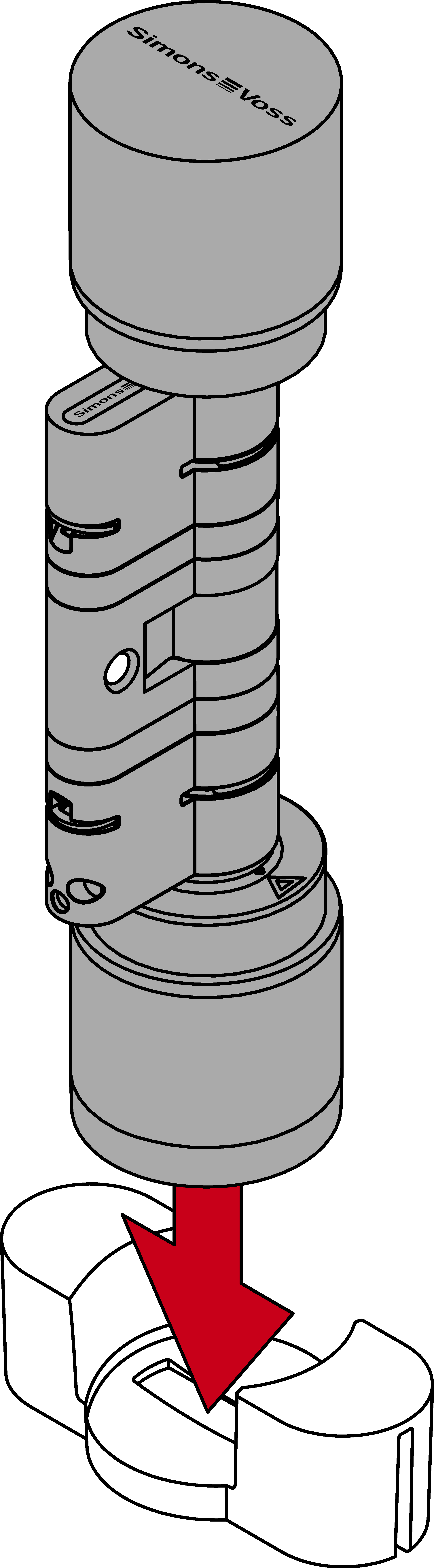
- Place the Digital Cylinder AX into the knob tool.
- Hook the tip of the lifter into the clip.
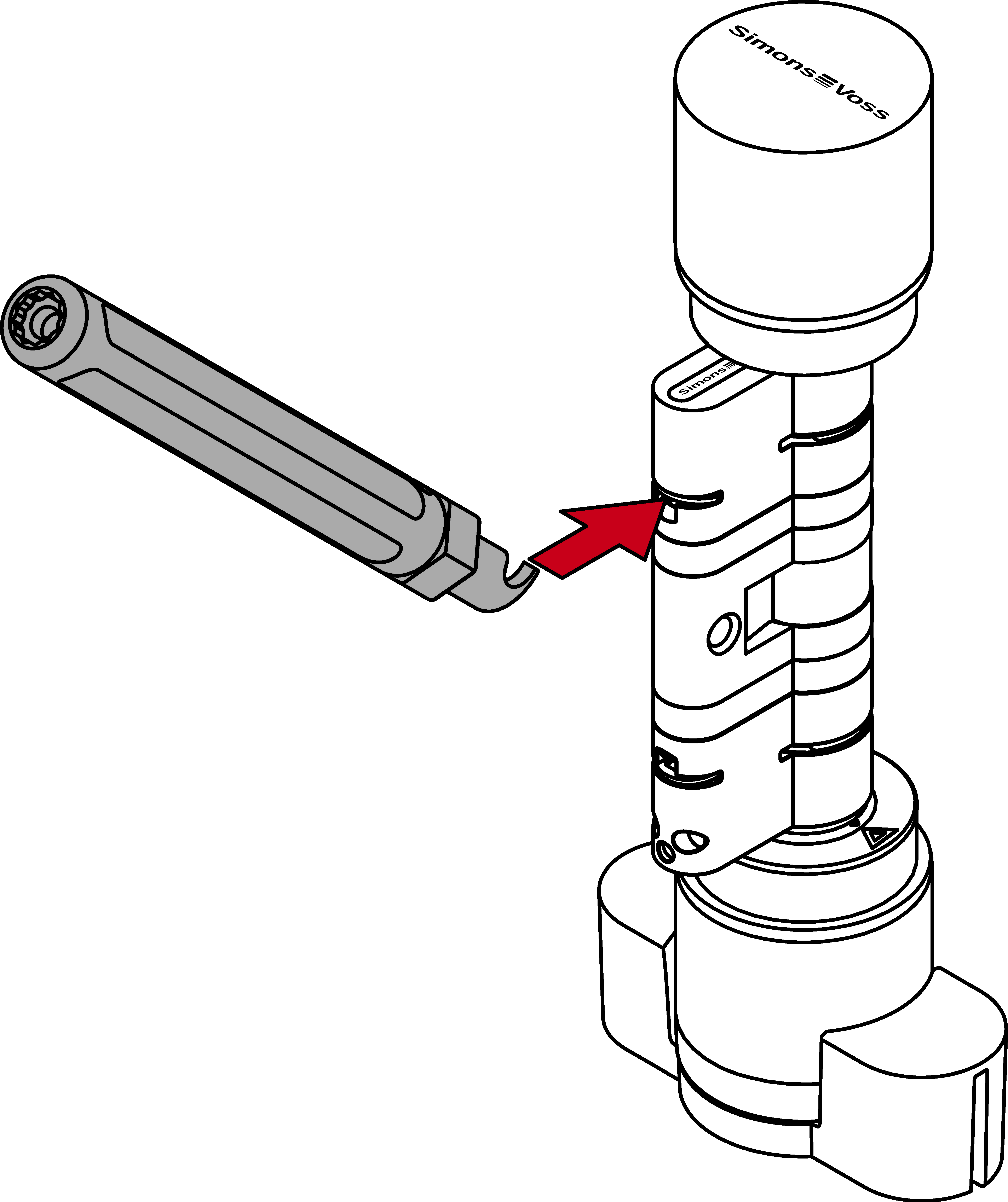
- Pry the clip out of the profile cylinder by moving the extraction tool to the centre of the cylinder.
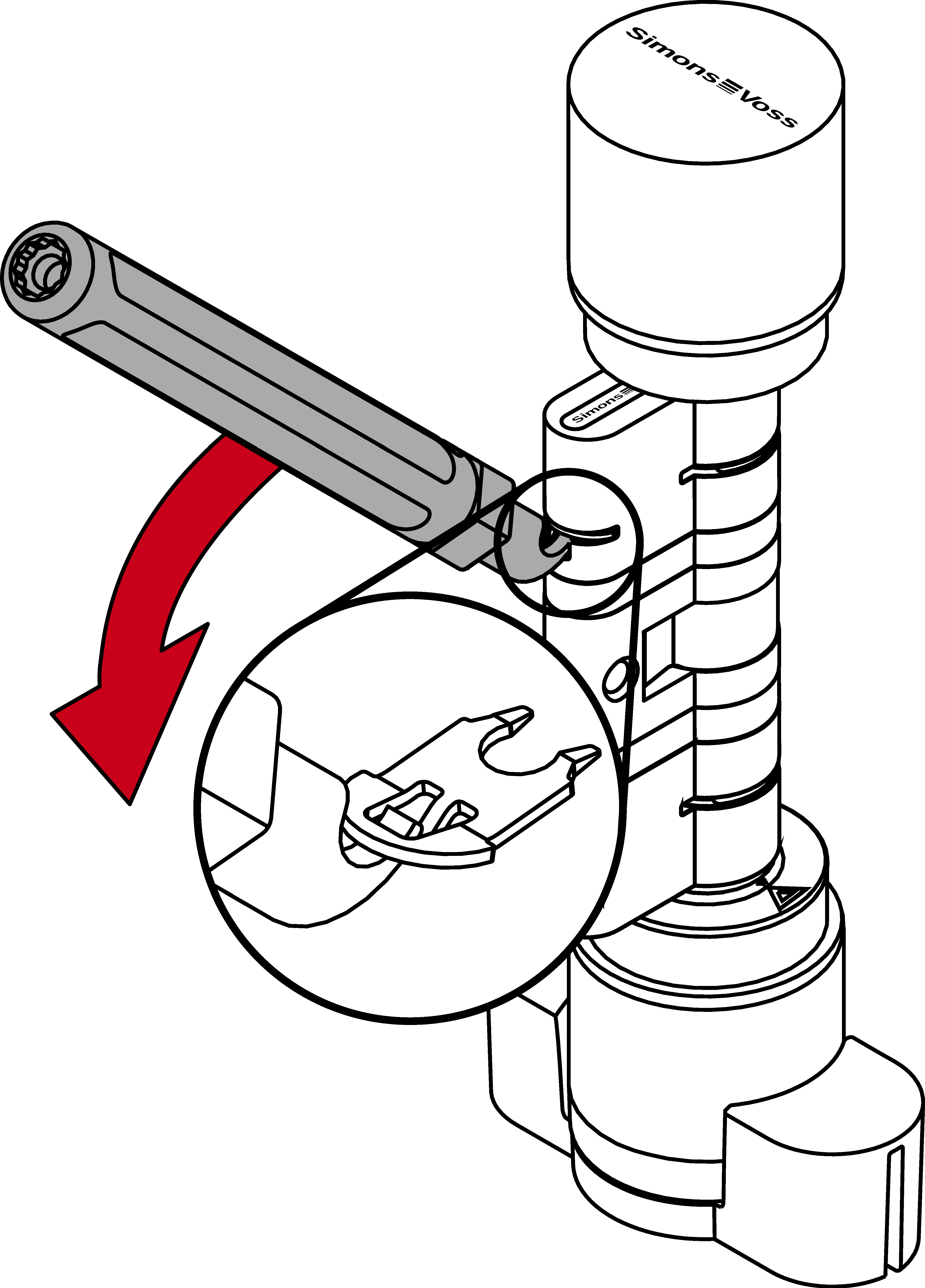
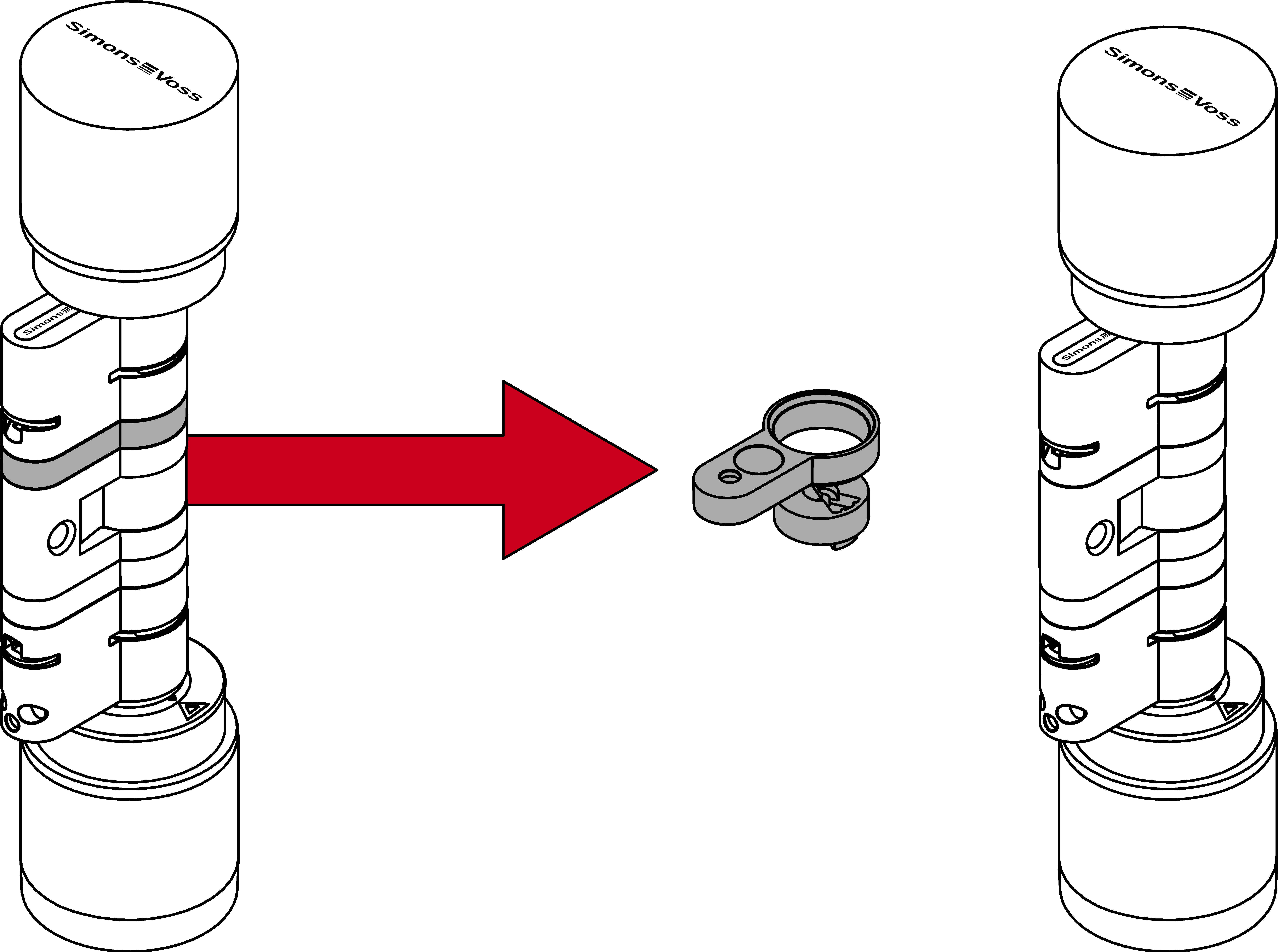
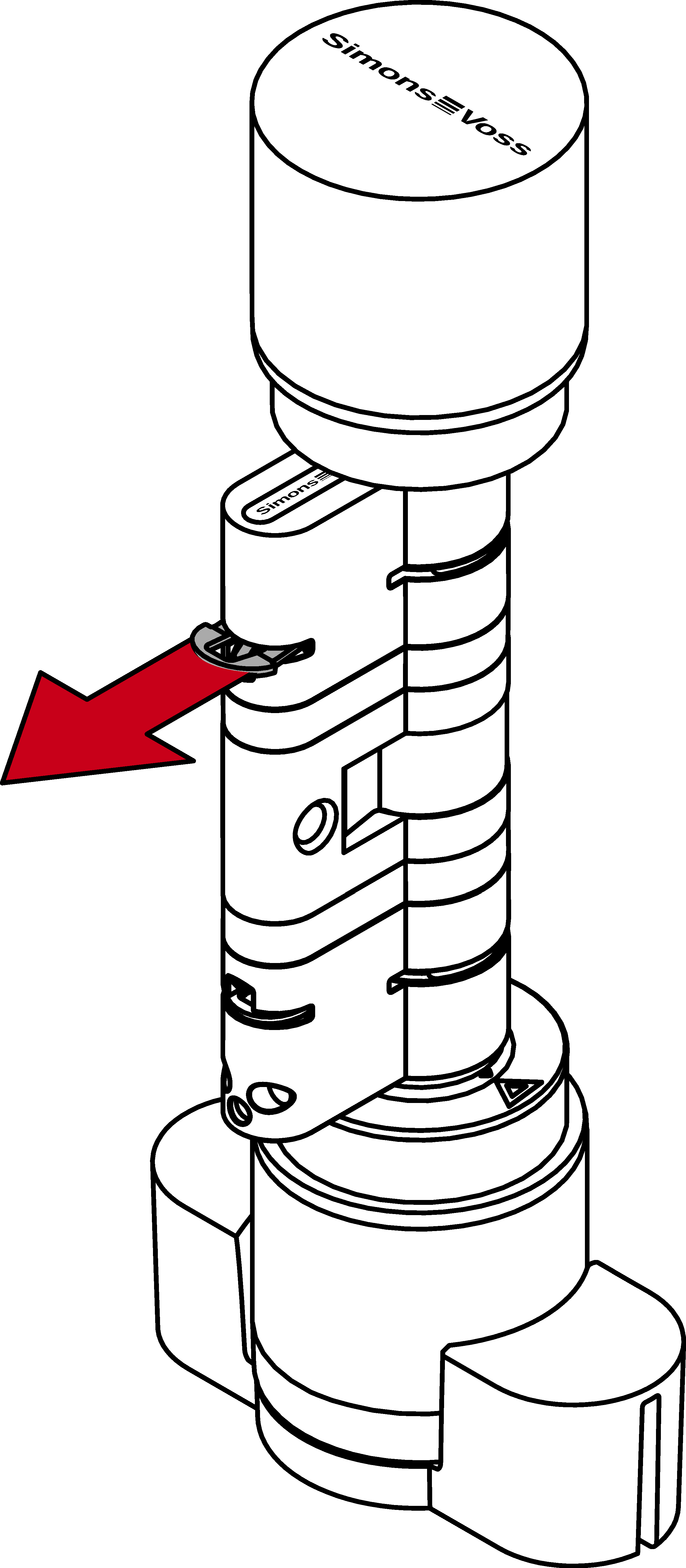
- Pull the clip completely out of the profile cylinder.
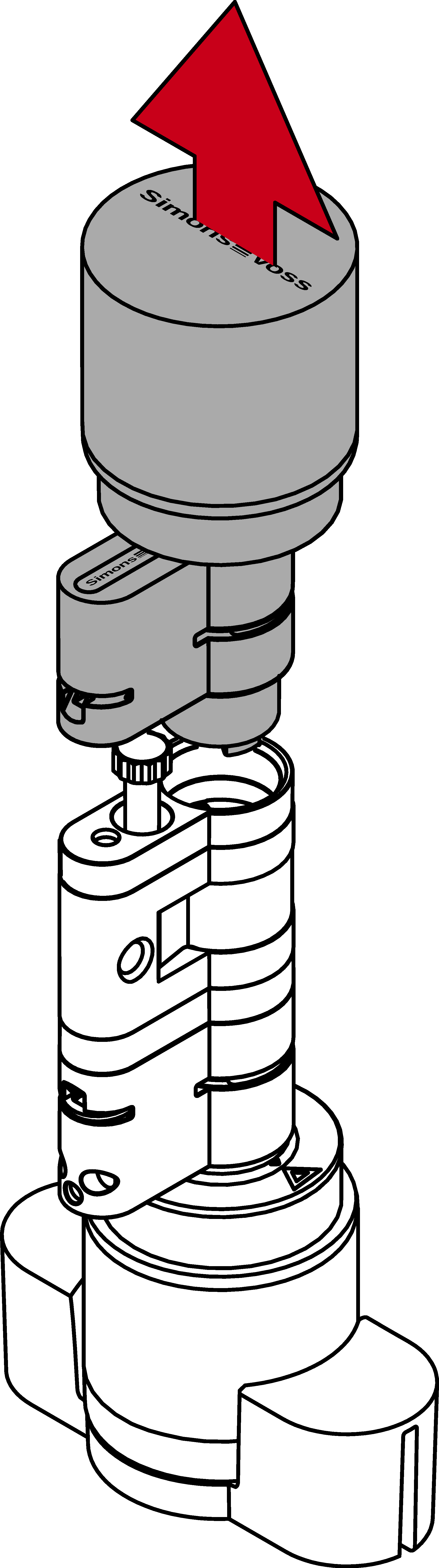
- Separate the two halves of the cylinder.
- Use the extractor to unscrew the bolt.
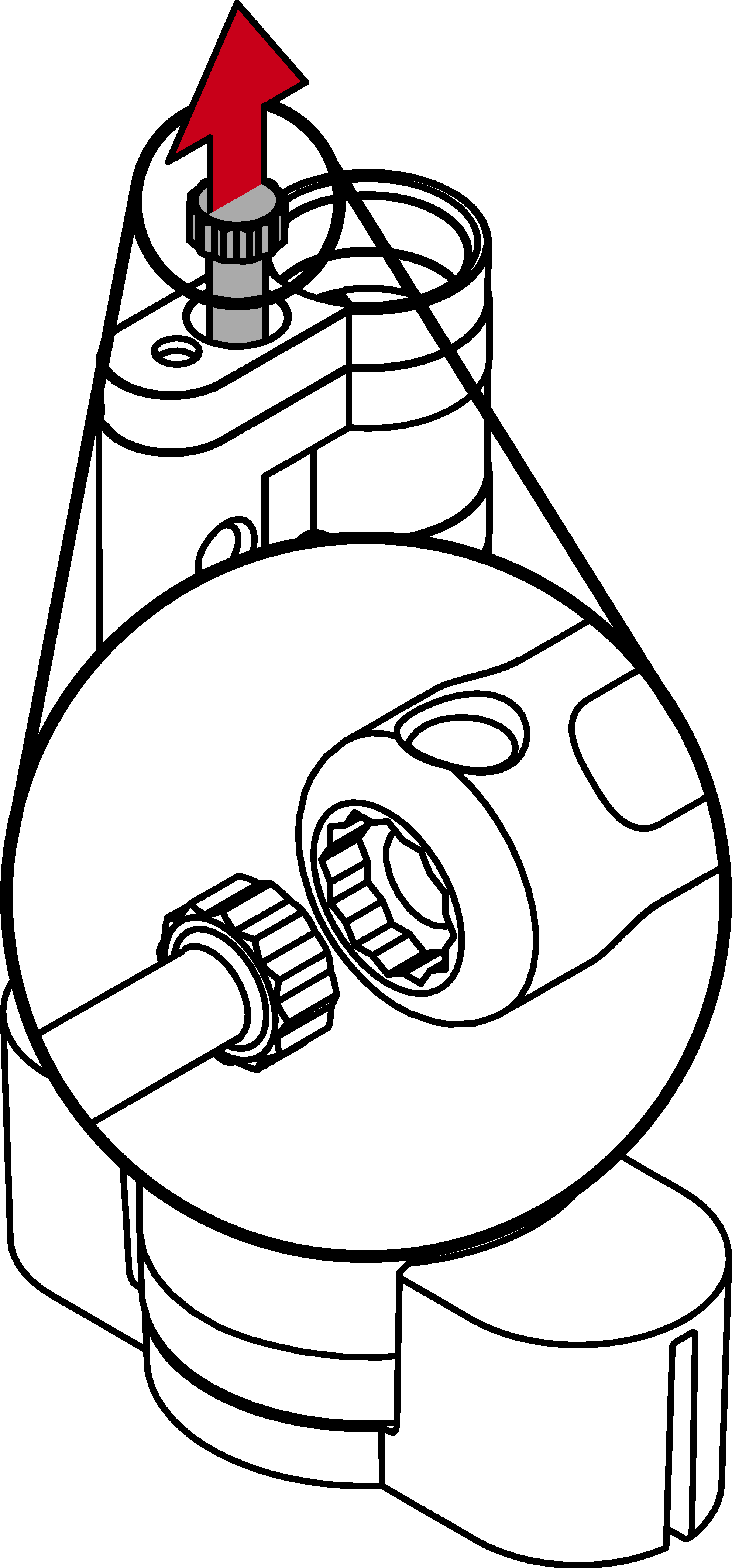
- Remove the profile extensions.
- Remove the core extensions.
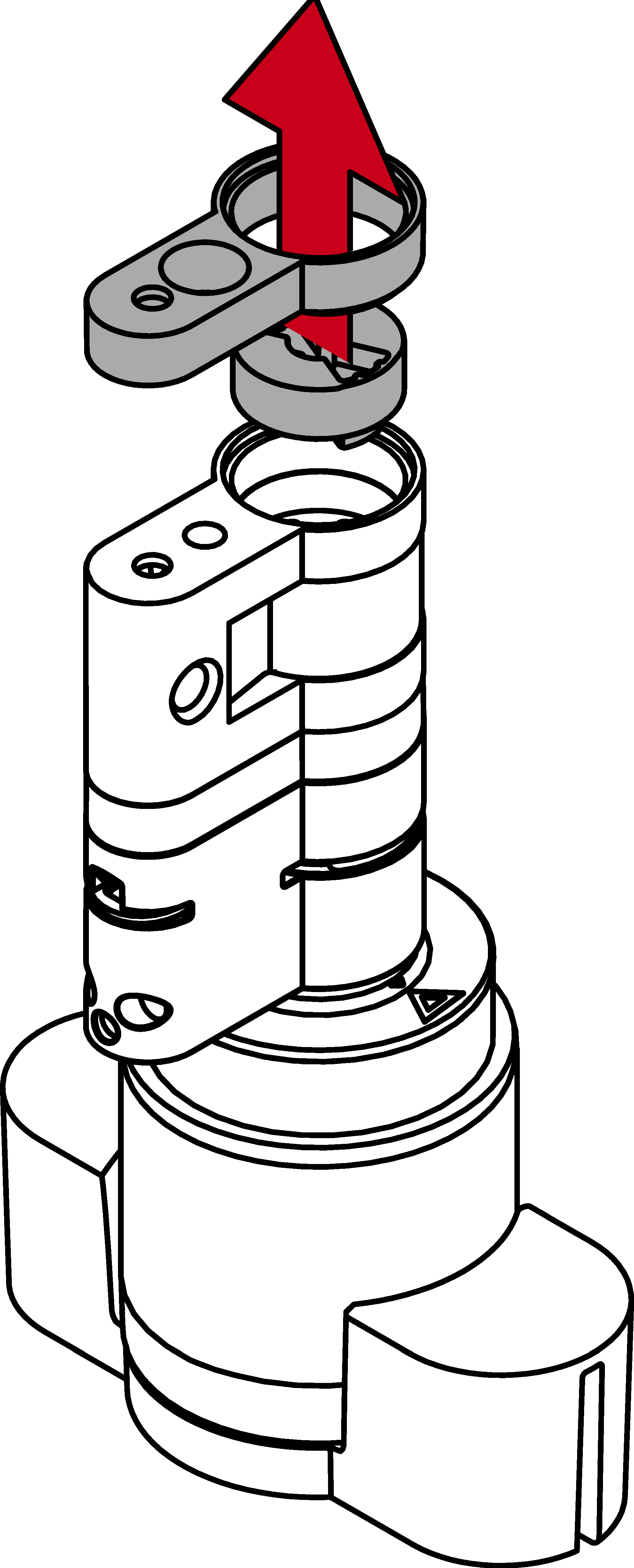
- Fit the spacer.
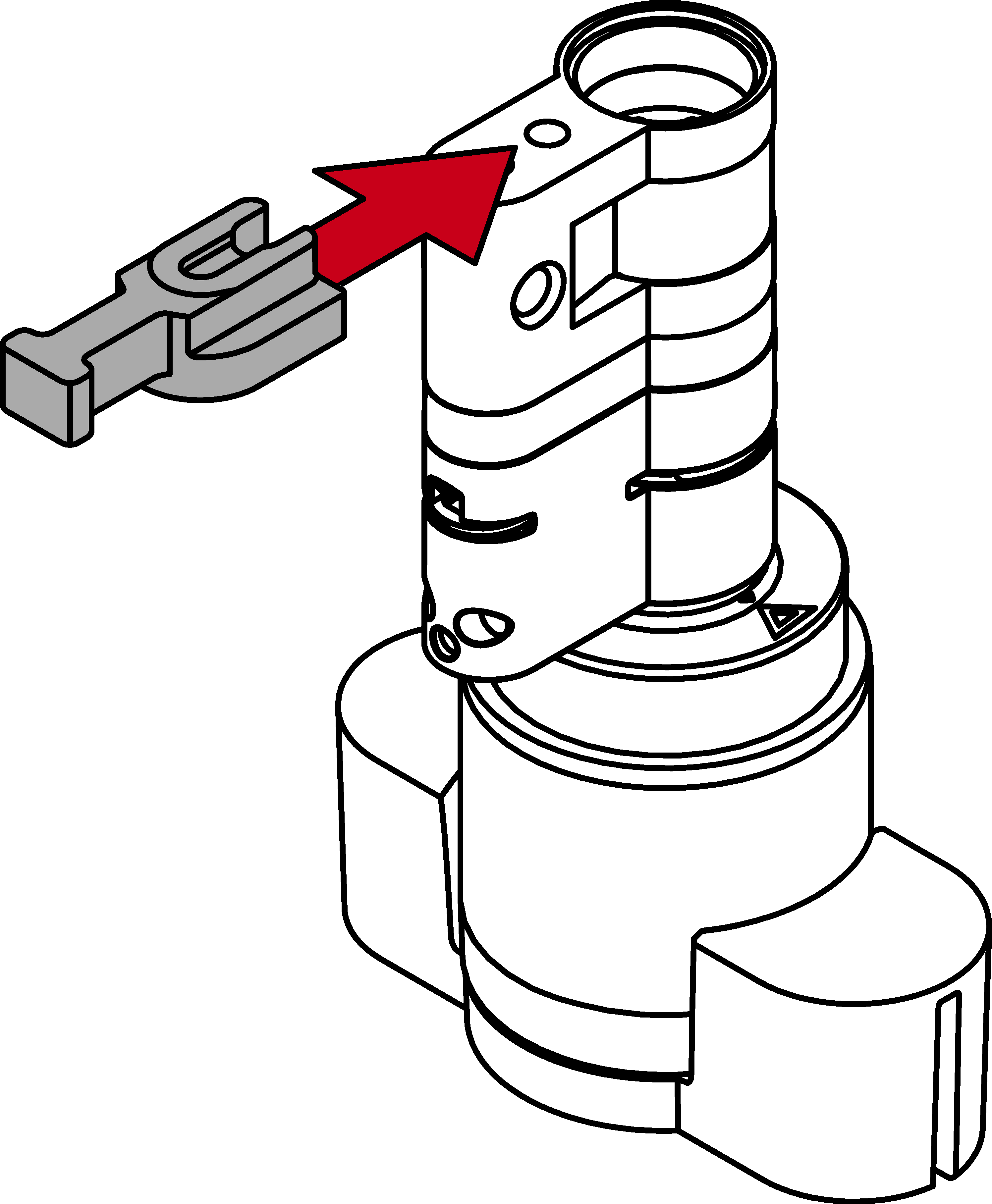
- Using the extractor, screw in a suitable bolt until it rests against the spacer.
NOTE

Length on bolt head
You will find a number on the bolt head. This number is the length of the cylinder profile to which the bolt fits.
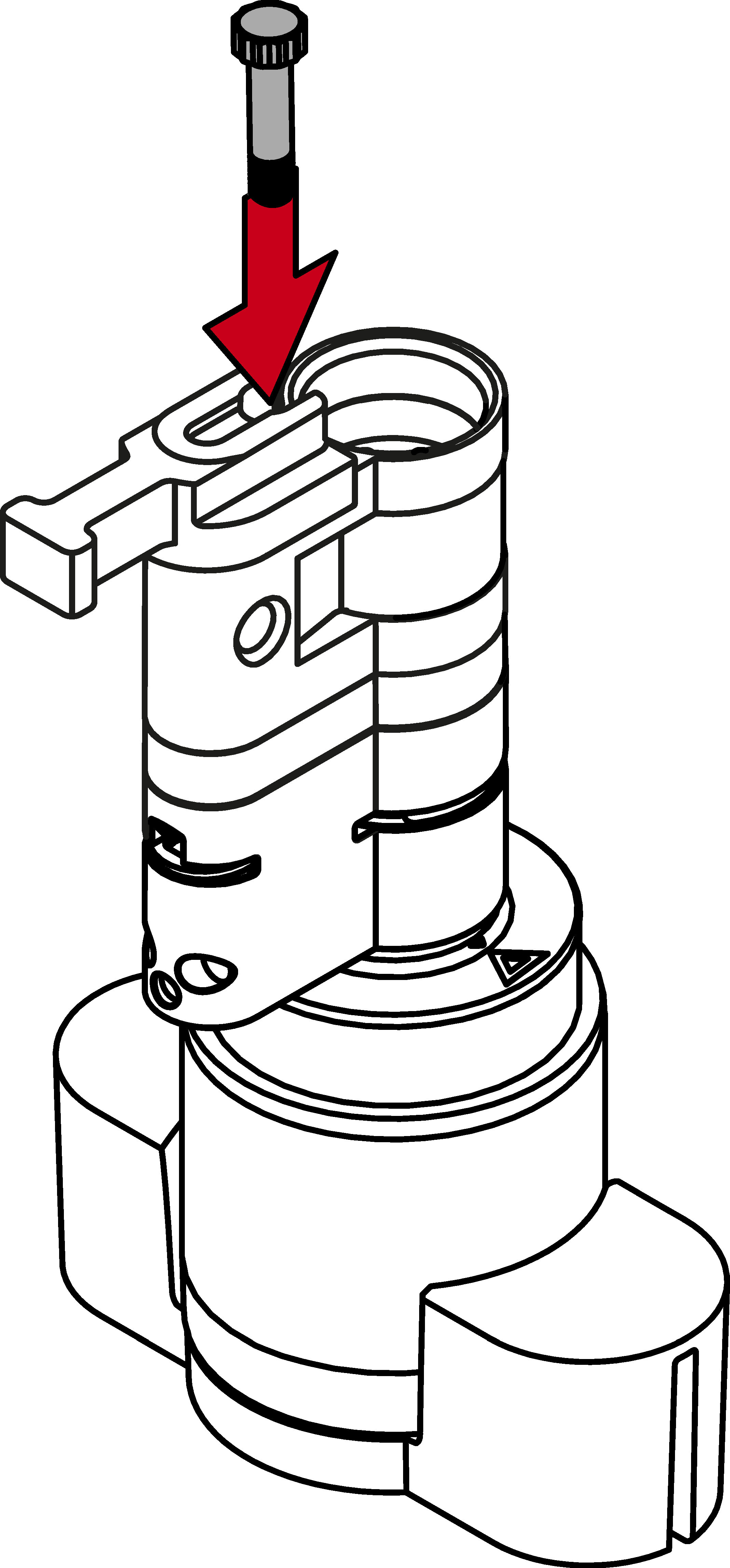
- Put the two cylinder halves back together.
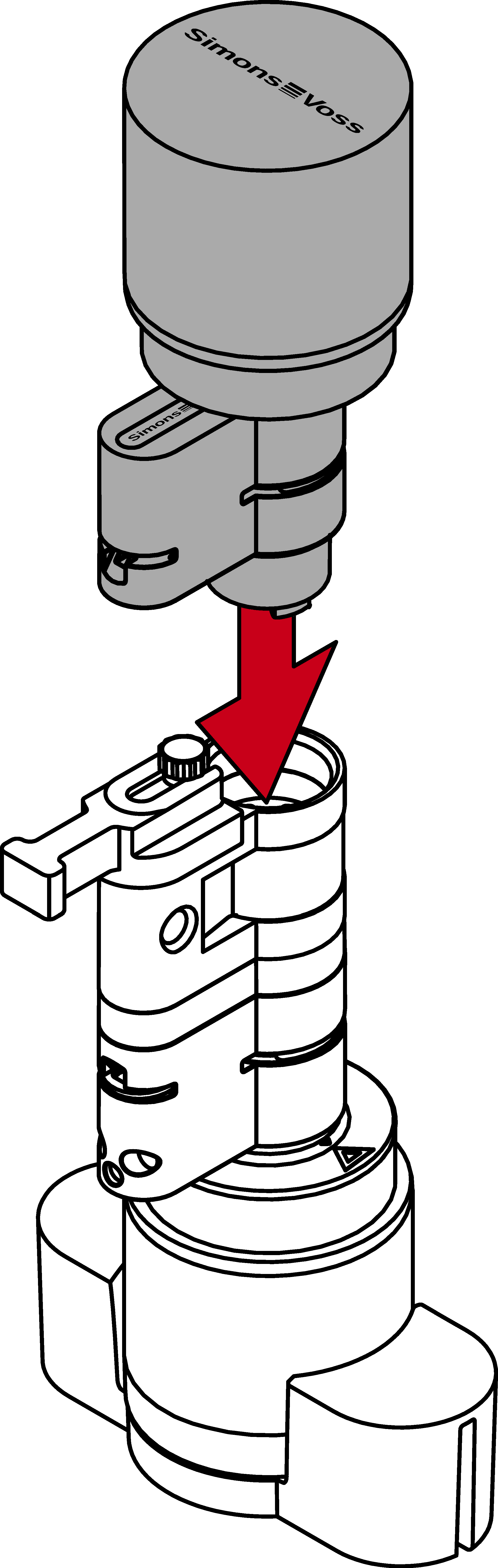
- Bolzen ist gegen Verdrehen geschützt.
- Remove the spacer.
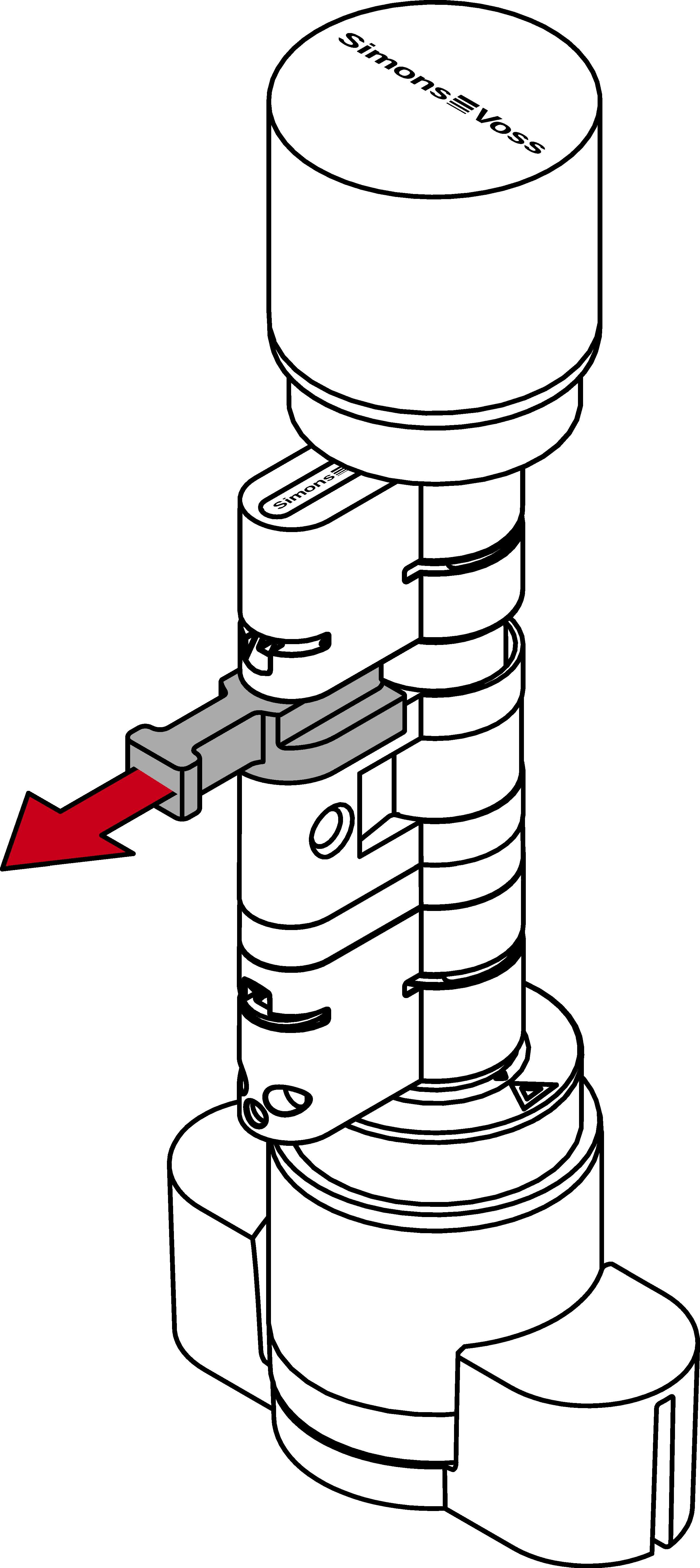
- Push the halves together completely.
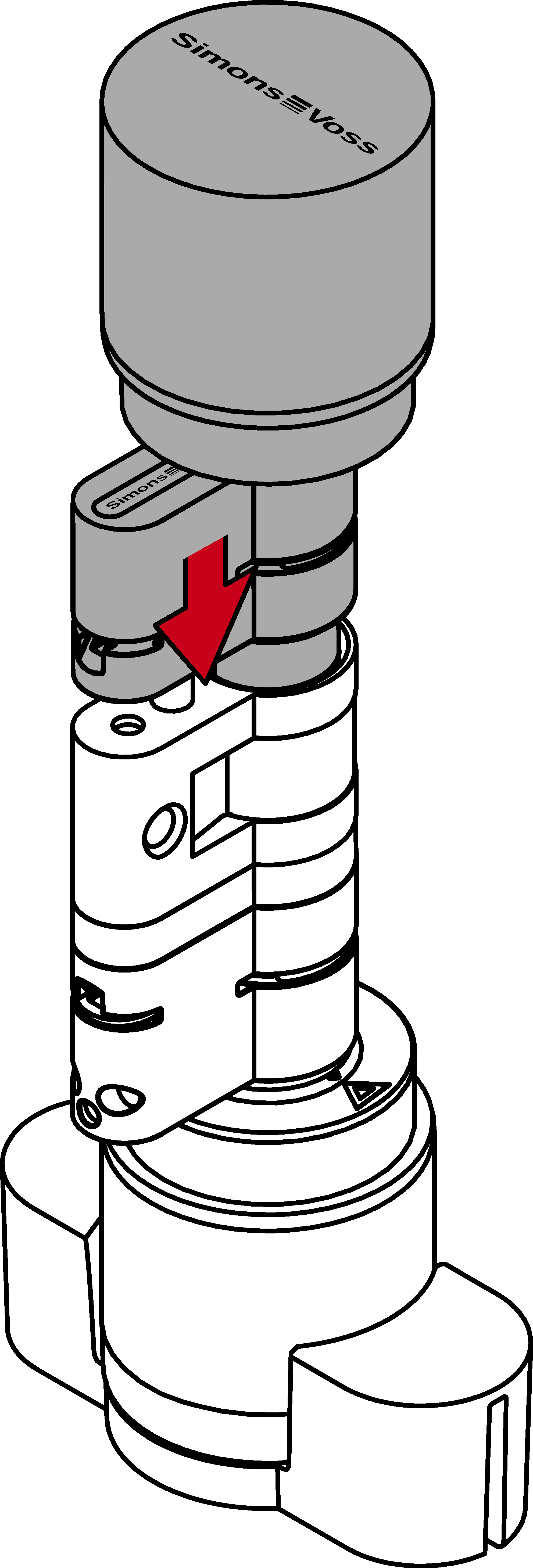
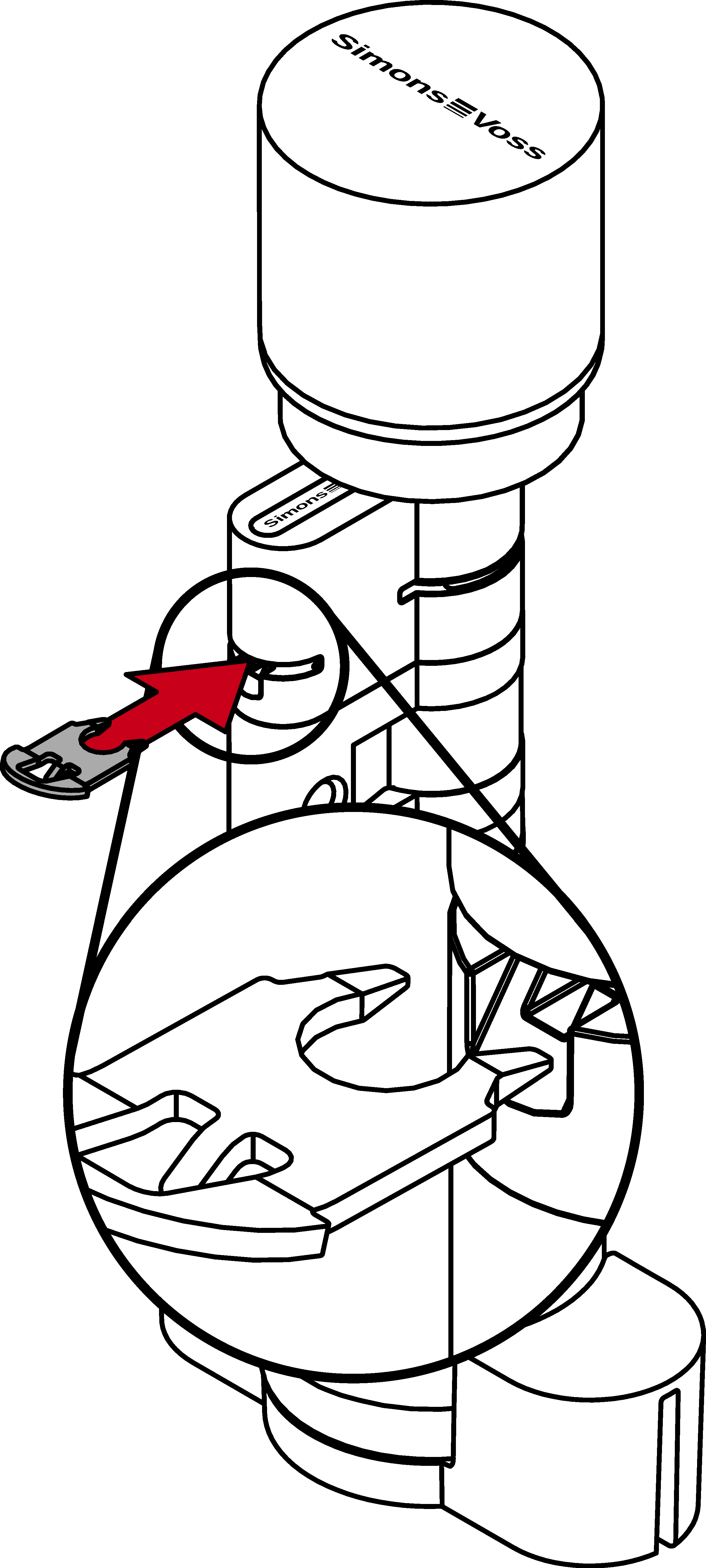
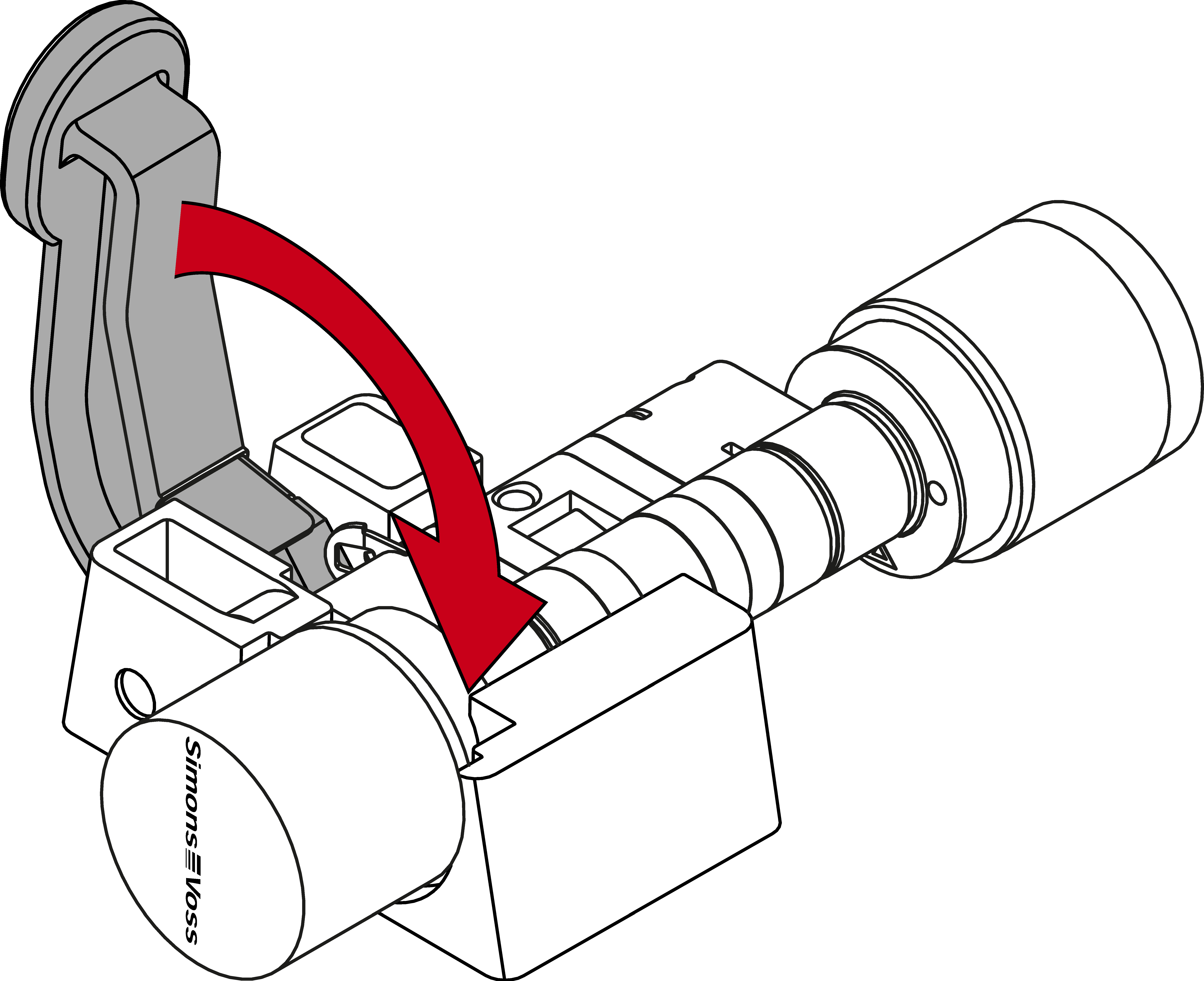
- Reinsert the bracket, with the nose facing the faceplate screw, into the slot in the profile cylinder.
- Insert the cylinder into the clamping block so that the profile cylinder and the knob sit flush within the recesses.
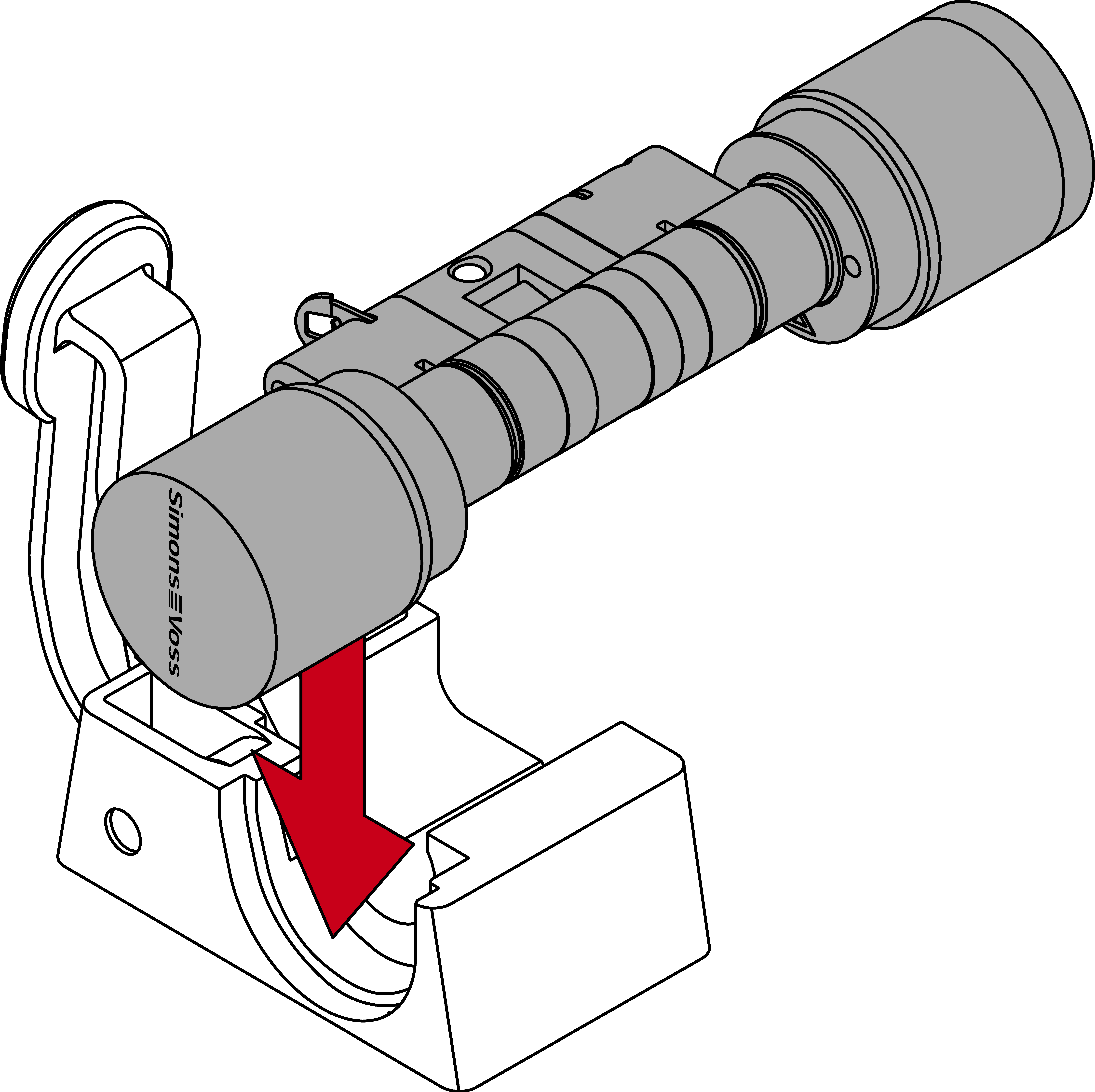
- Der Hebel des Klemmblocks ist an einer Stelle mit einem Metallplättchen verstärkt. Die vorhin eingeschobene Klammer liegt gegenüber dieses Metallplättchens.
- Press the lever on the clamping block towards the base plate until the clamp is fully seated in the profile cylinder again.
- Digital Cylinder AX is shortened.