Controller - SmartRelay AX Classic
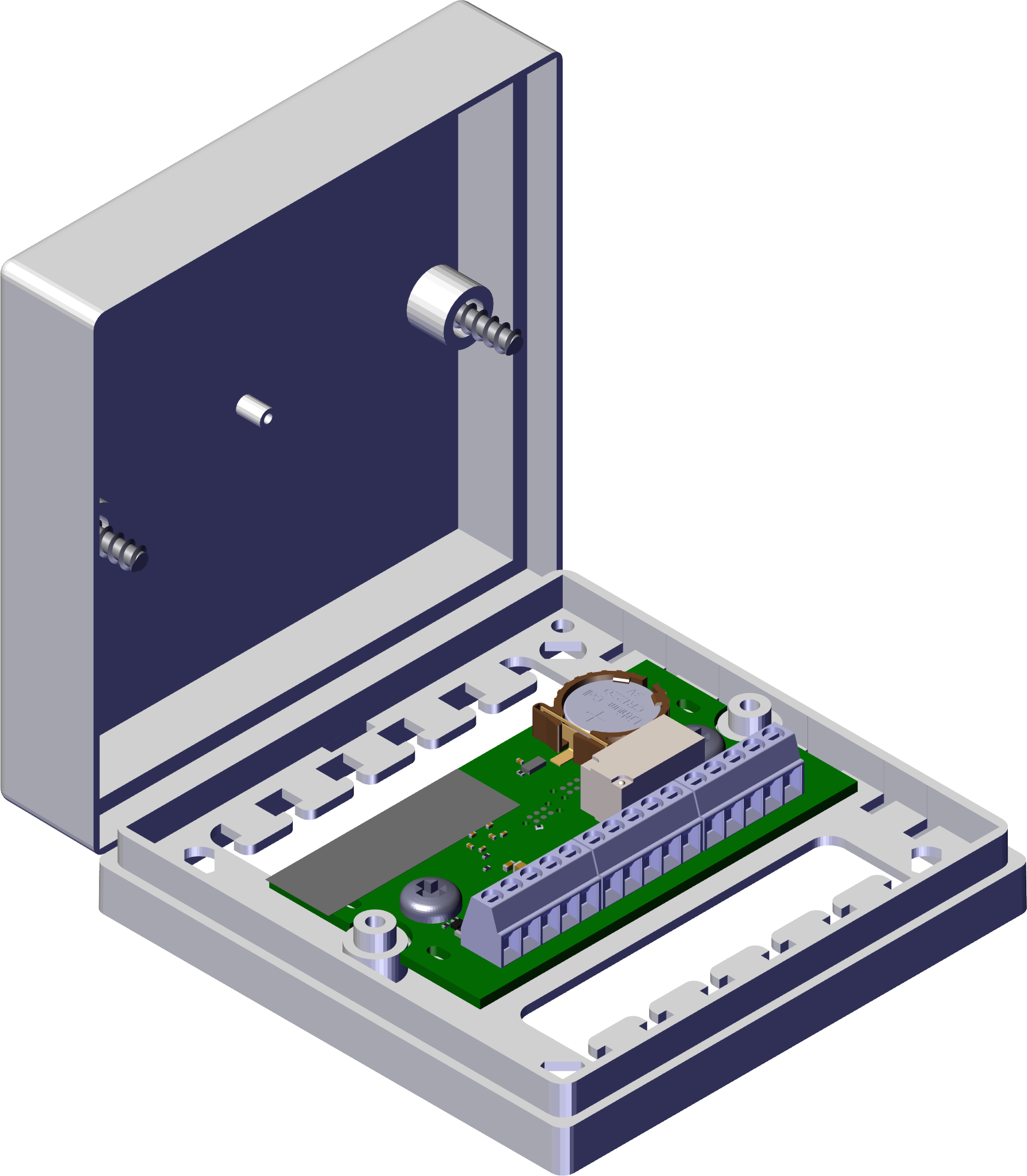
The SmartRelay AX Classic controller has different connections (see Connections):
- Power supply
- Potential-free relay contact
- Connection for reader
- Digital inputs and outputs
An external reader is connected to the controller via an RS-485 cable and installed in the unprotected area. The controller then uses the identification medium data read there and the programmed locking plan to decide whether an identification medium is authorised for access or not. Depending on the configuration, the relay then switches (see Configuration and Programming), for instance. The external relay contacts allow you to control numerous external systems such as an electric door. See Wiring, block diagrams and application examples for further examples of usage.
The controller also offers a serial interface. The data retrieved from the reader can thus also be forwarded to various third-party systems.
In the case of the SmartRelay AX Classic, all data is stored in the controller installed in the secure area. This includes:
- Locking plan
- Access lists (ZK only)
The built-in backup battery ensures that the date and time continue to run during a power failure. Once the power supply is restored, the controller continues to function without restriction.
NOTE

Follow the switch-on sequence
After a power-on reset (power outage followed by restoration of power supply), the controller automatically searches for connected system components one time on restarting. System components which are not supplied power until the controller restarts are thus unable to respond to the controller's query and are not recognised.
The controller must therefore be supplied power with the other system components at the same time or must be the last system component to receive power.
If the controller detects that the connection to the reader has been lost, the relay reverts to idle mode shortly after. An interruption in the connection cannot accidentally trigger a permanent opening.