Battery replacement - PIN code terminal
- Screwdriver present (Torx TX6).
- Unscrew the screws holding the cover in place.
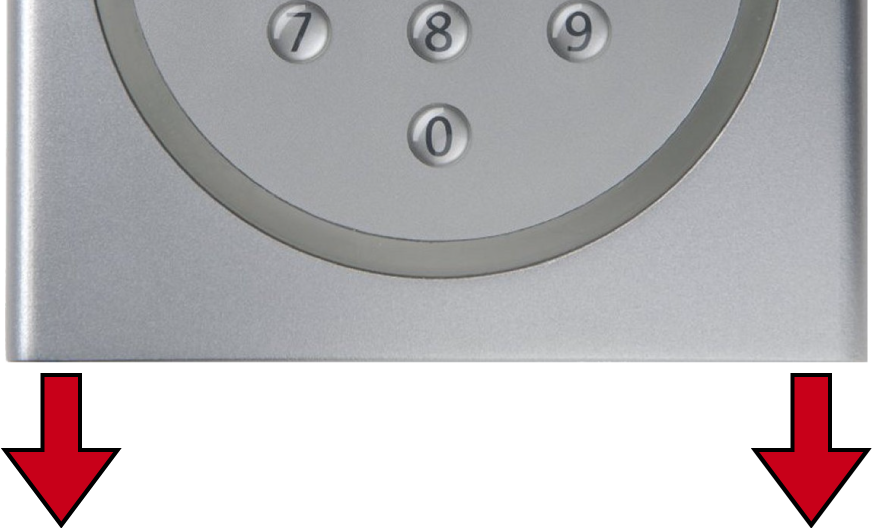
- Remove the cover.
- Using a screwdriver, slide one side of the battery clips into the opening provided.
IMPORTANT
Jumping out due to spring tension of clamps
Clamps are under tension. They may jump out and be lost when loosening.
- Remove the battery.
- Remove all other batteries in the same way.
NOTE

All batteries are discharged approximately the same. Therefore, replace all batteries at the same time.
- Insert the new batteries with the positive terminal facing upwards (CR2032 (3V) batteries).
- Carefully hook the battery clips back into the circuit board.
- Replace the cover.
- Press the cover against the base plate and screw the cover back in place.
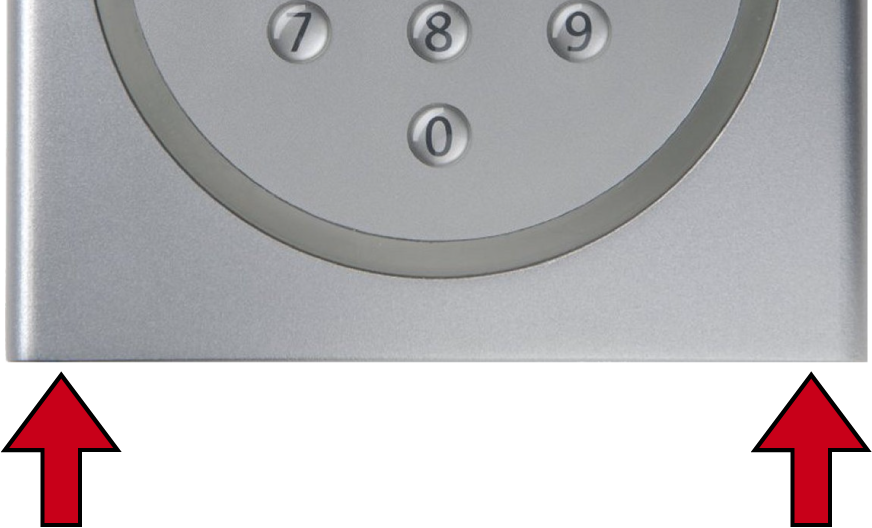
- Batteries are replaced.
Reset battery warning
- Batteries are replaced.
- Press
0for more than two seconds to activate programming mode. - PIN code terminal beeps and flashes orange once.
- Enter
99. - Enter
99999. - Enter the Master PIN.
- PIN code terminal beeps and flashes green twice.
- Battery warning is reset.