Resetting with LSM - PIN code terminal
- LSM open.
- Programming device (SmartCD.G2) connected.
- Open the properties of your locking system using Edit - .
- Change to the PIN-Code Terminal tab.
- Click on the Program / Reset button.
- The window PIN-Code Terminal opens.
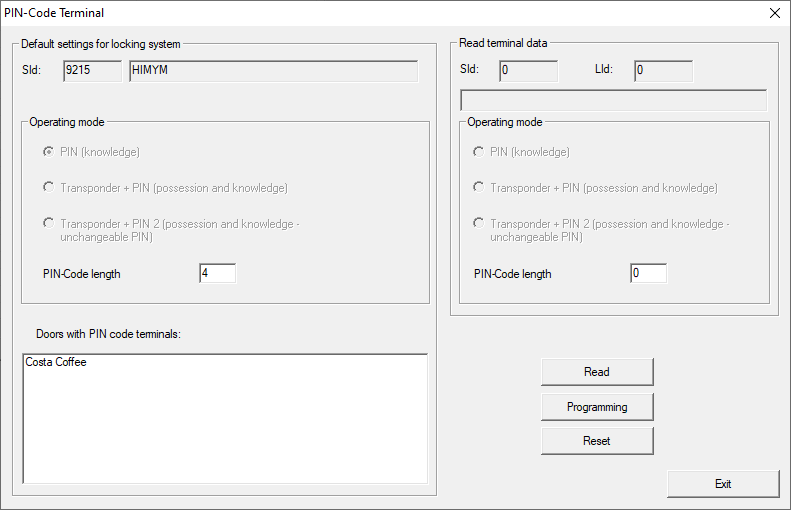
- Align the PIN code terminal and the programming device (distance 10 cm to 20 cm).
- Click on the Reset button.
- Enter the locking system password if necessary.
- When prompted, press
1for more than two seconds. - PIN code terminal beeps and flashes green twice.
- PIN code terminal is reset.
- PIN code terminal is reset.