Log - Smart.XChange
Protocol tab
You can track the program's events and processes in the program's log. Some events are described in detail. You can unhide this description.
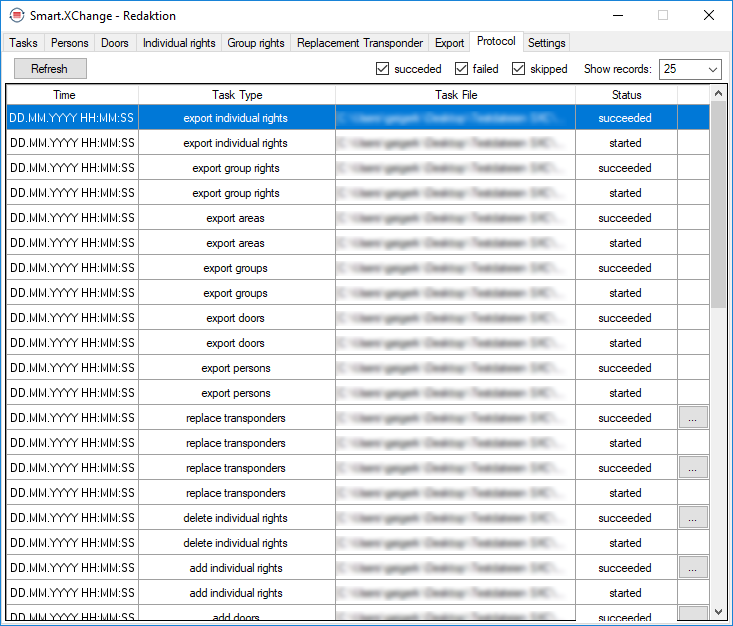
- Click on the ... button to open the description.
- The Error Details window will open. It contains a description of the event.
The program updates the log on an on-going basis. You need to refresh the log to see the latest events in the log.
- Use the Reload button to update the log display.
- New events are also shown.