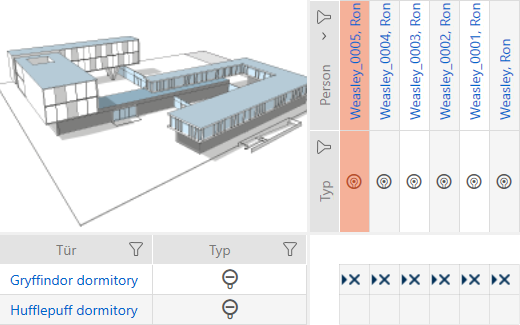
Duplicating an identification medium (including authorisations and settings) - AXM Lite

Instead of creating a new identification medium, you can simply duplicate an existing identification medium. During this process, AXM Lite also applies the properties, which can be changed in the AXM Lite.
The following settings are duplicated:
- Time group
- Person details (except for Personnel number. This is continued automatically with the adjustable abbreviation; also see Changing automatic numbering)
- Transponder configuration
- Access levels
- Hashtags
The following settings are not duplicated:
- Entries in the tab
- Information that is stored on the hardware and imported during synchronisation:
- Serial number
- Firmware version
- Battery status feedback
- Personal audit trail
- AXM Lite open.
- Identification medium available.
- Select the identification medium to be duplicated.
- Click on the
 button.
 - The window for specifying copies will open.
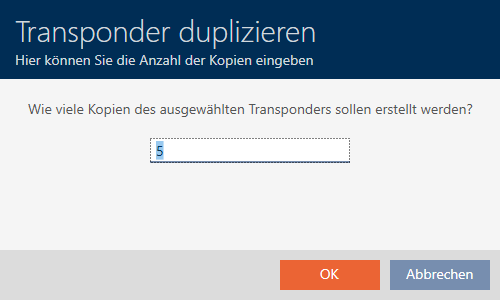
- Click on the button.
- The identification medium is duplicated.