Using a web proxy - AXM Lite
All AXM versions must connect to the SimonsVoss servers to activate their licence. If you have configured a web proxy in your network that restricts access, you need to enter this web proxy. Simply entering the web proxy in the Windows front-end is not enough.
Background: the AXM uses a background system service written in .NET. This service reads the web proxy configuration from the system environment variables.
The following system environment variables must be configured on the AXM device:
|
|
|
|
|
|
- Administrator rights available.
- Access the system environment variables by opening the start menu, for example, and searching for “system environment variables”.

- Click on the "Environment variables" button.
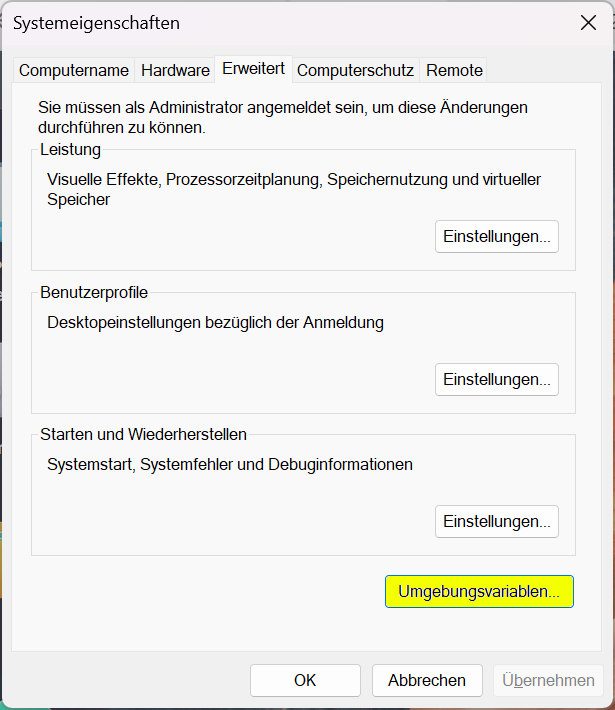
- Create the required system environment variables.
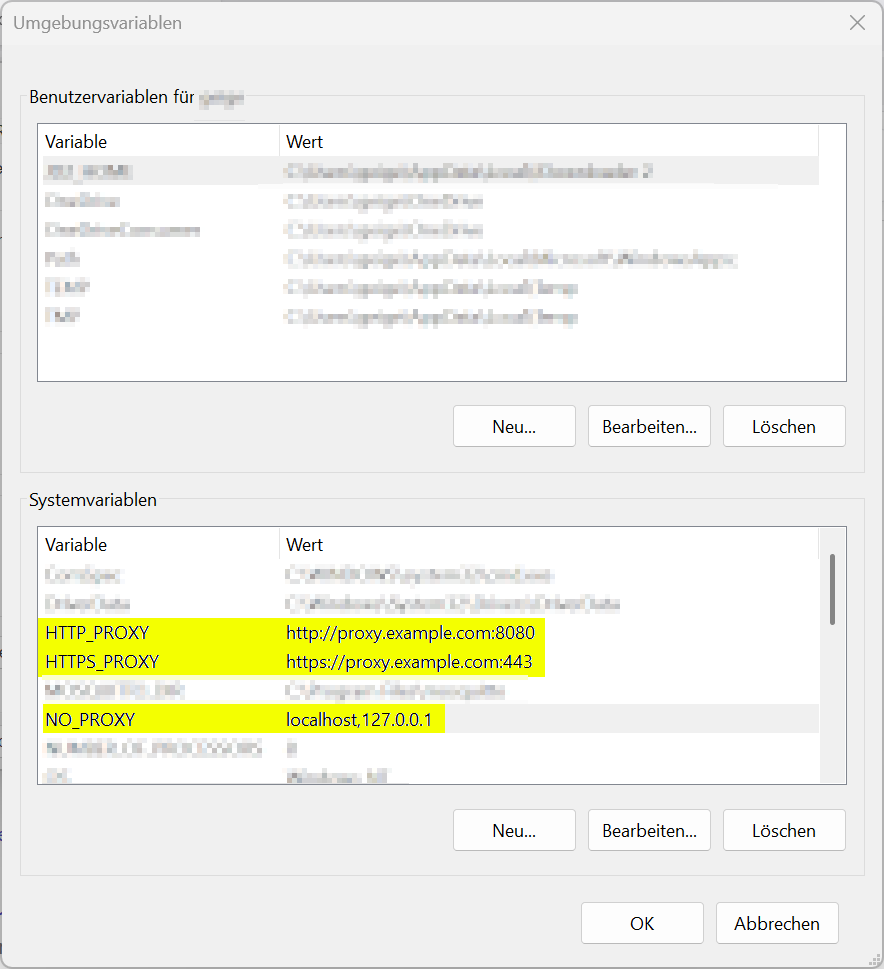
- Click on the “OK” button to save the system environment variables.
- Then restart the computer so that the changed system environment variables can take effect.