Displaying version number and licence key for the AXM installed - AXM Lite
- AXM Lite open.
- Click the orange AXM button
 .
. - AXM bar opens.
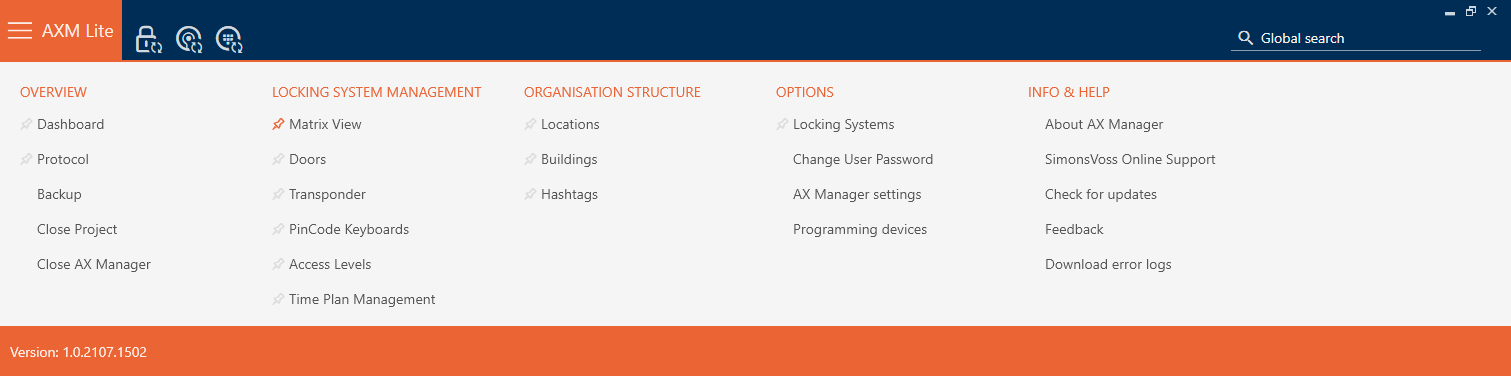
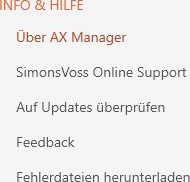
- Select the entry in the group.
- The info window about AXM Lite will open.
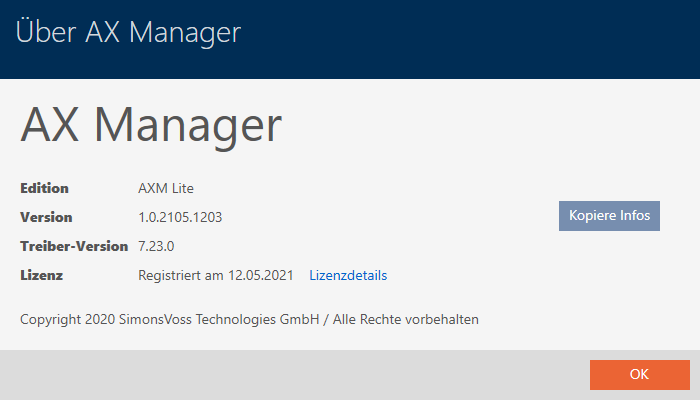
- Click on the button.
- The info window about AXM Lite closes.
- The licence info window will open.
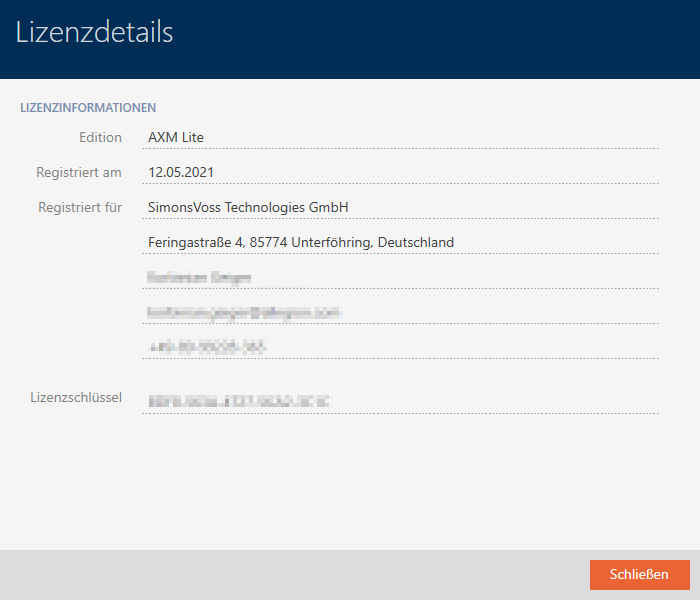
- Click on the button.
- The licence info window closes.
You can also register your AXM Lite here (see Registration).