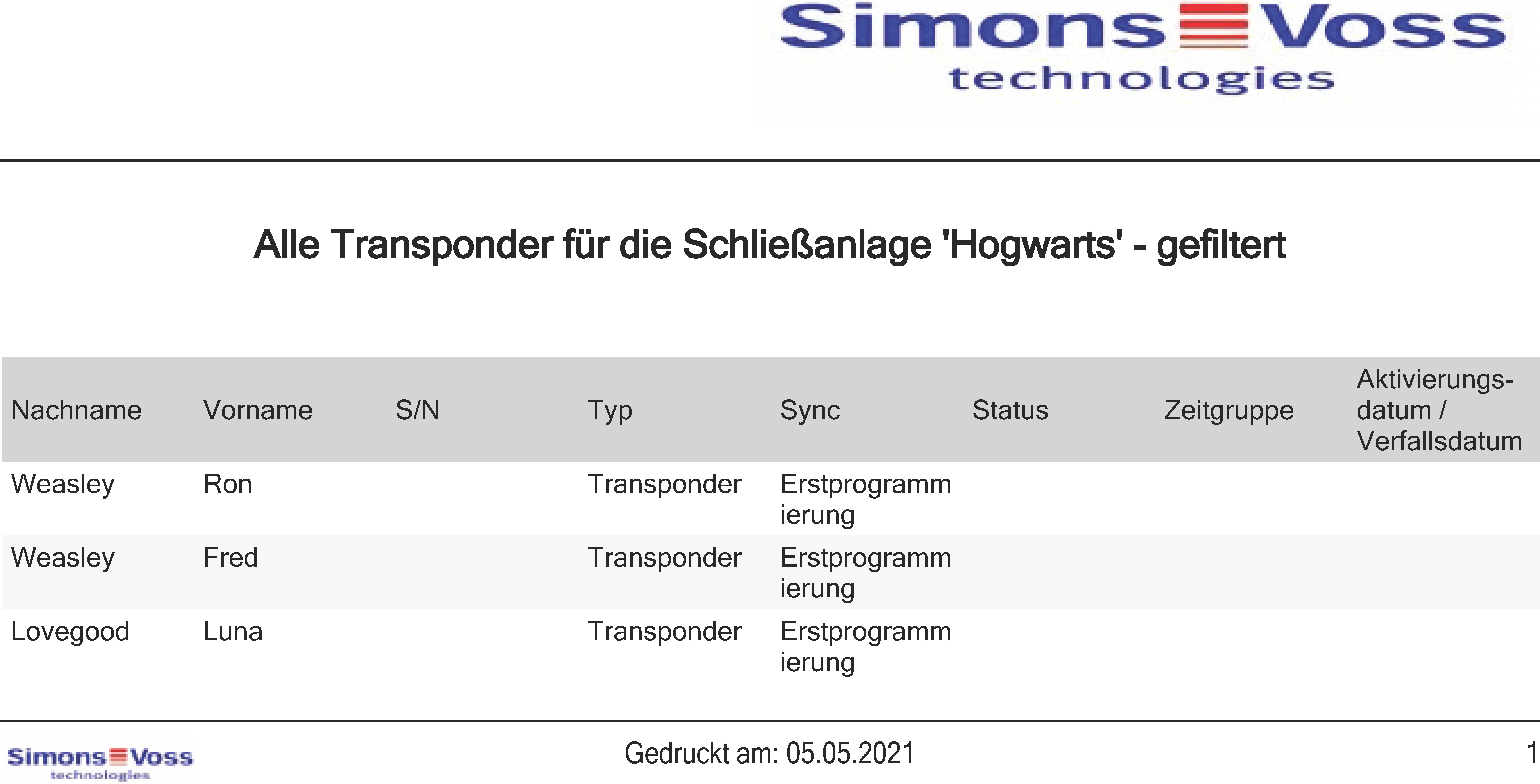
Export cards/transponders as a list - AXM Lite
- AXM Lite open.
- Identification medium available.
- Click the orange AXM button
 .
. - AXM bar opens.
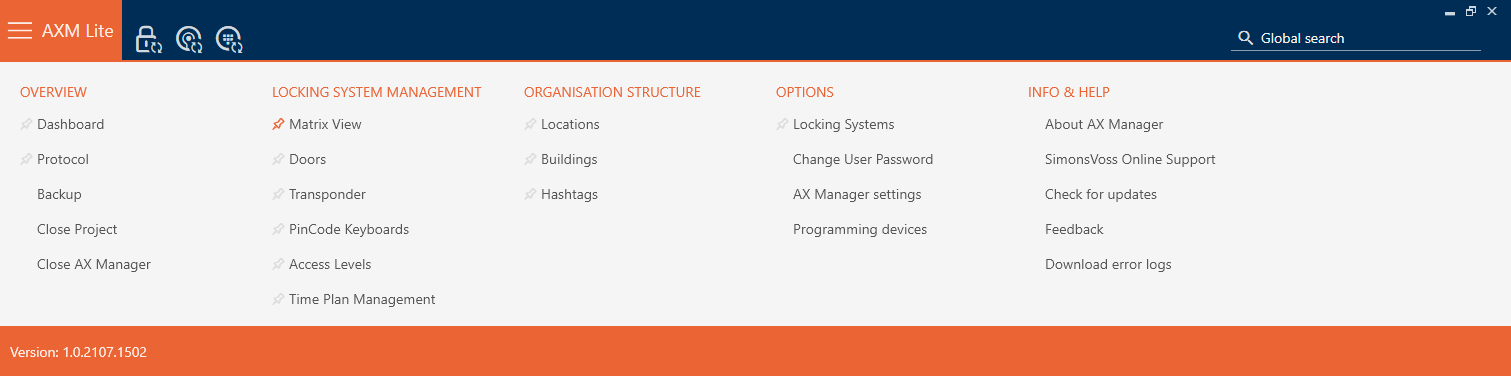
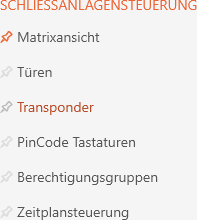
- Select the entry in the group.
- The list with all identification media in the locking system will open.
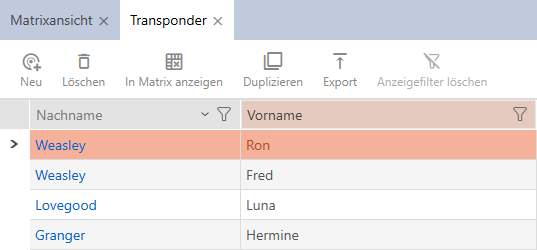
- Use
 to sort/filter the displayed entries if required (see Sorting and filtering).
 - Click on the button
 .
. - The Explorer window will open.
- Save the PDF file to a directory of your choice.
- Displayed identification media are exported as PDF files (DIN A4).