Creating special identification media - AXM Lite
You can assign just one function to a specific identification medium, either Battery replacement or Lock Activation (see Special identification media and their functions). This identification medium can then no longer be used for other purposes in this project.
- AXM Lite open.
- Click on the orange AXM icon
 .
. - AXM bar opens.
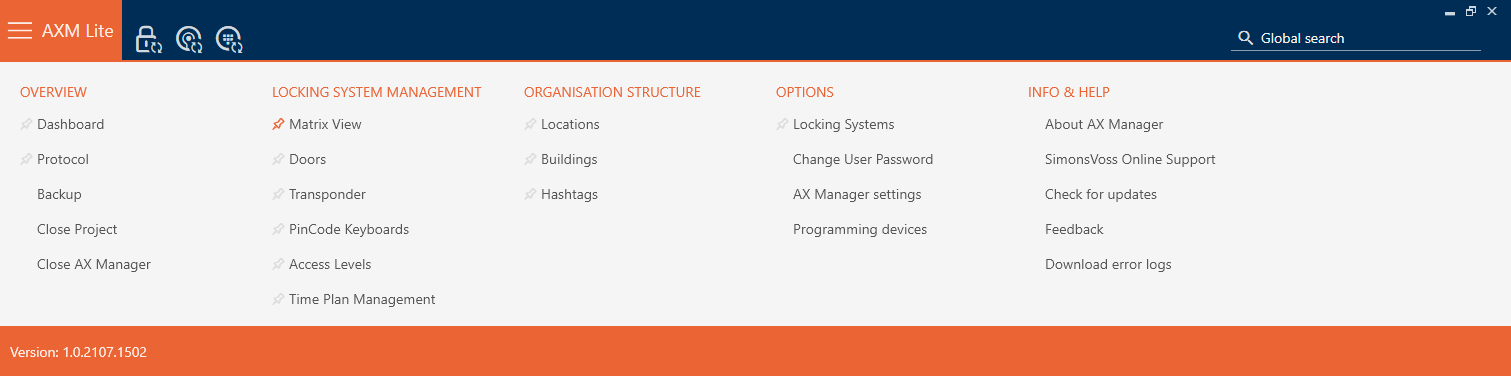
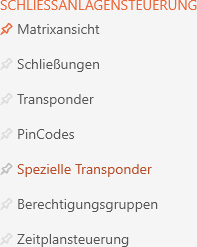
- Select the entry in the group.
- The tab will open.
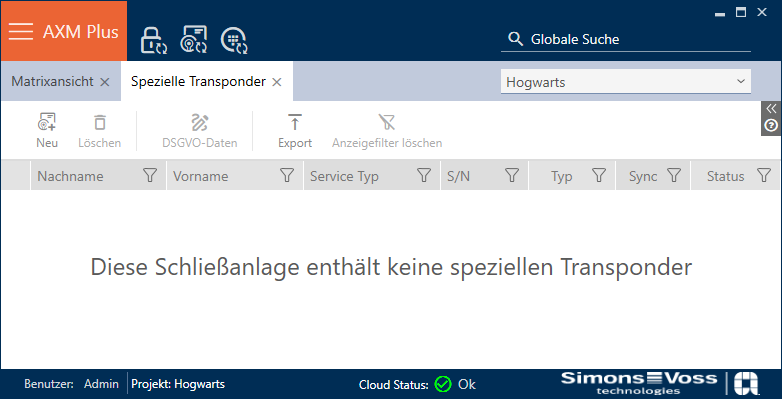
- Click on the button
 .
. - The window will open.
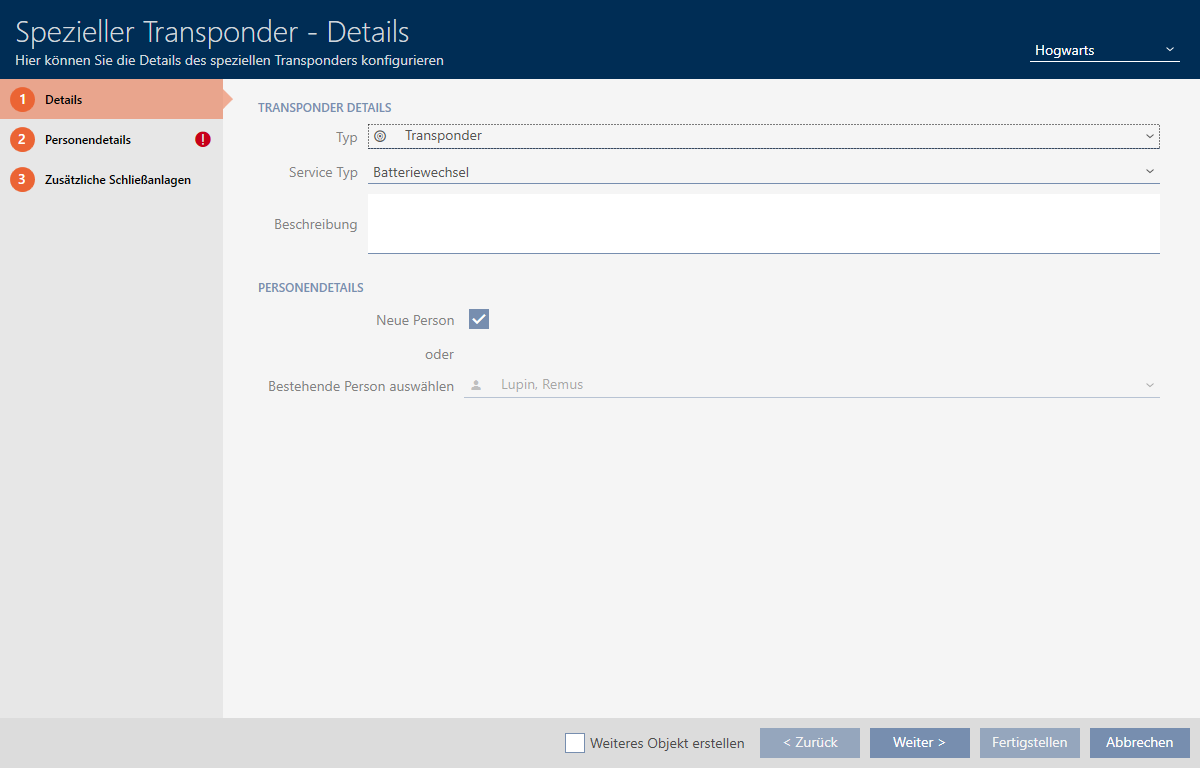
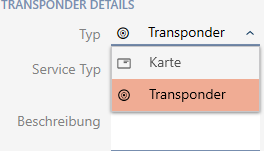
- Select the type of identification medium you want to make a special identification medium from the drop-down menu.
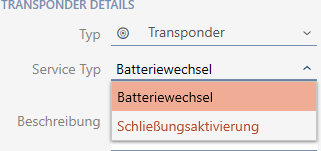
- Then use the drop-down menu to select which function this identification medium should have ( or ).
- Enter a description if required.

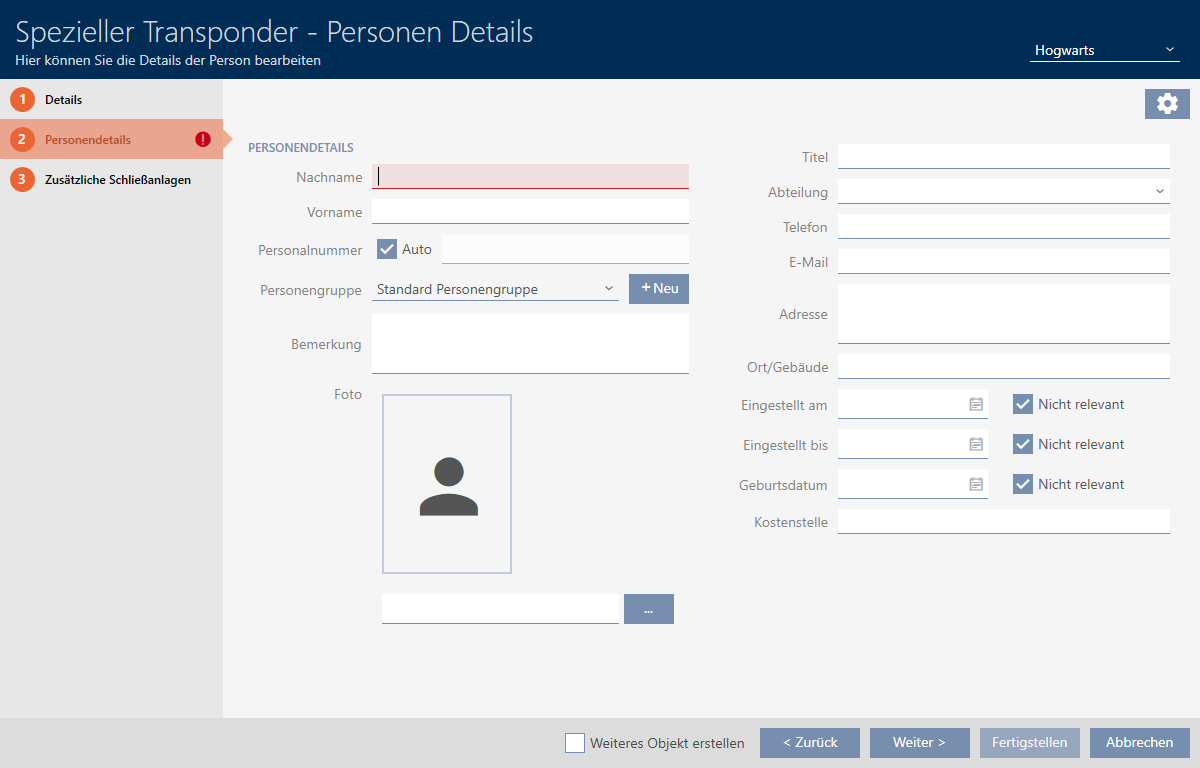
- Enter the surname and first name of the person who will receive the identification medium in the and fields.
- The personnel number is generated automatically.
NOTE

Personnel number formula or manual entry
The AXM Lite generates personnel numbers based on the following formula: PN-1, PN-2, PN-X. The abbreviation PN can be changed if required (see Changing automatic numbering).
Alternatively, you can enter personnel numbers manually:
- Activate the
 Auto check box.
 - The field is activated.
- Enter the personnel number in the field.
- Activate the
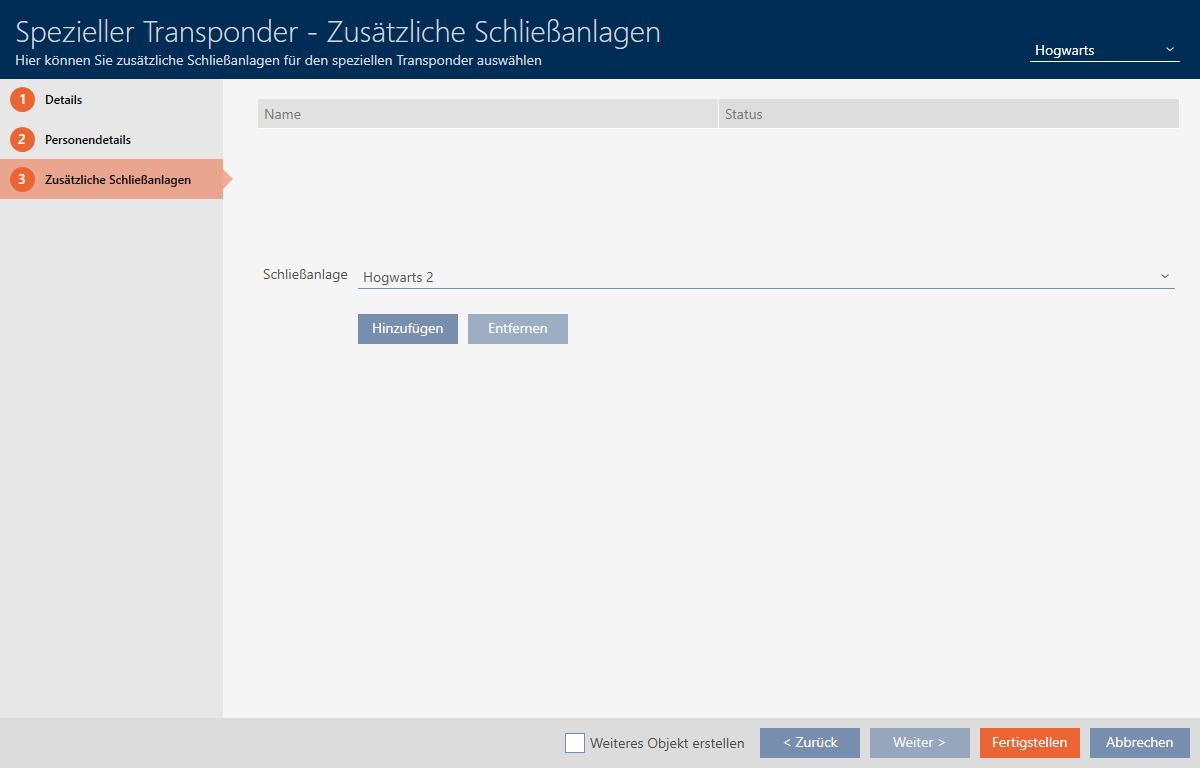
- If you want to use this special identification medium in other locking systems, use the button to add other locking systems.
- Click on the button.
- window closes.
- Newly created identification medium with special function is now listed.
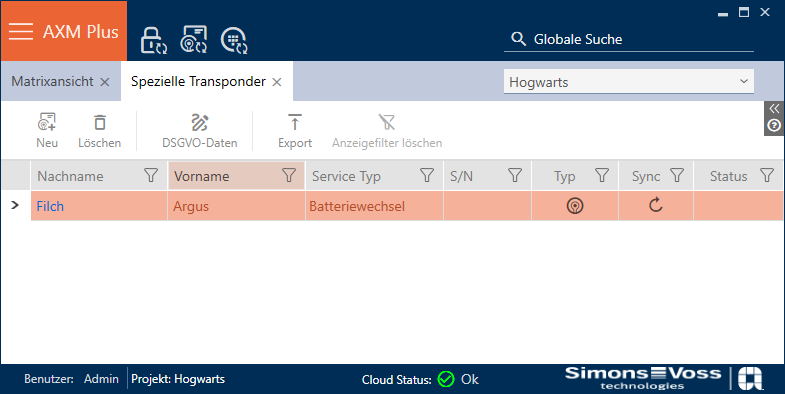
Identification media with special functions are not displayed in the matrix.