Preventing generated reports from opening automatically - AXM Lite
By default, your reports created in AXM Lite open immediately so that you can read them.
However, this can disrupt your workflow in the case of many reports. This is why you can set whether reports should be opened automatically or not:
- AXM Lite open.
- Click on the orange AXM icon
 .
. - AXM bar opens.
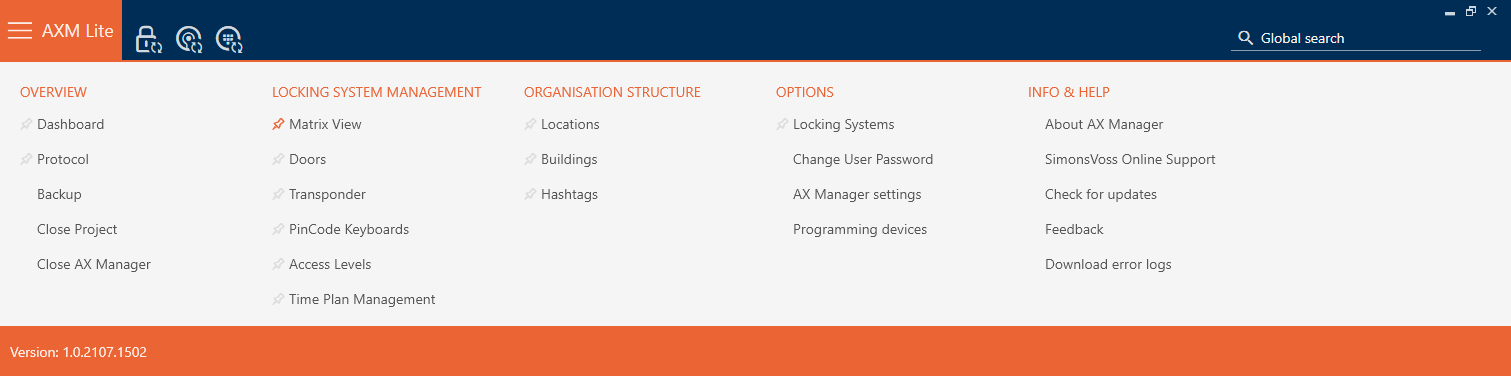
- Select the entry in the group.
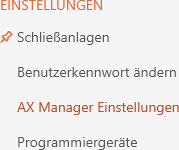
- The AXM bar will close.
- The window will open.
- Change to the tab .
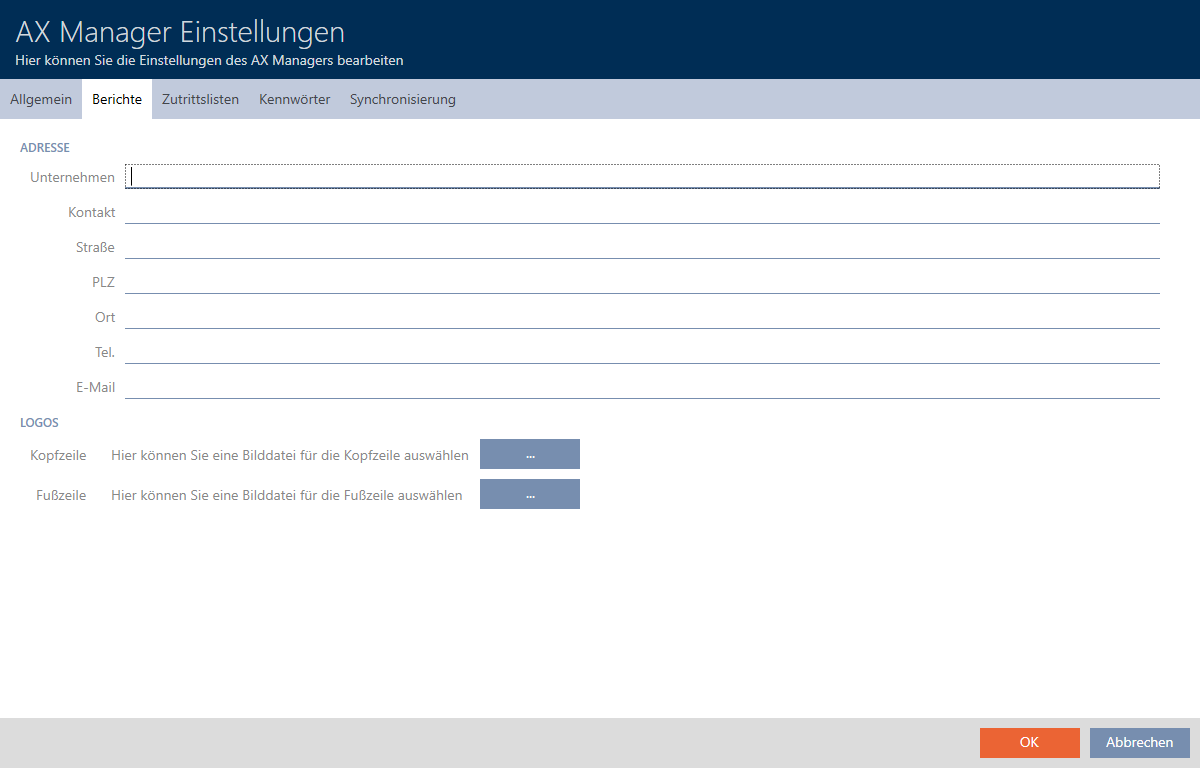
- Disable the
 Open PDF documents after saving checkbox.
 - Click on the button.
- window closes.
- In future, reports will now no longer open automatically after saving.