Staying logged on - LSM Mobile
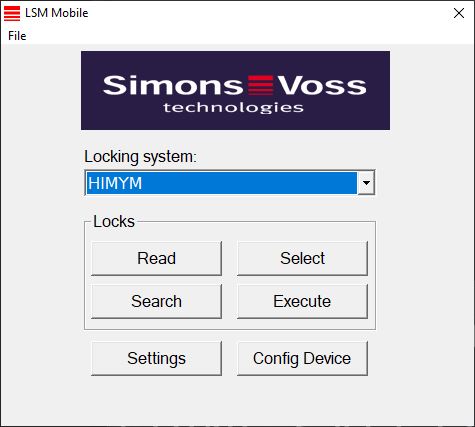
- Click on the Settings button.
- The Settings window will open.
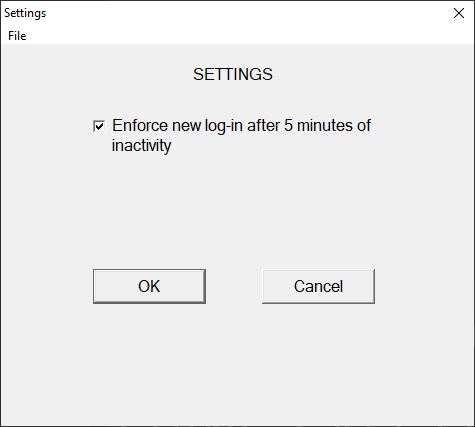
- Activate the
 Force re-registration after 5 minutes of idling check box.
 - Click on the OK button.
- Settings window closes.
- Users are no longer logged out after five minutes of inactivity.