Installing LSM Mobile - LSM Mobile
- System requirements for LSM Mobile met (see System requirements).
- Execute the set-up file.
- The User account control window will open.
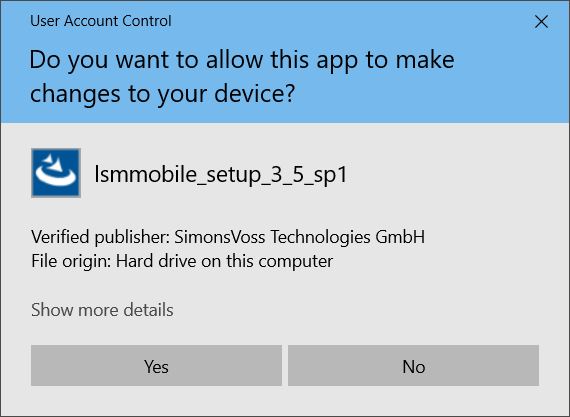
- Click on the Yes button.
- The InstallShield wizard will open.
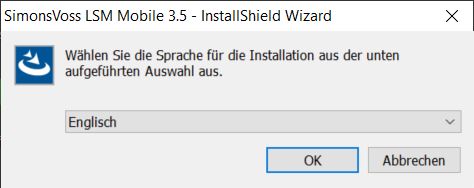
- Select the language in which you wish to install LSM Mobile.
- LSM Mobile set-up will open.
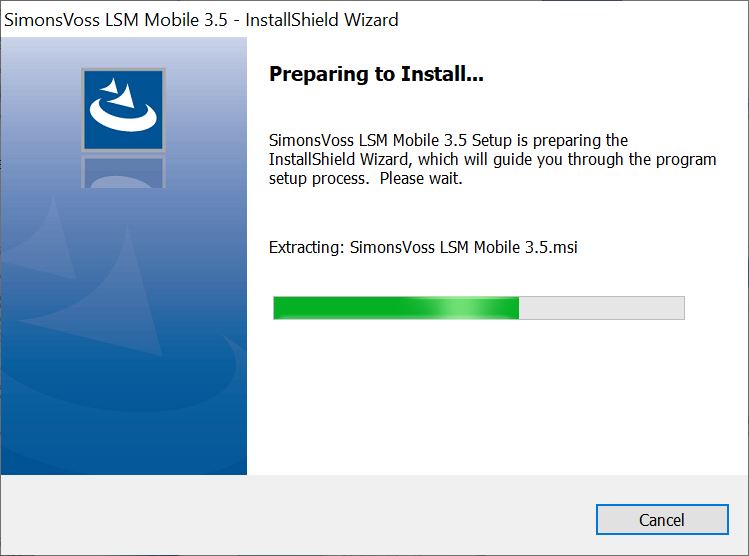
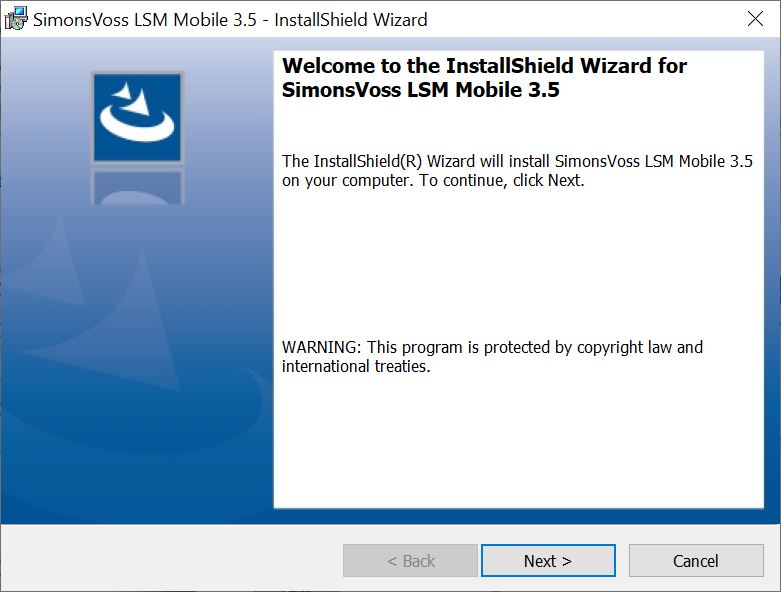
- Click on the Next button.
- Accept the EULA.
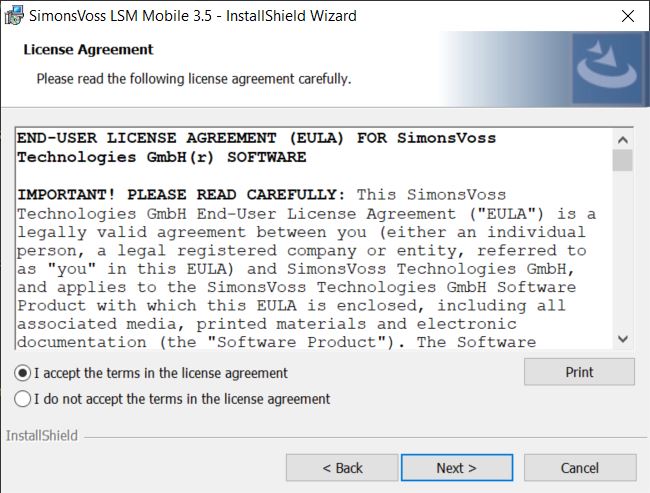
- Click on the Next button.
- Enter the Customer Information.
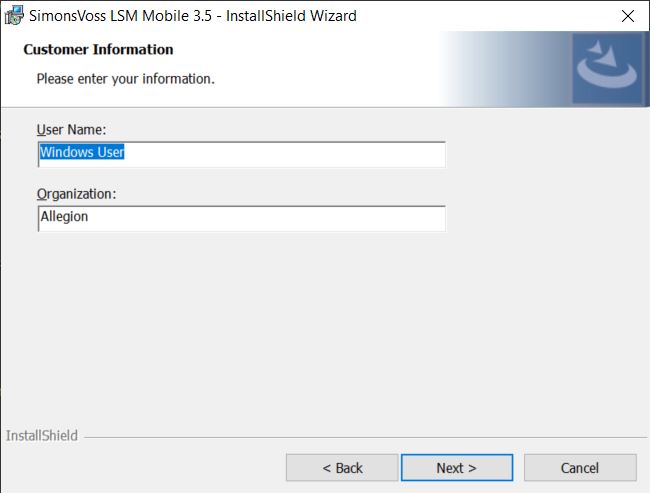
- Click on the Next button.
- Click on the Change… button to select the destination folder.
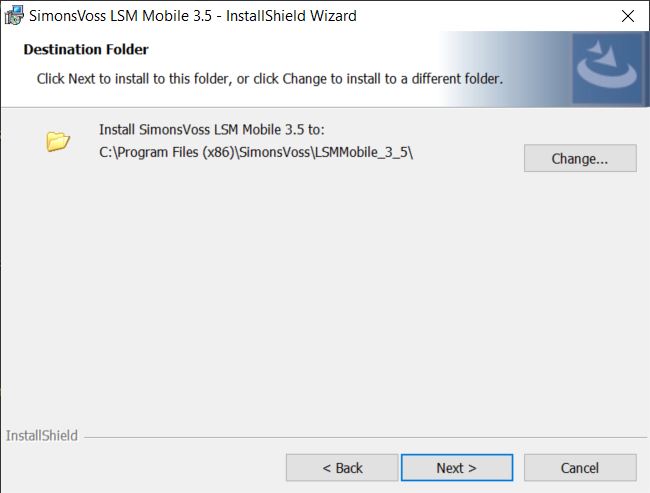
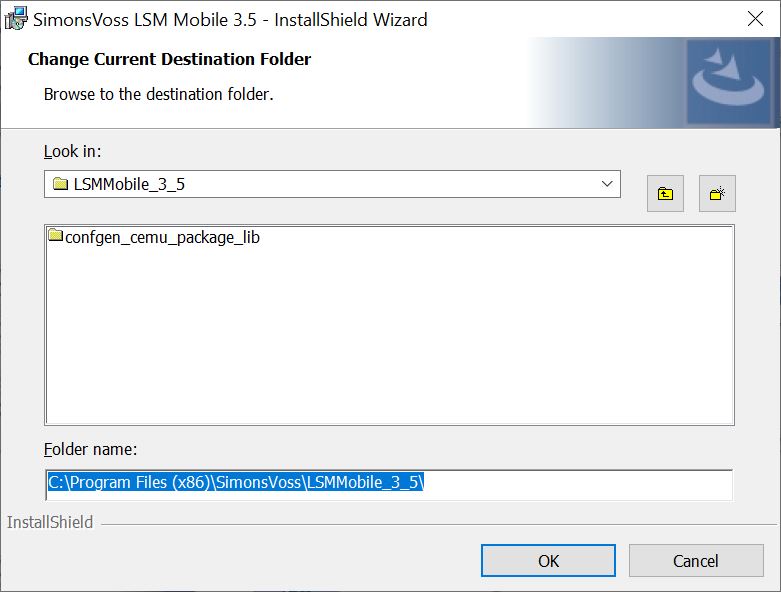
- The Explorer window will open.
- Go to your output folder.
- Click on the OK button.
- Explorer window closes.
- Click on the Install button.
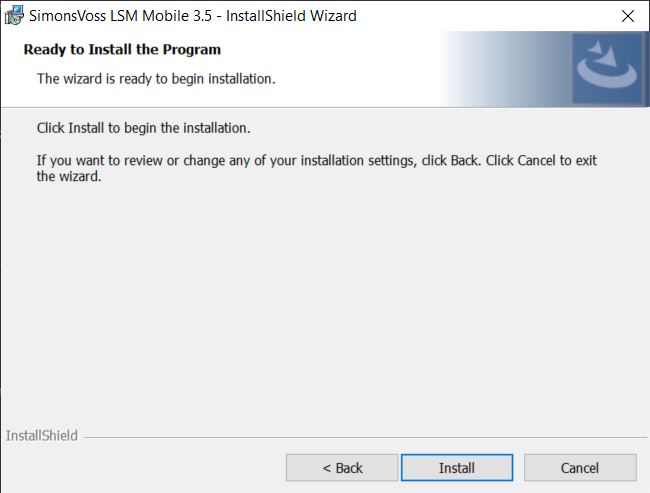
- Installation has started.
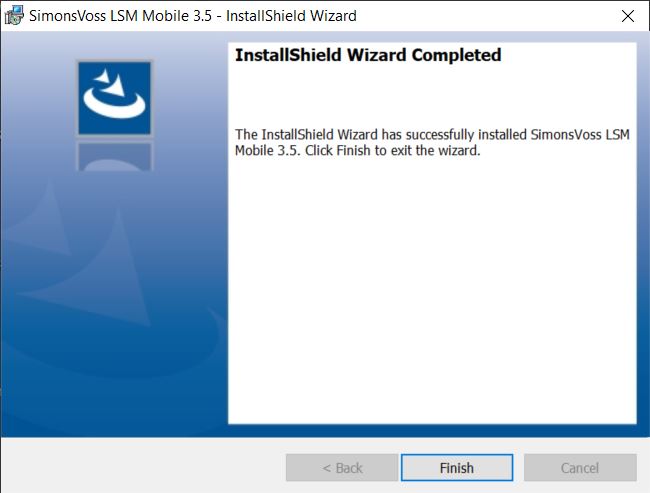
- Installation is complete. Press Finish to close.