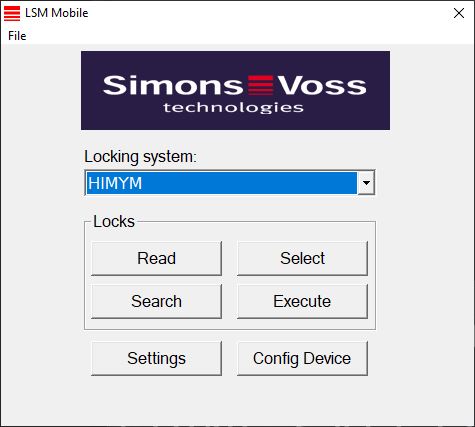
Opening the database - LSM Mobile
- The export was completed correctly (see Preparation: Exporting the database from LSM to LSM Mobile).
- Click on the ... button to configure the folder with the exported data.
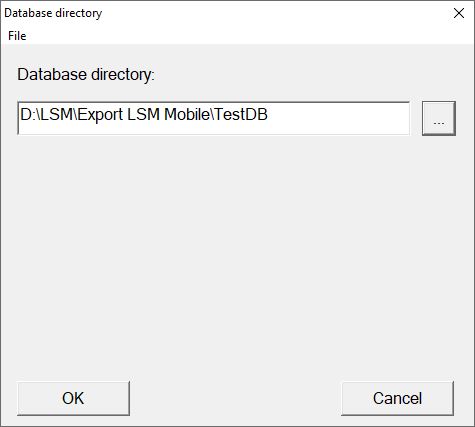
- The Explorer window will open.
- Go to your output folder.
- Click on the OK button.
- Explorer window closes.
- Select the required database from the drop-down menu.
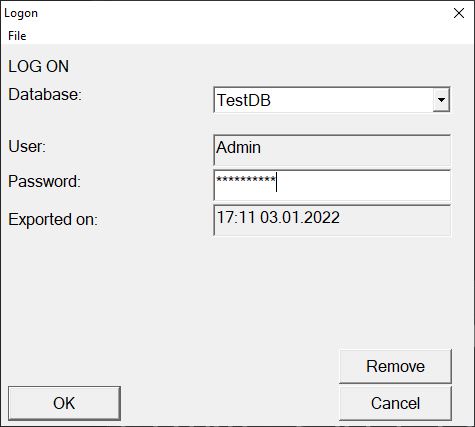
- Enter the user password in the Password field.
- Click on the OK button.
- Select the locking system to be programmed from the drop-down menu.