Reading locking device - LSM Mobile
- Suitable programming device connected.
- Suitable programming device configured in LSM Mobile (see Replacing the programming device).
- Hold the programming device next to the locking device you wish to read.
- Click on the Read button.
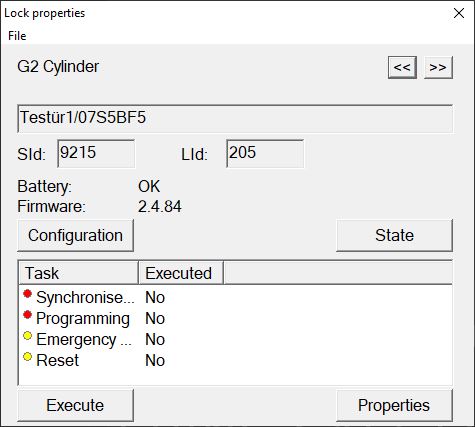
- Locking device is read out.
- The Locking device properties window will open.