Programming a specific locking device - LSM Mobile
- Suitable programming device connected.
- Suitable programming device configured in LSM Mobile (see Replacing the programming device).
- Locking device next to programming device.
- Click on the Select button.
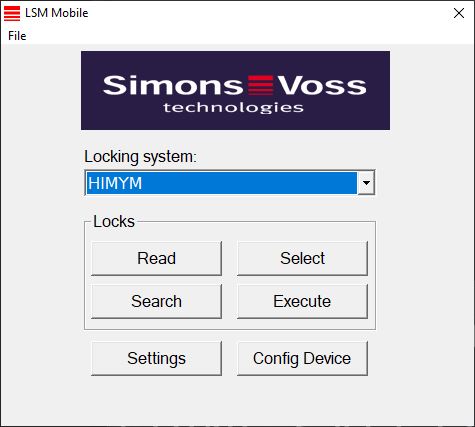
- If you wish to filter the entries displayed: Click on the Search button and configure the filter.
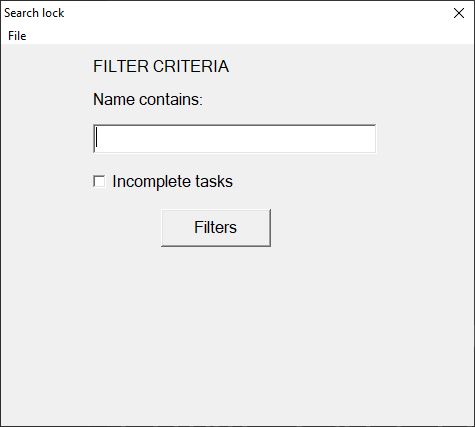
- A red F will appear to indicate when a filter is active.
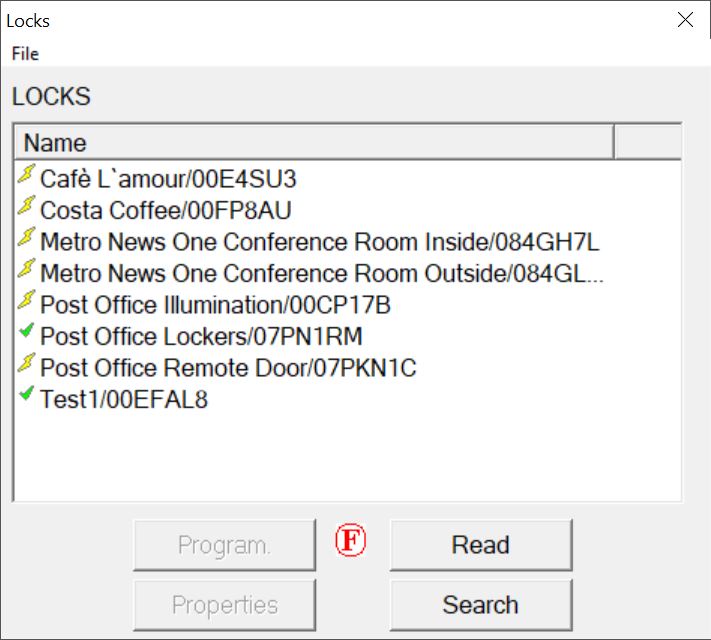
- Select the locking device that you wish to programme.
- Click on the Program. button.
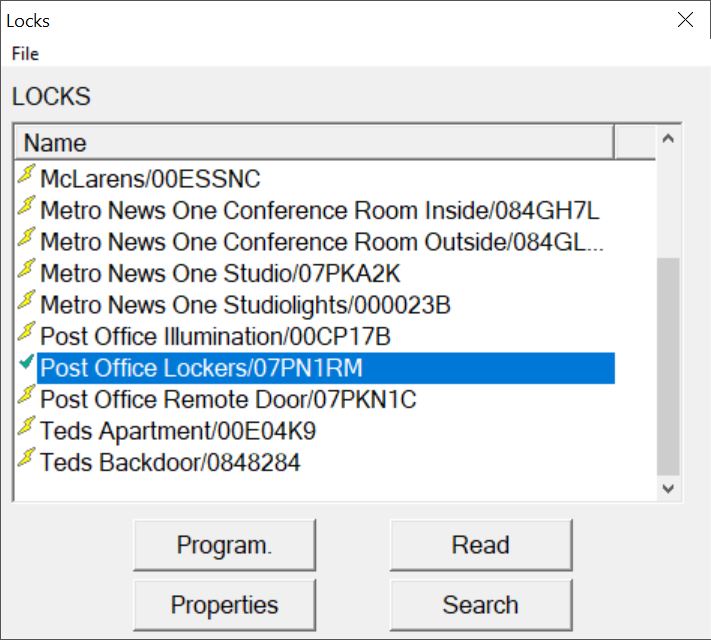
- The Programming options window will open.
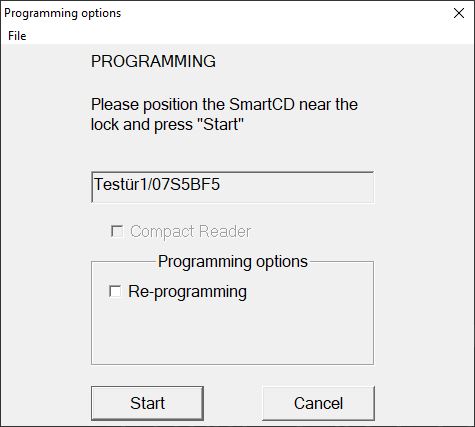
- Click on the Start button.
- Programming process starts.
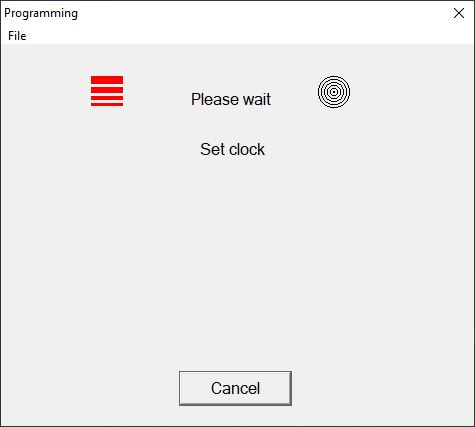
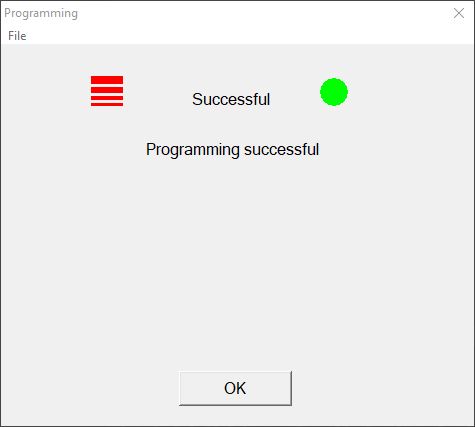
- Programming process complete.