Programming the locking device next to the programming device - LSM Mobile
- Suitable programming device connected.
- Suitable programming device configured in LSM Mobile (see Replacing the programming device).
- Locking device is already programmed.
- Locking device next to programming device.
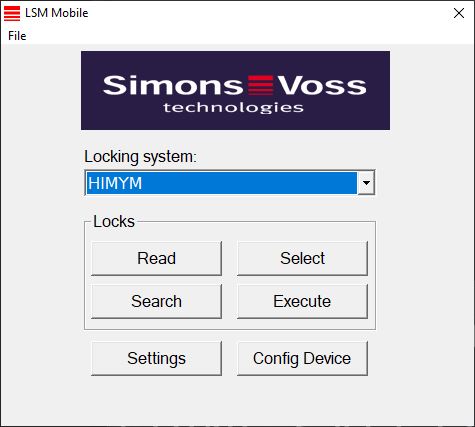
- Click on the Execute button.
- Query about executing the tasks opens.
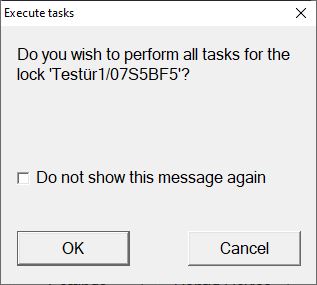
- Click on the OK button.
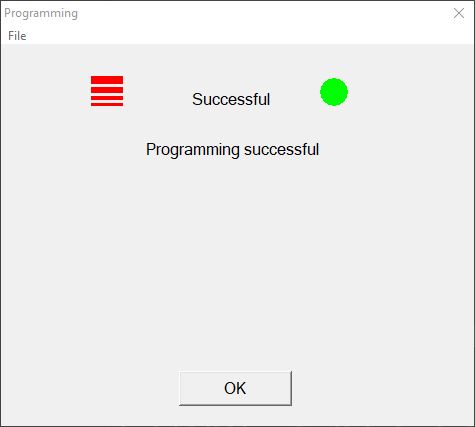
- Programming starts.
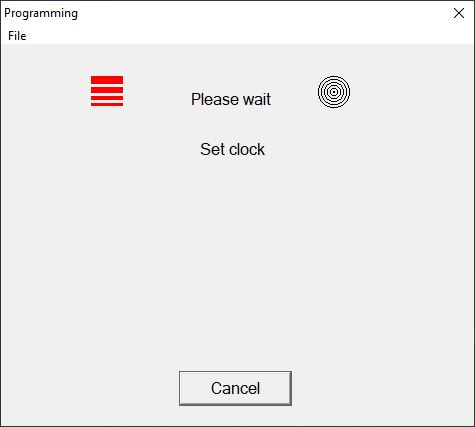
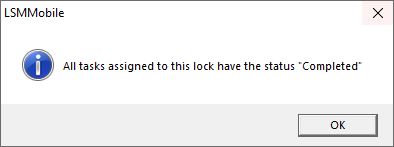
- Programming complete.