Install SIOSSConfiguration tool - SmartIntego OSS
- Run
SmartIntego_OSS_X_X.exe. - Click on
Next >when the start window appears. 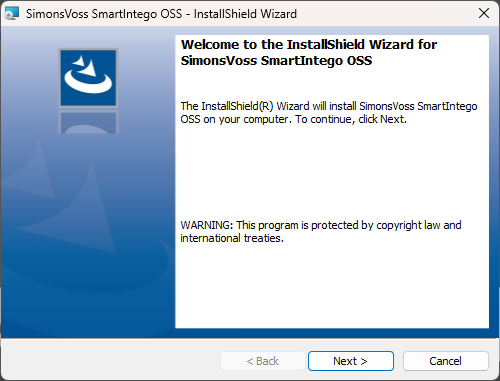
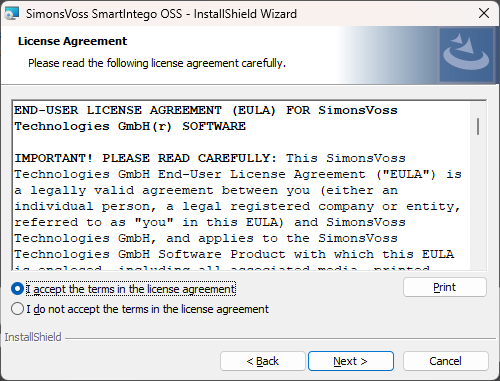
- Accept the licence agreement.
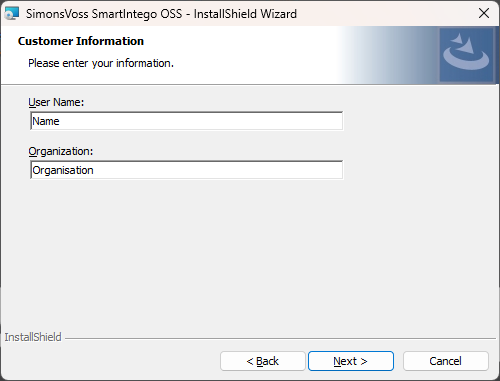
- Enter your details.
- Select a set-up type.
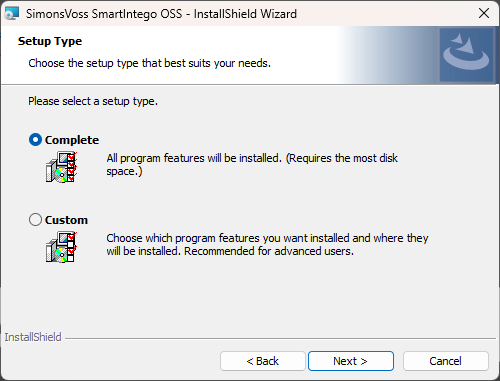
- Click on
Installto start installation. 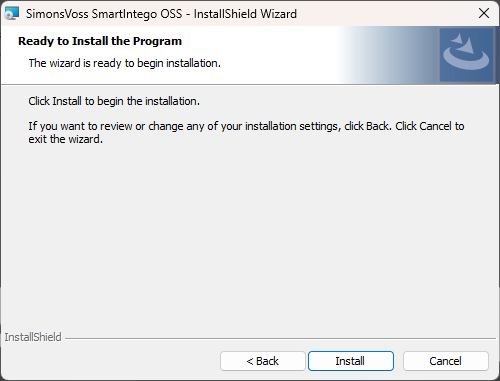
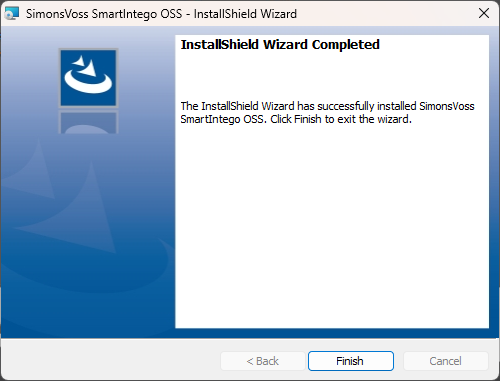
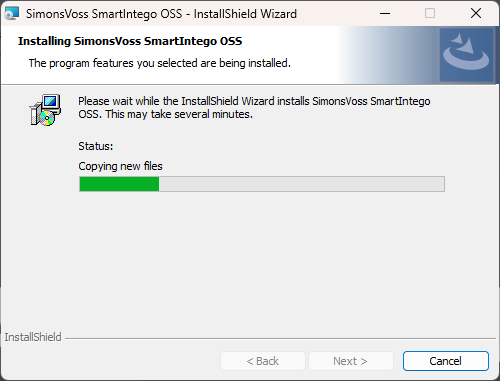
- SimonsVoss SmartIntego OSS is now installed.
- SimonsVoss SmartIntego OSS has been successfully installed. You can now end the process.