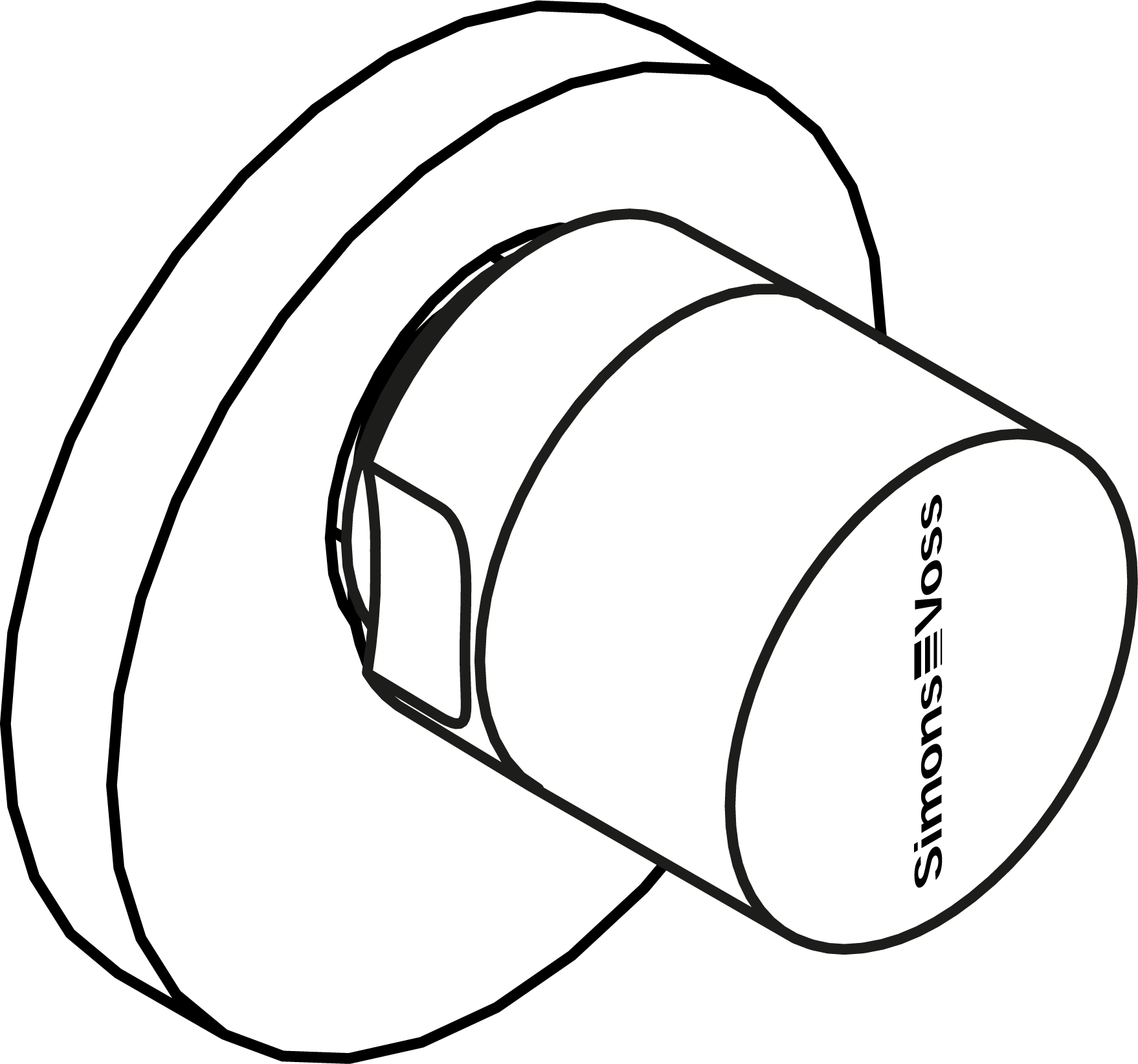
Installing the HZ DK cylinder - Locking cylinder (Z4) 3061
The thumb-turn on .DK and MR cylinders can be removed for special escutcheon covers.
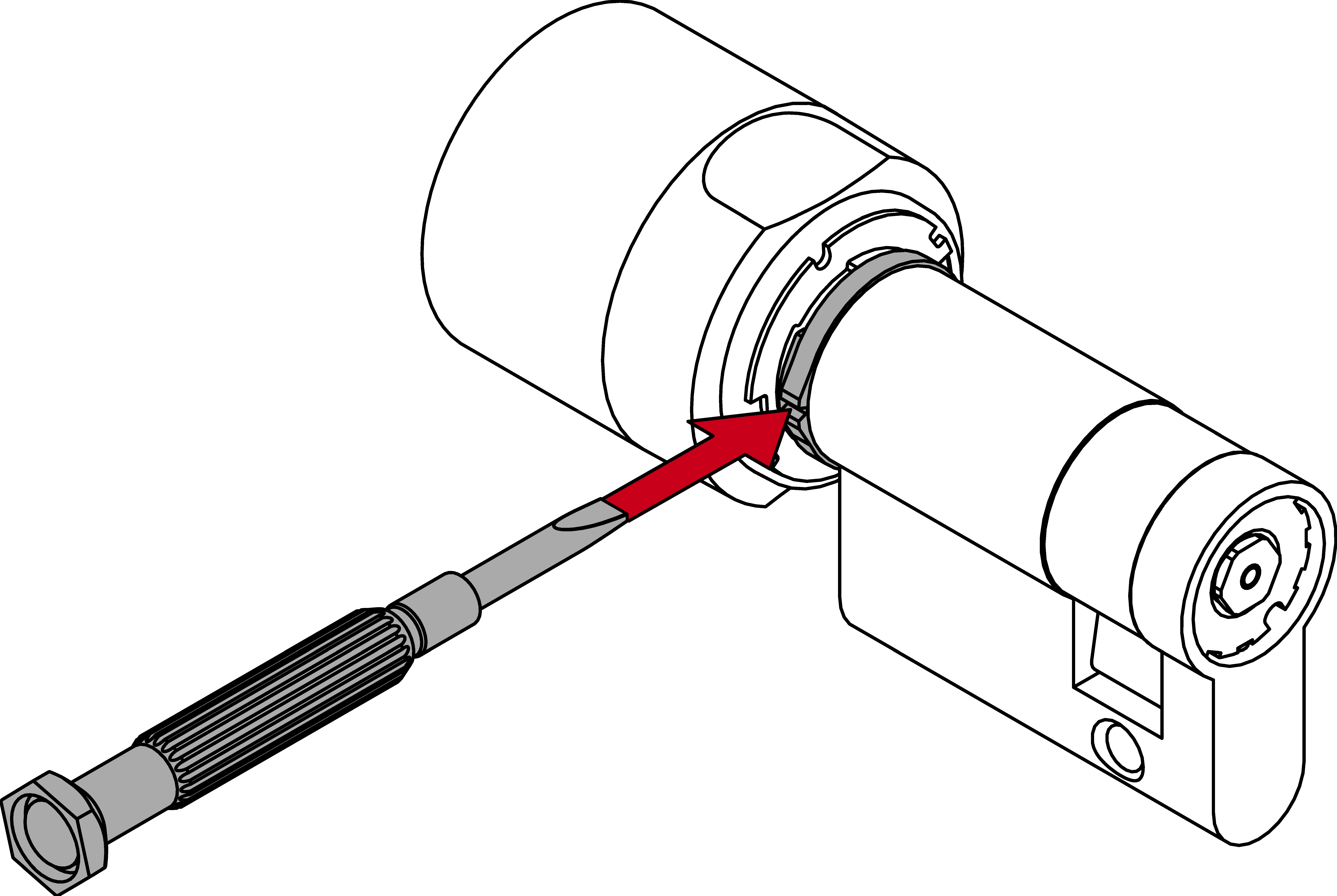
- Small slotted-head screwdriver
- PH2 SCREWDRIVER (or Z4.DM.SCREWDRIVER for DoorMonitoring variants)
- Use the slotted-head screwdriver to break the plastic ring between the cylinder body and the thumb-turn.
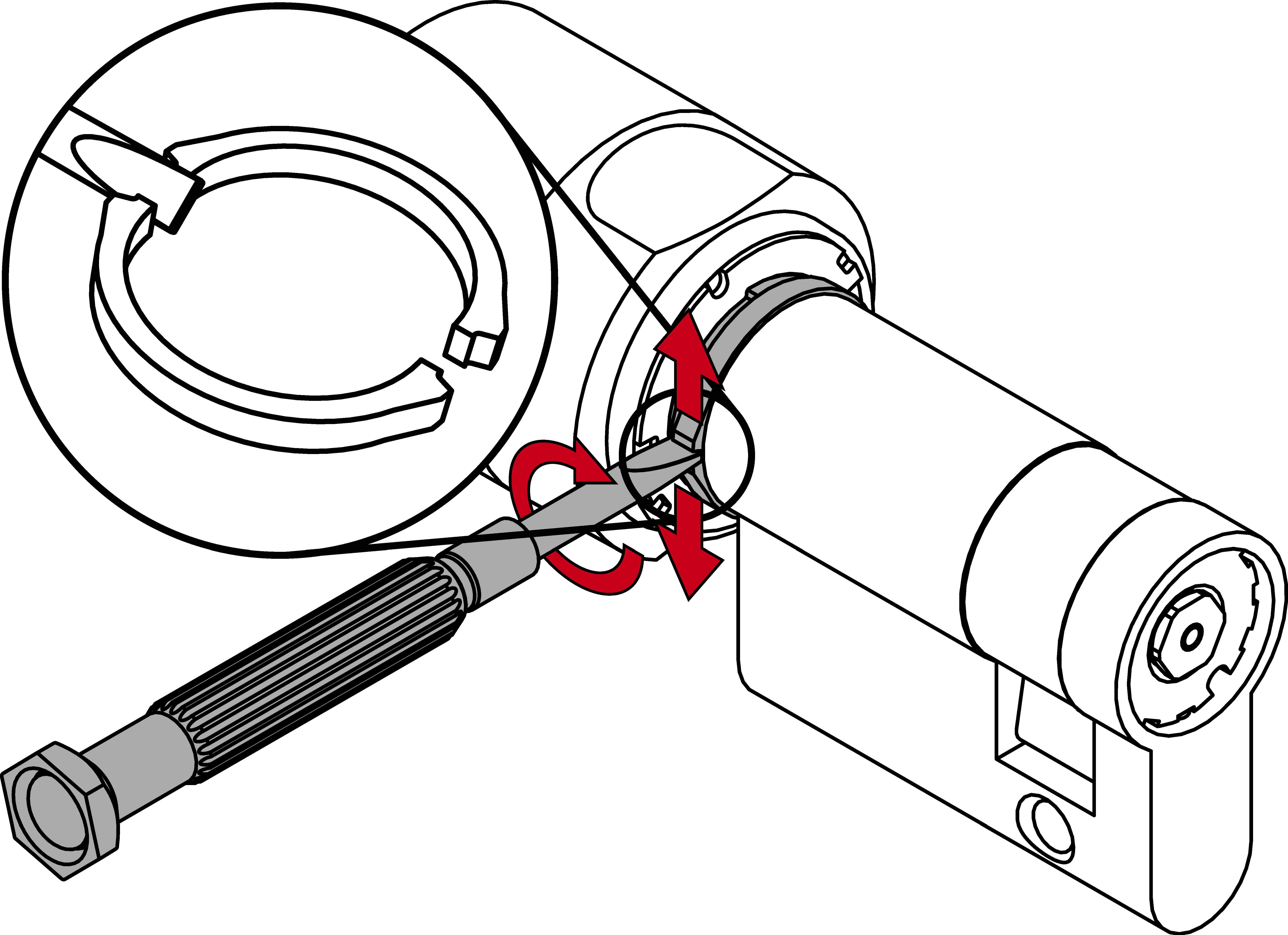
- Engage the locking cylinder with an authorised identification medium.
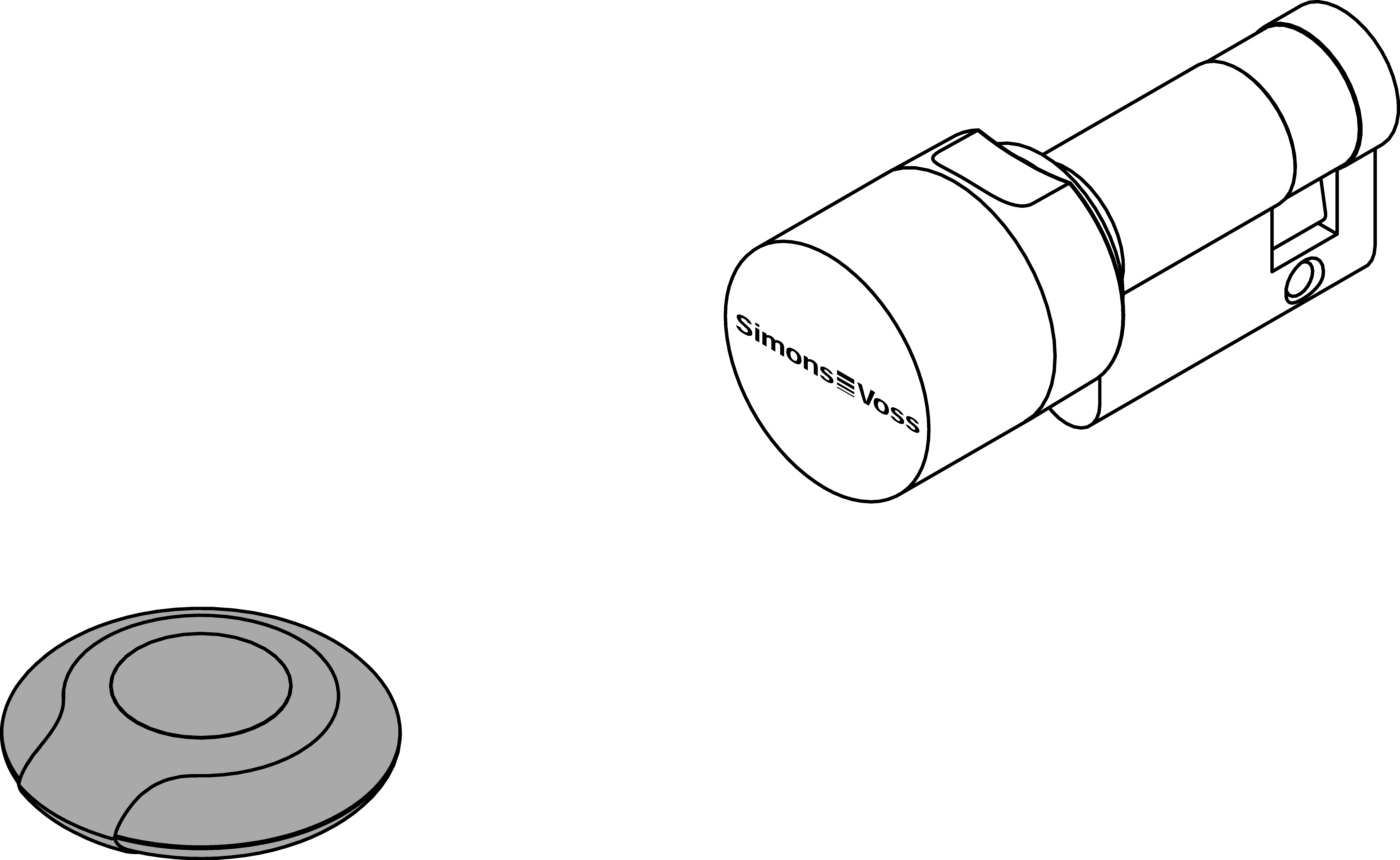
- Push the thumb-turn into the cylinder body until it locks into position.
- Hold the thumb-turn down and turn it anti-clockwise until it comes to a stop (hold cam if necessary).
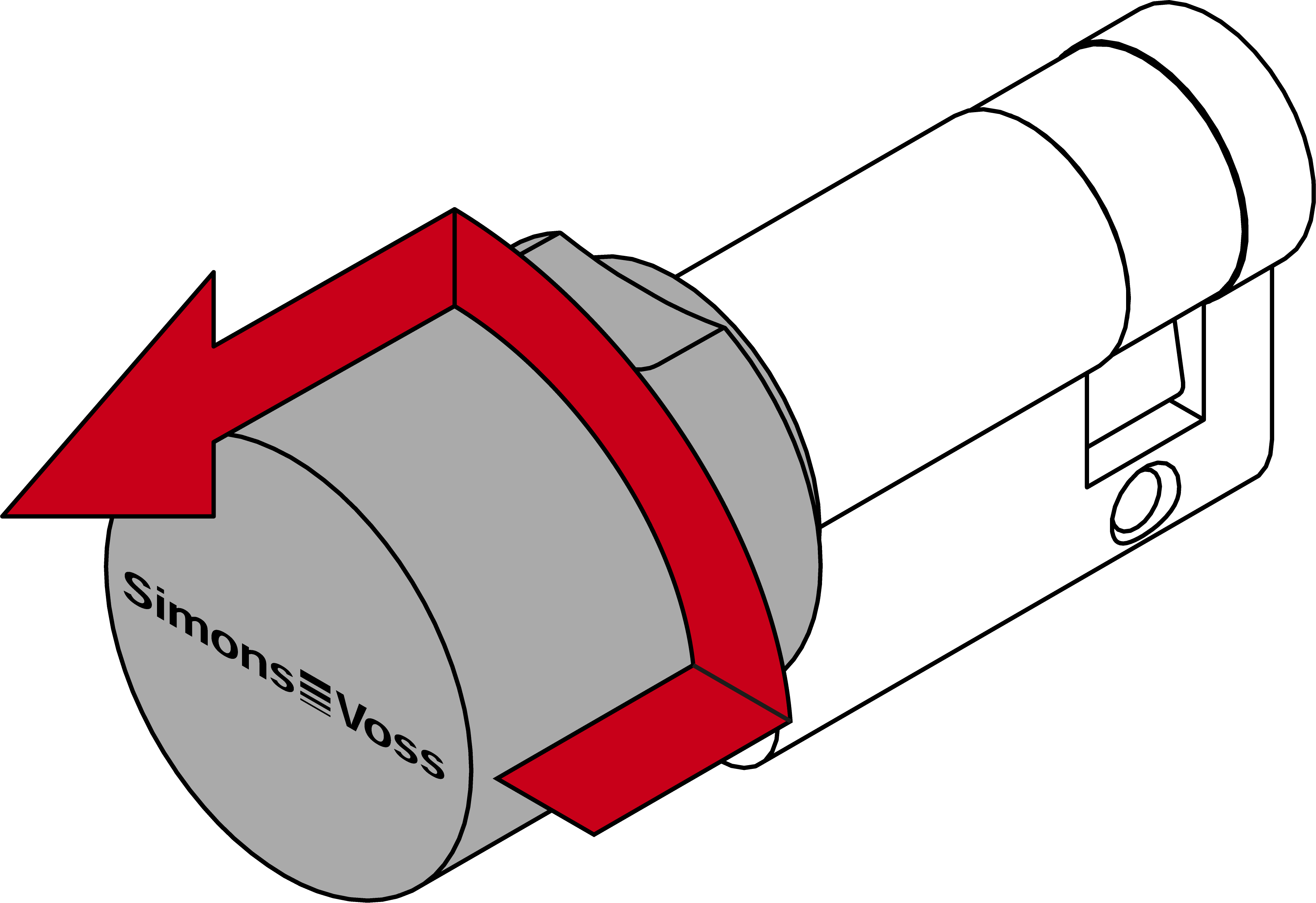
- If the cylinder disengages while you are doing so, activate the identification medium again.
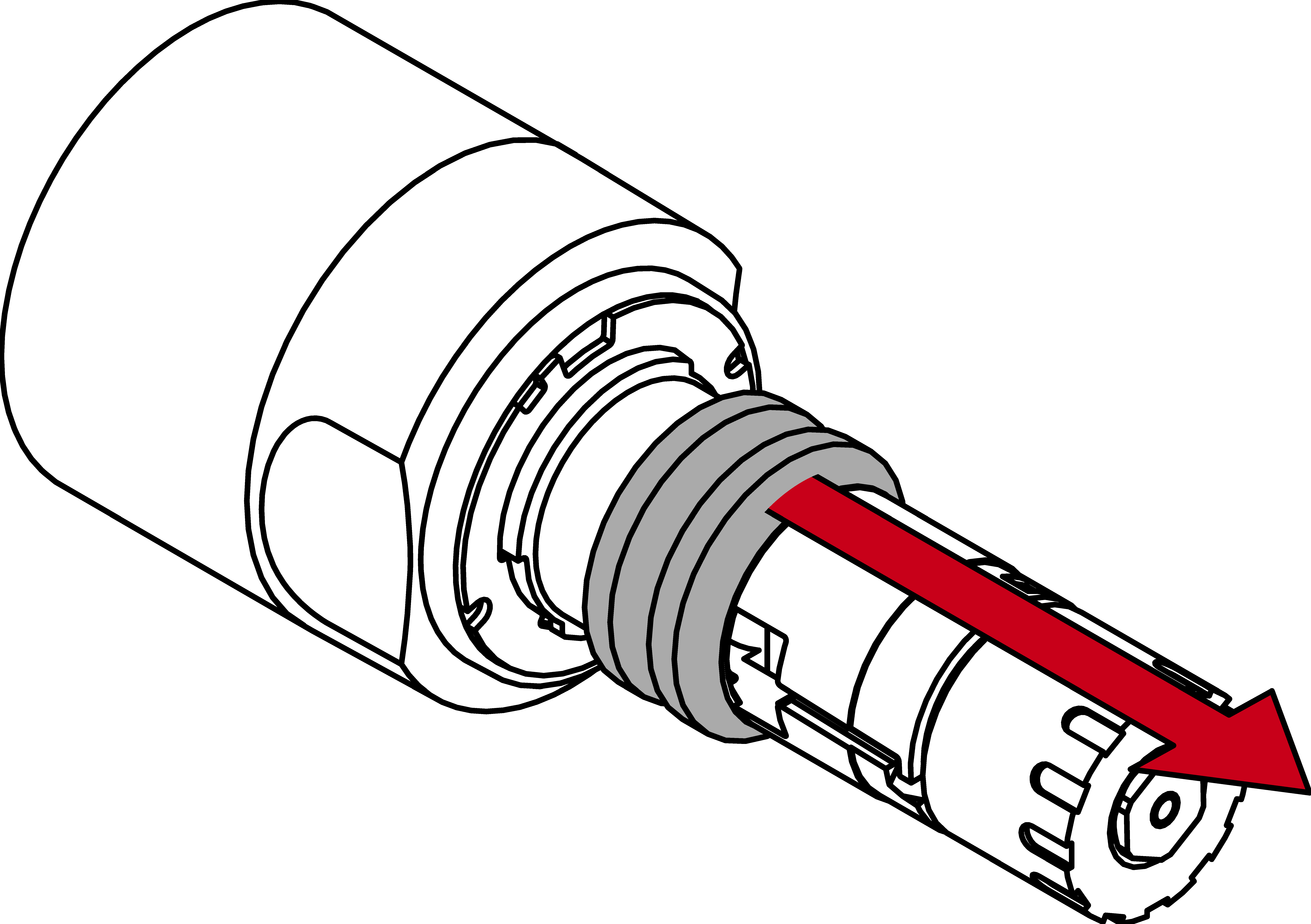
- Pull the thumb-turn out of the cylinder body.
- Pull off the existing rings (note order!).
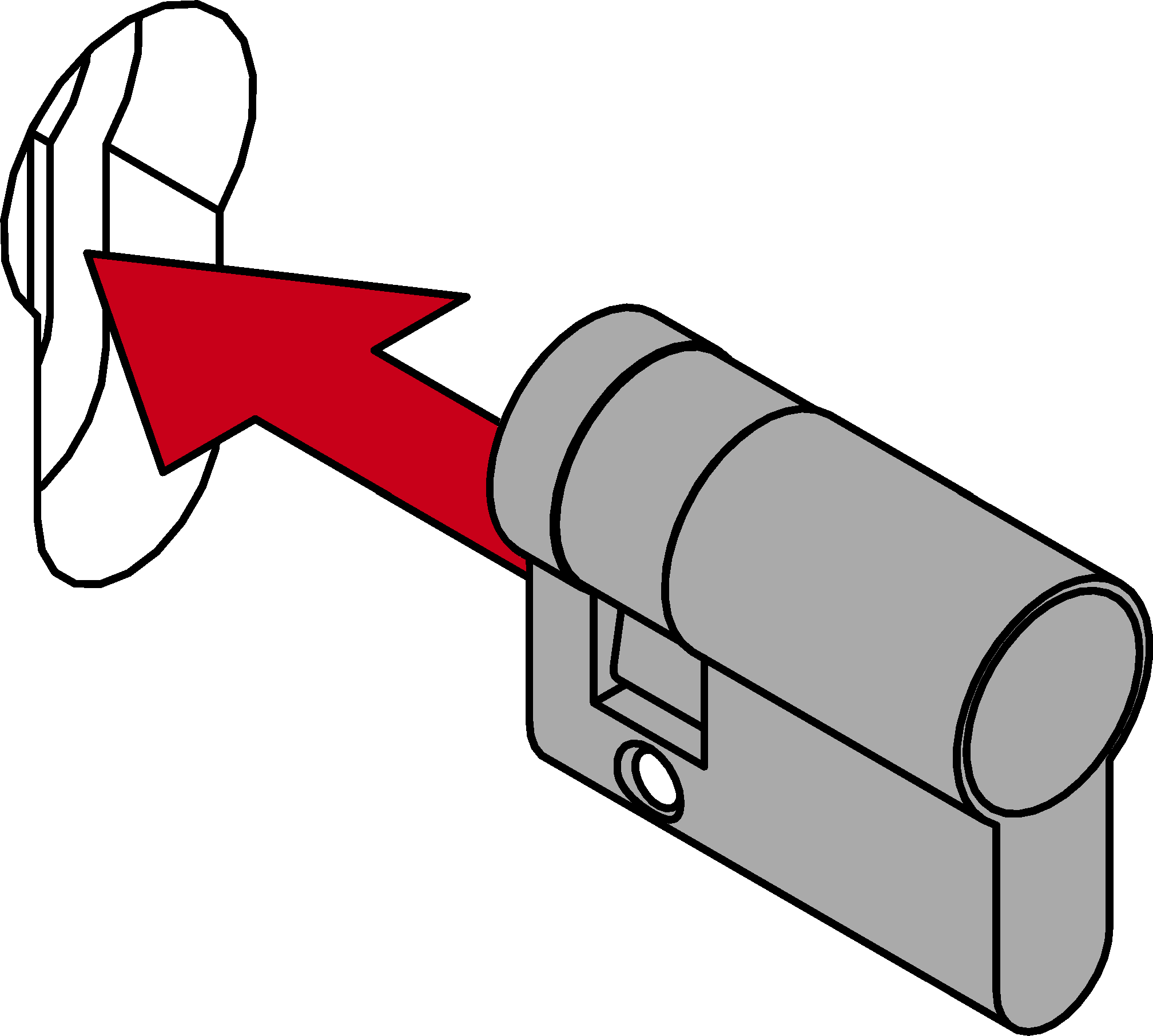
- Insert the cylinder body through the door from the inside.
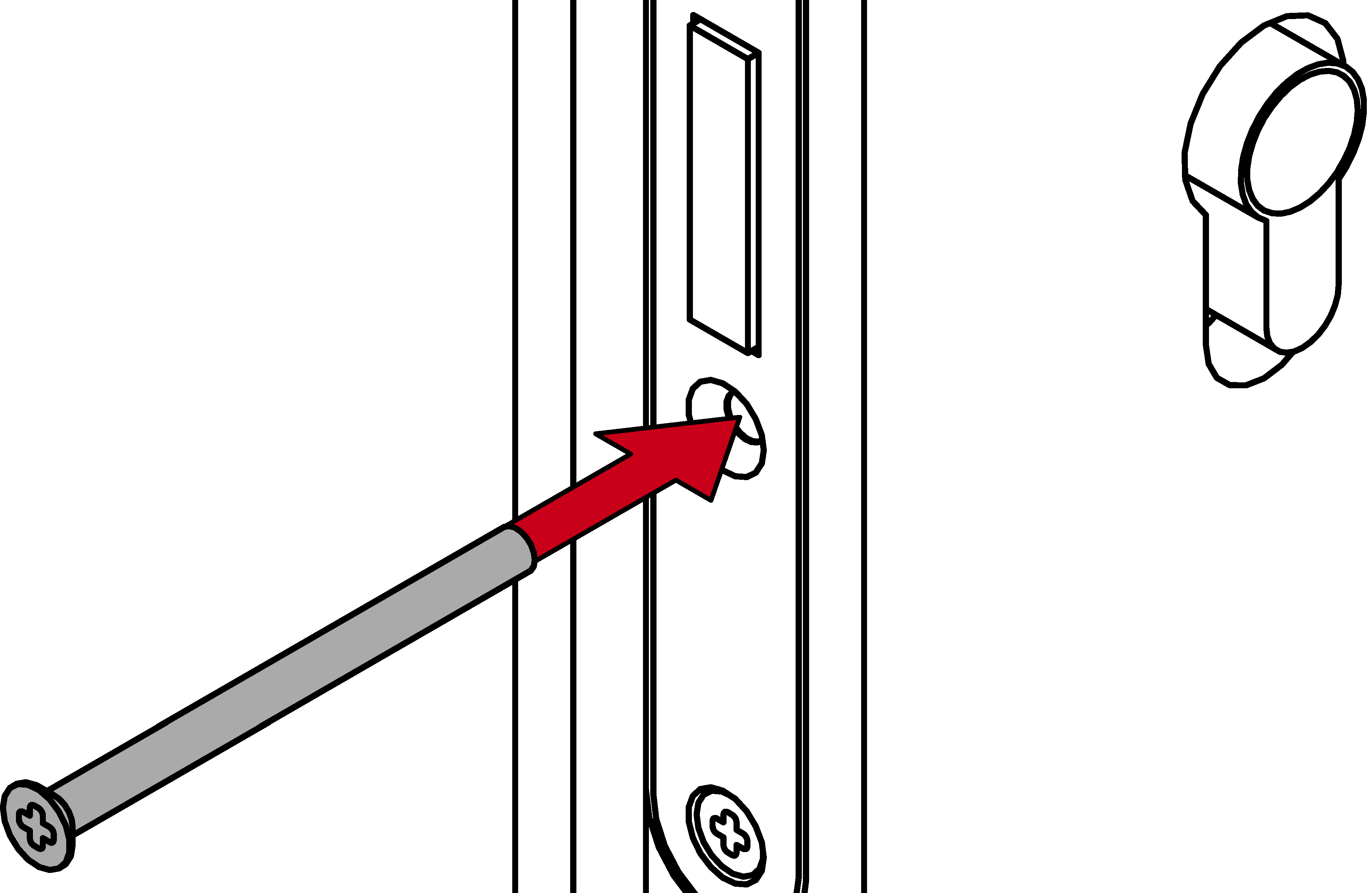
- Affix the cylinder body with the fastening screw.
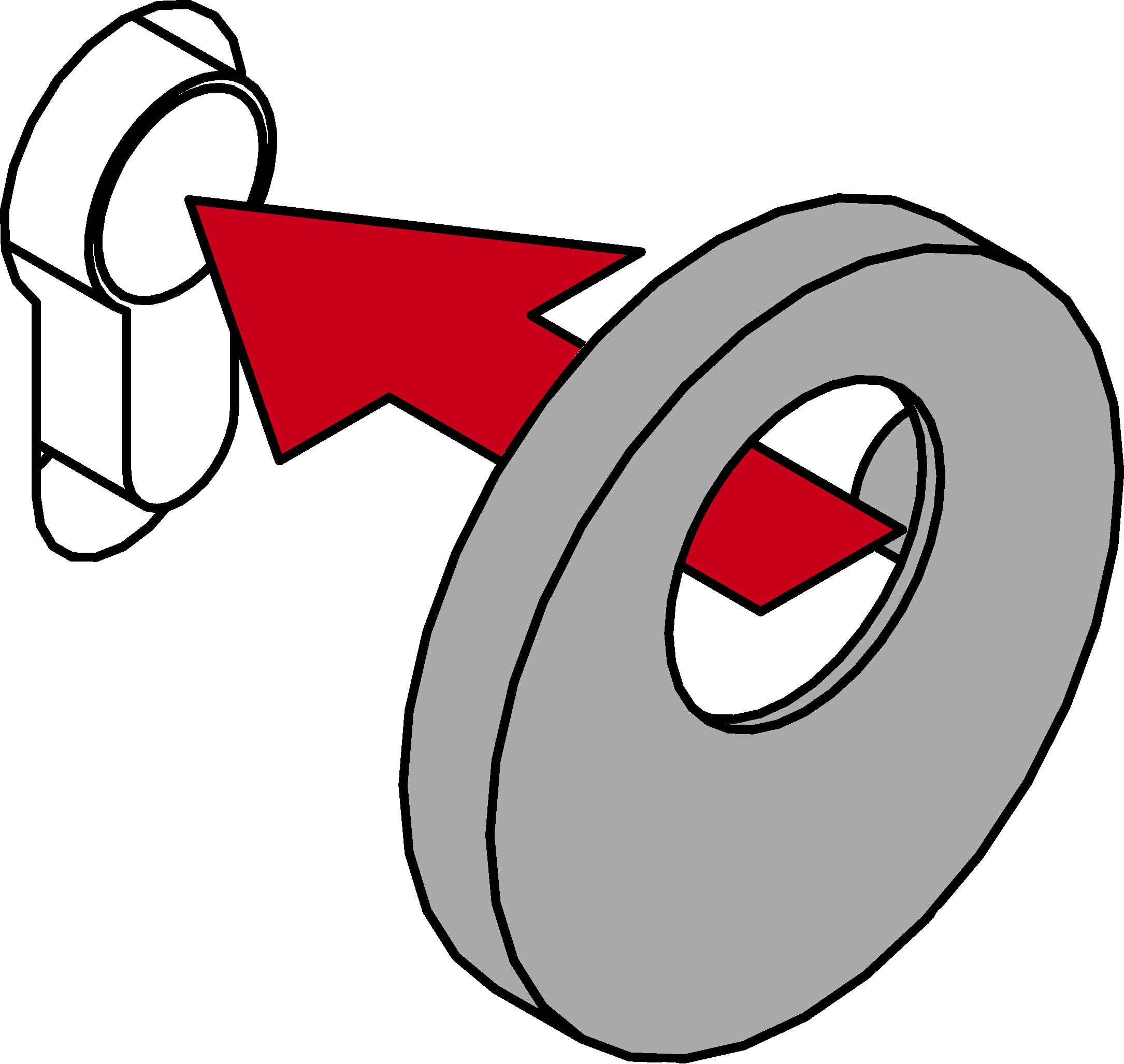
- Fit the escutcheon onto the door.
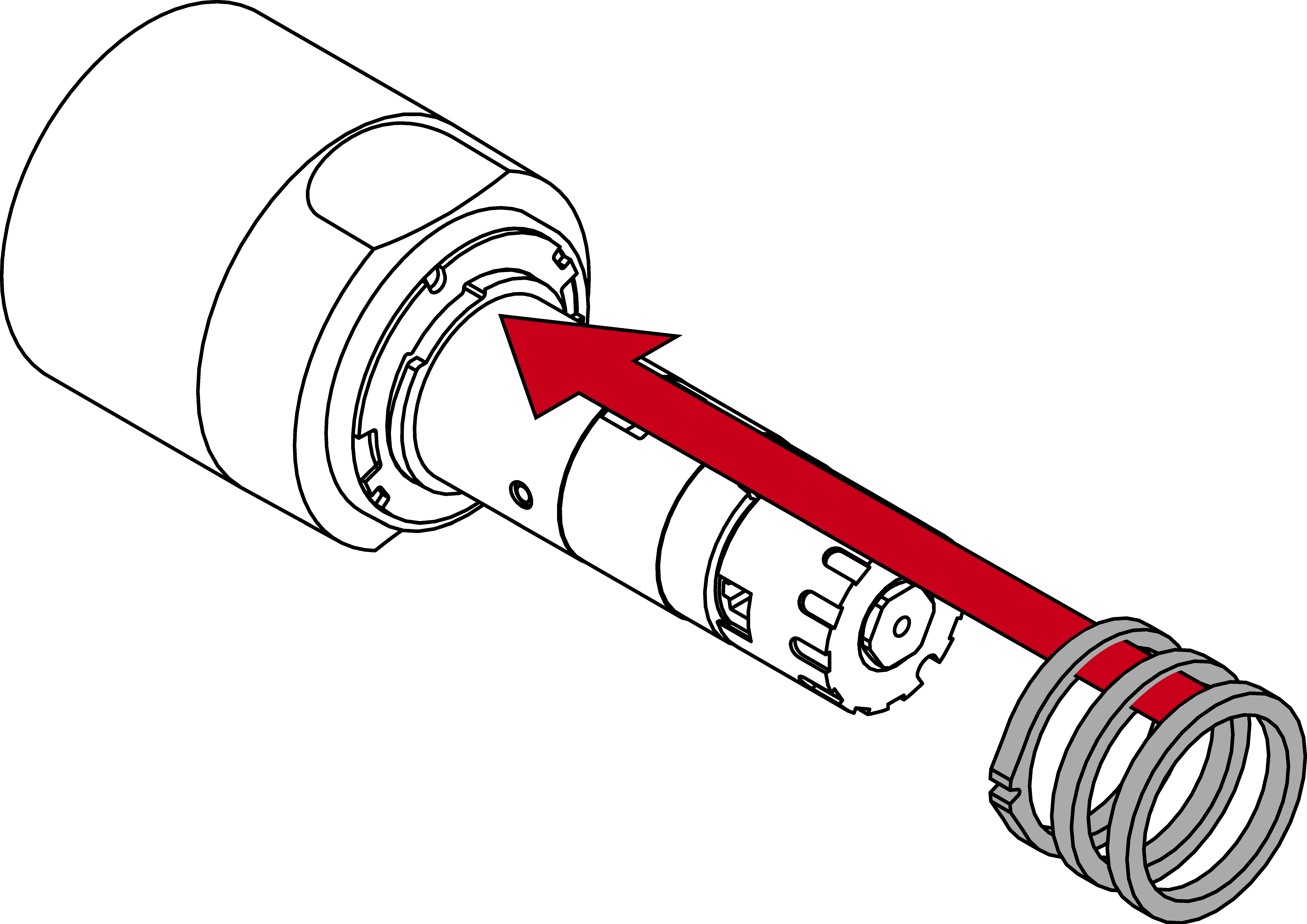
- Insert the existing rings and a new plastic ring onto the thumb-turn spindle in the same order.
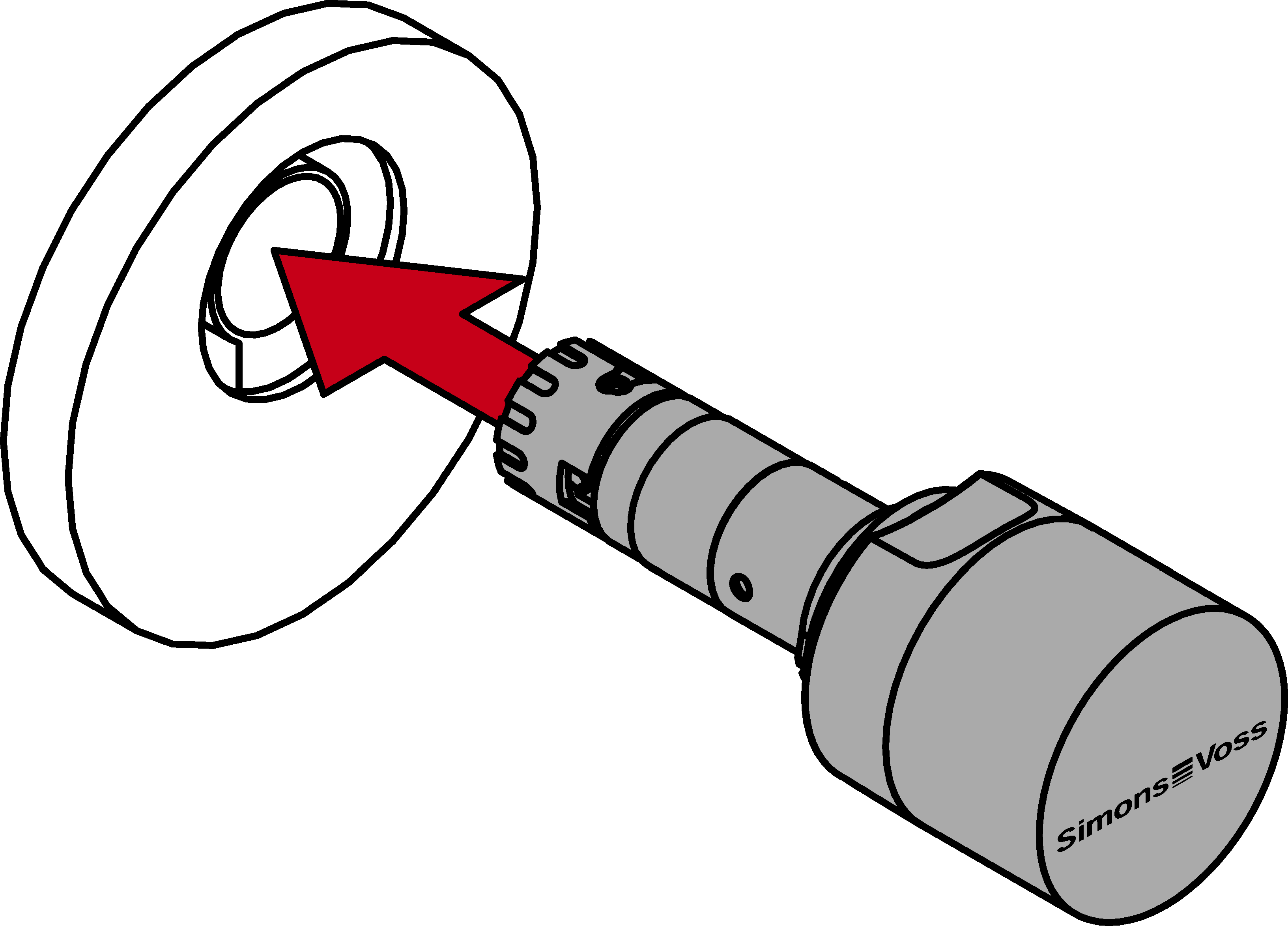
- Reinsert the thumb-turn into the cylinder body.
- Engage the locking cylinder with an identification medium.
- Press the thumb-turn into the cylinder casing and turn it clockwise until it locks into place.
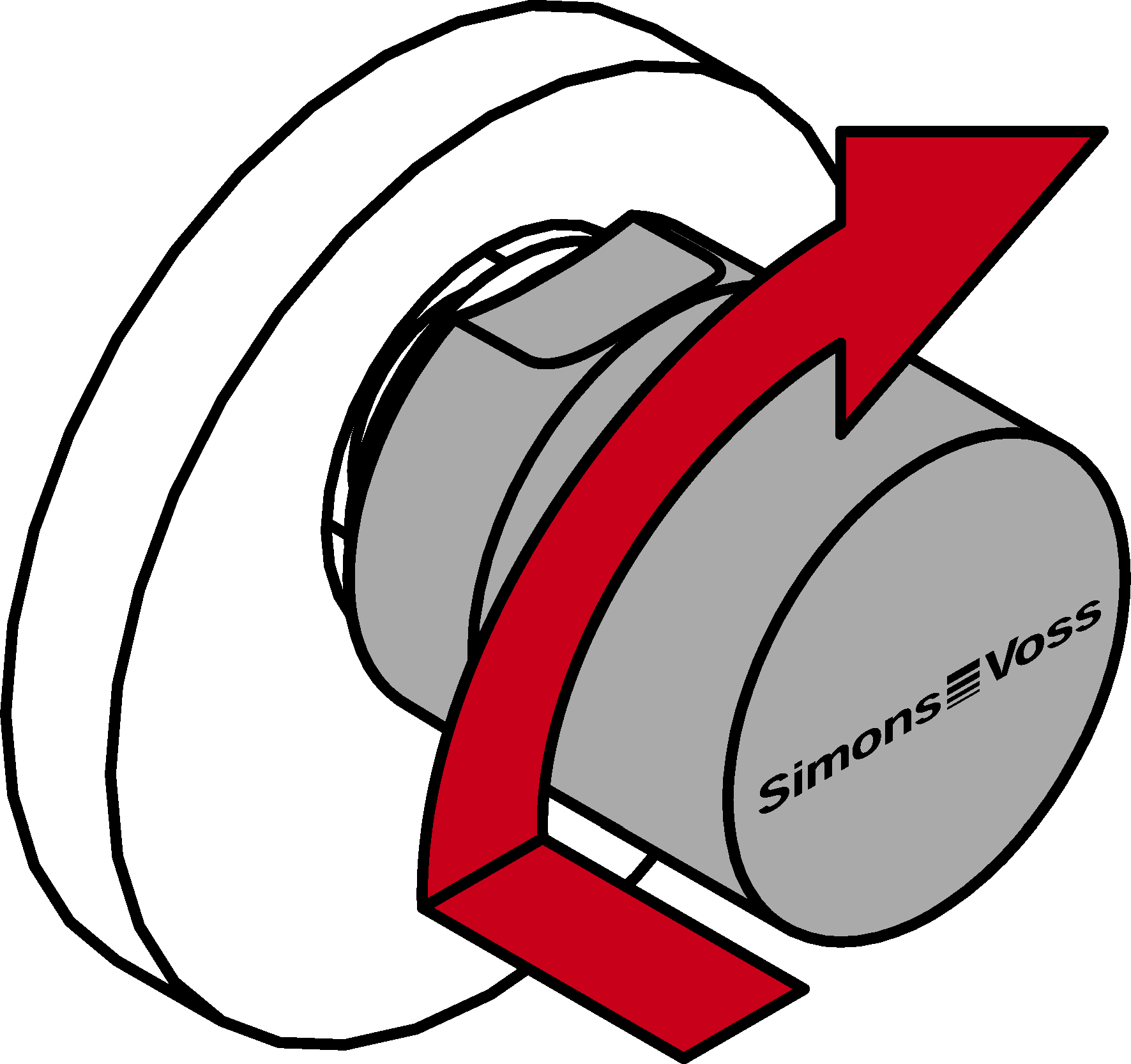
- Check that the thumb-turn is into place by turning it back and forth.
- Cylinder fully installed.