Access list - MobileKey Locking cylinder (Z4) DoorMonitoring
You can configure the number of accesses which are forwarded to LSM from a locking device's access list. As every status change which the DM Cylinder logs is saved as a dataset in the access list, it is best to select the setting in accordance with typical requirements.
The settings apply to all .ZK locking devices
NOTE

Power consumption rises as the amount of data read increases
The greater the amount of data transmitted is, the longer the read process takes
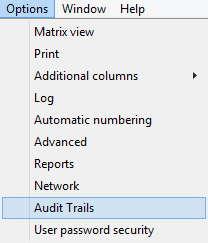
- Click on [Options] in the menu
- Select [Access list]
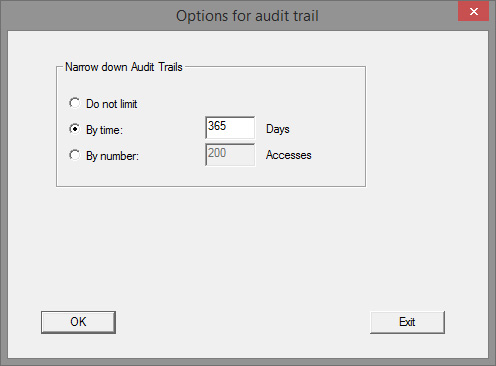
- Configure access list transmission:
- Unrestricted
- Time-restricted
- Restricted by number