Emergency power supply - SmartLocker AX
- Turn the screw at the reader's bottom clockwise to push it in (0.9 mm hexagon key).
- Remove the cover.
- Connect a power supply to the micro USB connector (e.g. USB plug, USB charger, powerbank).
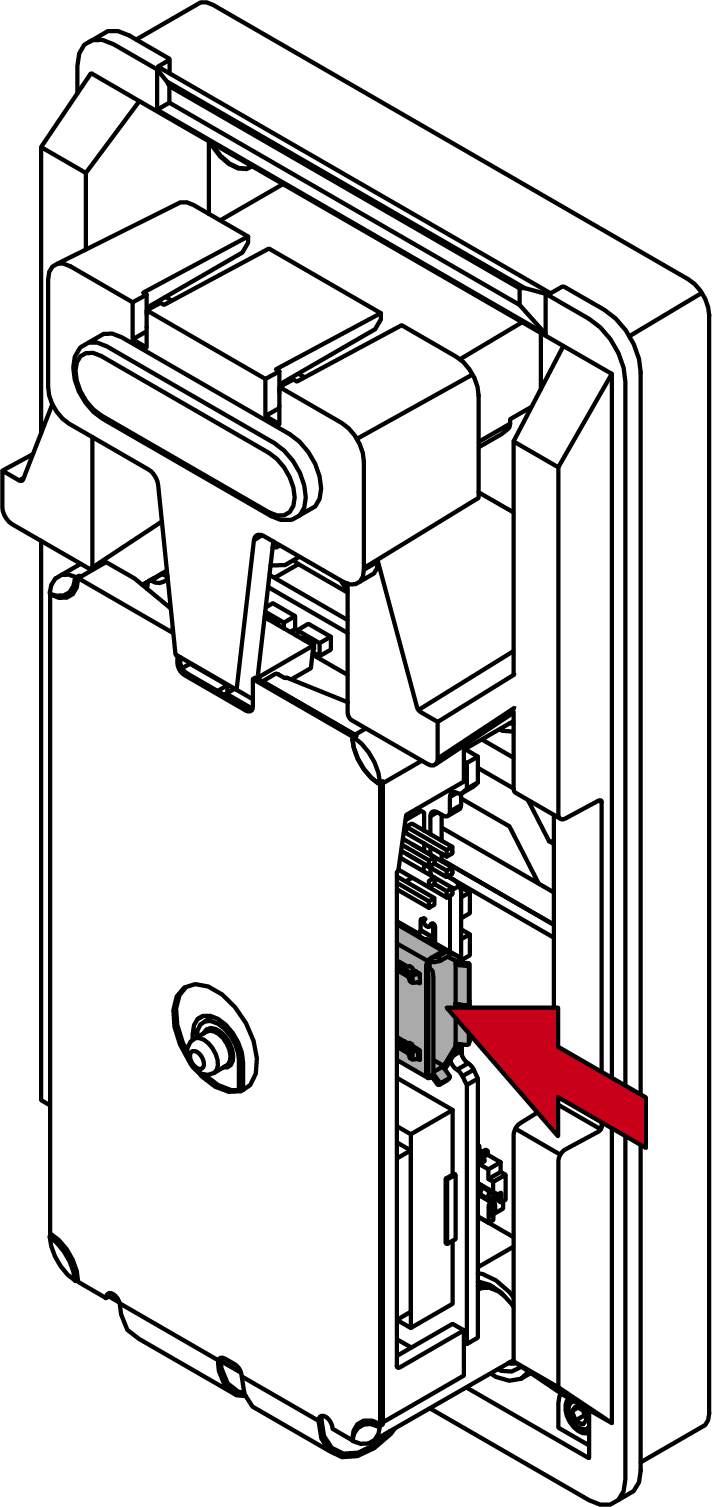
- Present an ID medium.
- SmartLocker AX opens.
- Open the locker, remove the micro USB cable and reassemble the reader.