Monitoring groups - Smart.Surveil
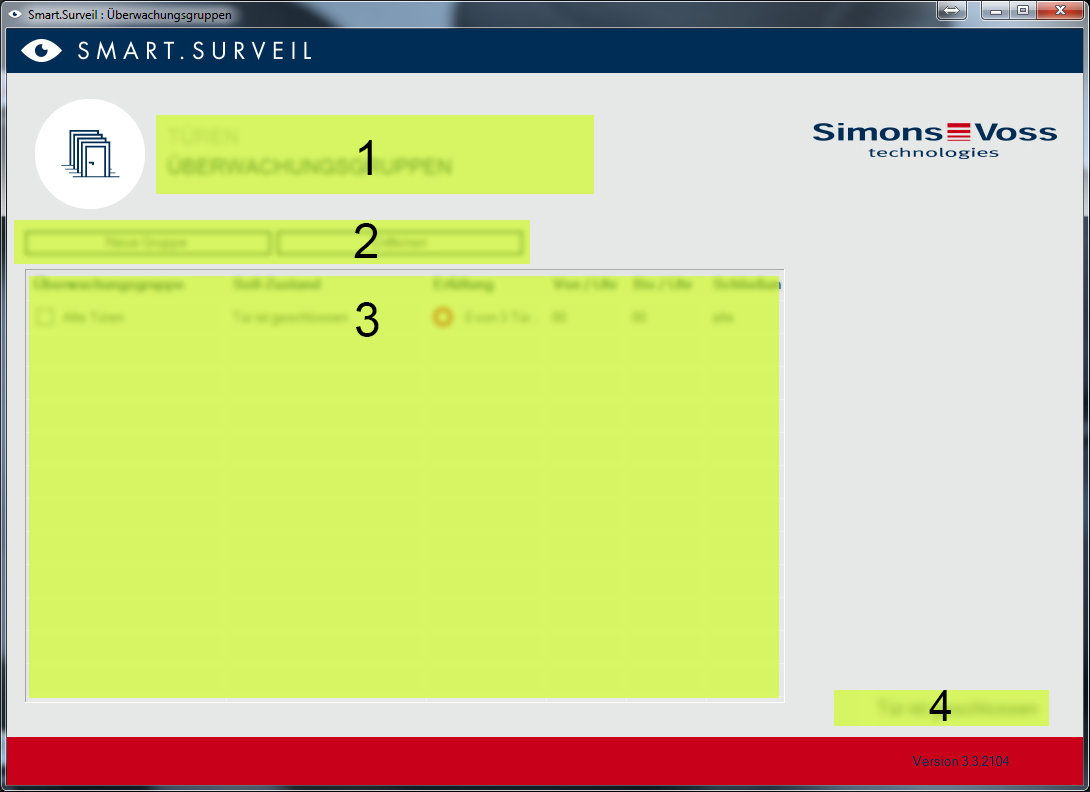
- Selecting the screen. This is where you can switch between the SMART.SURVEIL "Doors" and "Monitoring groups" screens.
- Group actions: This is where you can create new groups or remove selected groups. The "Editing in row enabled" needs to be activated if you wish to edit a group.
- Monitoring groups: All monitoring groups are displayed in this field.
- Editing is enabled: Monitoring groups can only be edited if this option is enabled. This is to protect against unintentional changes.