IO connector - RouterNode 2
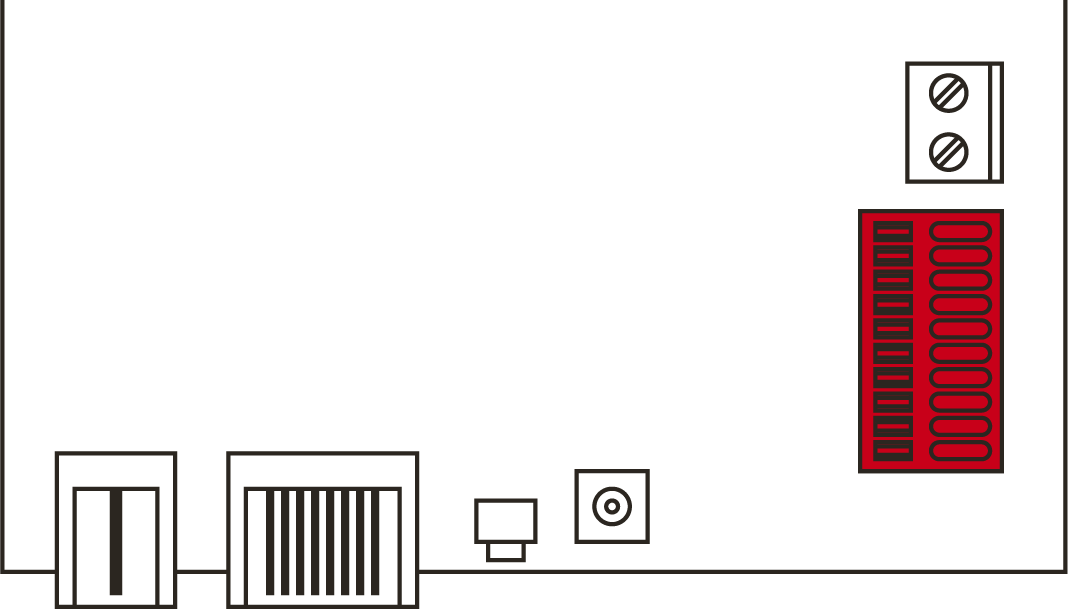
The IO connector enables you to communicate with external devices. Use a screwdriver to push the spring-loaded terminal downwards to connect or disconnect cables. Details and application examples for wiring the IO-Connector can be found in the RouterNode-2 manual.
Evaluation of digital signals
Changes in the voltage level are detected as a signal. You can evaluate signals between 0 VDC and +3.3 VDC. Signals from 0 VDC to +0.8 VDC are detected as Low, whereas signals from +2.0 VDC to +3.3 VDC are detected as High. You can respond to signals and trigger actions in the LSM.
Evaluation of an analogue signal
The RouterNode 2 digitises the voltage level and compares the values with a threshold value. You can configure this threshold value in the WaveNet Manager and trigger an analogue event. In LSM event management, you specify how the system is to respond to the occurrence of this event.
Use of the relay
The relay offers two potential-free outputs and a common earth connection. You can use the relay to control external devices.
Using the open drain outputs
In the switched state, the open drain outputs establish an electrical connection to the ground potential of RouterNode 2.