Initial operation - RouterNode 2
- Mount the device (see Installation).
- Supply the device with power.
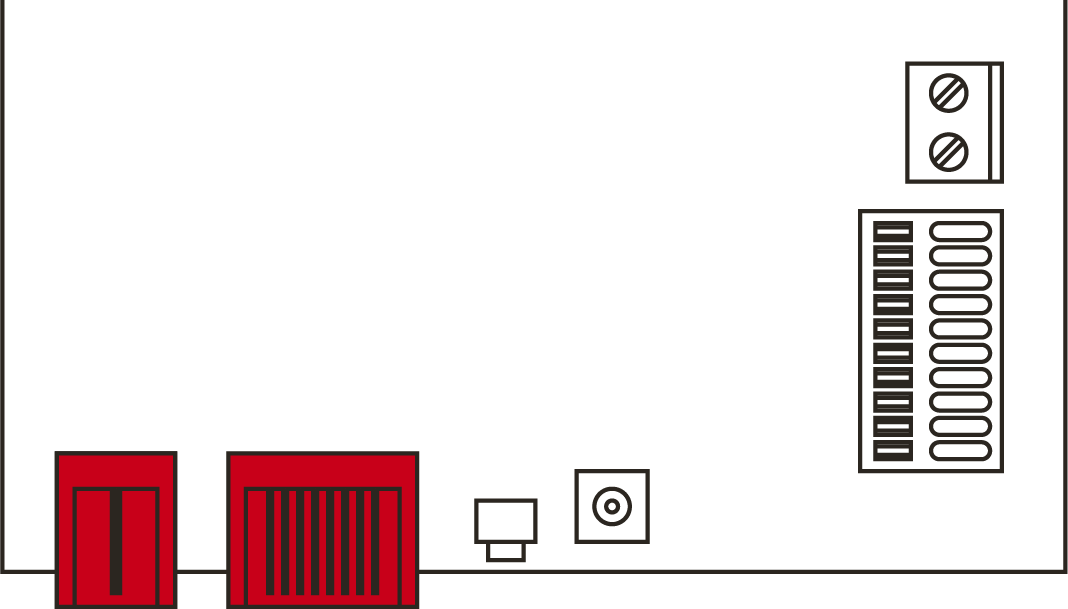
- Connect the device to your network.
- Use the OAM-Tool to determine the IP address of your device in the network (see OAM-Tool manual).
- Connect the device to your system (see RouterNode 2 in the WaveNet Manager as well as the WaveNet manual).
- The device has been put into operation and is now flashing green slowly (see Signalling).