Troubleshooting - AX firmware update for AX products
Red text in the area After Update
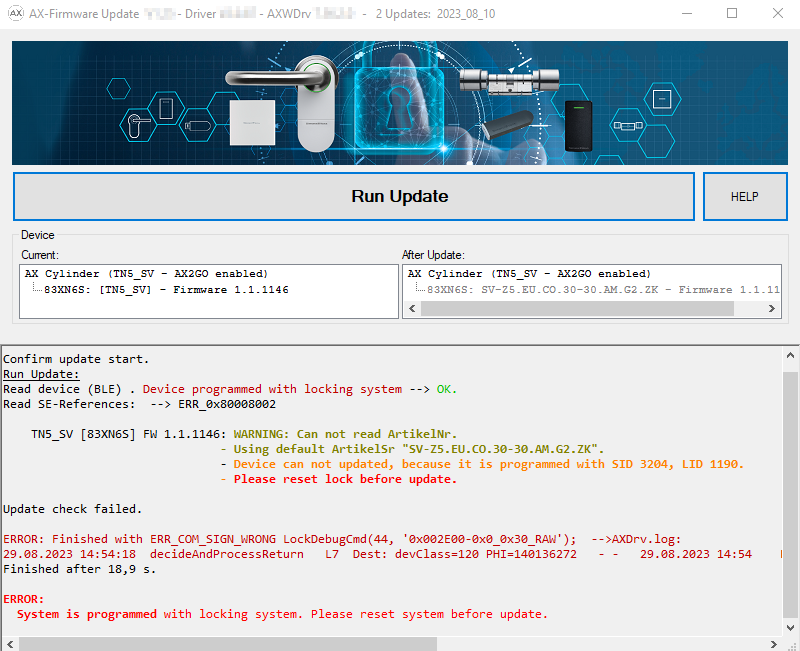
Red text after a firmware update in the area After Update means that an error occurred. The product might have malfunctions.
- Check the error message.
- Repeat the update.
Grey text in the area After Update
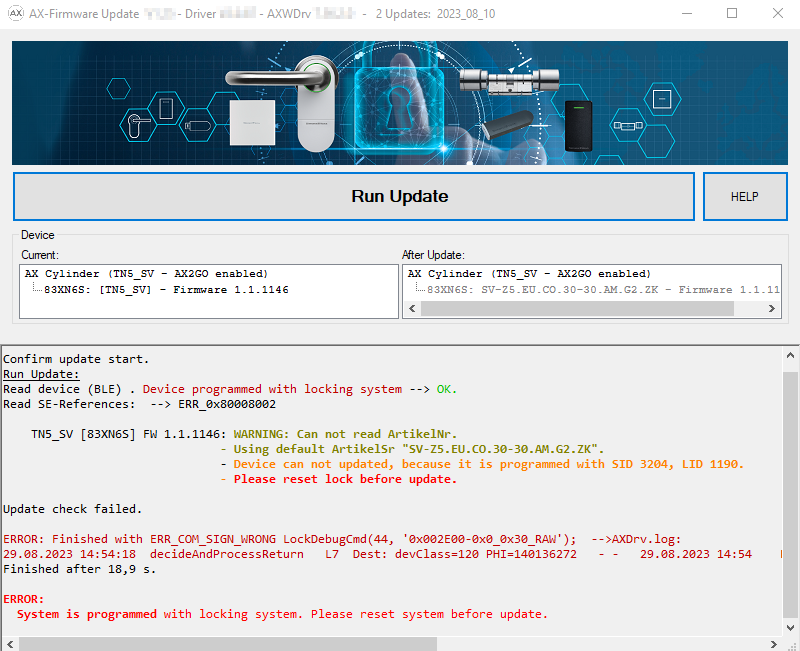
Grey text after a firmware update in the area After Update means that AX firmware update couldn't perform the update (e.g. because the product is still programmed or not supported).
SmartStick AX not found
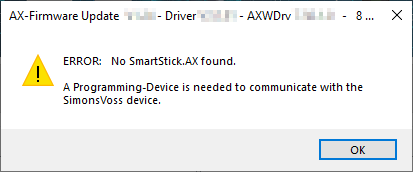
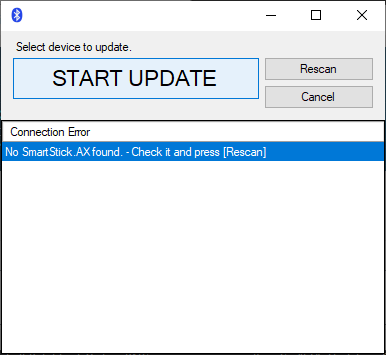
AX firmware update uses BLE to communicate with the AX products. This requires a BLE programming device, the SmartStick AX.
- Ensure that you plugged a SmartStick AX into the computer.
- Ensure that you use a high-quality USB-C cable which is suitable for data transmission.
- After that click the button Rescan to search for the SmartStick AX again.