Reset - PinCode keypad AX
Resetting is described for the AXM by way of example.
- Suitable programming device connected (SmartStick AX for PIN code keypad AX, SmartCD2.G2 for PIN code keypad 3068)
- PIN code list or matrix screen open.
- Click on the PIN code keypad you wish to reset.
If the PIN code keypad is not present in your locking system, identify the PIN code keypad (see Identifying unknown PIN code keypad in the AXM manual). Then continue. - The PIN code keypad window will open.
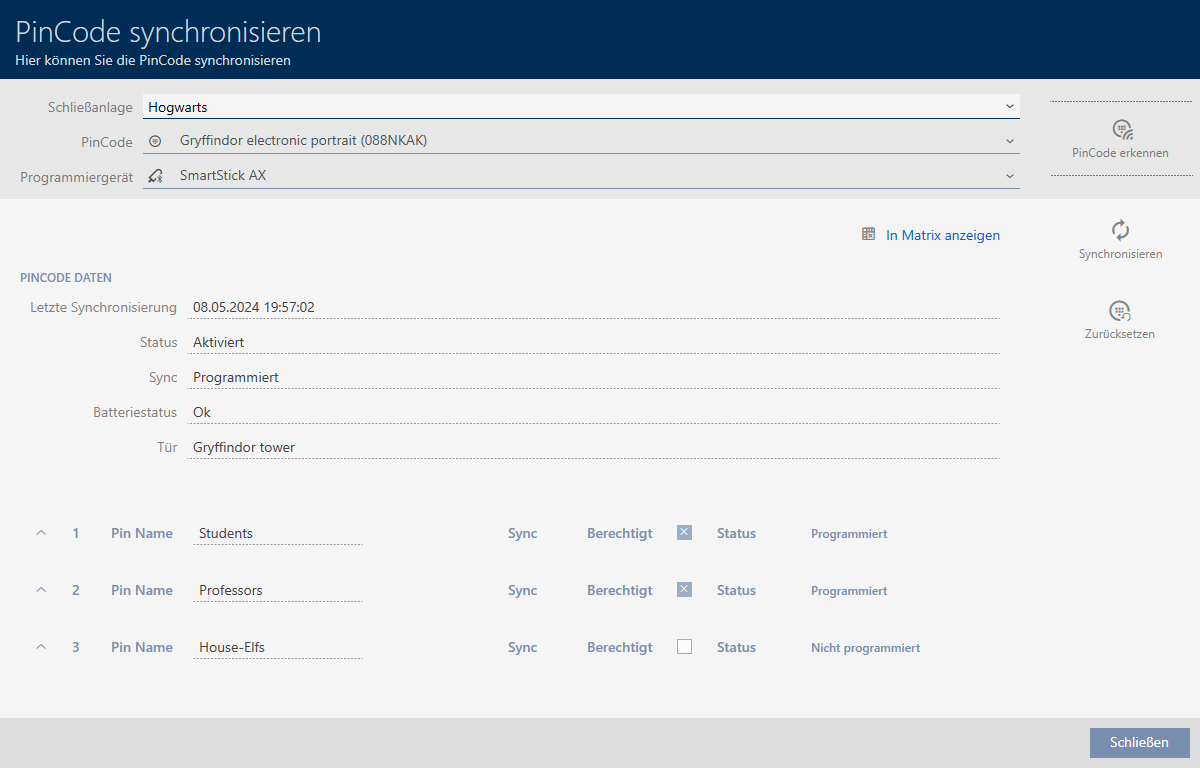
- Click on the
 button.
 - Synchronise window will open.
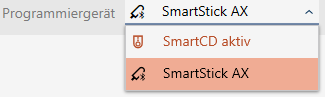
- Select the programming device from the drop-down menu with which you wish to reset your PIN code keypad.
- Click on the button
 .
. NOTE

Resetting PIN code keypads that do not form part of the project
Your AXM Plus can also reset PIN code keypads that were not created in the same project. In this case, however, your AXM Plus does not know the locking system password used.
- In such instances, enter the locking system password when prompted.
- If necessary, enter the locking system password for the locking system to which this PIN code keypad belongs.
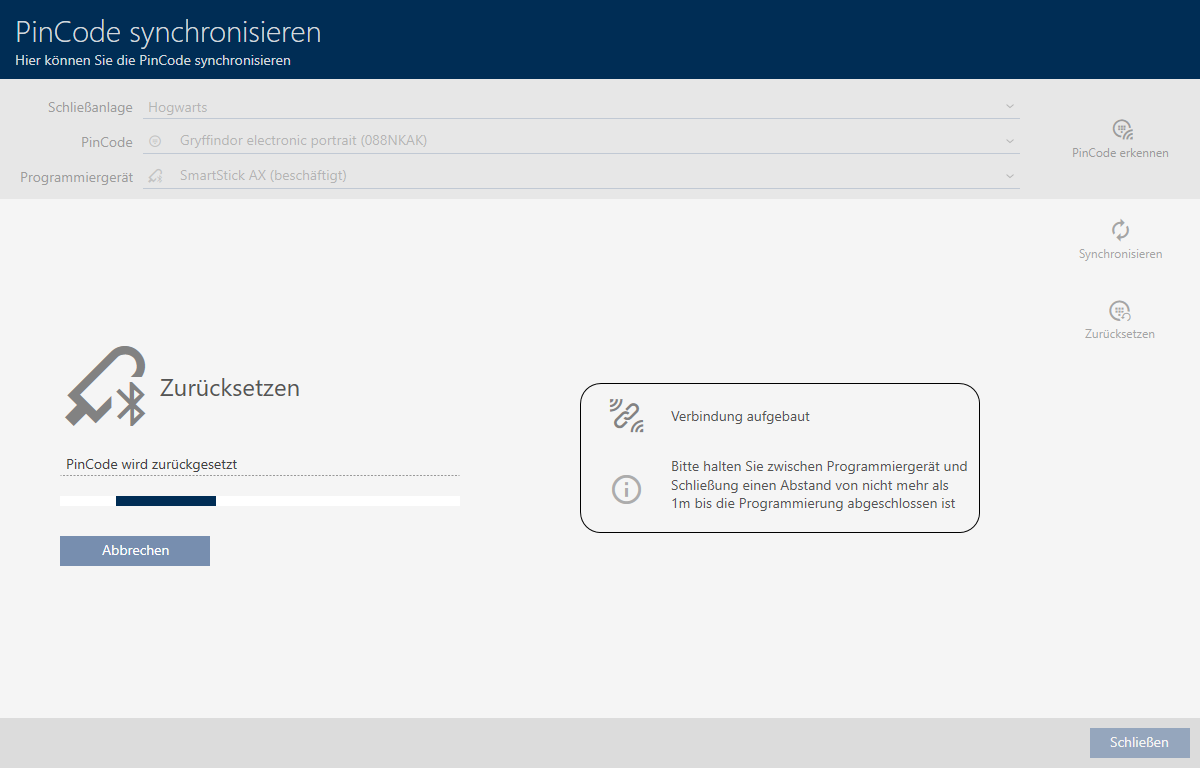
- Follow any further instructions as necessary.
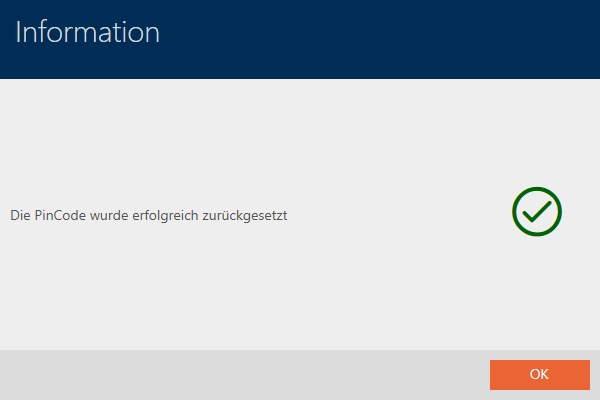
- PIN code keypad is reset.
- PIN code keypad is reset.