Surface-mounted (COVER variant) - Control device AX
- Control Device AX programmed (see Programming).
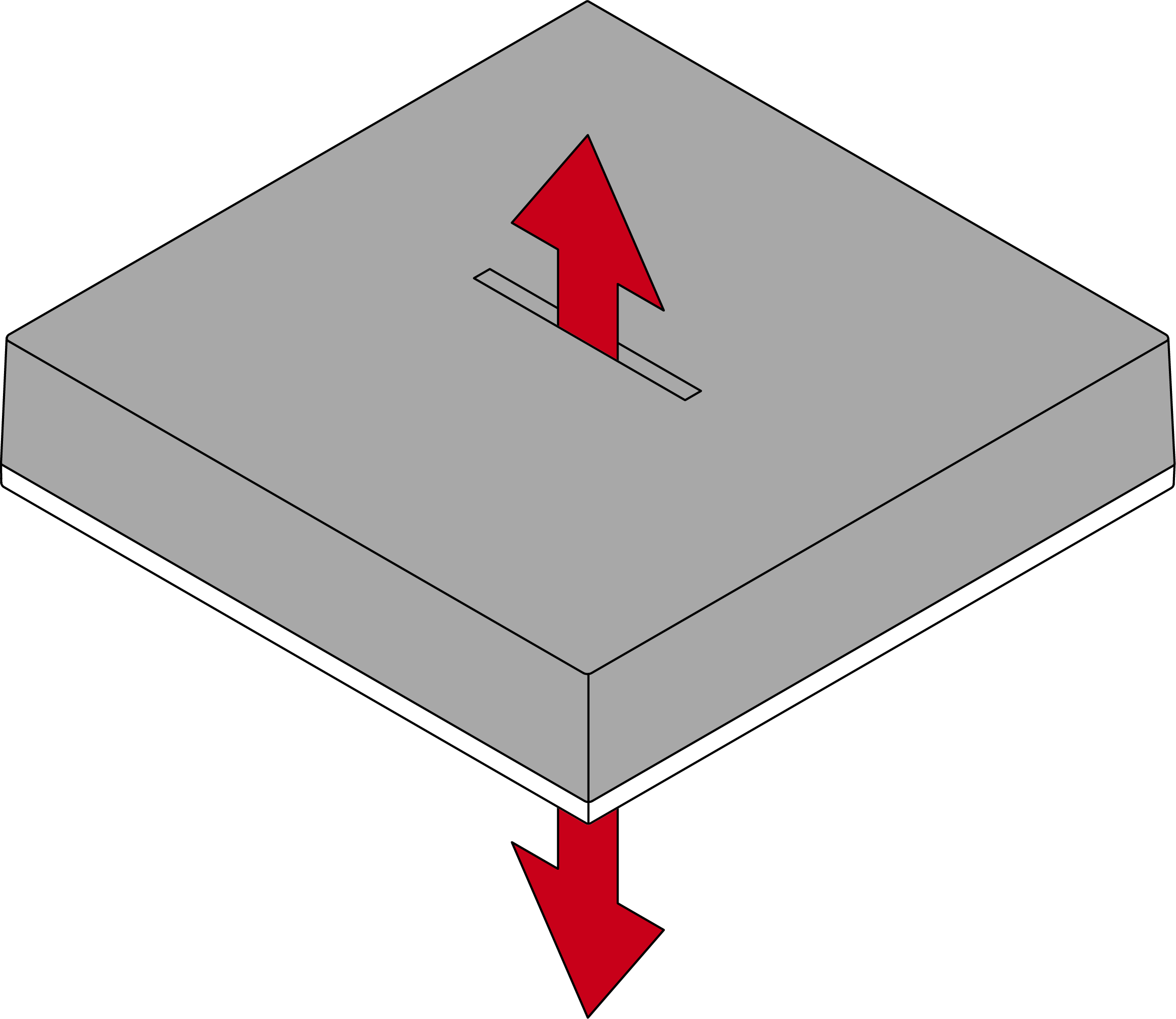
- Separate the two halves of the housing.
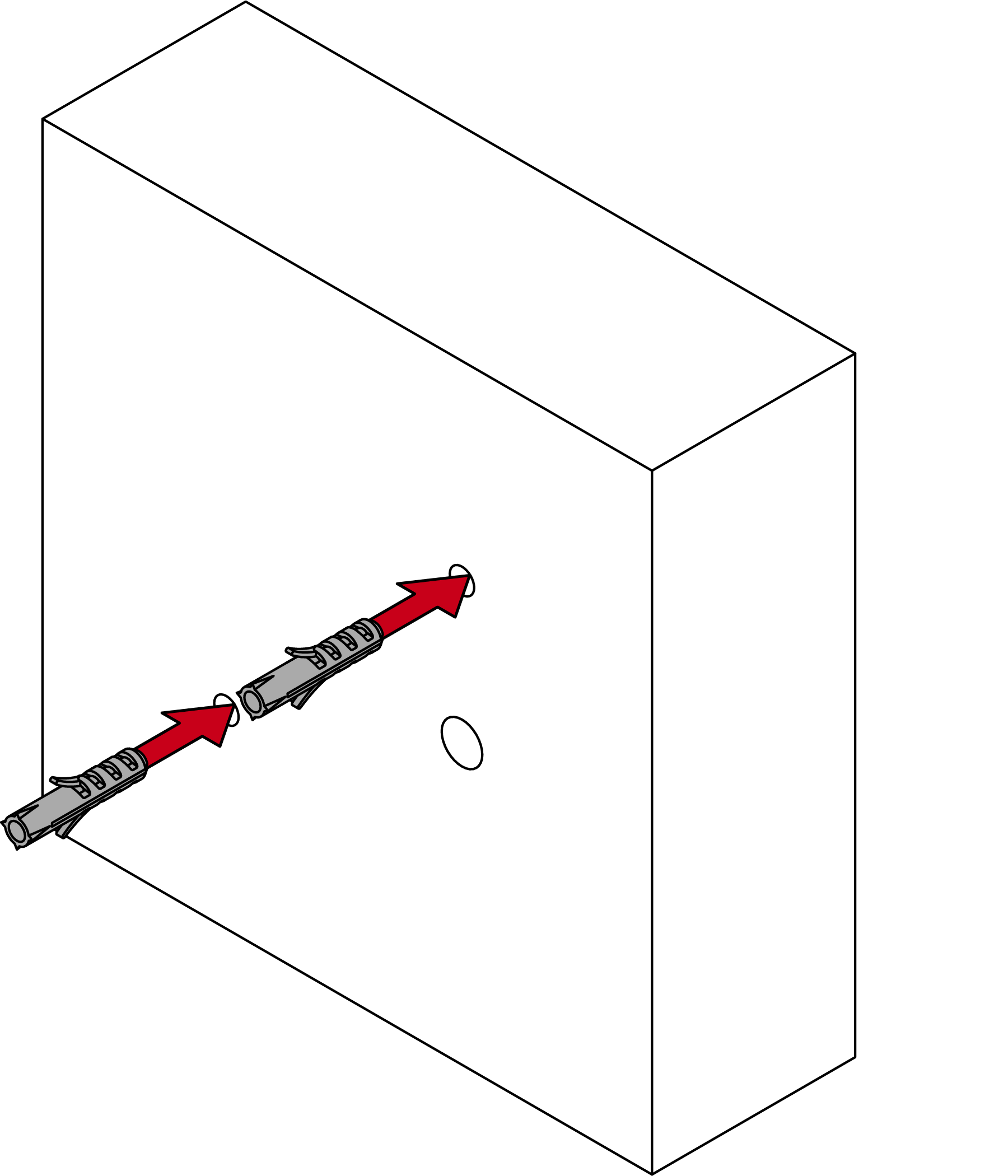
- Prepare the fastening (e.g. drilling and doweling).
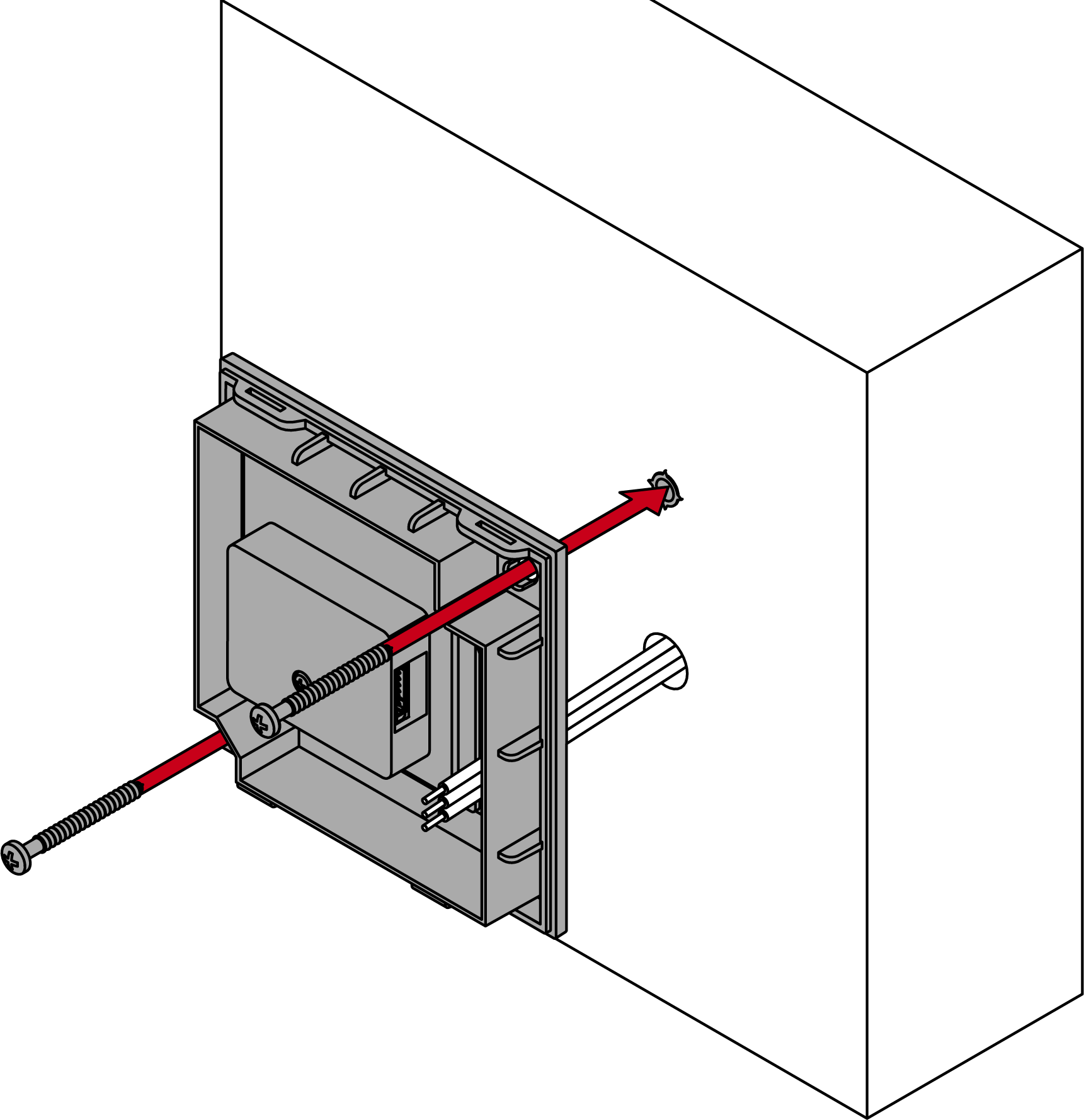
- Screw the base plate in place.
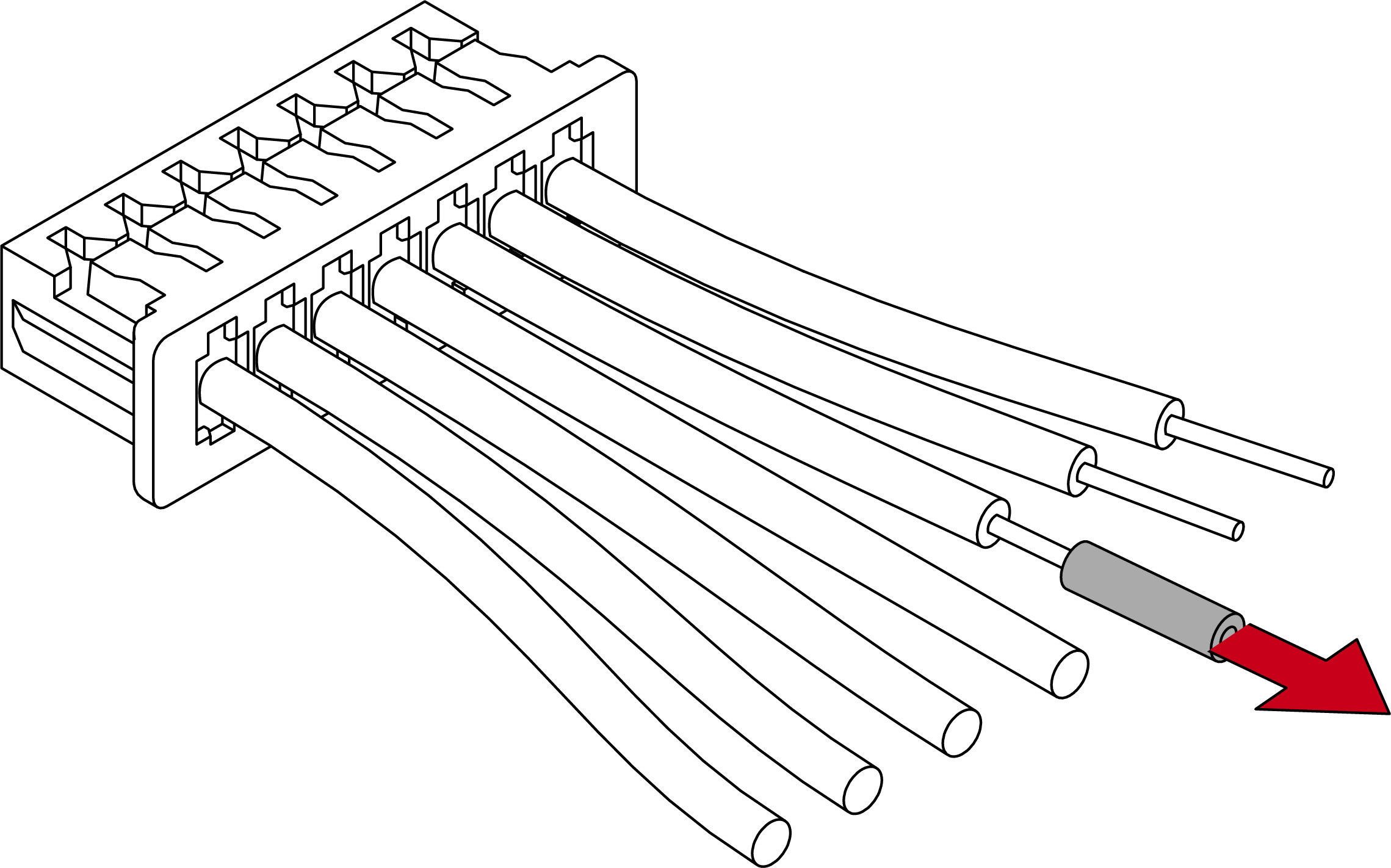
- Remove the insulation from the required connections on the function cable.
- Connect the functional cable connectors to the existing cabling.
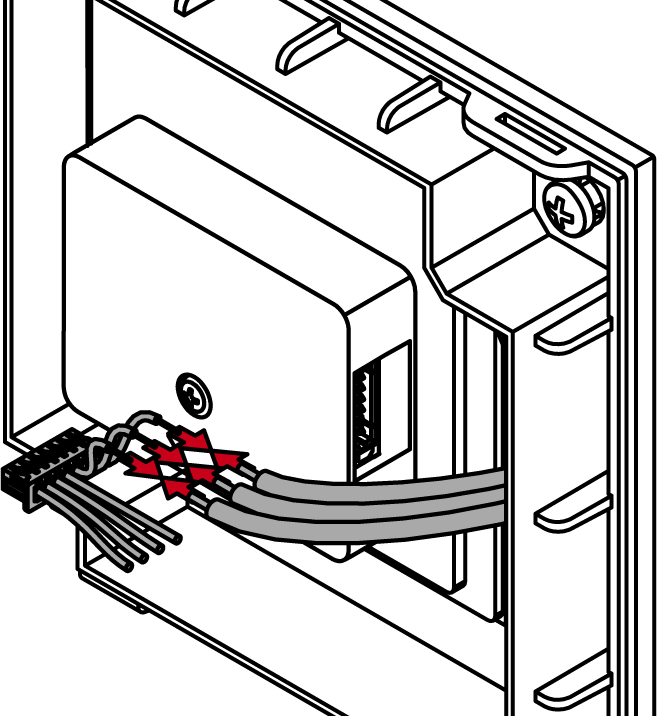
Connections shown: | |
Black (connector 7) | GND (earth) |
Red (connector 6) | VDD (supply voltage 4 VDC to 24 VDC) |
e.g. green (connector 5) | Function input |
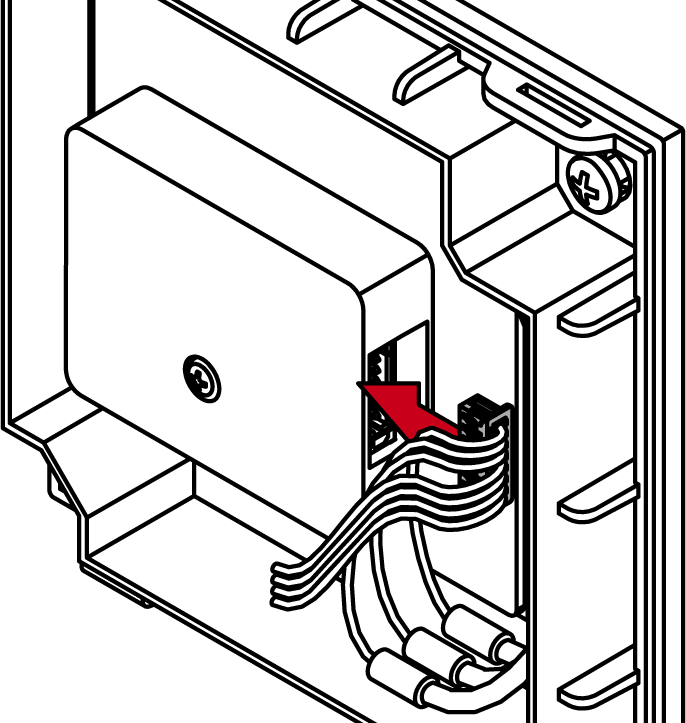
- Plug the function cable into the Control Device AX.
- Replace the cover from the housing.
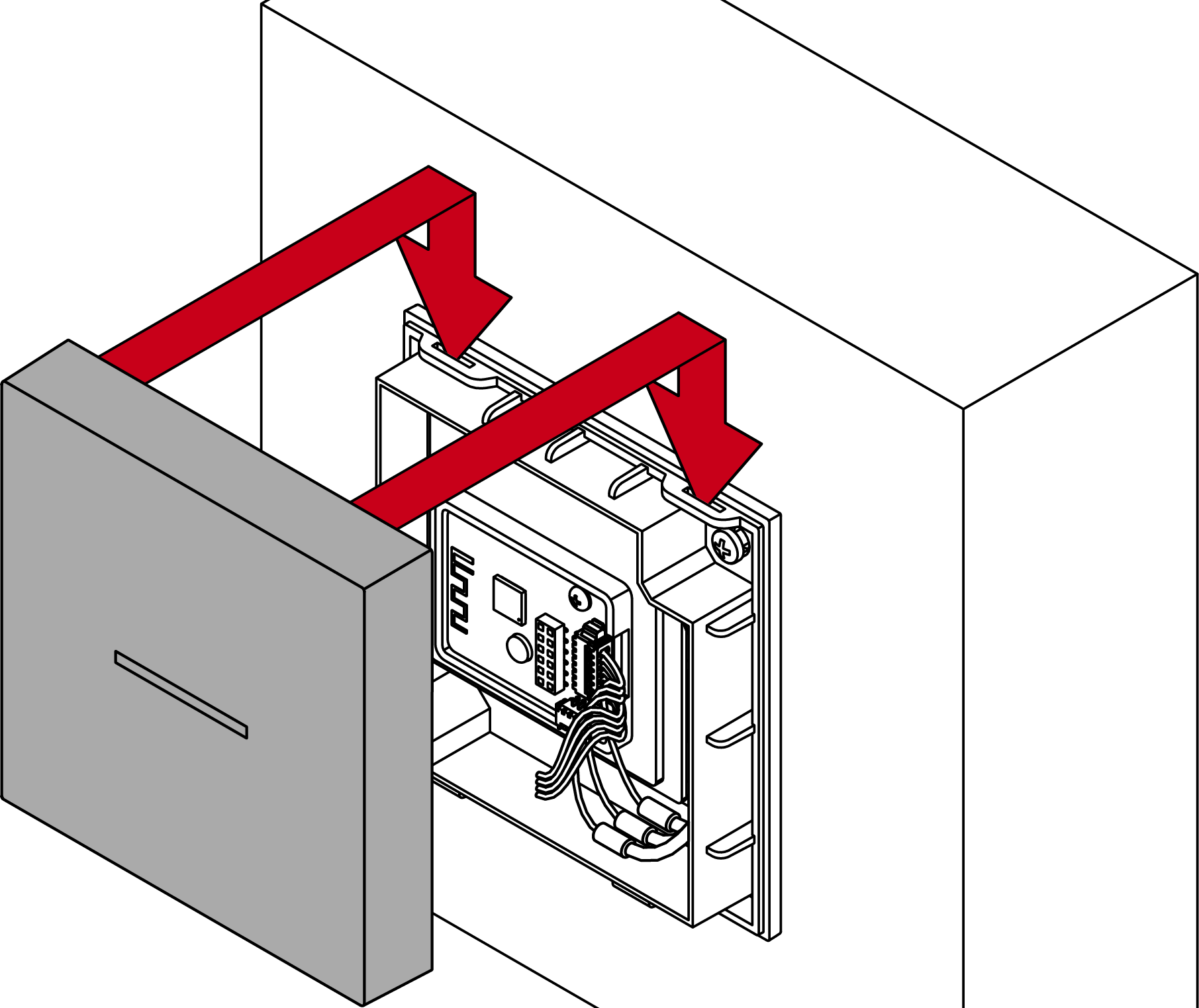
- Control Device AX is installed.